

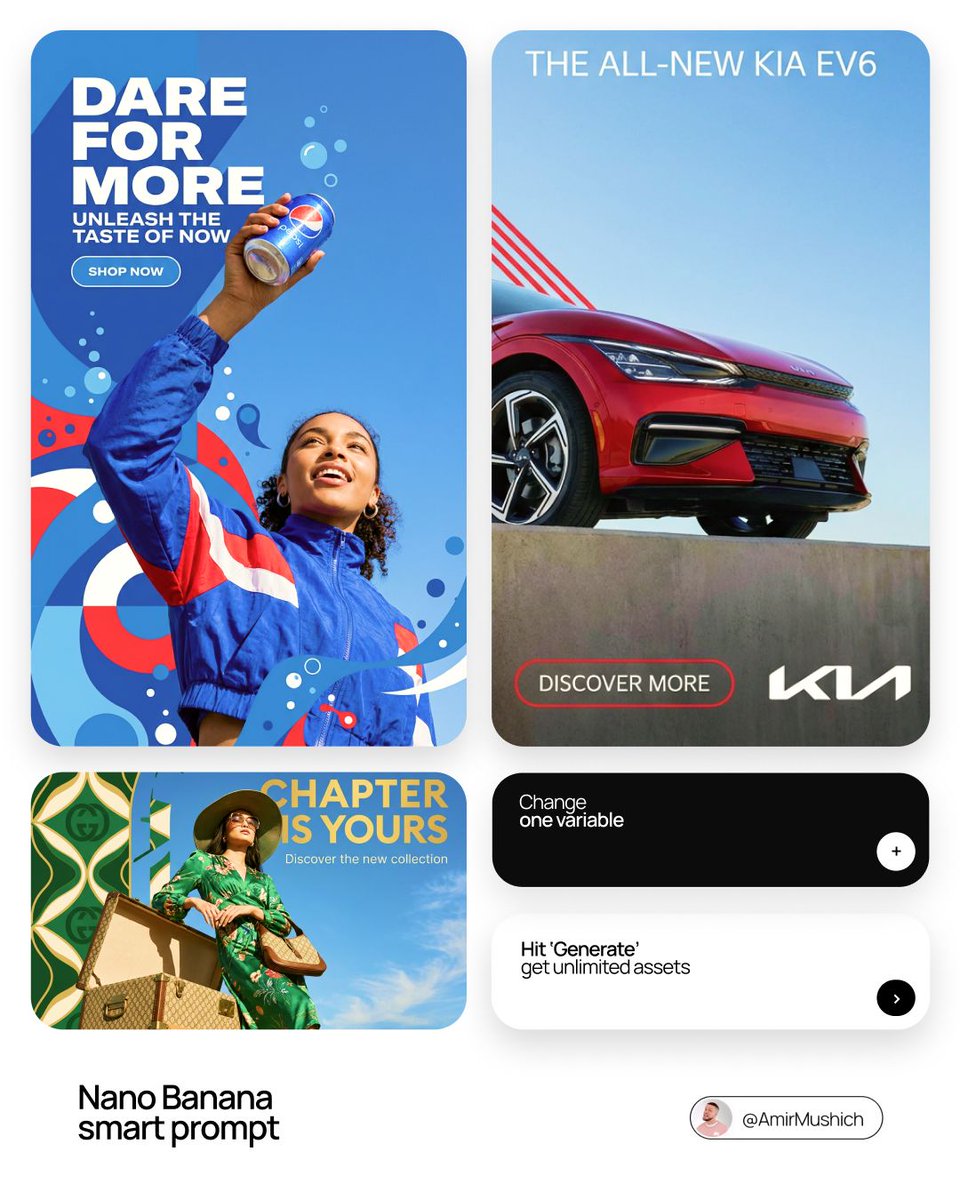
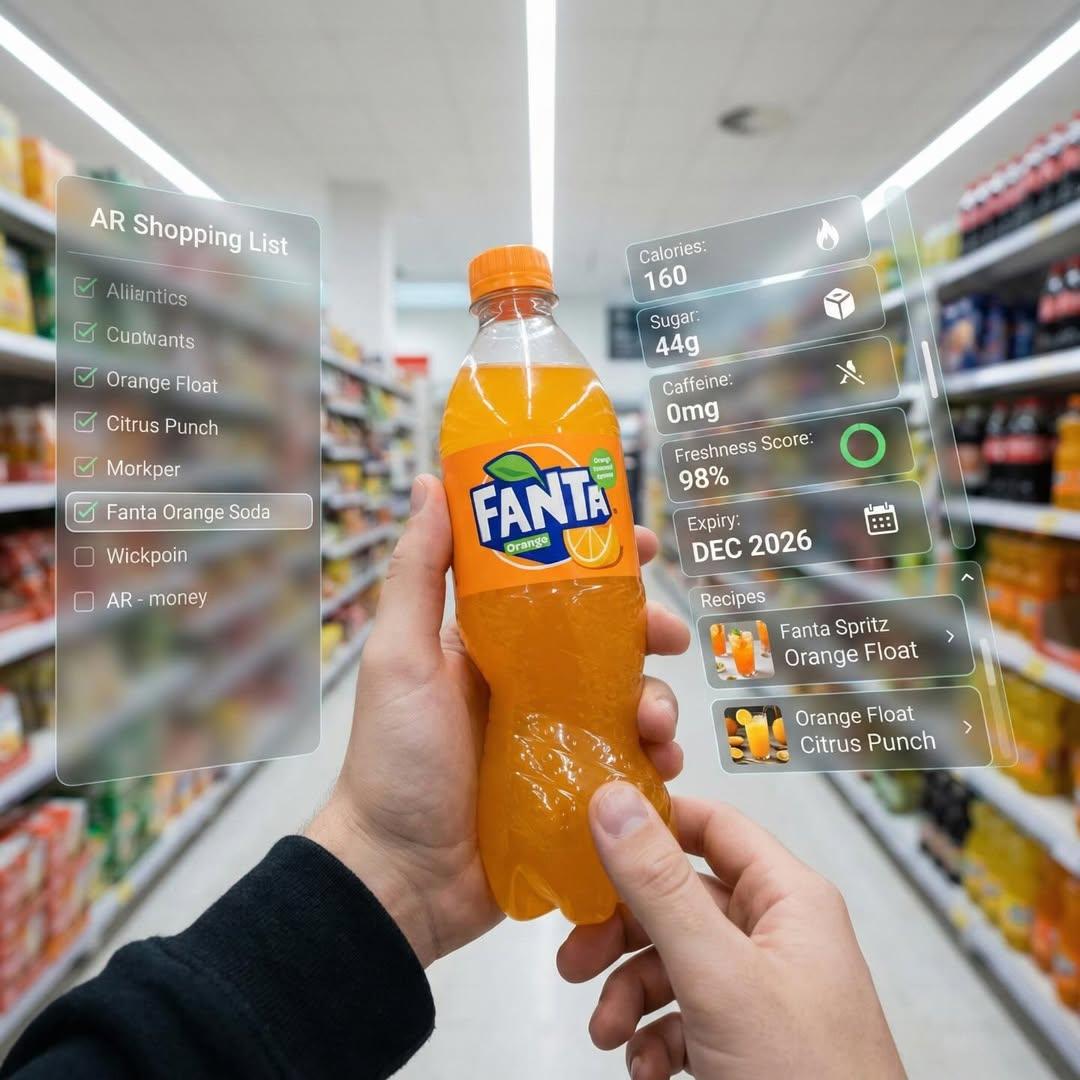
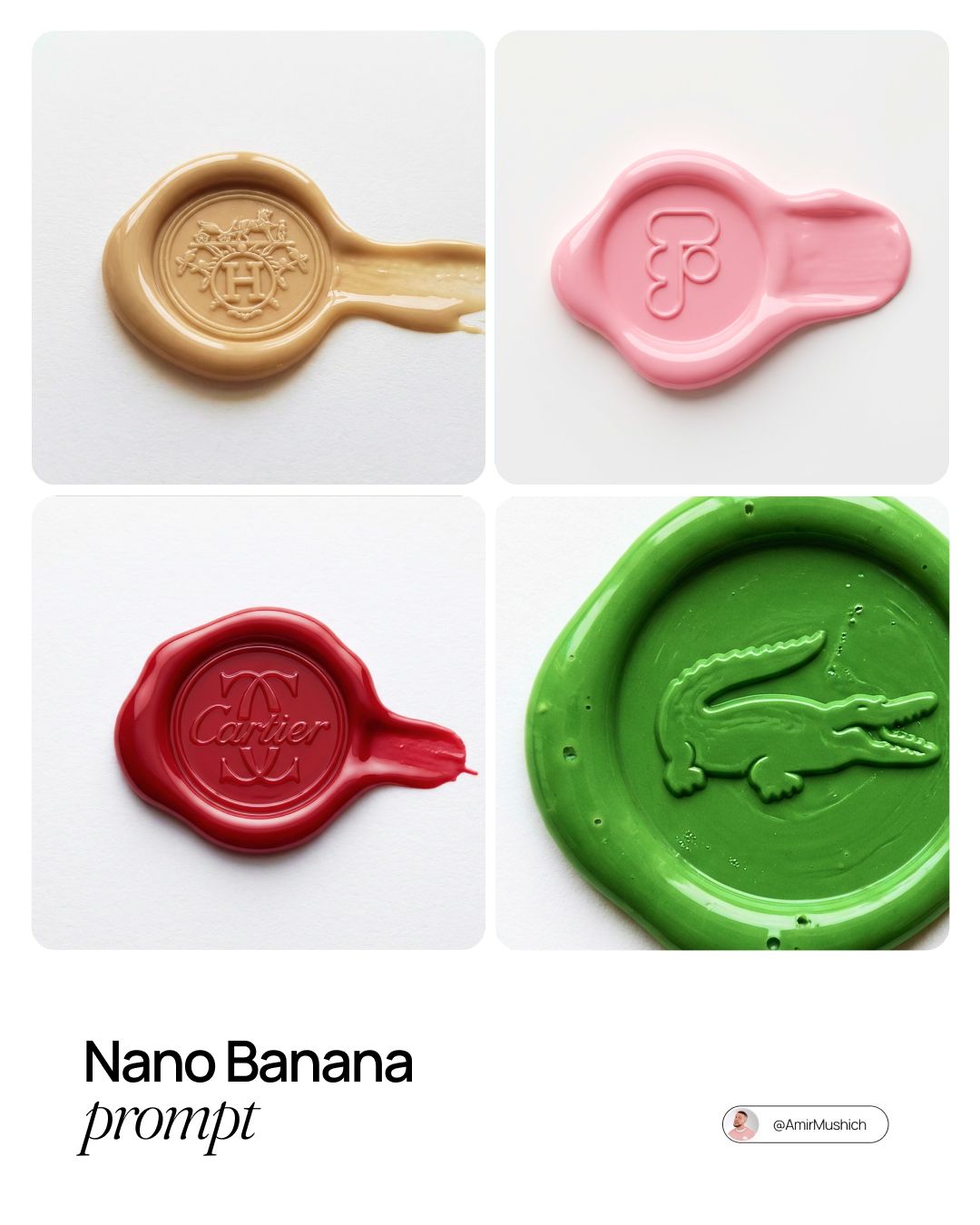
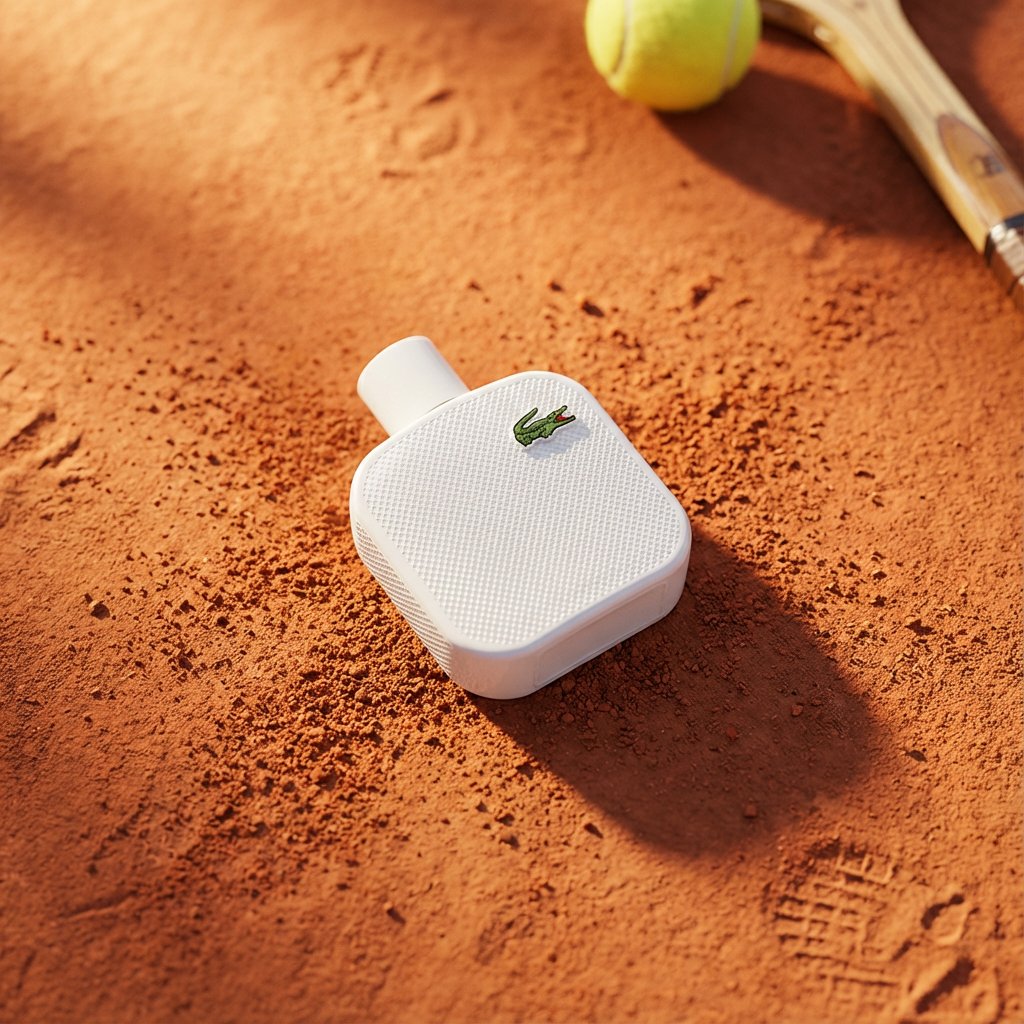
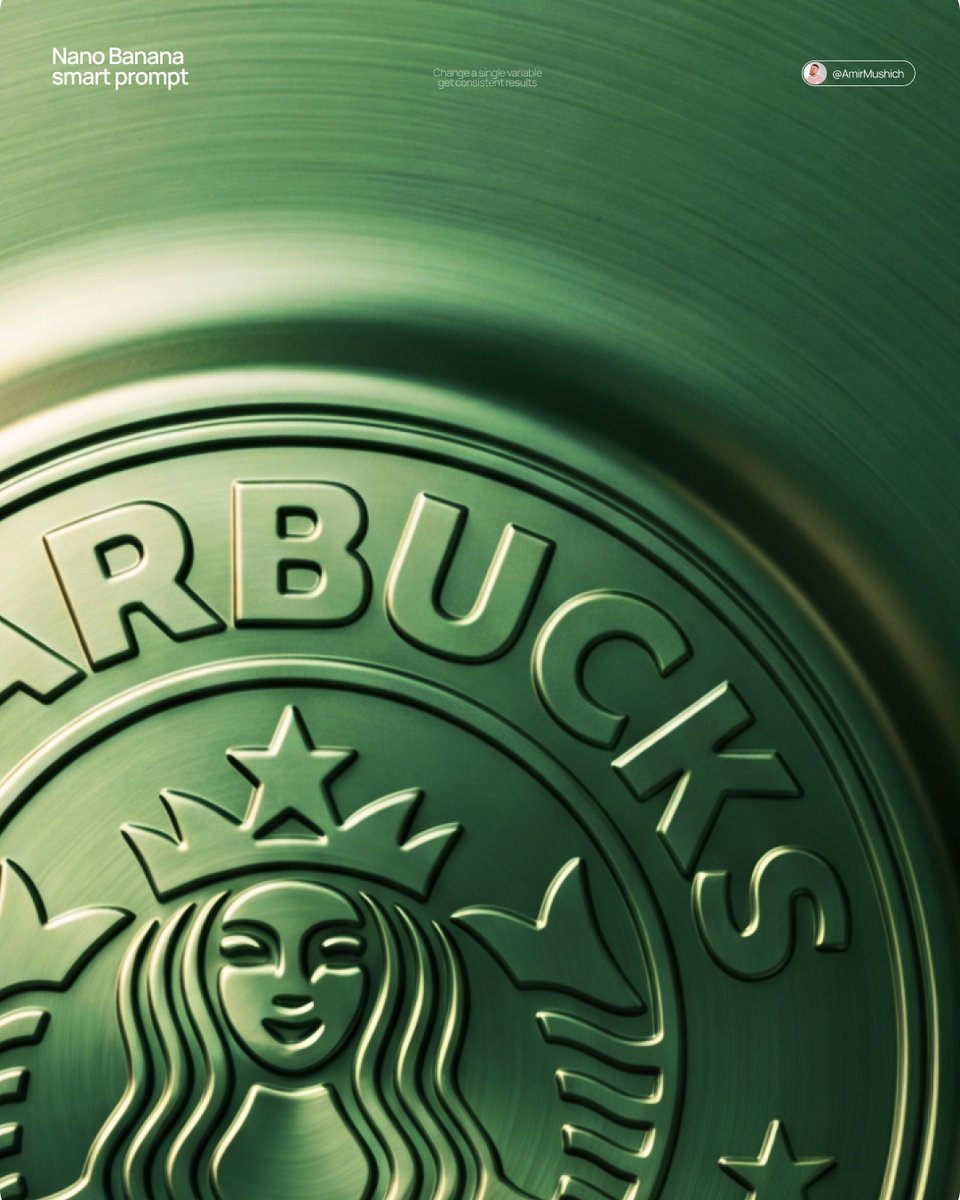
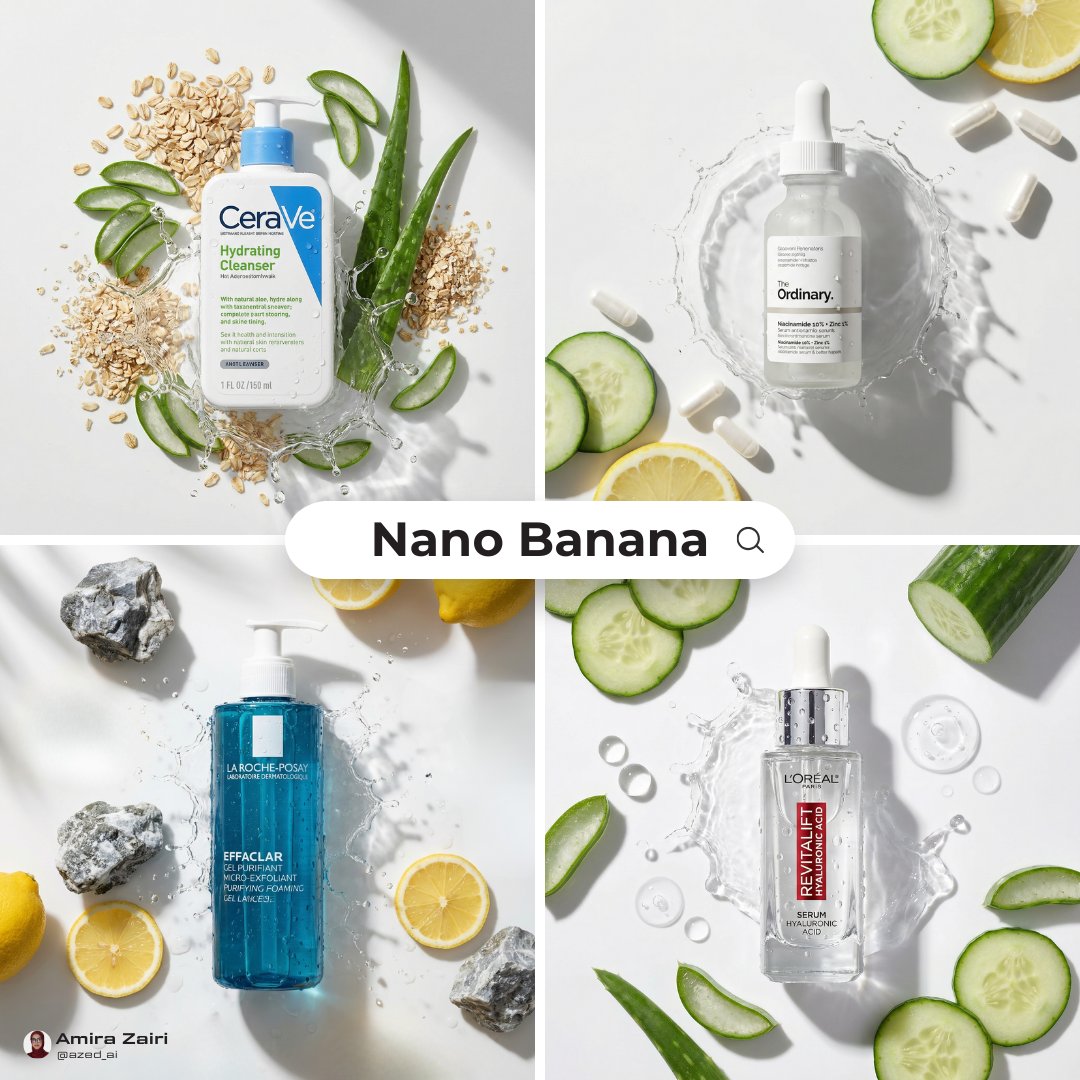
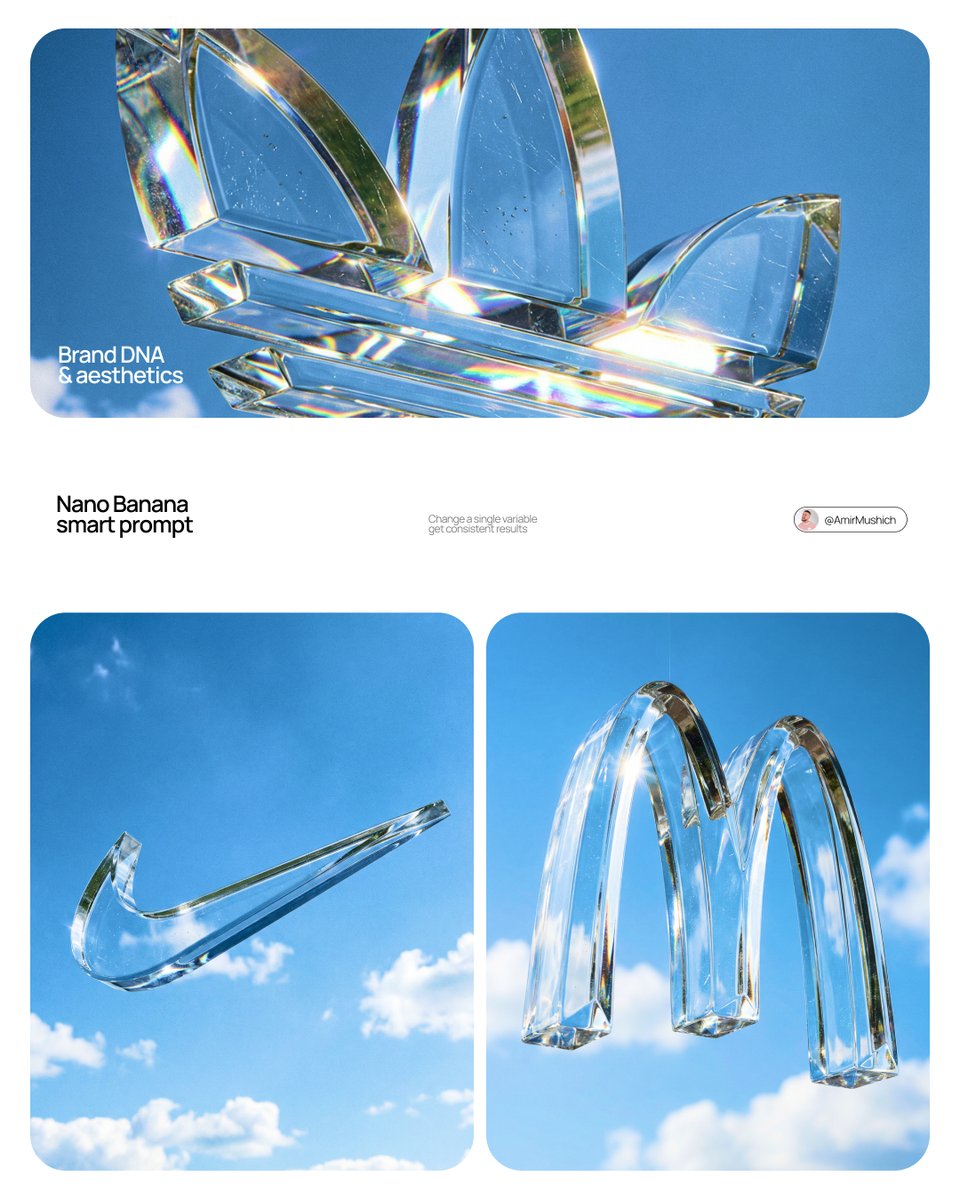
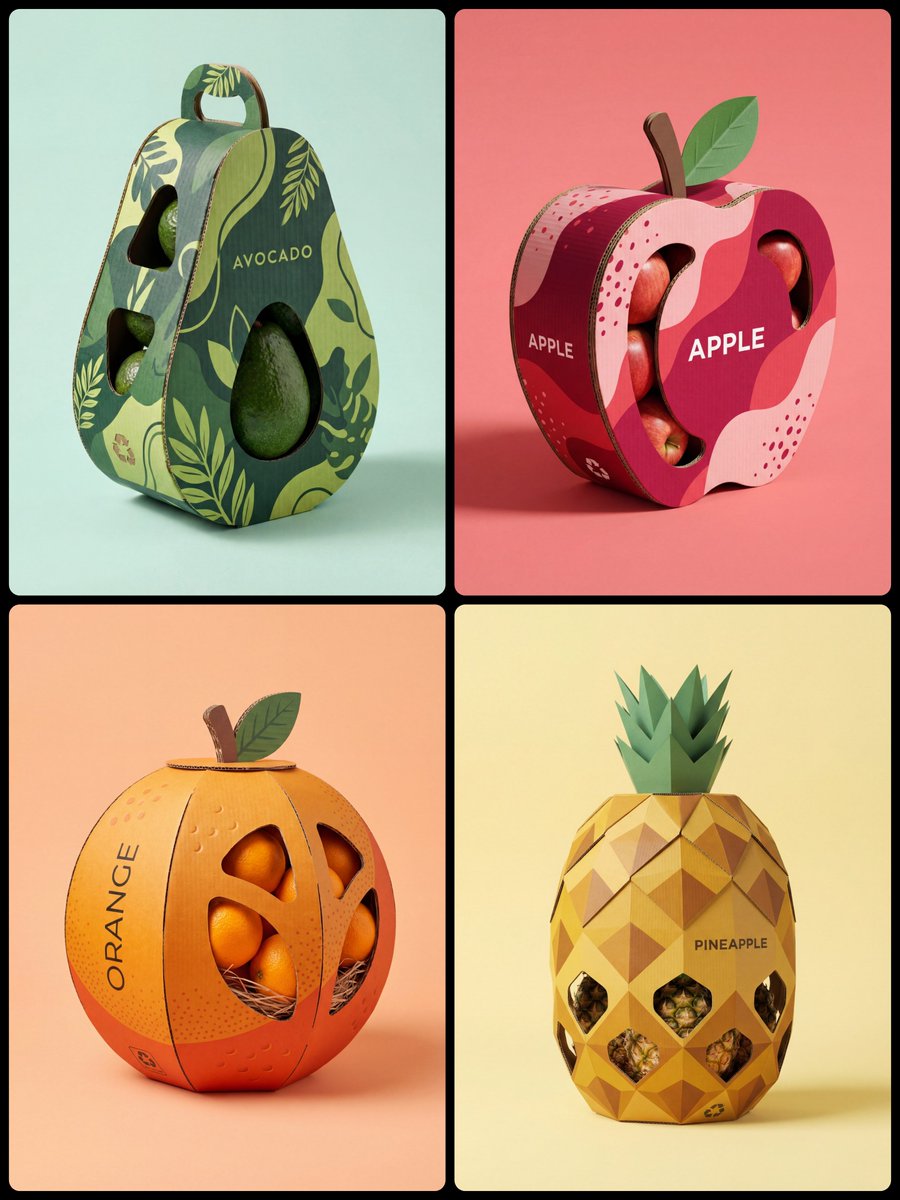
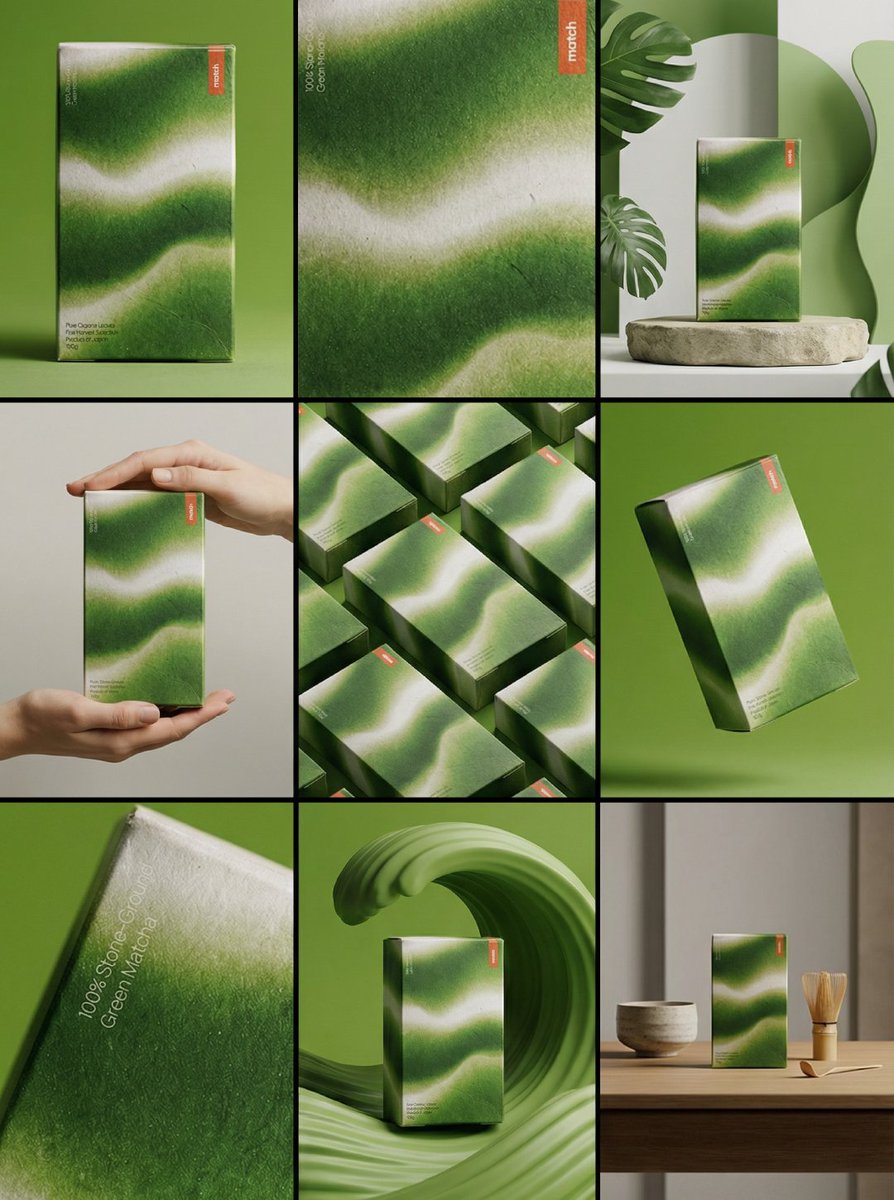
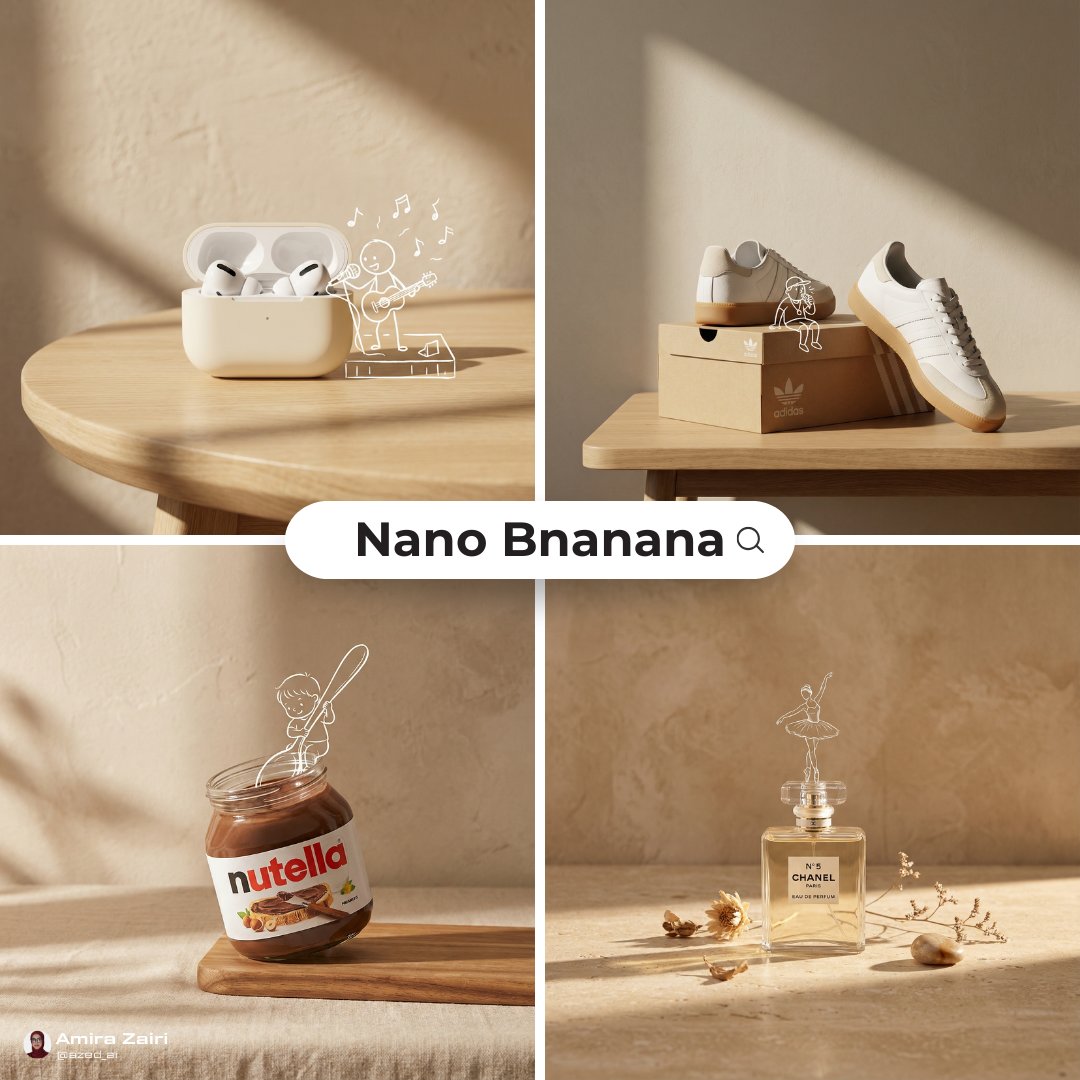
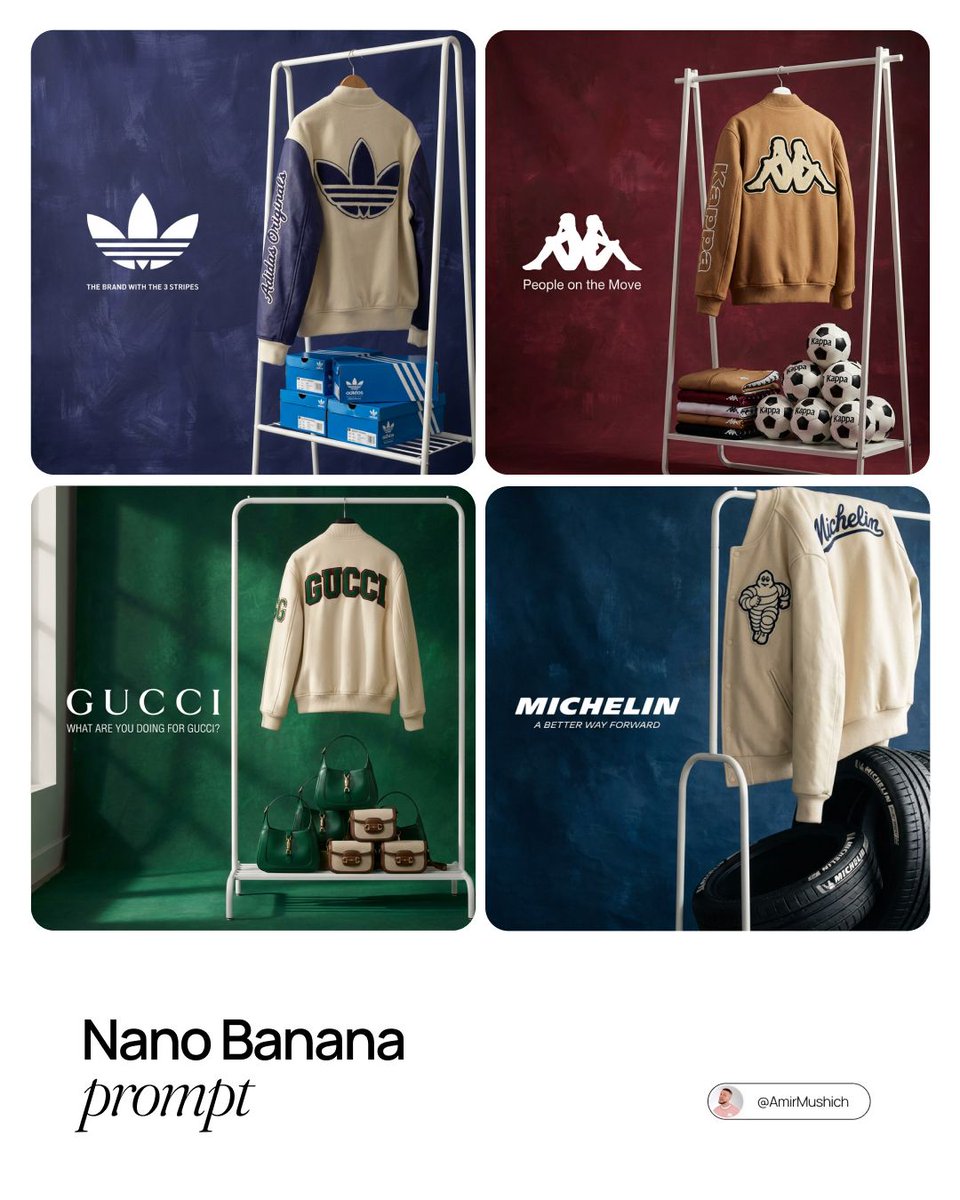
Ecommerce product photos
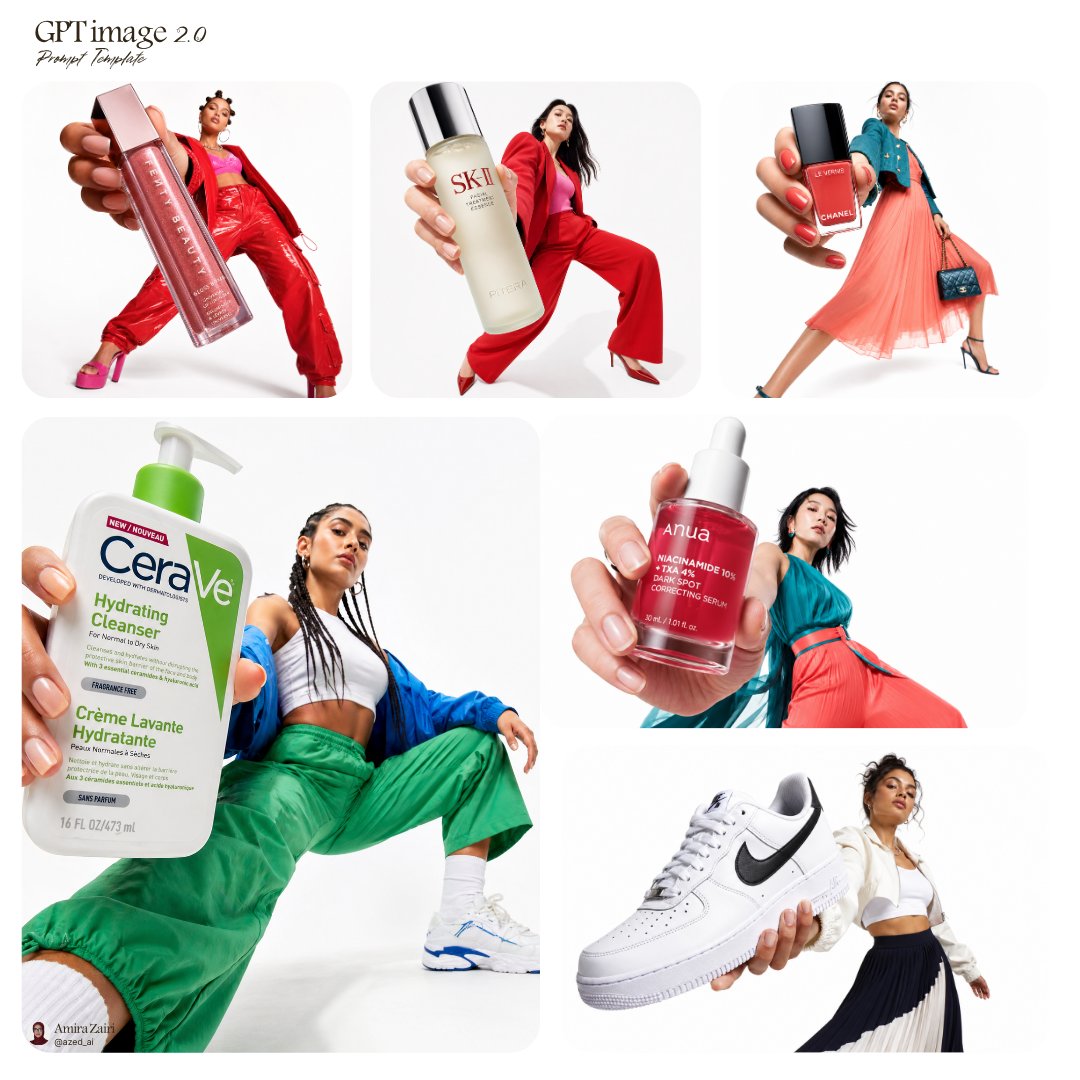
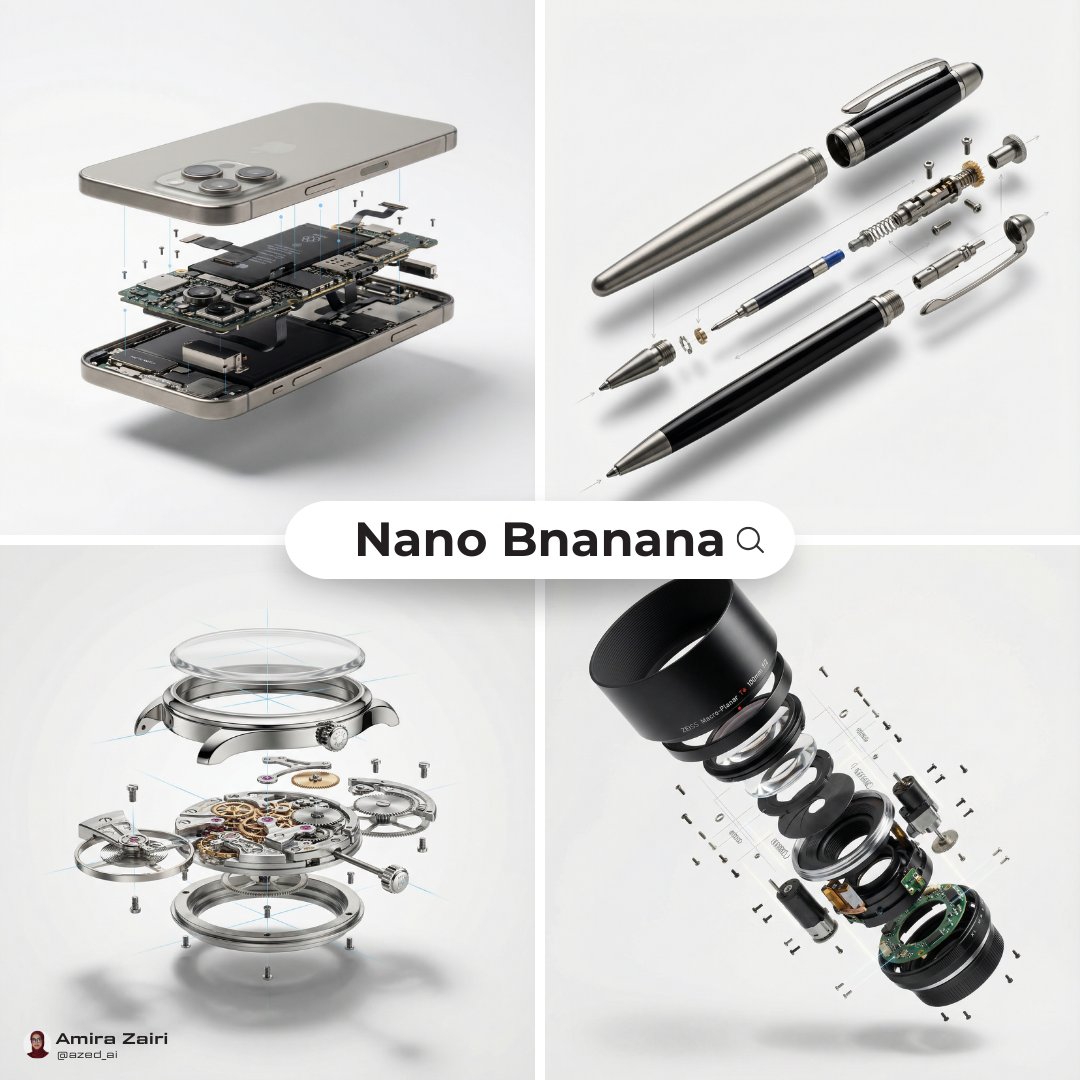
Generate clean marketplace-style shots for product listings, comparison thumbnails, category pages, and PDP hero images.
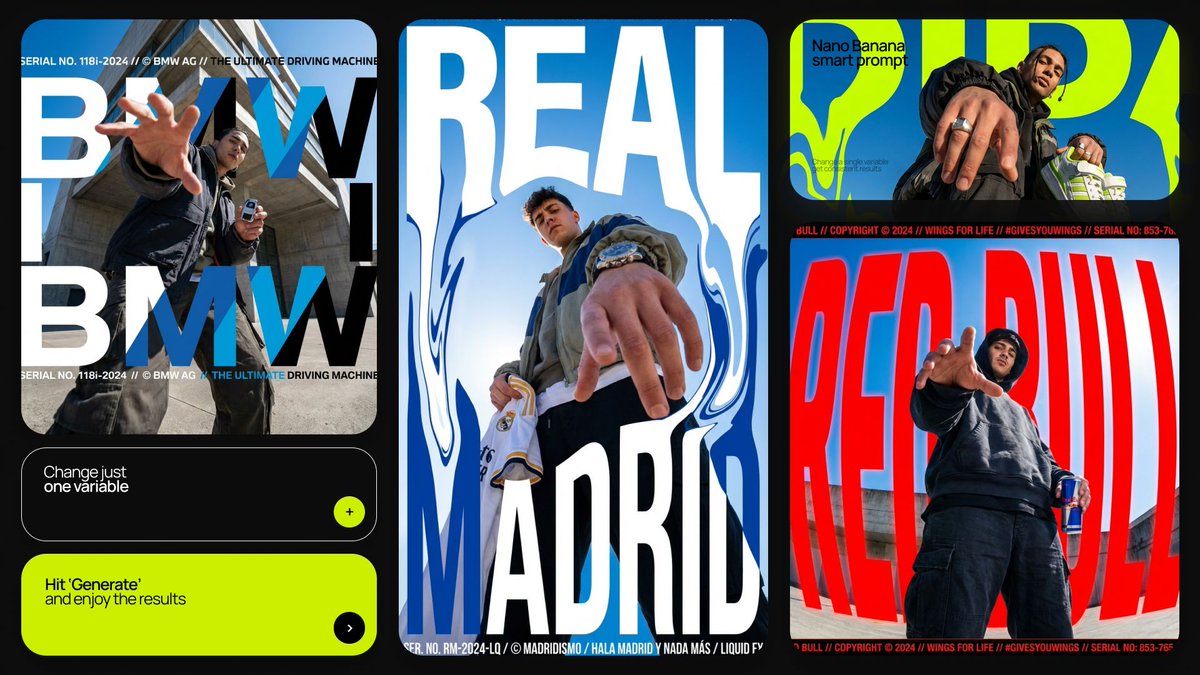
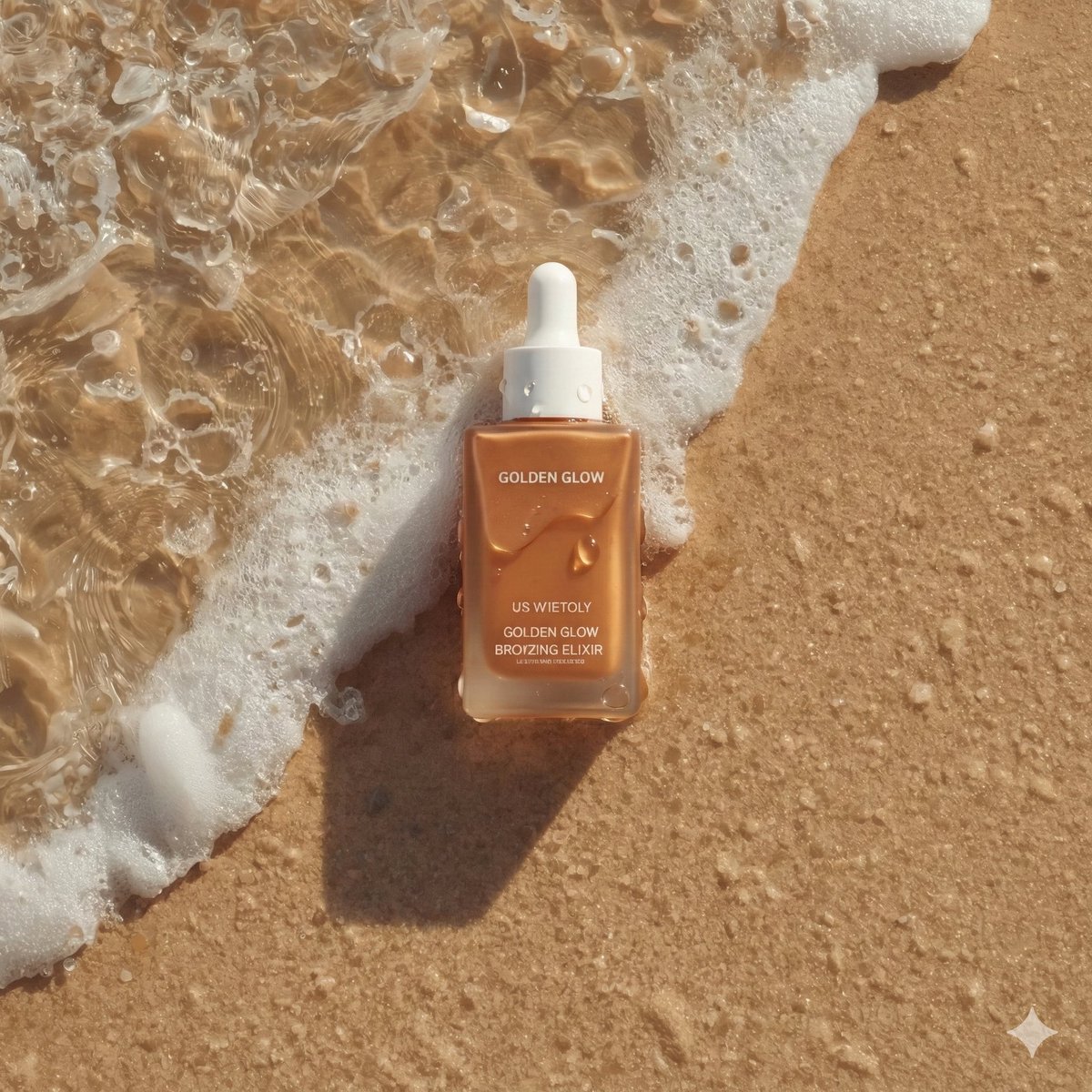
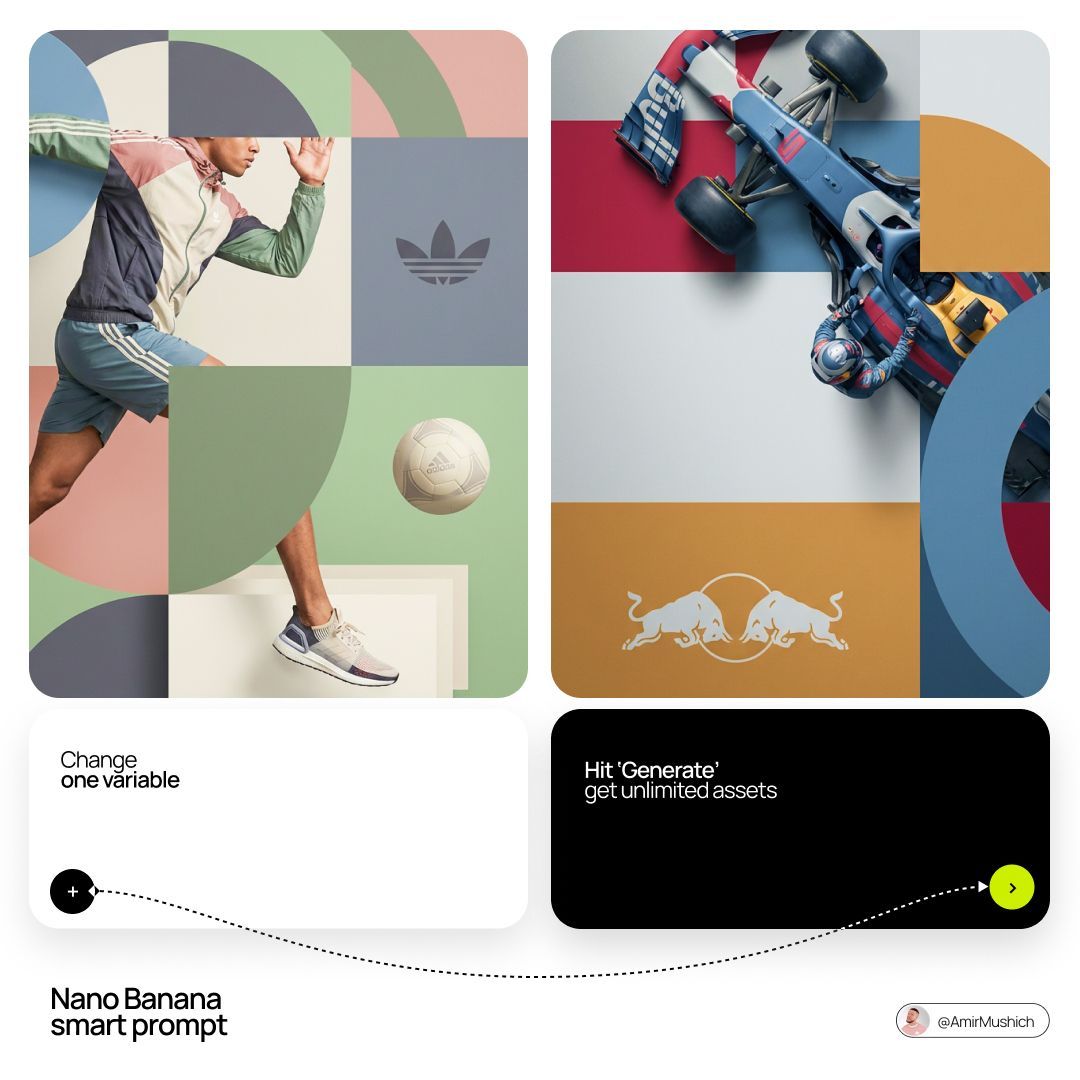
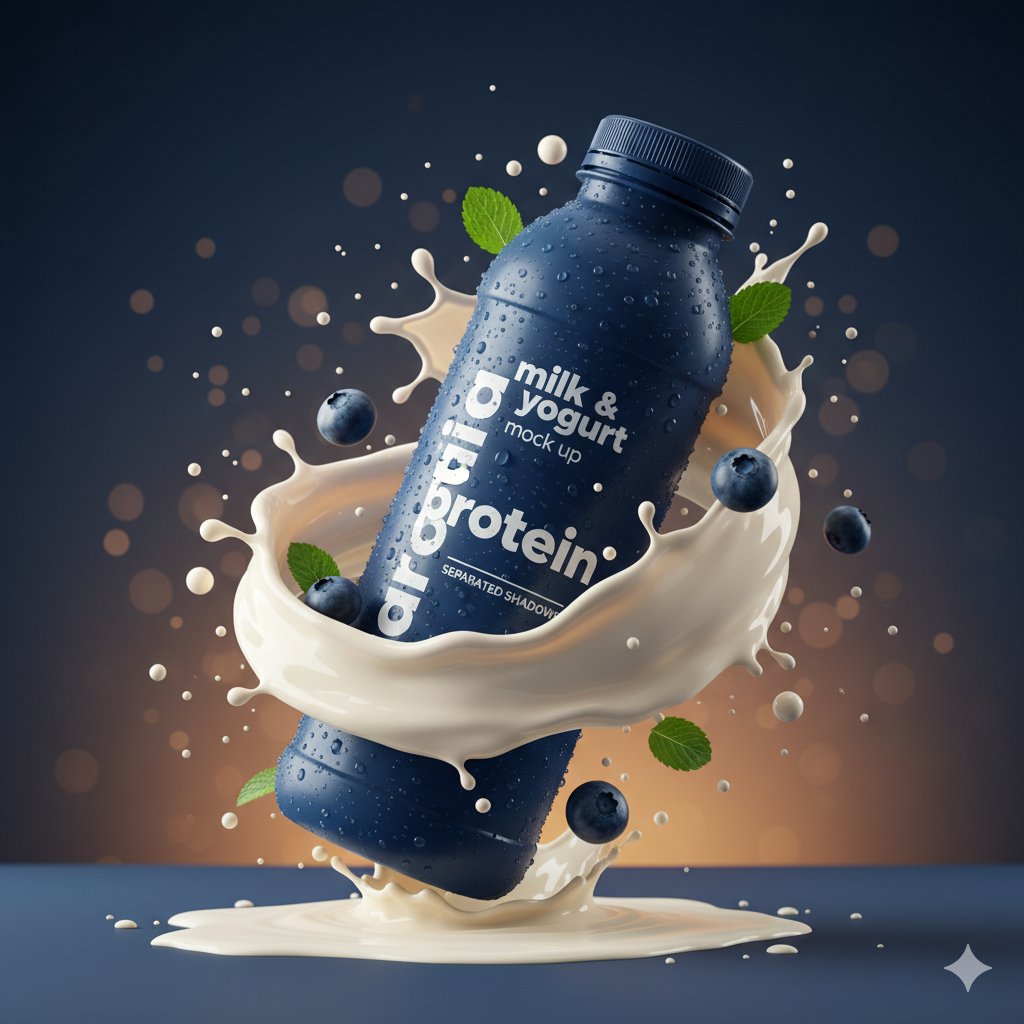
Create polished product scenes, ecommerce photos, launch visuals, and brand-led ad concepts with prompts that describe the product, surface, lighting, camera angle, and commercial context.
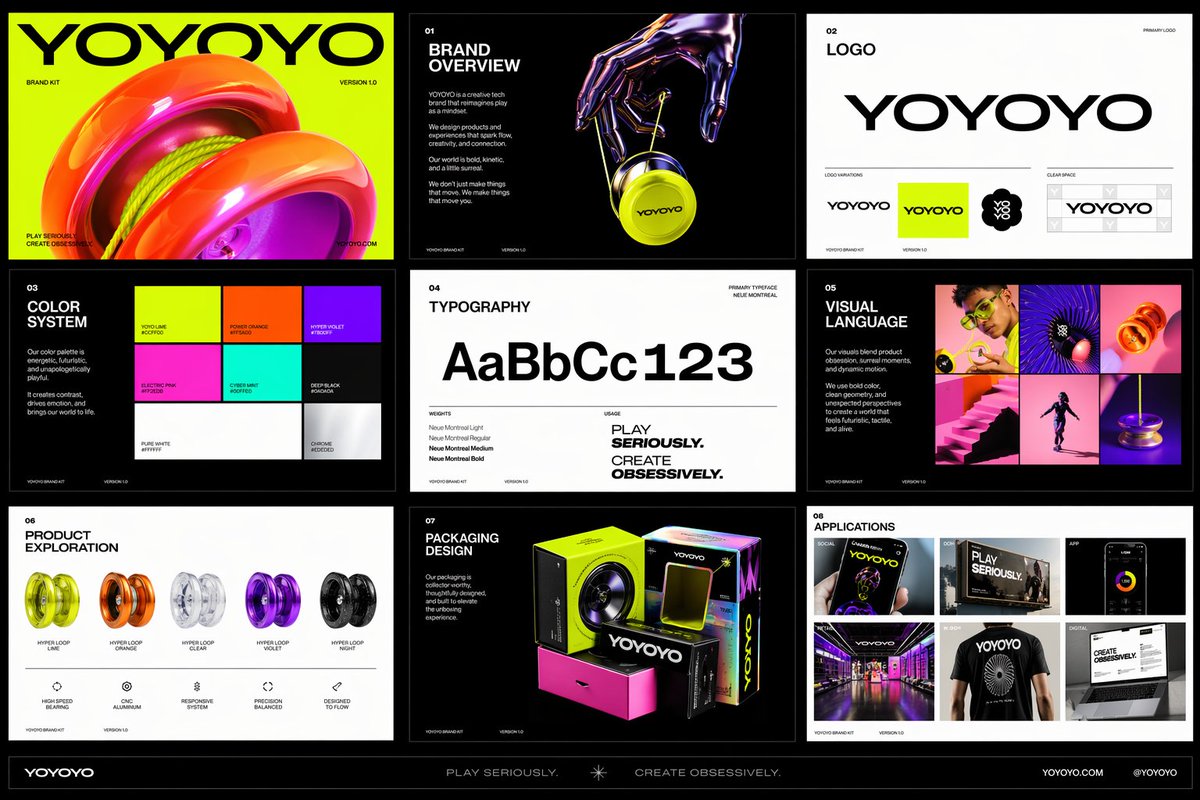
Prompt examples
These AI product photography prompts come from the prompt gallery. Copy one, adapt the subject and constraints, or open it in the generator to start from a working structure.
Writing guide
Use the guide after browsing examples to understand which details are worth changing before you generate.
AI product photography prompts work best when they read like a compact creative brief. A strong product prompt does not only name the item. It describes the surface, material, lighting, background, packaging details, brand mood, camera position, and the job the image needs to do. That extra context helps GPT Image 2 and Nano Banana produce product scenes that feel intentional instead of generic. For ecommerce, the prompt often needs clean composition, accurate material texture, a clear view of the product, and enough negative space for marketplace or ad layouts. For brand visuals, the prompt can be more expressive, using color systems, props, environment cues, and campaign language to shape a more ownable image.
This page collects AI product image prompts for people who need fast commercial visuals without starting from a blank prompt box. Use these examples as reusable patterns: replace the product, material, brand colors, target customer, and background details, then send the prompt into the generator. The best ecommerce image prompts are specific enough to control the scene but flexible enough to adapt to skincare, coffee, jewelry, software packaging, gadgets, home goods, supplements, fashion accessories, and other product categories. The goal is not to memorize one perfect prompt. The goal is to learn the structure behind reliable product photography prompts so you can create new brand visuals quickly.
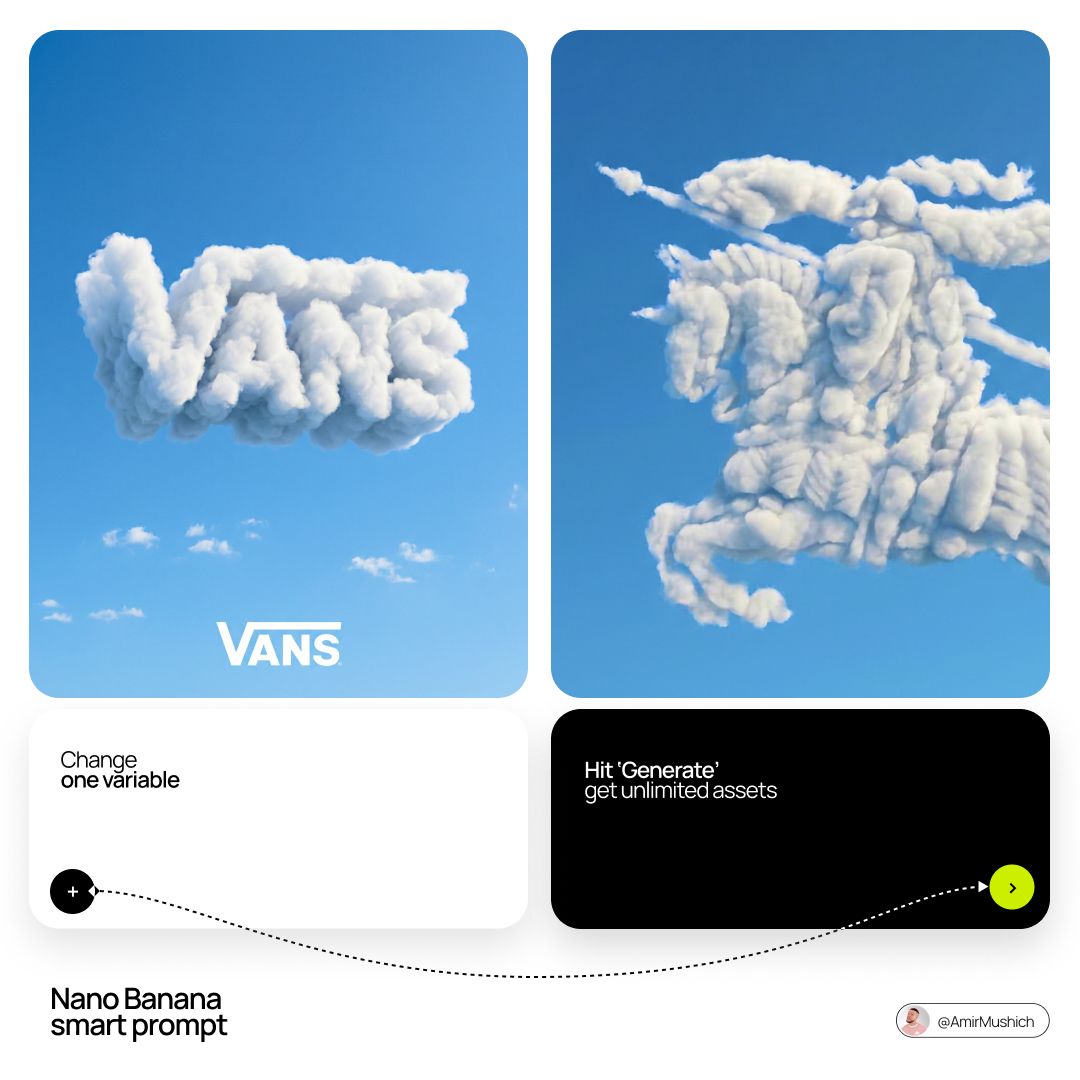
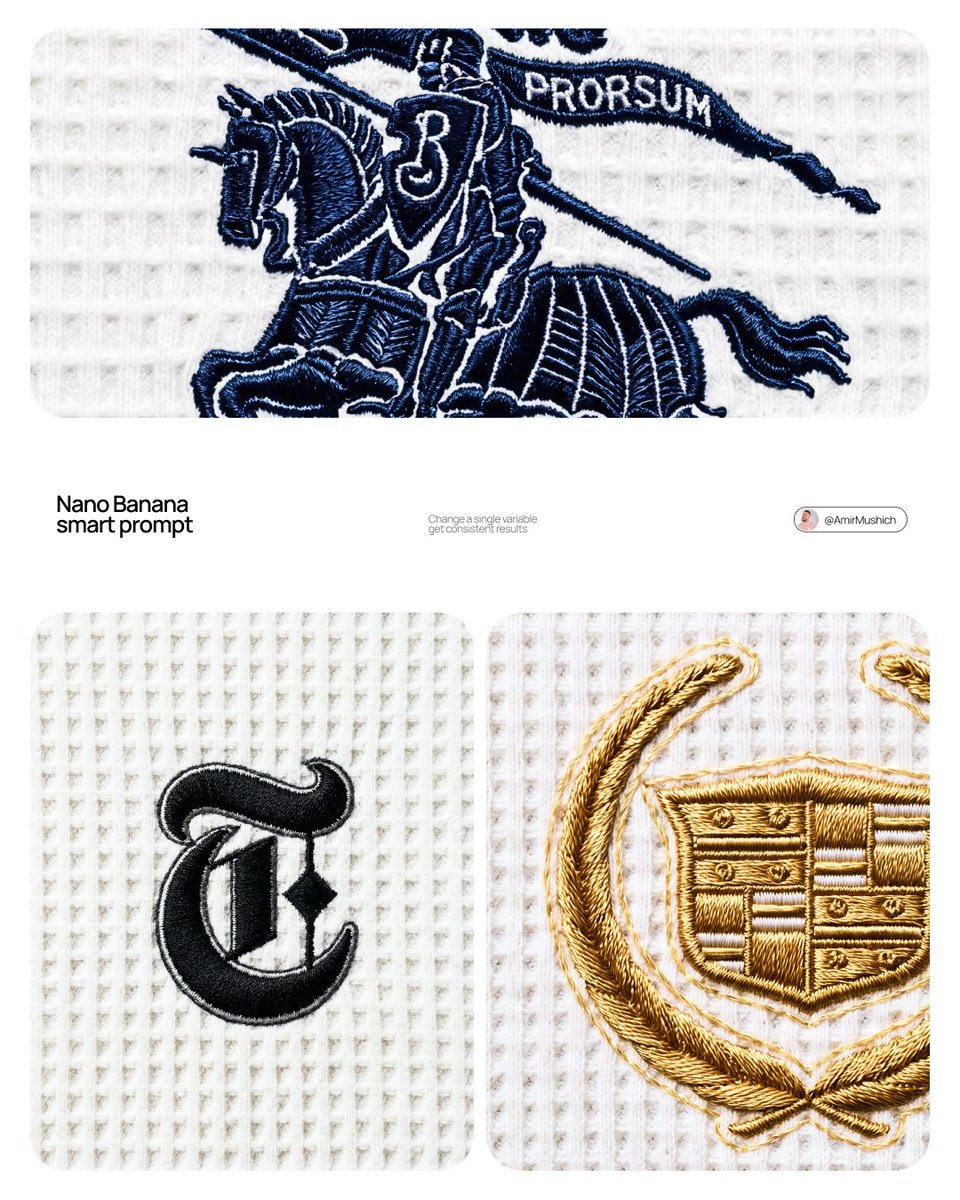
For GPT Image 2 product prompts, emphasize composition, accurate text treatment, polished lighting, and high-resolution commercial finish. For Nano Banana product prompts, lean into quick concept variations, playful setups, and expressive product scenes. Both models can support product ad prompts, but they respond better when you explain the intended output: hero image, square marketplace photo, social ad, packaging mockup, lifestyle product shot, or studio product photo. Treat every prompt as a small art direction document and the resulting image becomes easier to refine.
Use this sequence as a reusable prompt pattern. Replace the scene details, keep the order, and tighten the constraints after the first generation.
Name the exact product, visible features, and camera perspective, such as front-facing bottle, three-quarter gadget view, macro jewelry detail, or overhead packaging flat lay.
Define whether the product sits in a clean studio, on marble, in a kitchen, on textured paper, in a bathroom shelf scene, or inside a lifestyle environment.
Use lighting language like softbox studio lighting, morning window light, glossy reflections, premium shadows, diffused glow, or high-key ecommerce lighting.
Add brand colors, mood, audience, packaging cues, campaign style, and whether the visual should feel luxury, playful, sustainable, technical, minimal, or bold.
State aspect ratio, negative space, clean background, no extra text, realistic scale, readable label, or ad-ready composition when those details matter.
Use cases
Use the scene as a creative brief. The more clearly the prompt names the output job, the easier it is to refine the generated image.
Generate clean marketplace-style shots for product listings, comparison thumbnails, category pages, and PDP hero images.
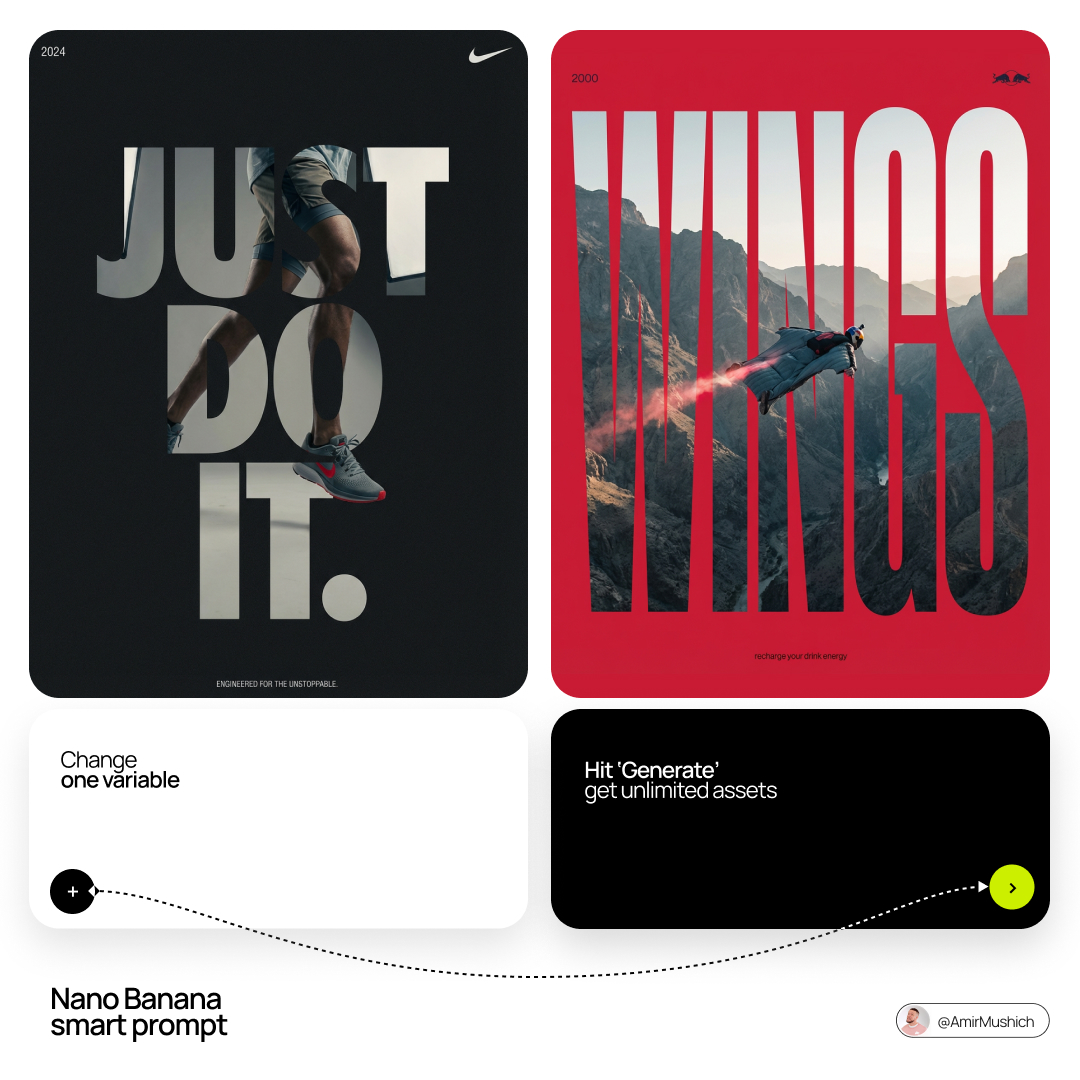
Turn a product into a launch image, seasonal campaign asset, social media ad, or polished visual direction for a brand deck.
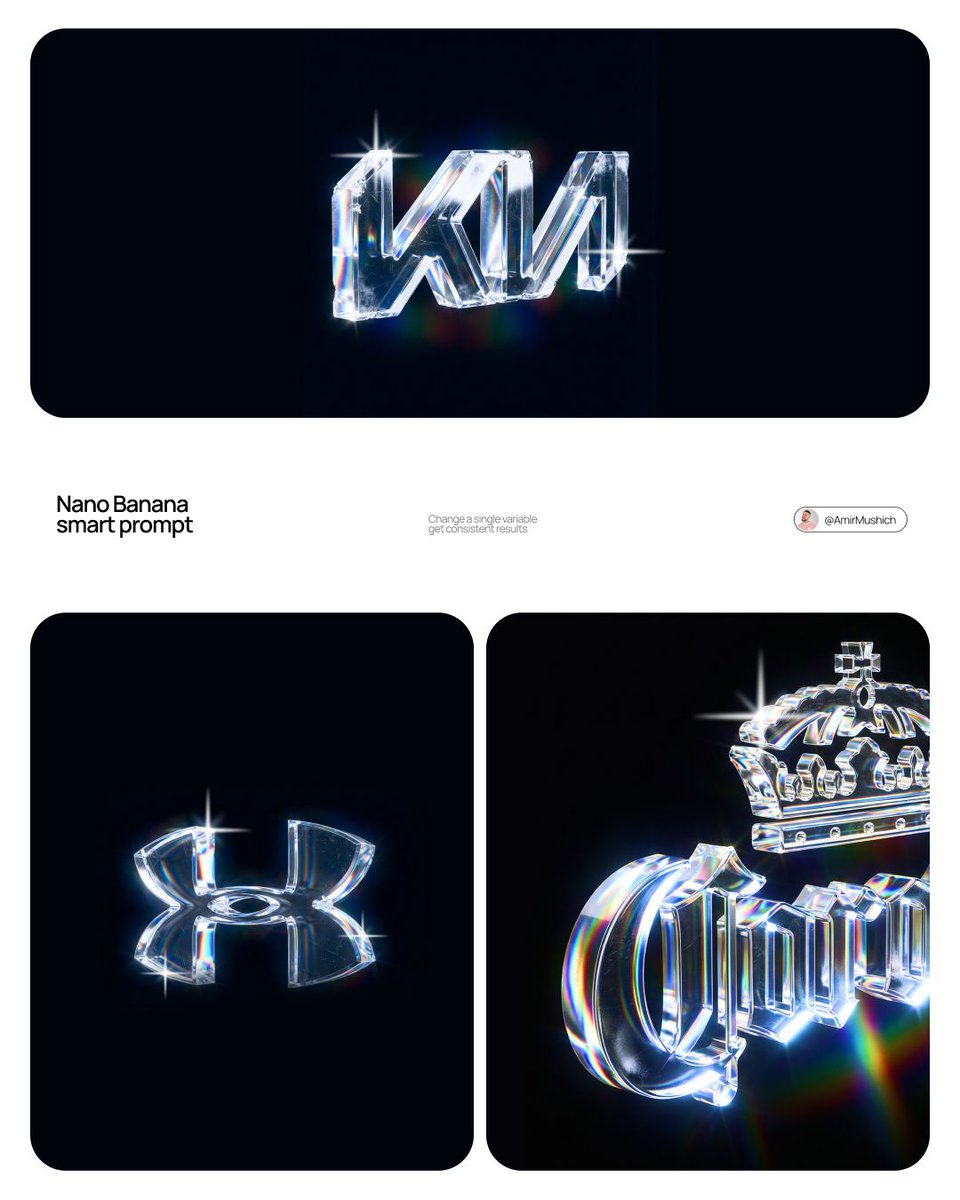
Explore packaging surfaces, colorways, label treatments, material finishes, and retail shelf-ready presentation styles.
Place a product in a believable context, such as a bathroom counter, gym bag, coffee table, desk setup, kitchen, or travel kit.
Practical tips
Use concrete nouns instead of broad adjectives. “Amber glass serum bottle on warm travertine” gives the model more control than “premium skincare product.”
Write the product label requirements carefully. If the text must be readable, say so and keep the copy short.
For marketplace images, ask for clean edges, realistic scale, a centered product, and minimal props.
For ads, add campaign context: target audience, platform, visual hook, space for headline, and the emotional tone.
When the first output is too busy, remove props before changing the whole prompt. Product prompts often improve by subtracting details.
Related scenes
Scene pages are connected intentionally so you can move from one creative job to the next without returning to a blank prompt box.
Write photo prompts with better subject direction, camera language, lens cues, lighting, environment, mood, and editorial intent for realistic and cinematic image generation.
Explore sceneBuild poster concepts with stronger composition, hierarchy, mood, typography direction, and campaign intent by starting from prompt patterns made for visual communication.
Explore sceneGenerate interface concepts, dashboard visuals, app screens, icon systems, and landing page graphics with prompts that describe layout, product context, components, and visual style.
Explore sceneFAQ
A good prompt describes the product, angle, material, surface, lighting, background, and commercial purpose. It should also include output constraints such as clean background, readable label, negative space, or square ecommerce format when those details matter.
Use GPT Image 2 when you need polished commercial finish, cleaner composition, and stronger control over text-heavy brand visuals. Use Nano Banana when you want quick product concept variations, playful scenes, or stylized product ideas.
Yes. Replace the product details and ask for marketplace-safe composition, centered product placement, neutral background, realistic lighting, and no distracting props. For Shopify, you can add more brand mood and lifestyle context.
Swap the product, brand colors, target customer, surface, and callout requirements. Keep the structure of the prompt, but make the brand signals specific enough that the image feels designed for your campaign.
Pick one prompt, replace the product, subject, scene, or style details, then generate a first version. Use the gallery link when you want more examples in this category.