

Search useful prompt examples
Filter gpt image 2 prompts by model, category, popularity, and keywords so you can find examples that match the visual task instead of browsing a random inspiration feed.
Browse copy-ready prompt examples, learn how strong visual instructions are structured, and move from inspiration to image generation without starting from a blank prompt box.
Prompt Examples
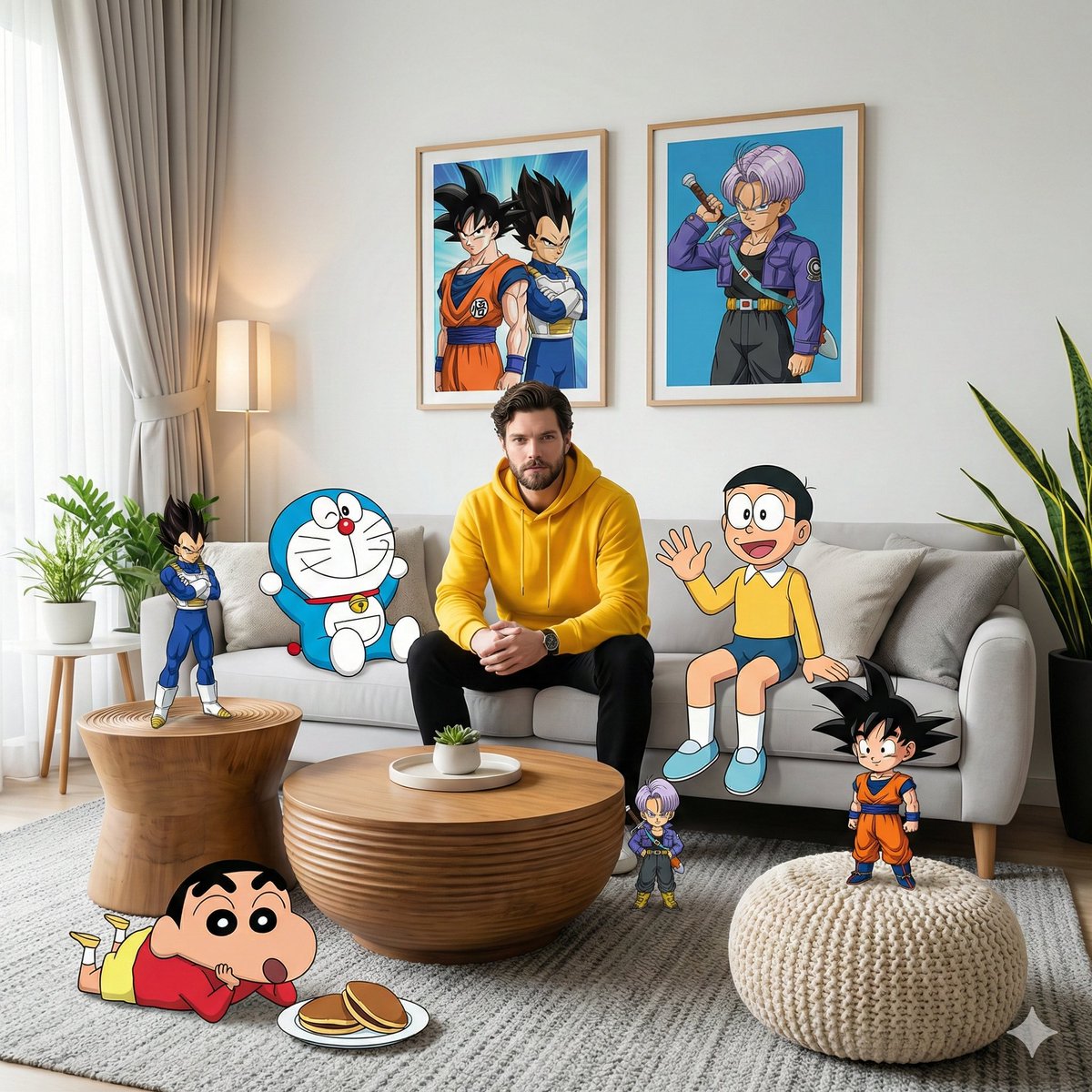
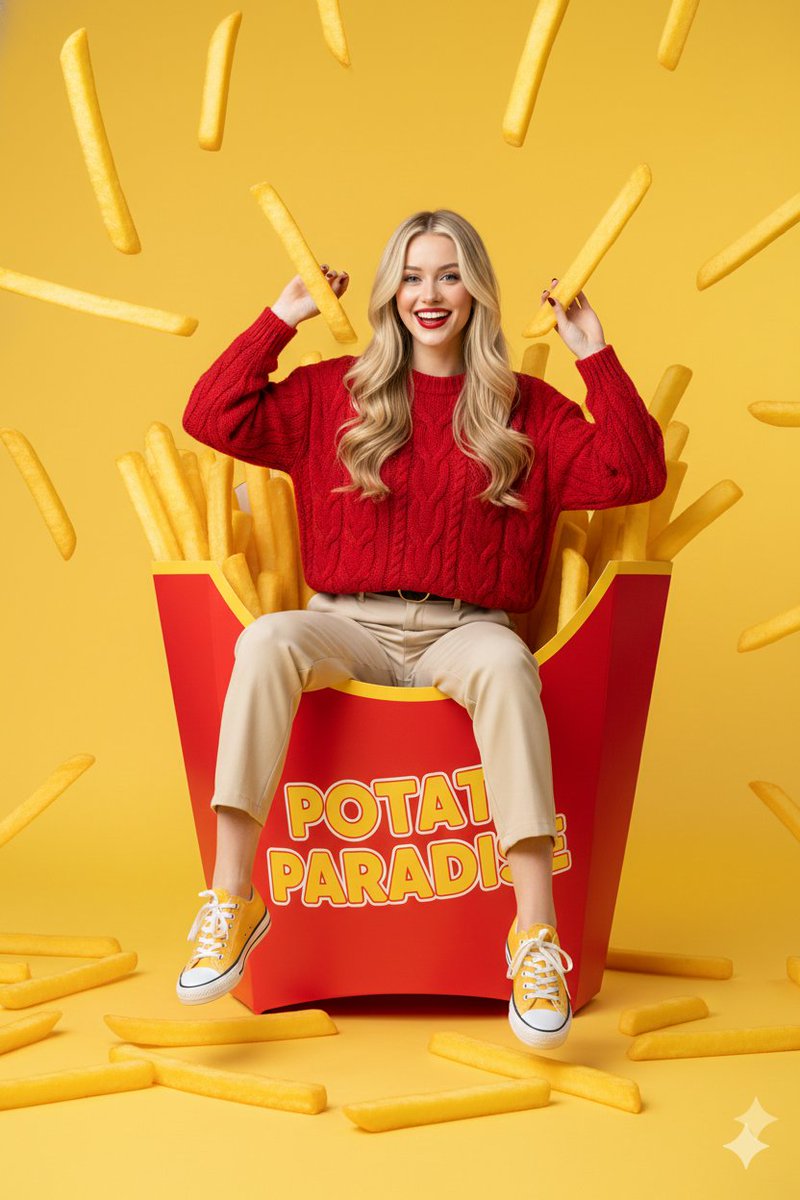
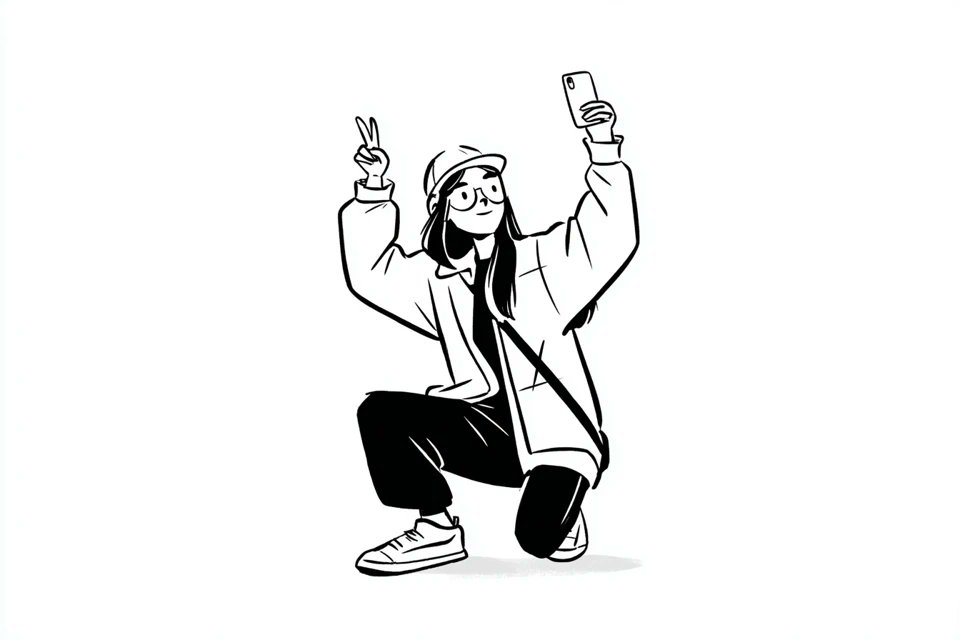
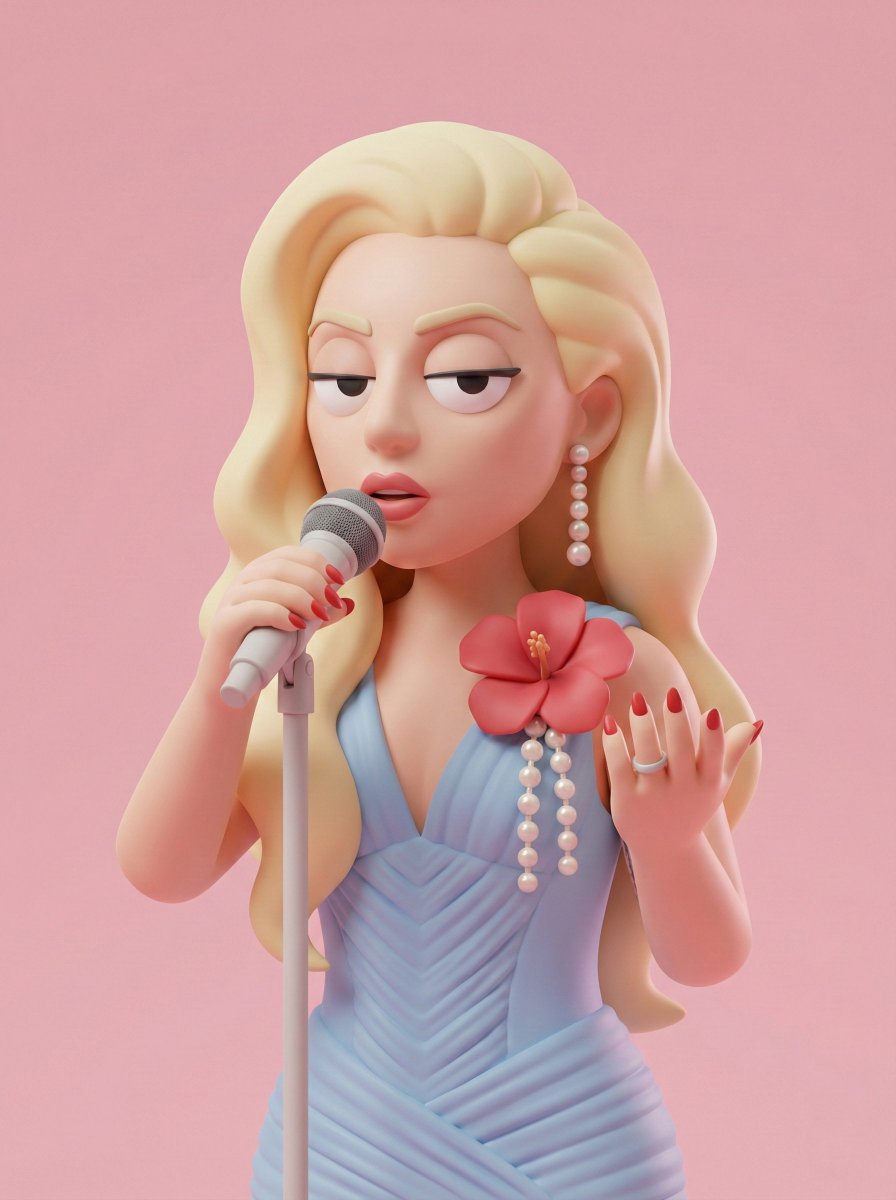
Study real prompt structure before you generate. Each example links to a prompt detail page with the full text, preview images, categories, source notes, and a direct path into the image generator.
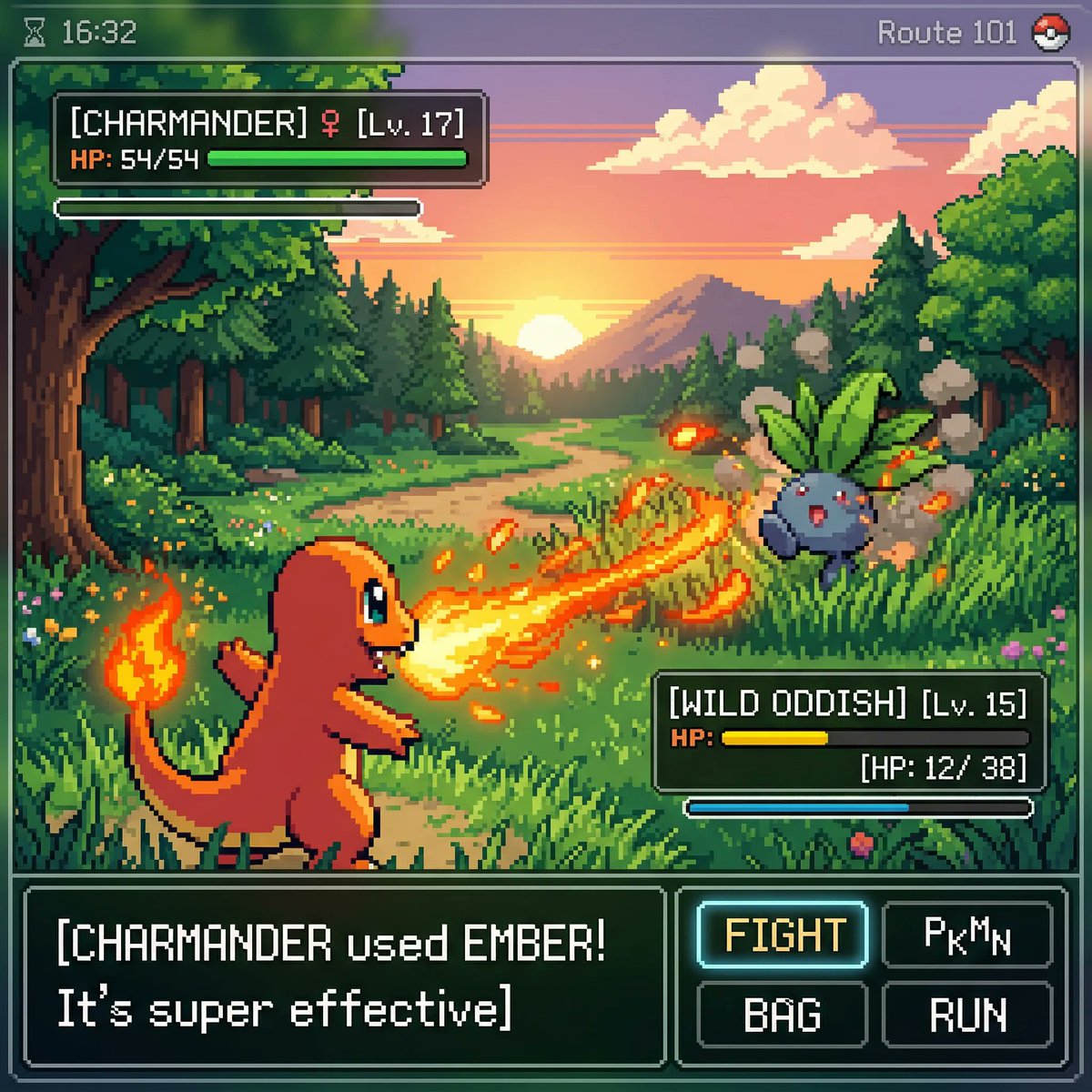
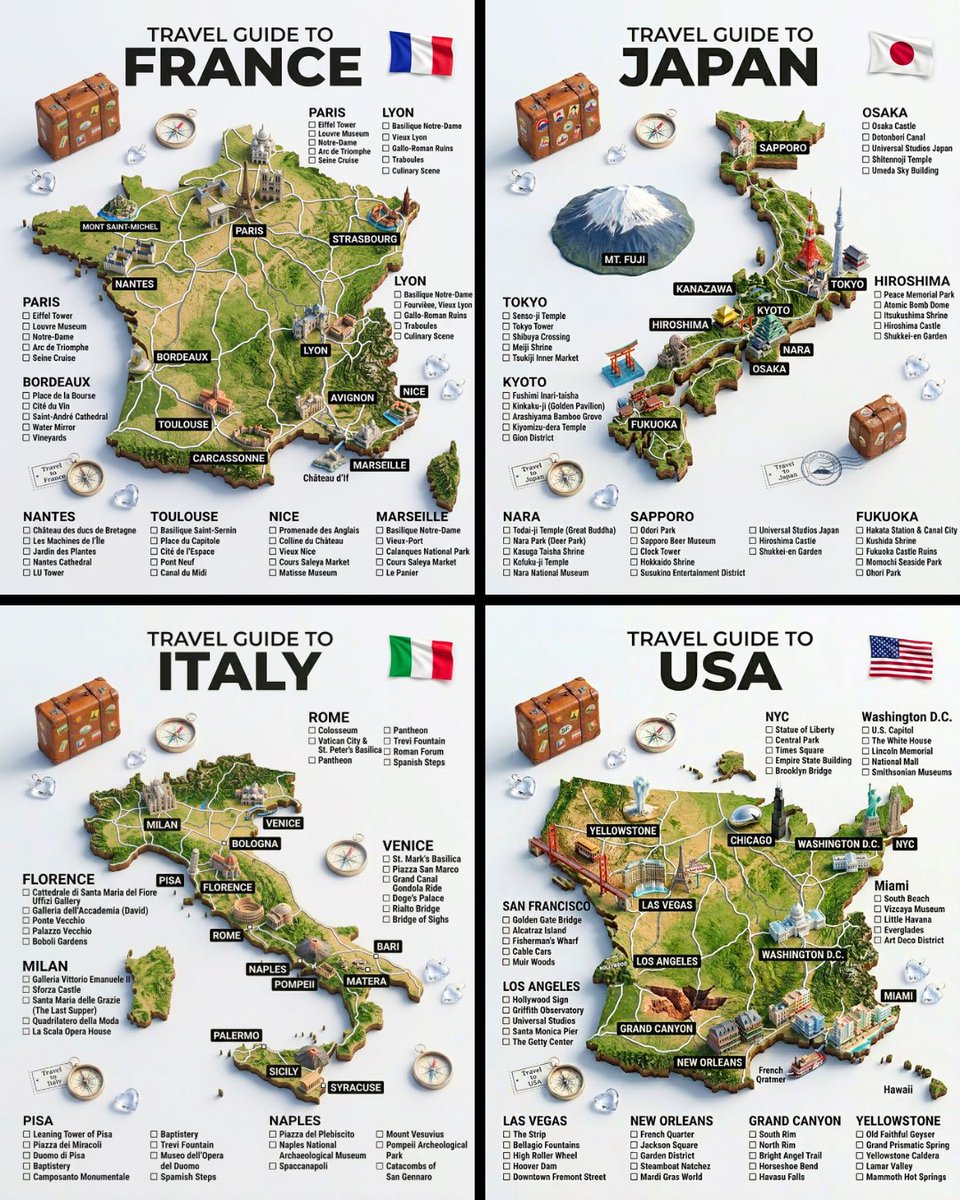
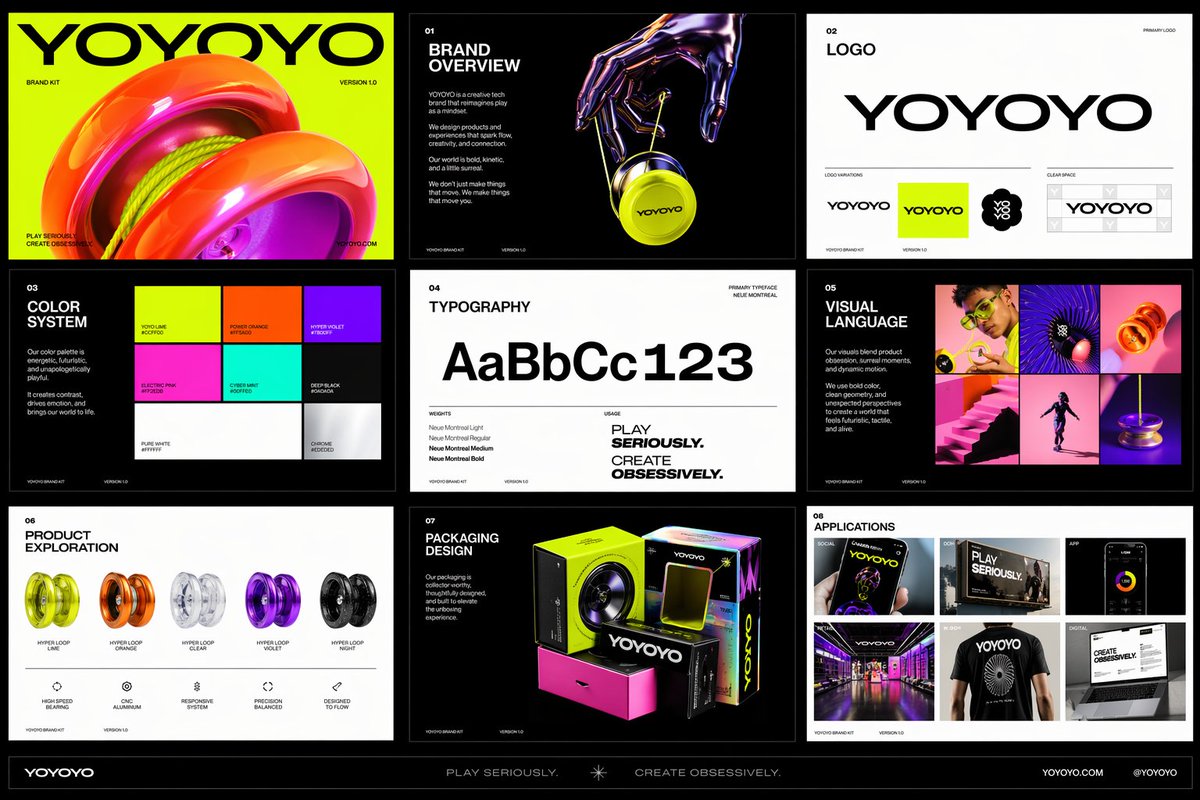
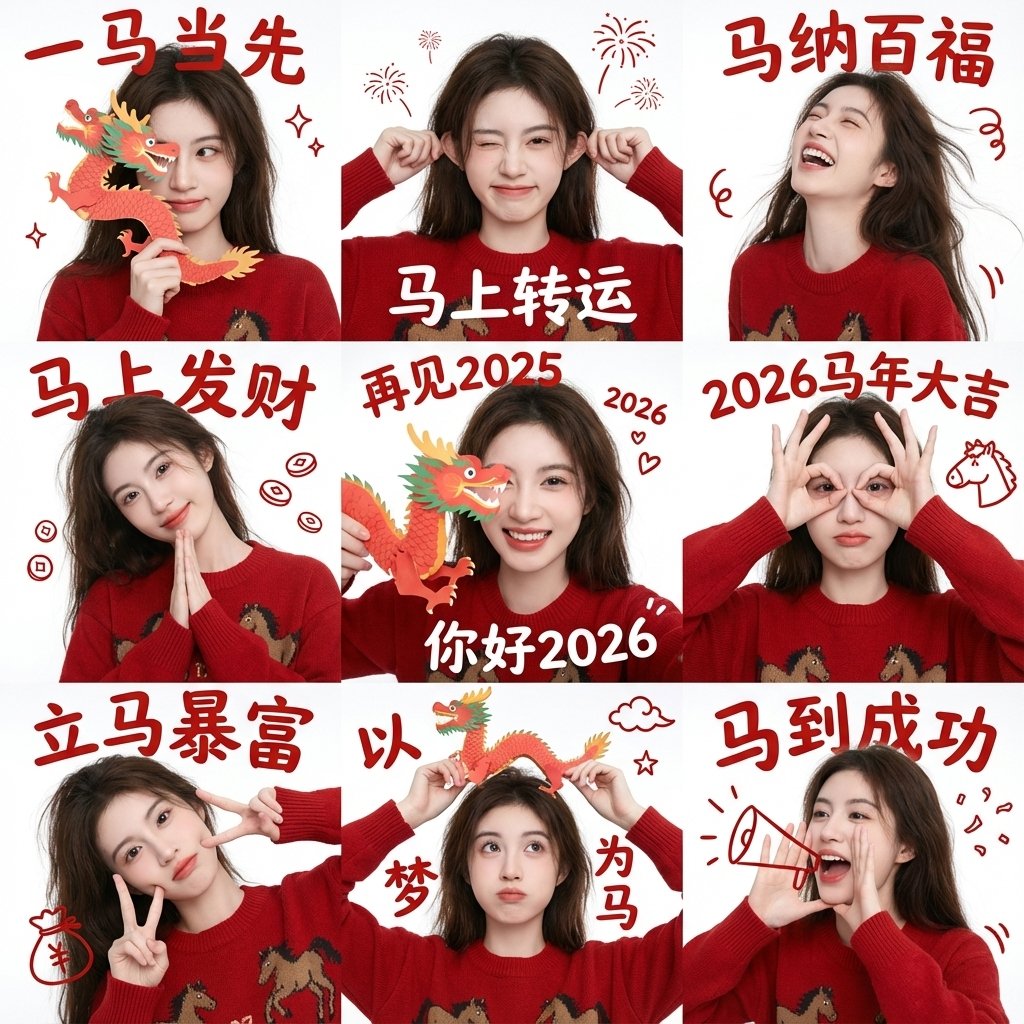
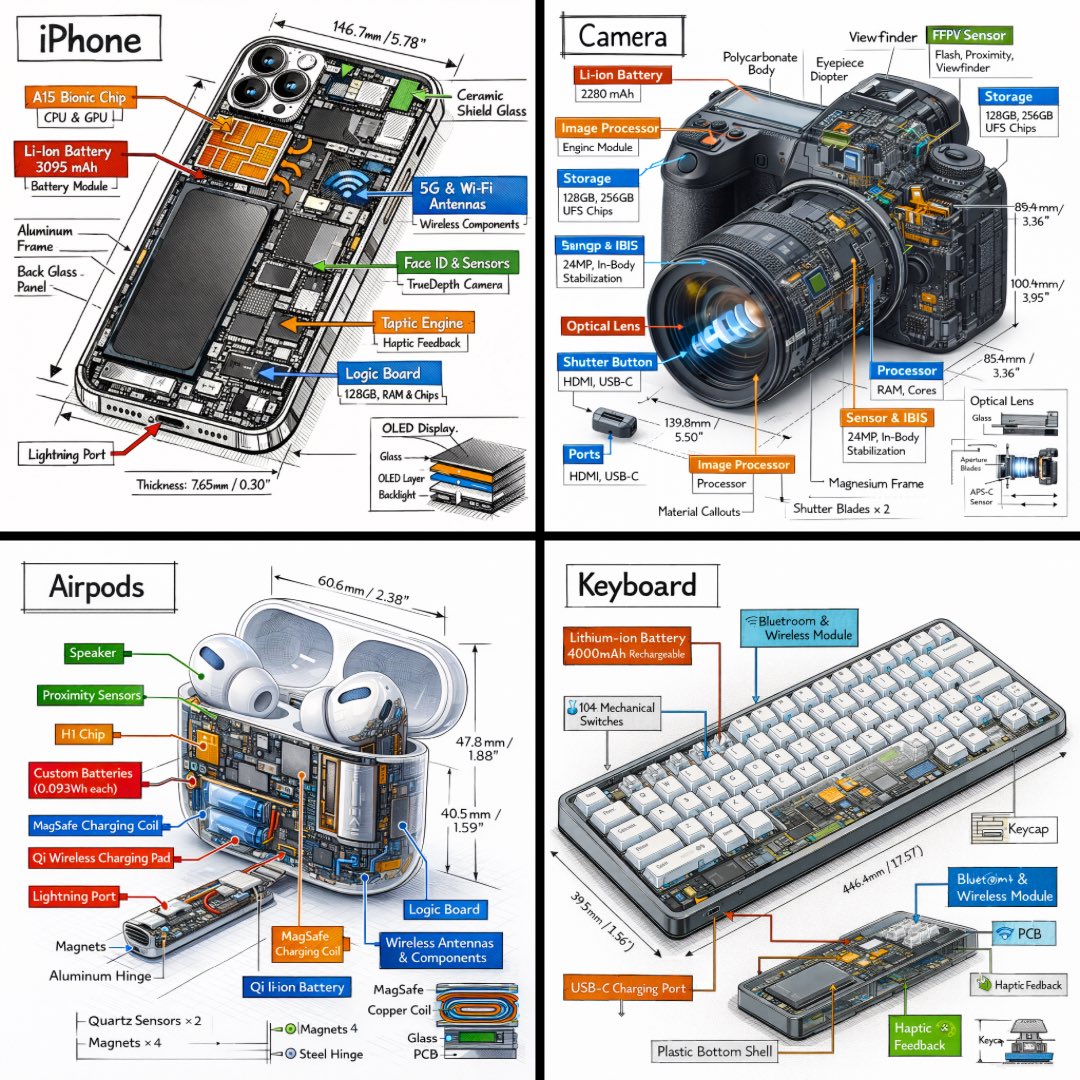
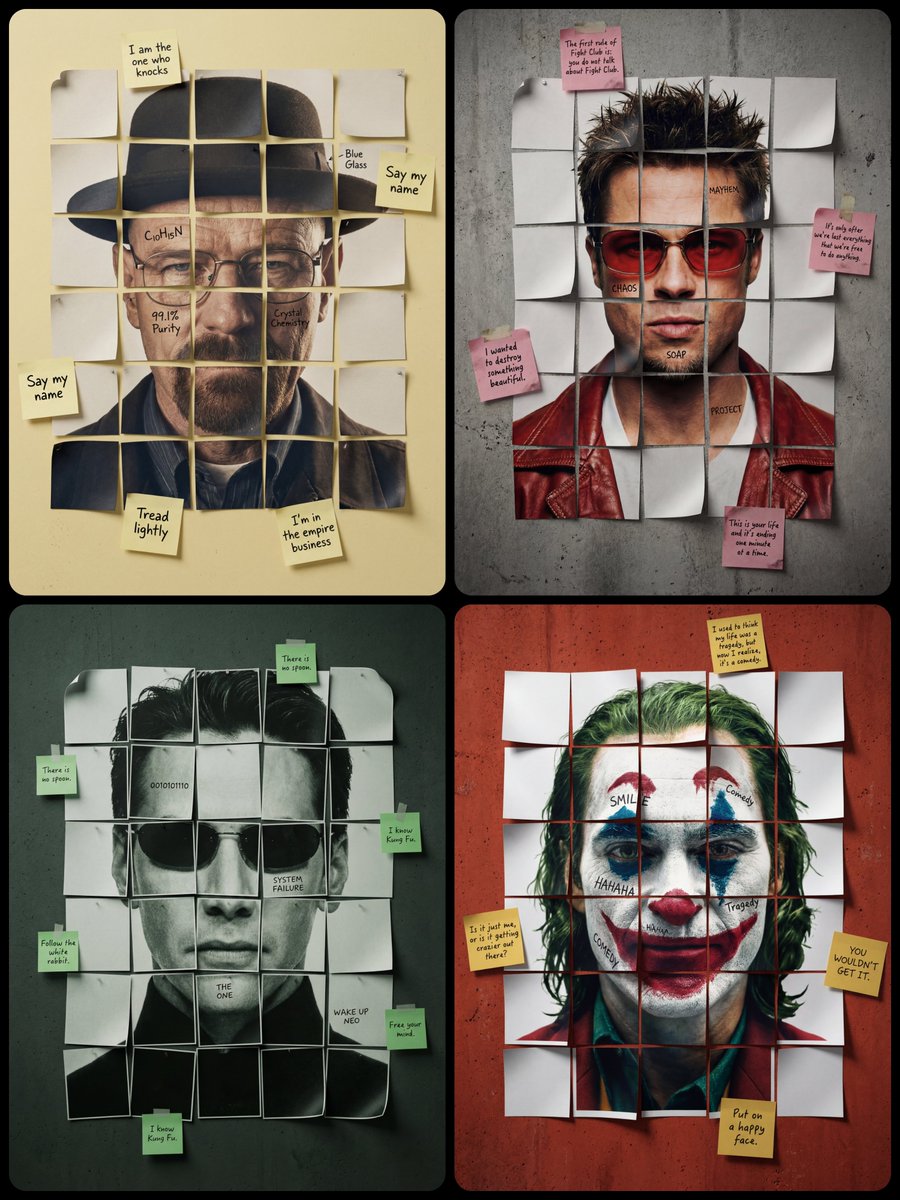
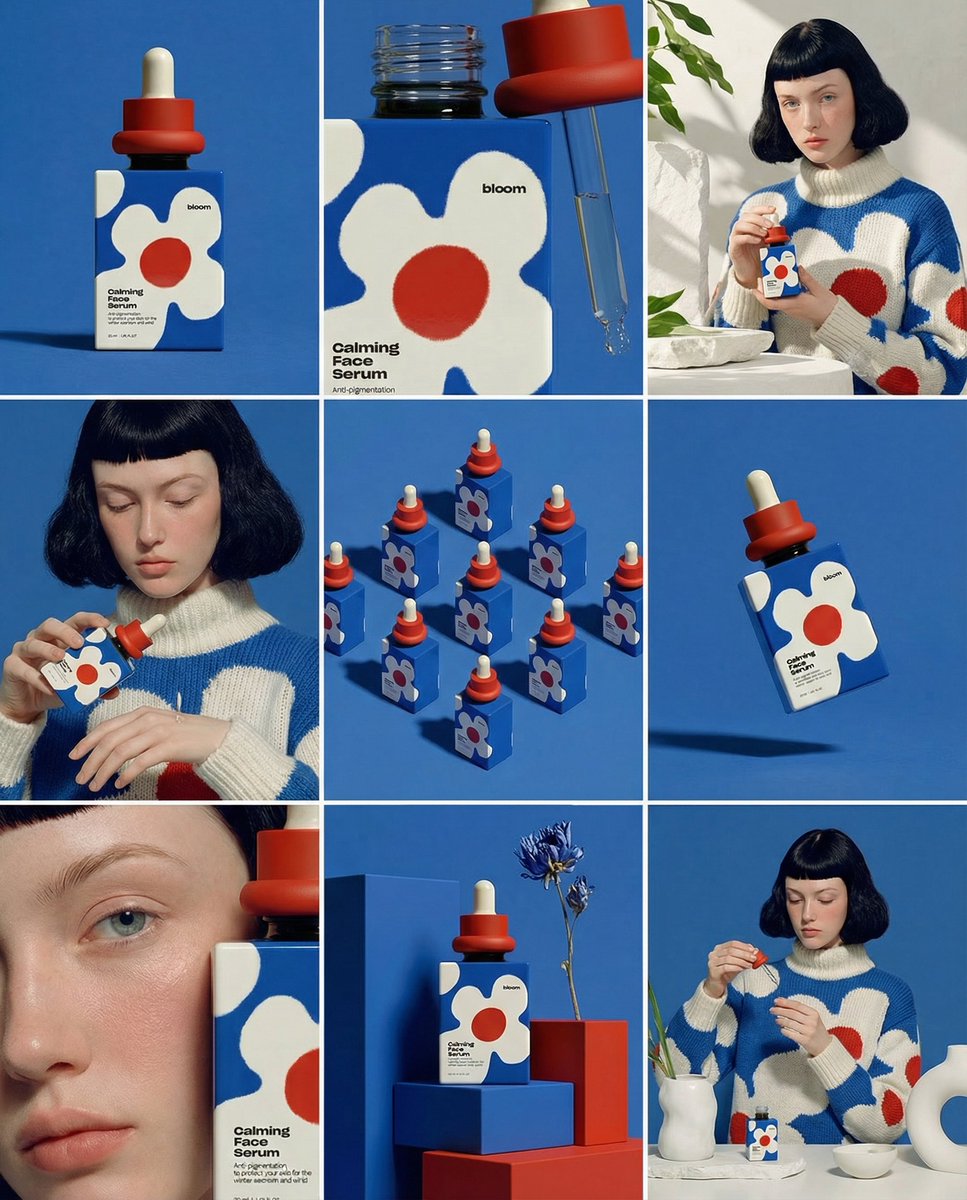
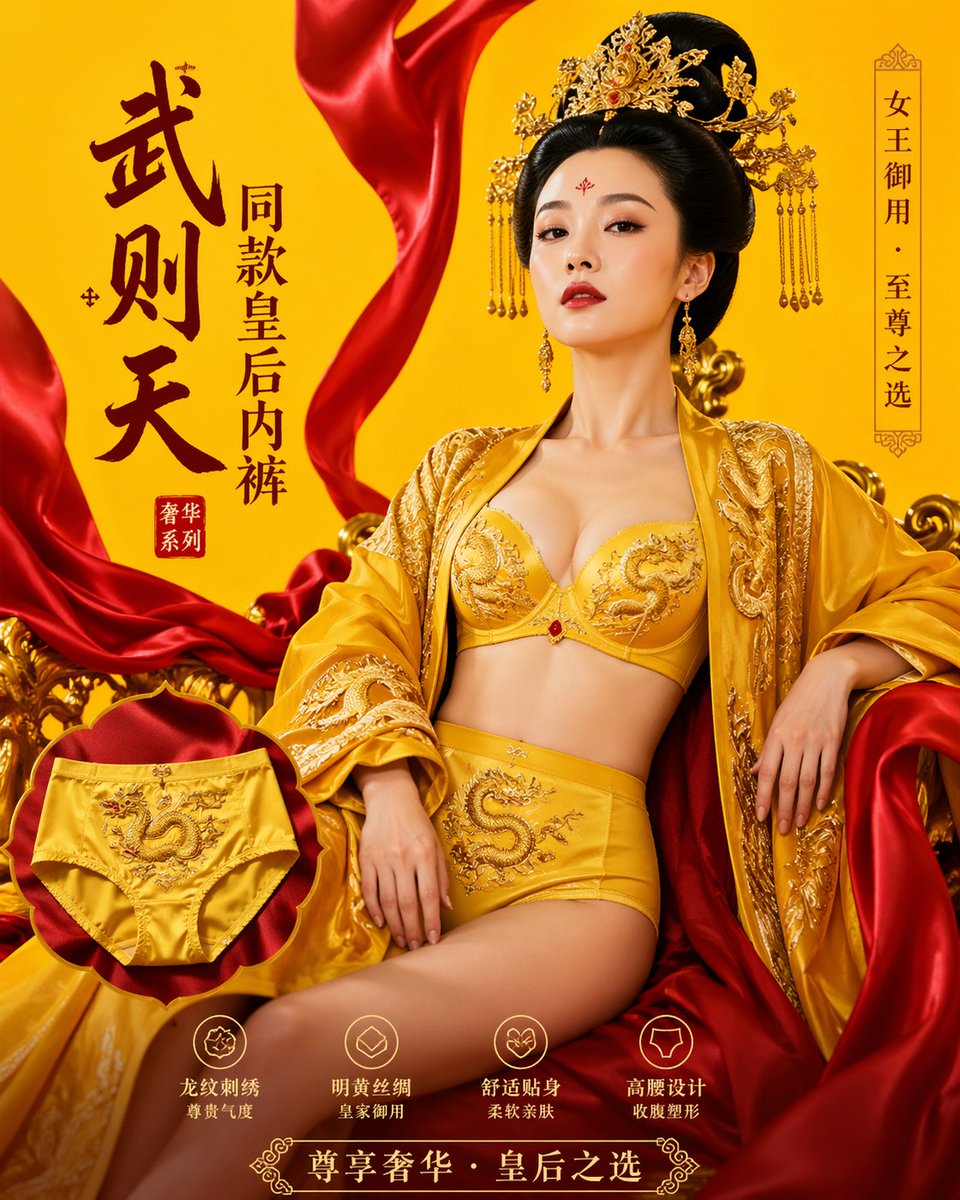
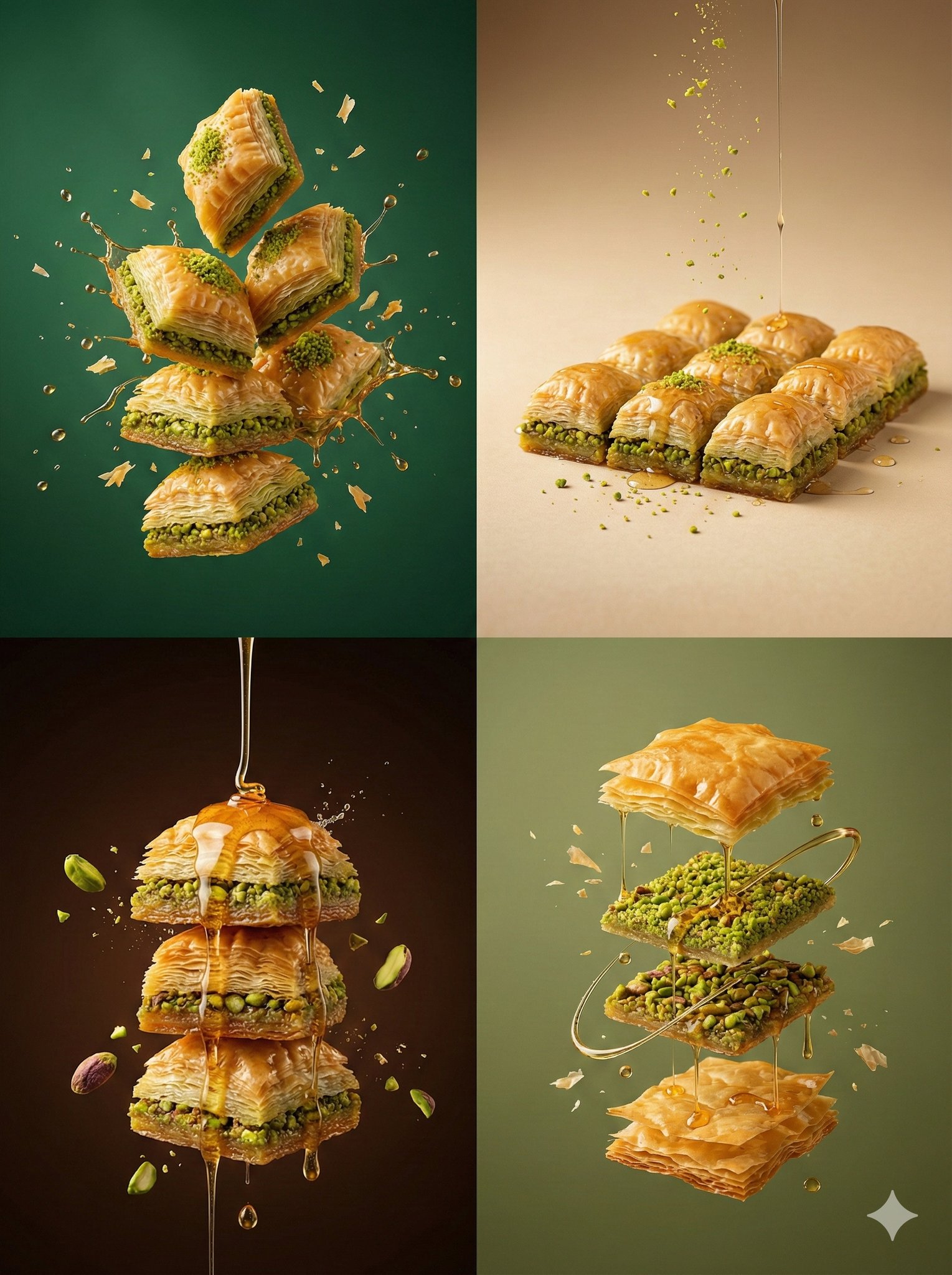
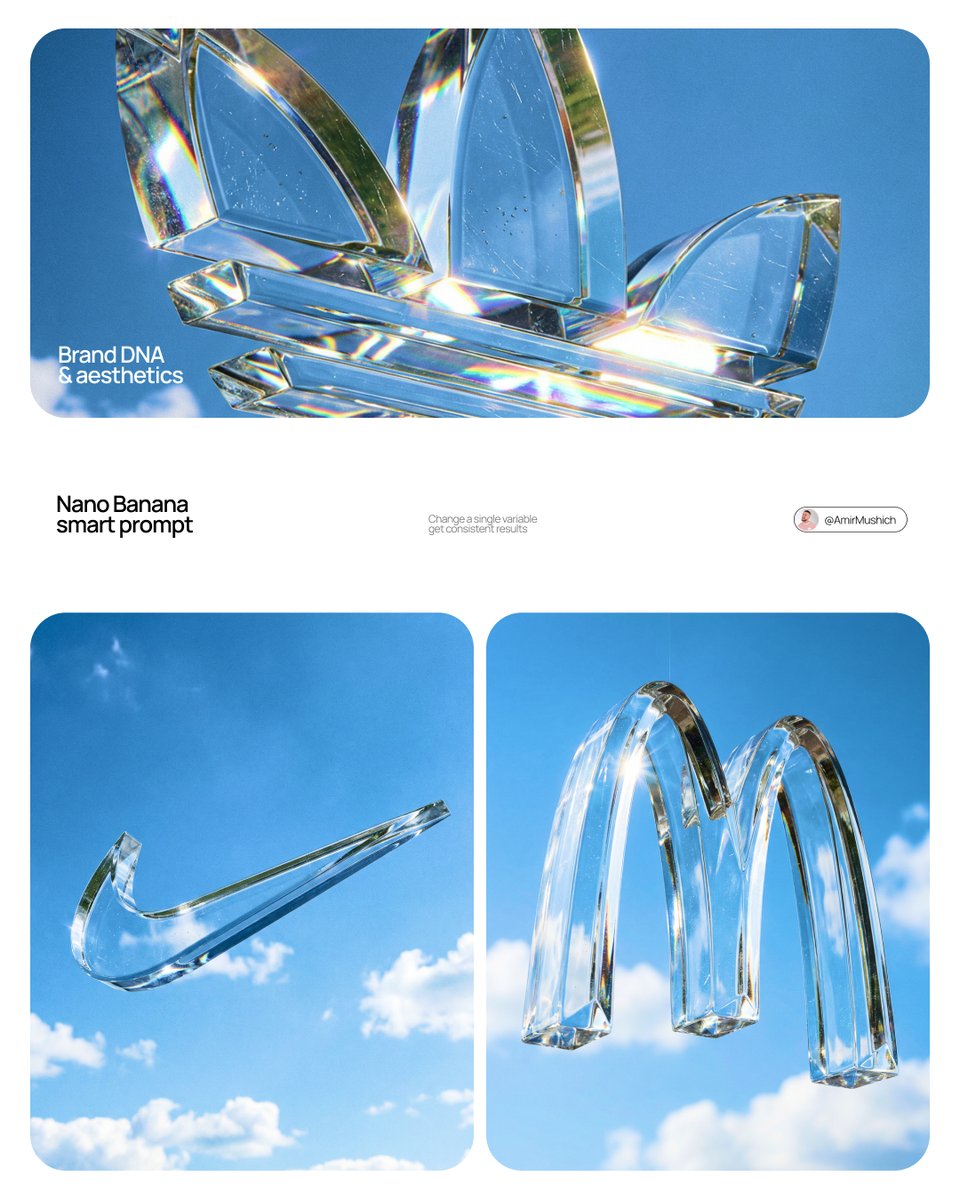
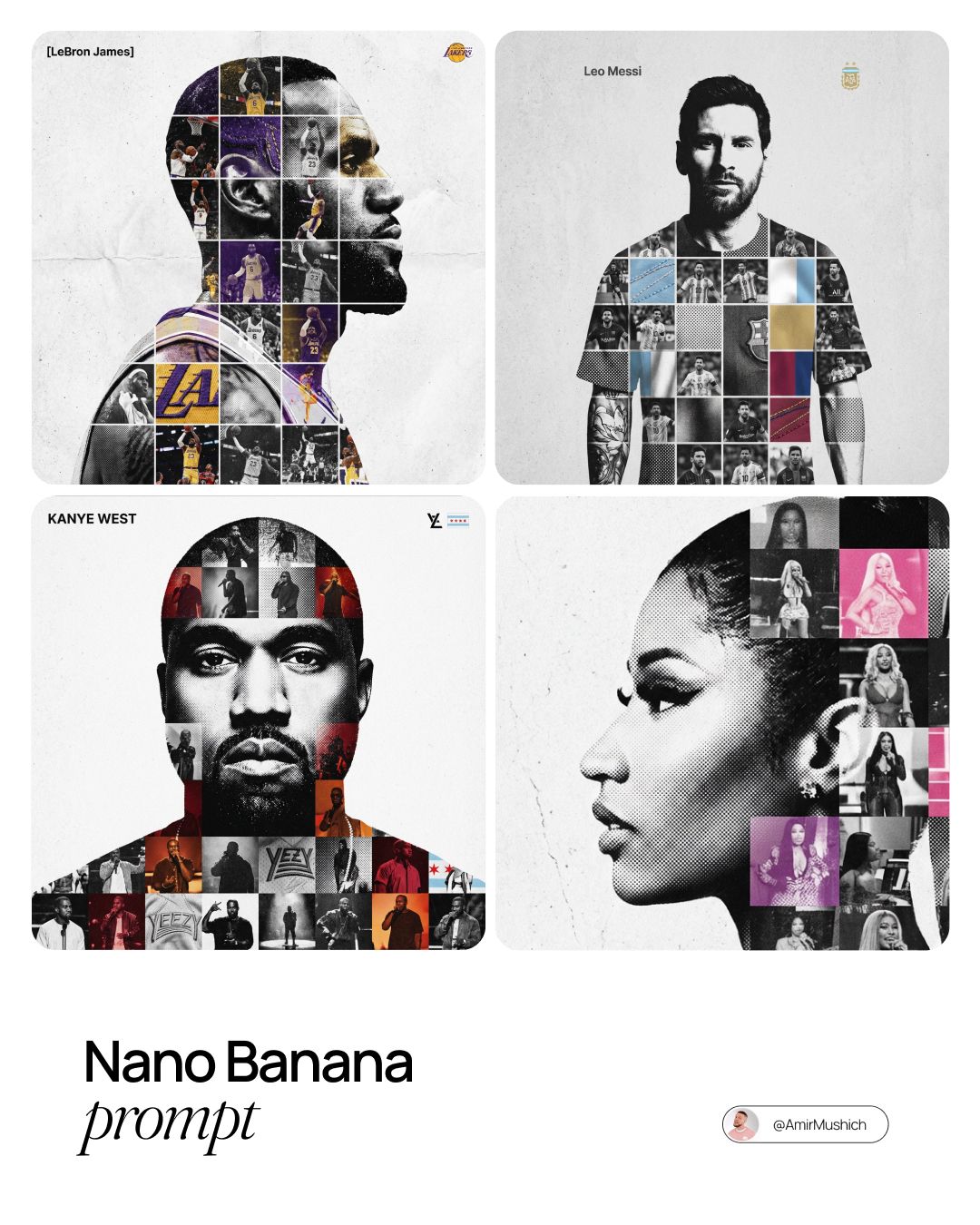
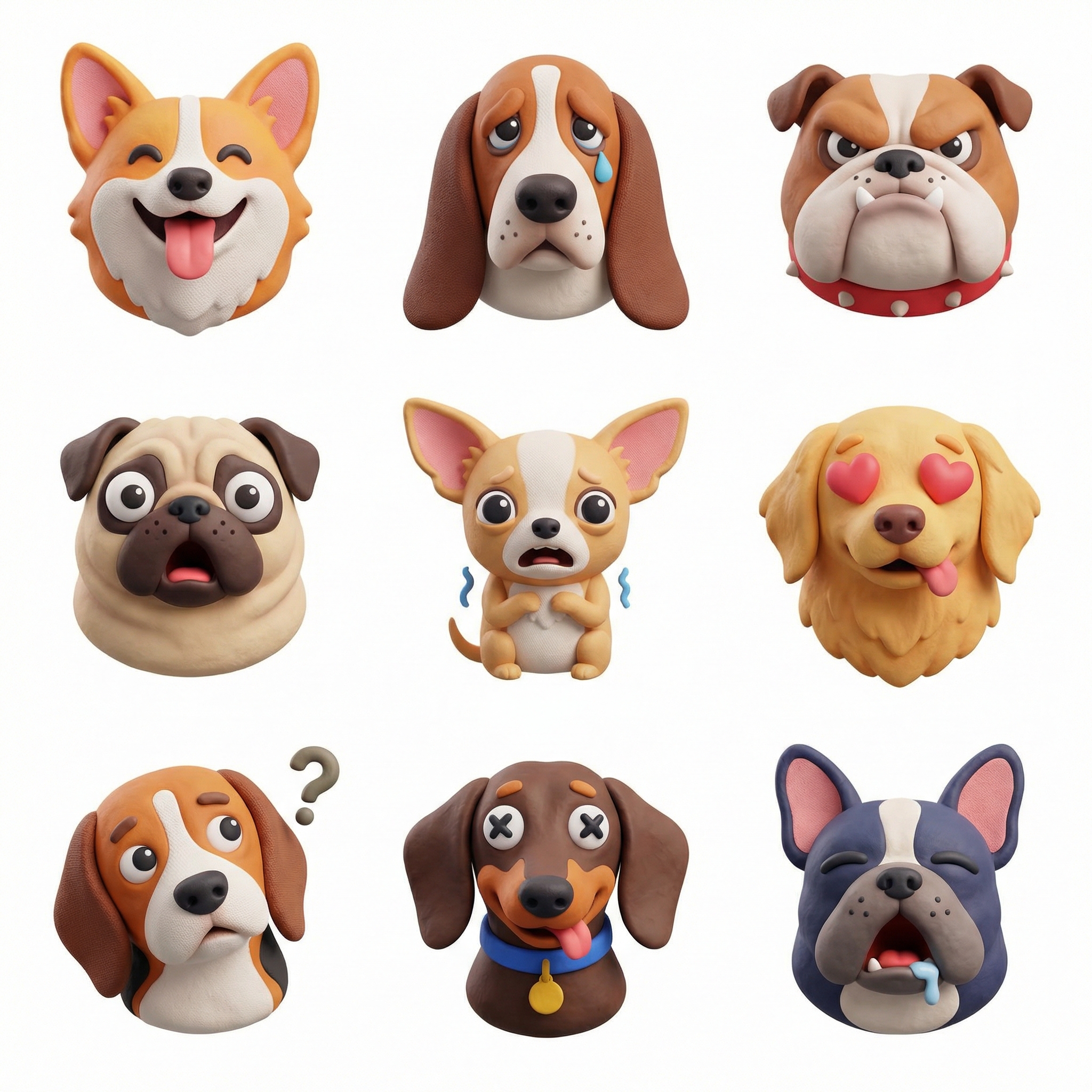
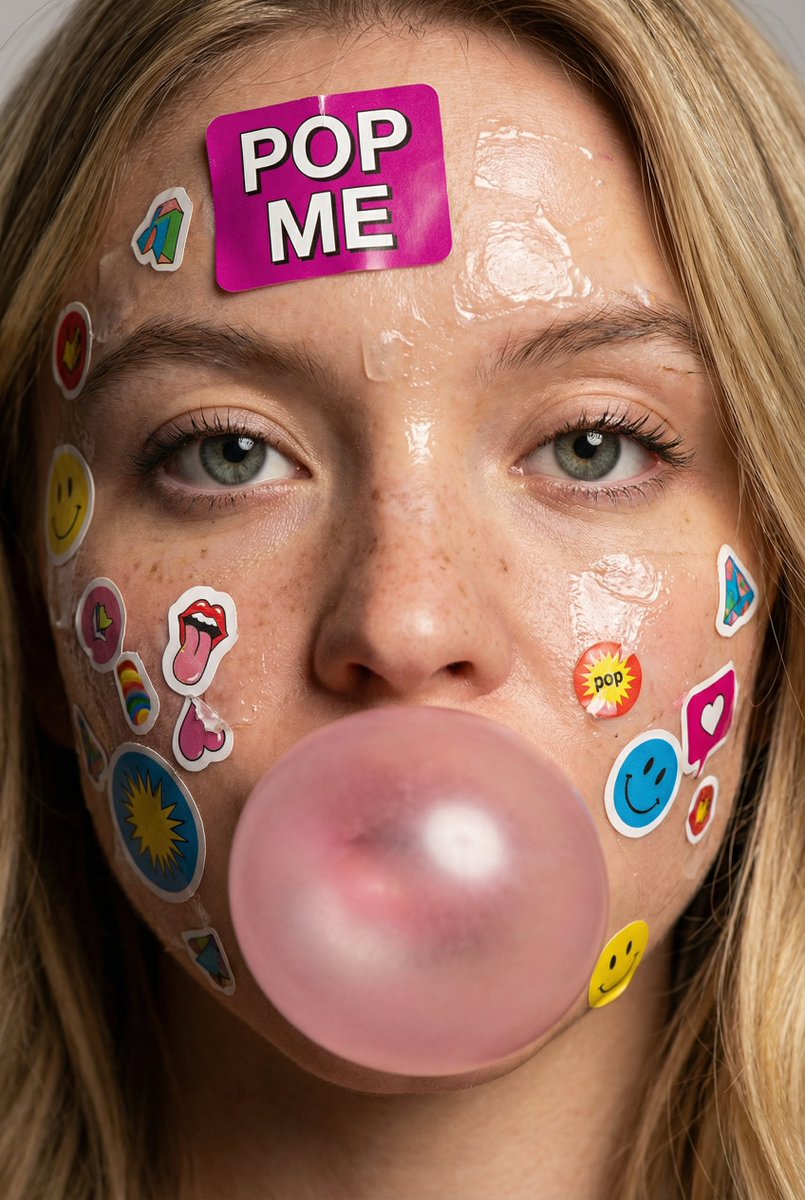
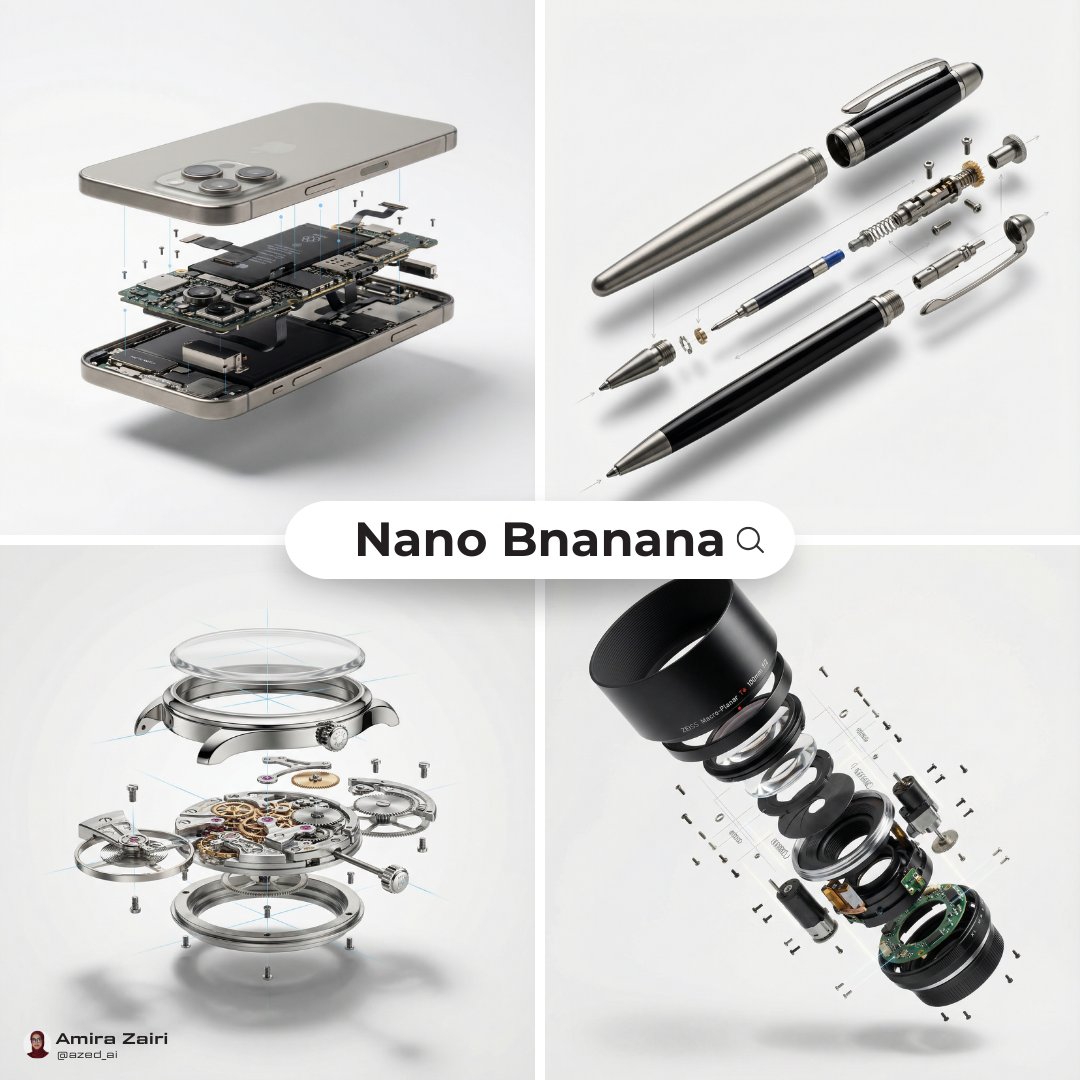
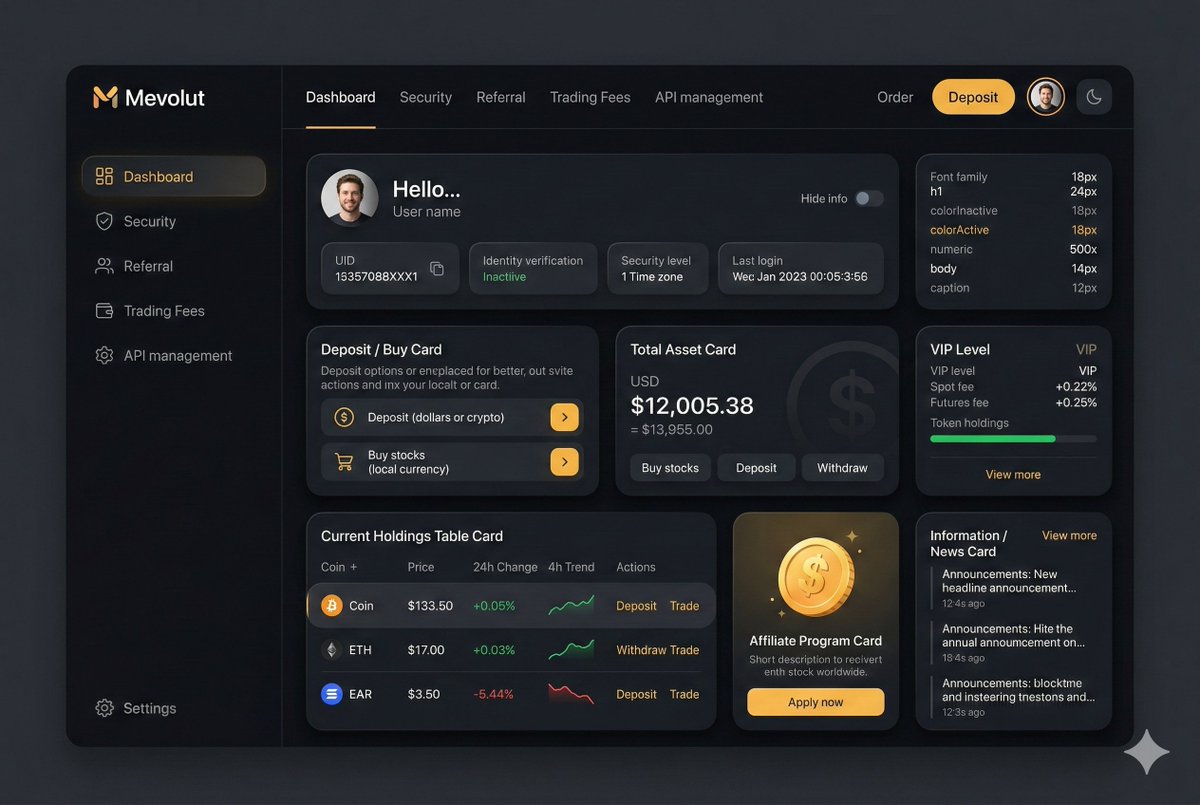
Prompt scenes
Open a focused prompt page for the kind of image you want to create.
Features
The site connects a prompt gallery, detail pages, favorites, history, and an image generator into one workflow. It is built for repeatable creative work, not just one-off prompt browsing.
Filter gpt image 2 prompts by model, category, popularity, and keywords so you can find examples that match the visual task instead of browsing a random inspiration feed.
Each example gives you a concrete prompt pattern: subject, environment, lighting, lens language, style direction, composition, and output quality cues.
Open a prompt, review the preview image, then send the same idea into the generator with the prompt and reference context already connected.
Turn a portrait prompt into a founder photo, a product prompt into a campaign visual, or a cinematic scene into a social post without starting from a blank textarea.
Keep track of generated images, source prompts, and useful variations so successful image generator prompts can become reusable creative assets.
Use prompt examples as launch points, then adjust model, quality, aspect ratio, and details for faster experimentation across multiple creative directions.
Workflow
A good prompt gallery should help you understand why a prompt works. The goal is not to paste the same sentence forever; it is to build a reusable way to describe visual direction.
Start with the result you need: an editorial portrait, ecommerce product shot, cinematic environment, ad concept, character design, or social creative.
Look for how the prompt balances subject, camera, medium, color, light, texture, background, composition, and quality instructions.
Replace the subject, brand context, audience, aspect ratio, and scene details while keeping the structure that made the example useful.
Send the revised prompt into the generator, compare outputs, and save the prompt versions that produce the strongest images.
The strongest gpt image 2 prompts usually do more than name an object. They describe the image as a controlled creative brief: who or what appears in the frame, what the viewer should feel, how the light behaves, which visual references matter, and what kind of finish the image should have. That structure makes a prompt easier to adapt across many use cases.
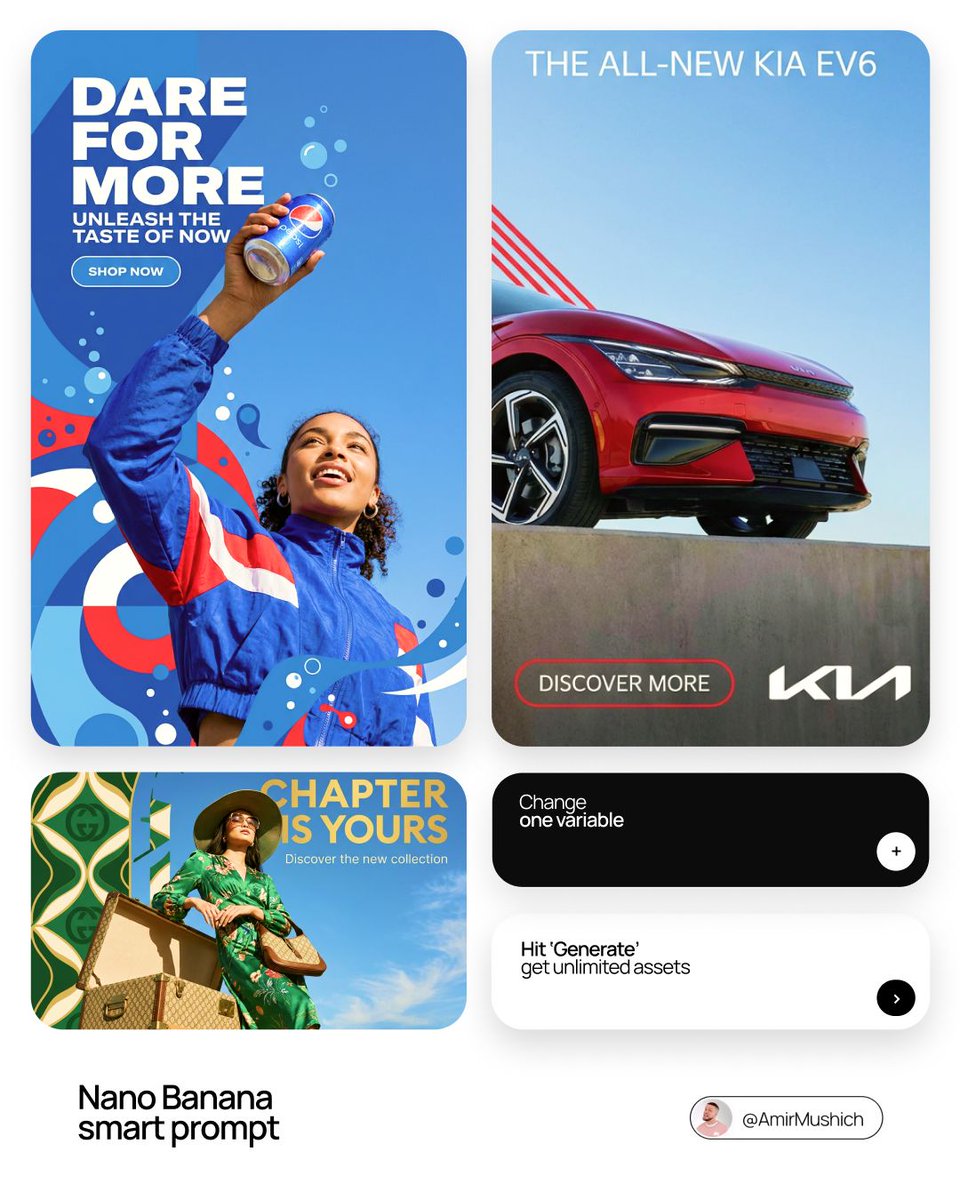
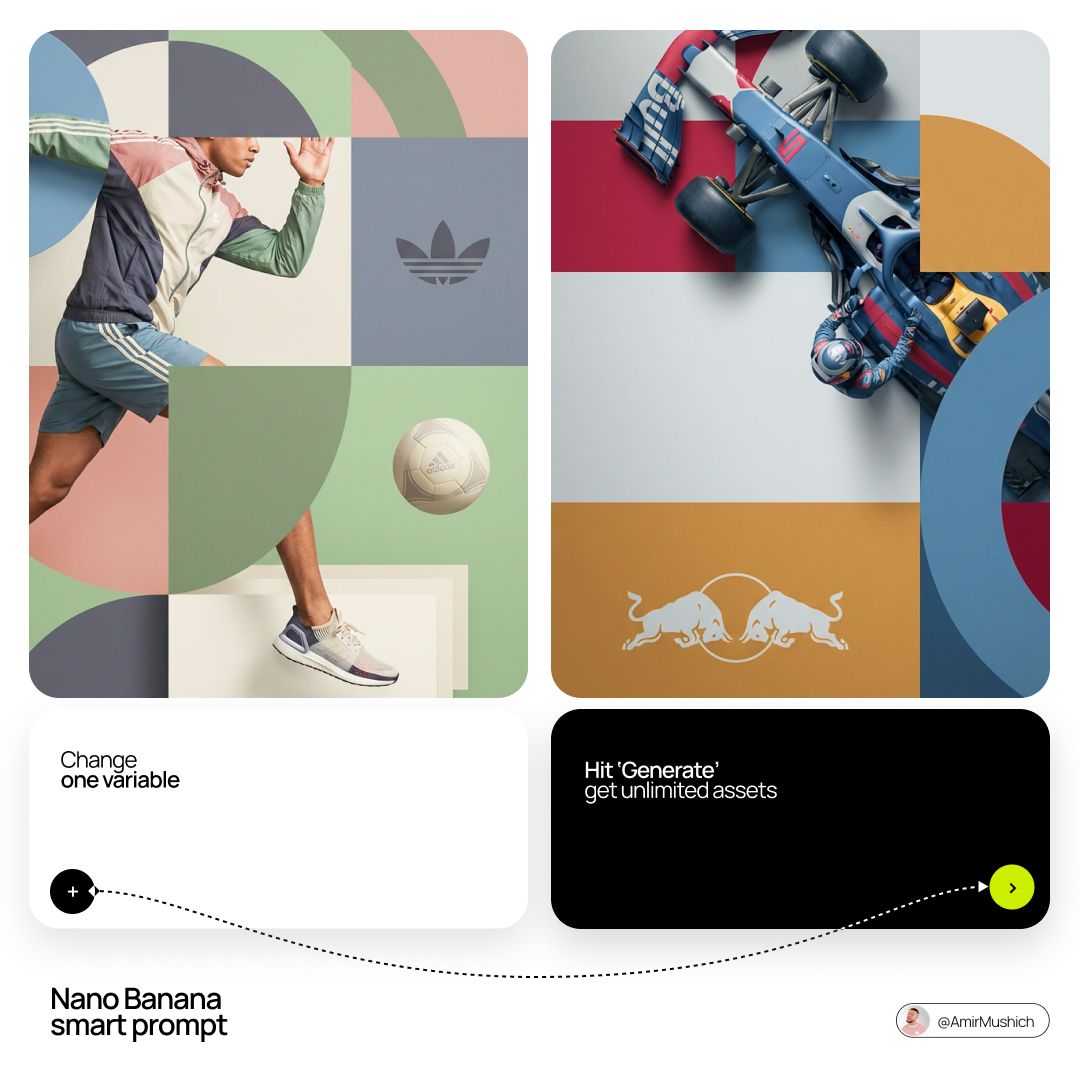
For commercial work, start with a prompt example that already matches your output type. Product prompts often need material detail, surface texture, camera angle, background simplicity, and room for copy. Portrait prompts need identity, expression, wardrobe, lighting, lens language, and skin texture. Campaign visuals need a clear concept, emotional direction, composition, and negative space. The gallery helps you compare these patterns before spending credits on generation.
After choosing an example, keep the prompt structure and replace the specifics. Change the subject, brand vocabulary, scene, season, color palette, or audience. Then generate several versions and save the ones that produce consistent results. Over time, your best gpt image 2 prompts become a private creative library for recurring formats such as hero images, launch graphics, thumbnails, product photos, and social posts.
This approach also keeps the image generator practical. Instead of treating prompts as magic words, you can treat them as editable production assets. A clear prompt library shortens the distance between a rough idea and a finished visual, especially when you need multiple options for the same campaign or product.
If you are planning a landing page, choose prompts that leave space for headlines and interface elements. If you are building an ad set, look for prompts with repeatable framing so every variation feels related. If you are designing product images, prioritize material accuracy, readable silhouettes, and backgrounds that do not compete with the product. Different goals need different prompt signals.
The same method works for personal creative projects. A mood board prompt can become a character concept. A fashion prompt can become a portrait direction. A food prompt can become a packaging study. The best GPT Image 2 prompt examples are flexible enough to teach structure while still giving you a specific image to react to.
Choose the plan that works best for you
Explore the gallery when you need inspiration, then open the generator when you are ready to produce. The fastest workflow starts with clear gpt image 2 prompts and keeps every useful variation close to the final image.
FAQ
Use these answers to understand how the gallery, prompt detail pages, and image generator work together.