

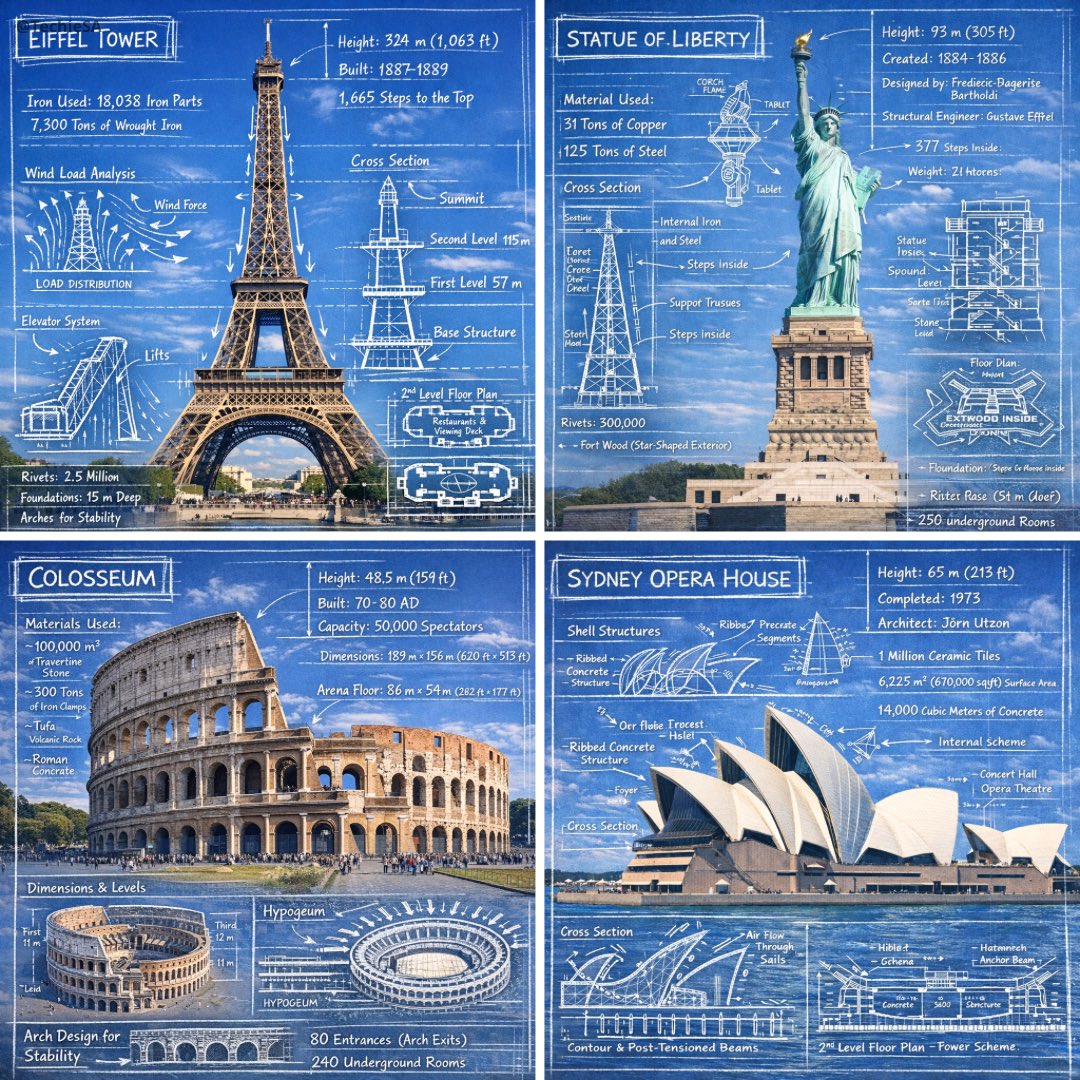
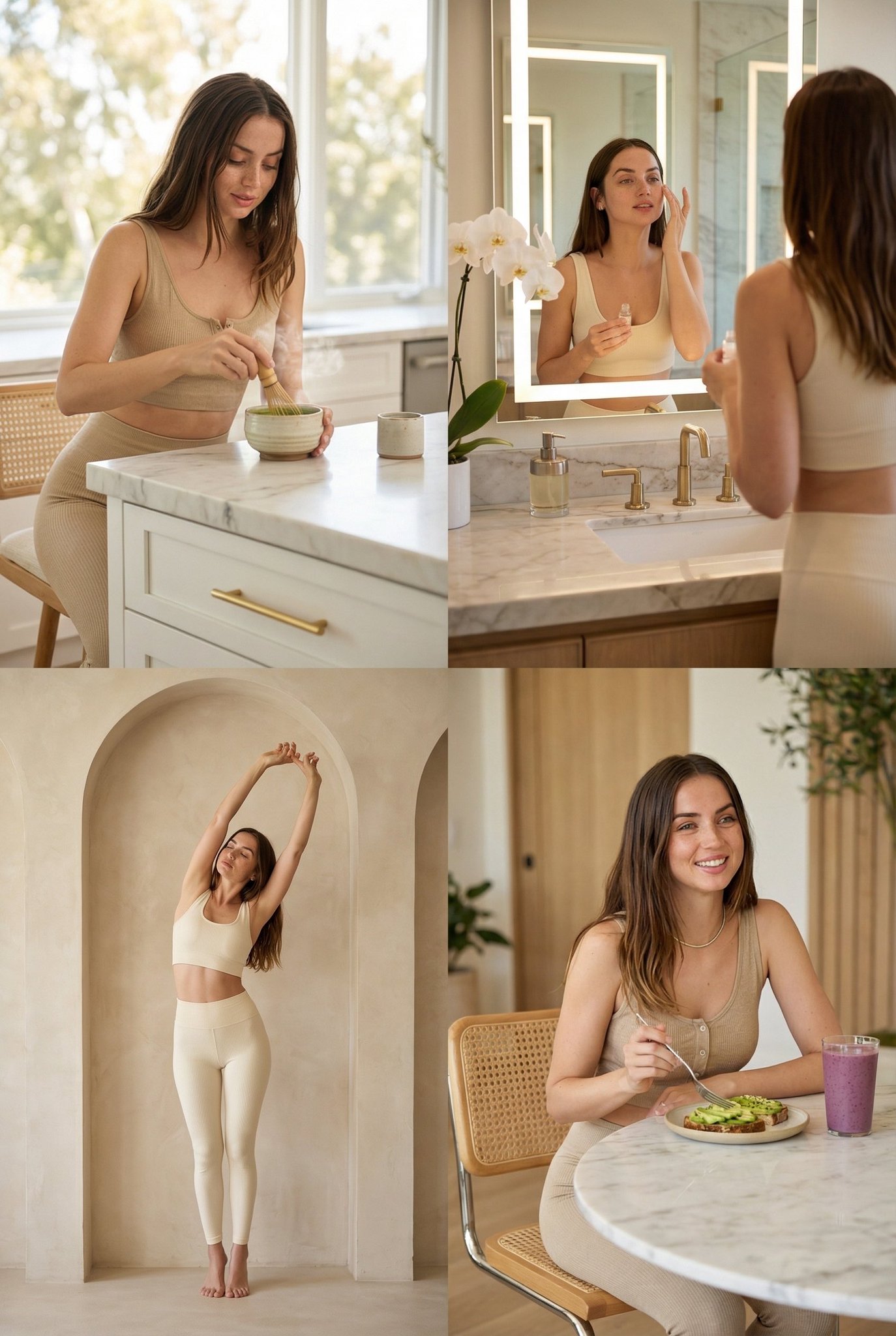
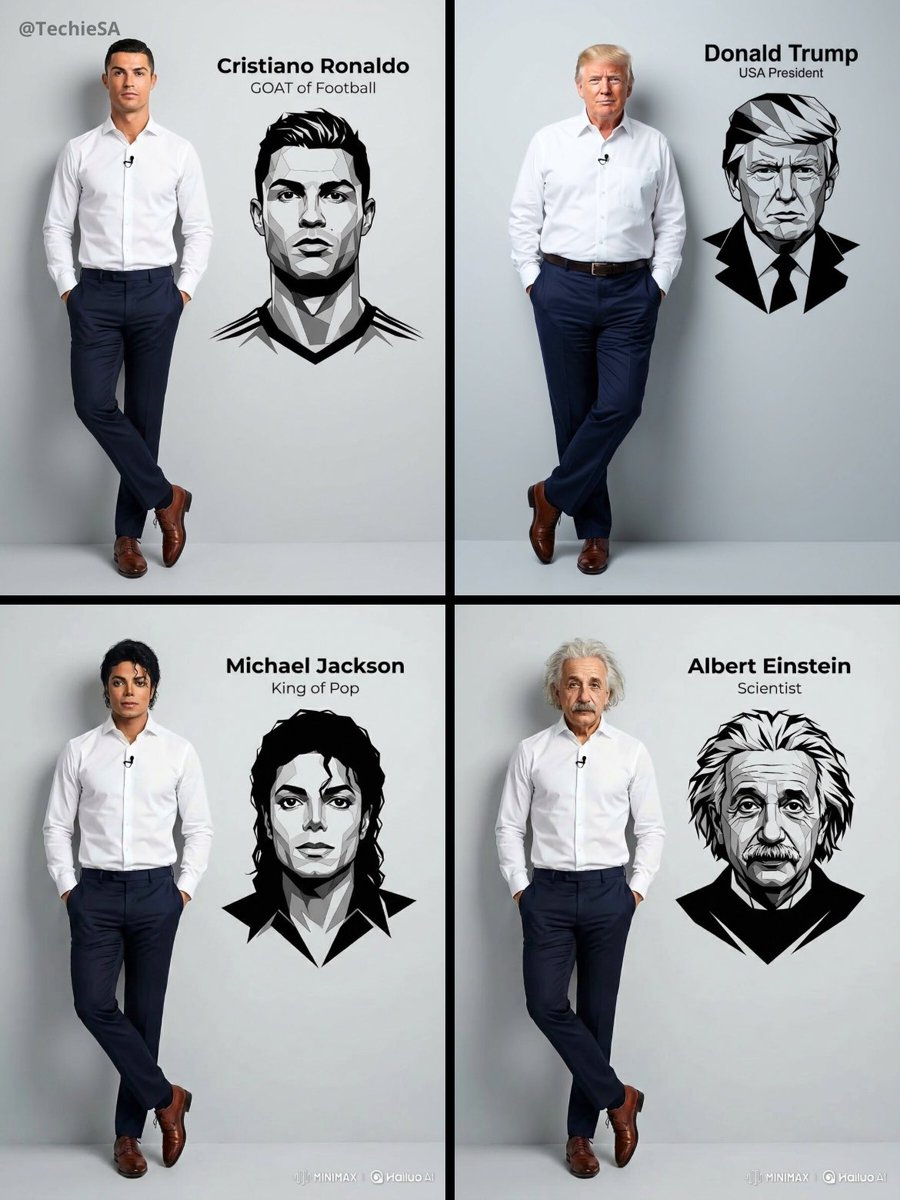
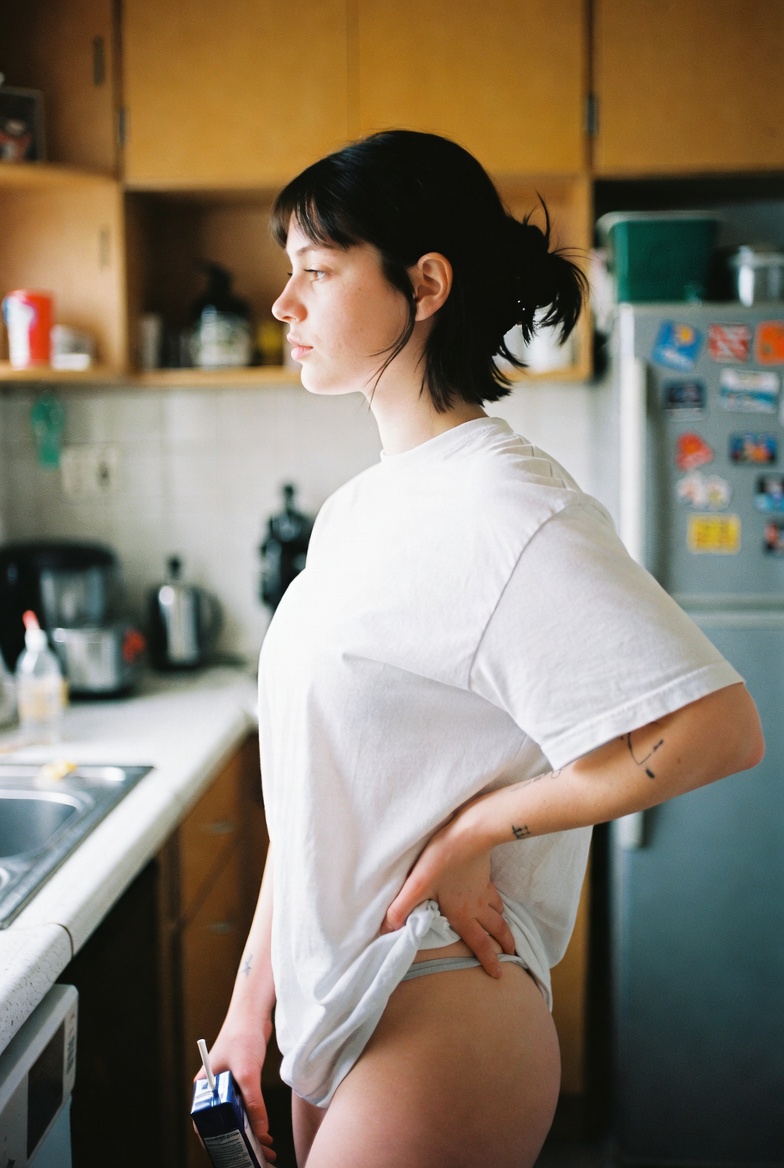
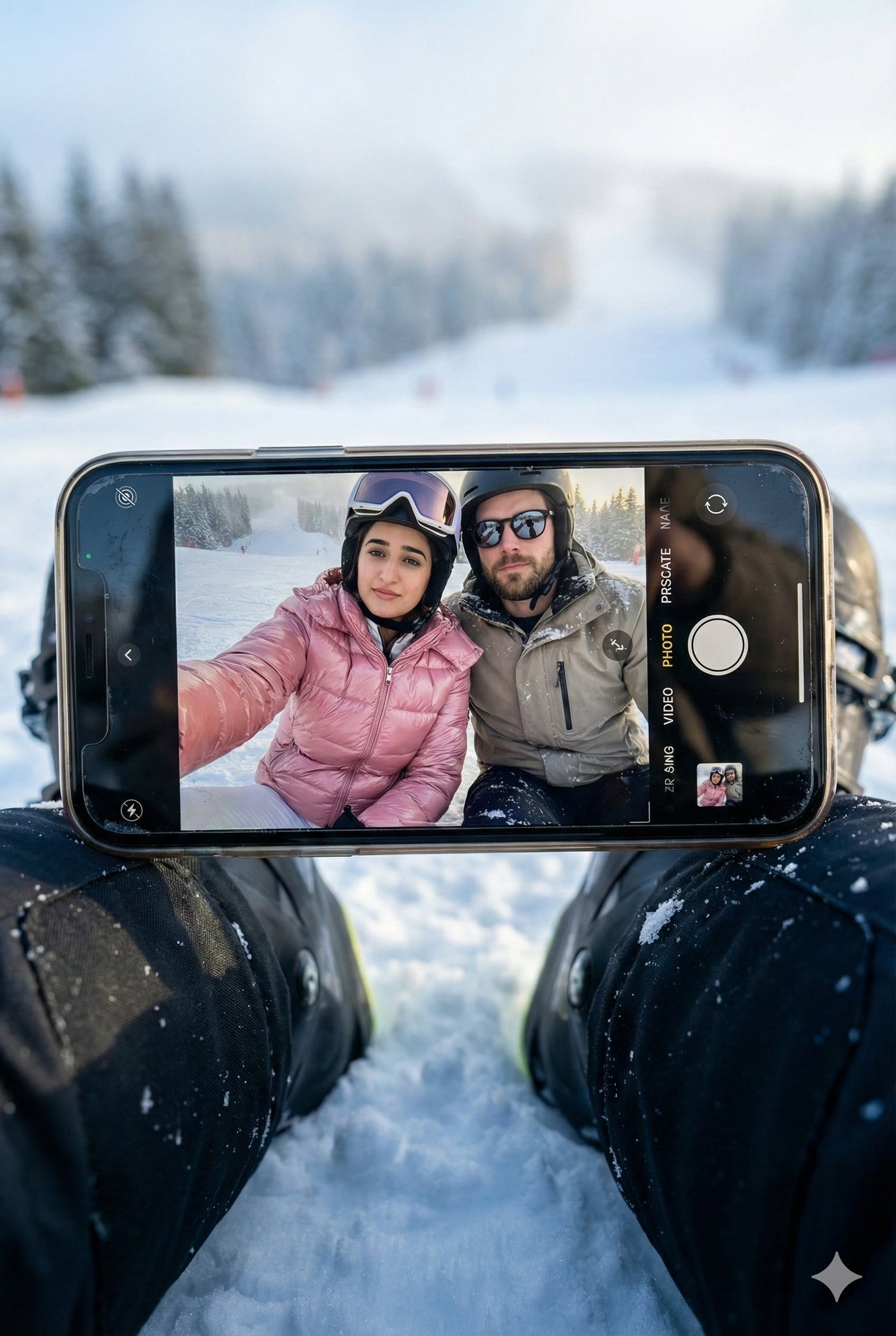
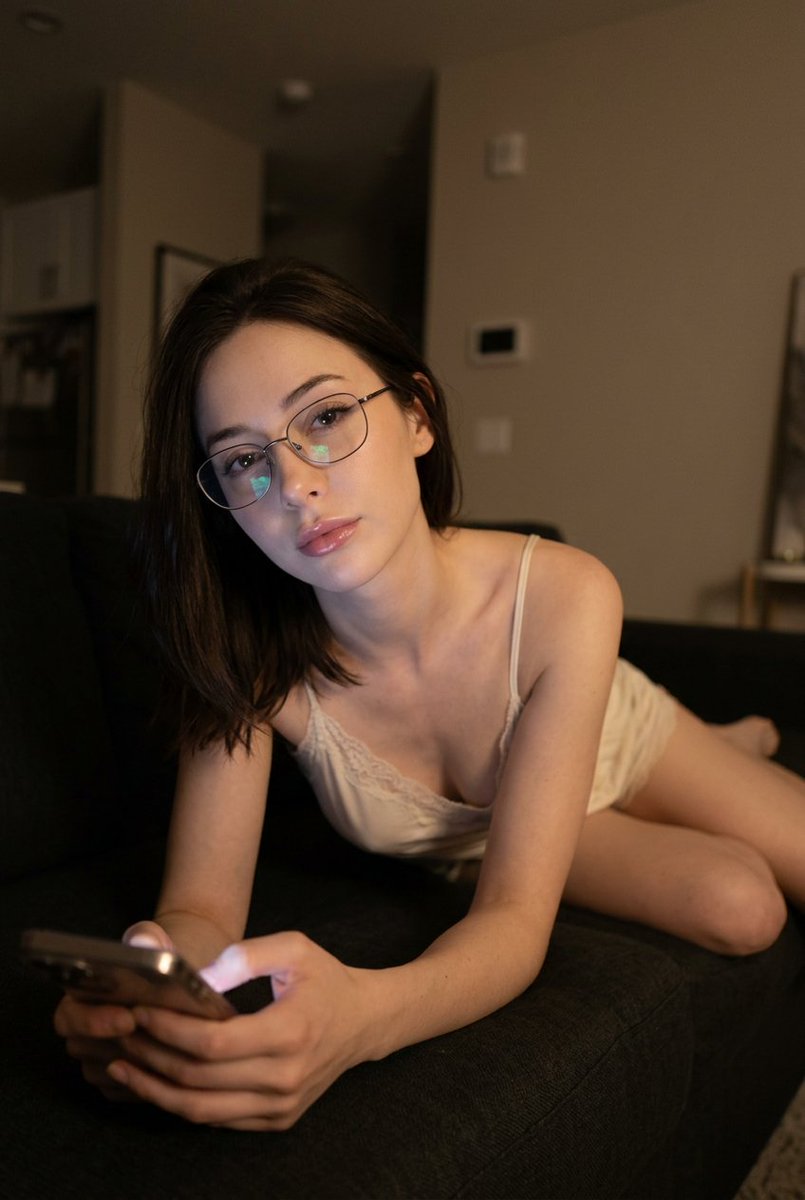
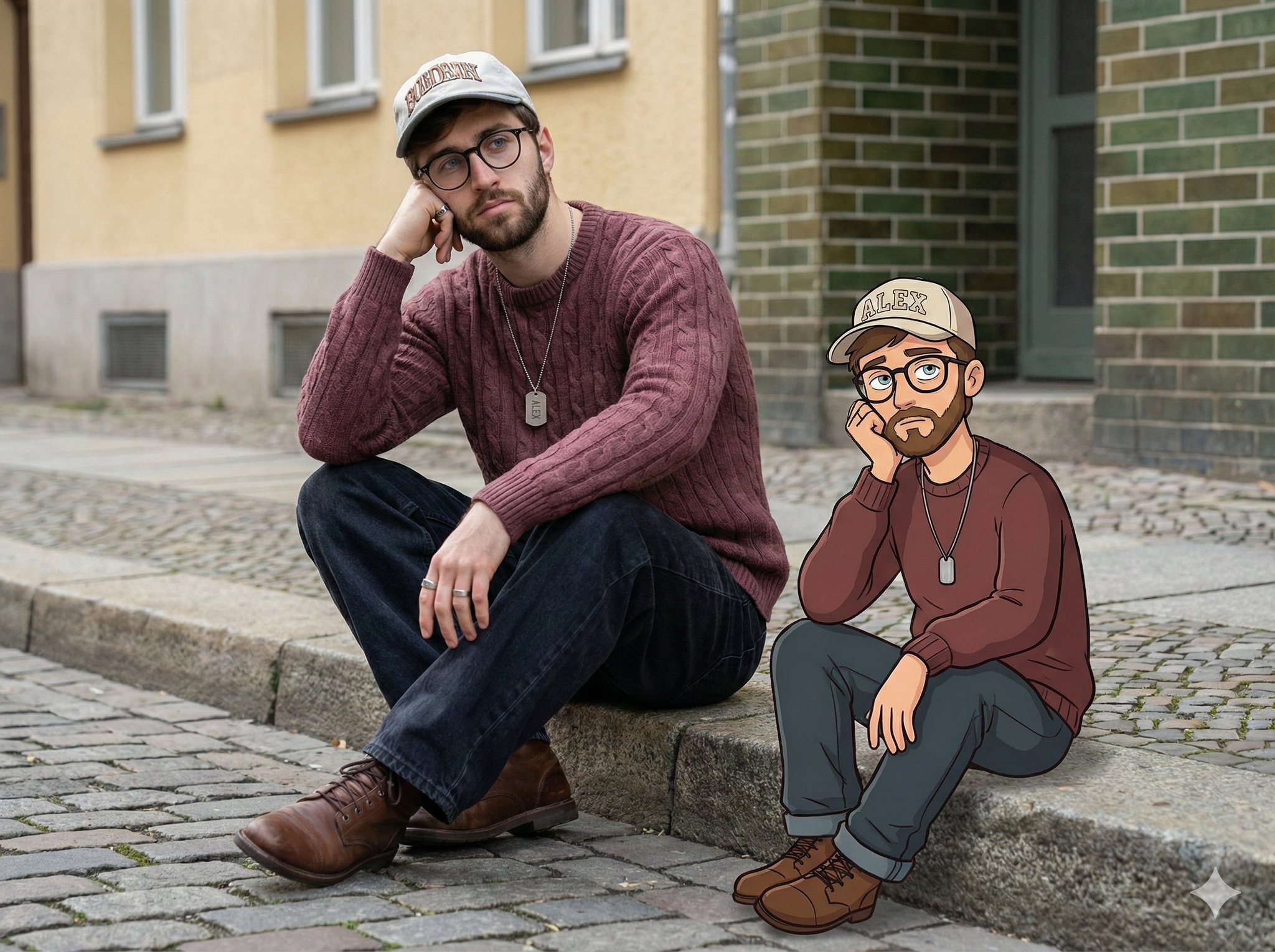
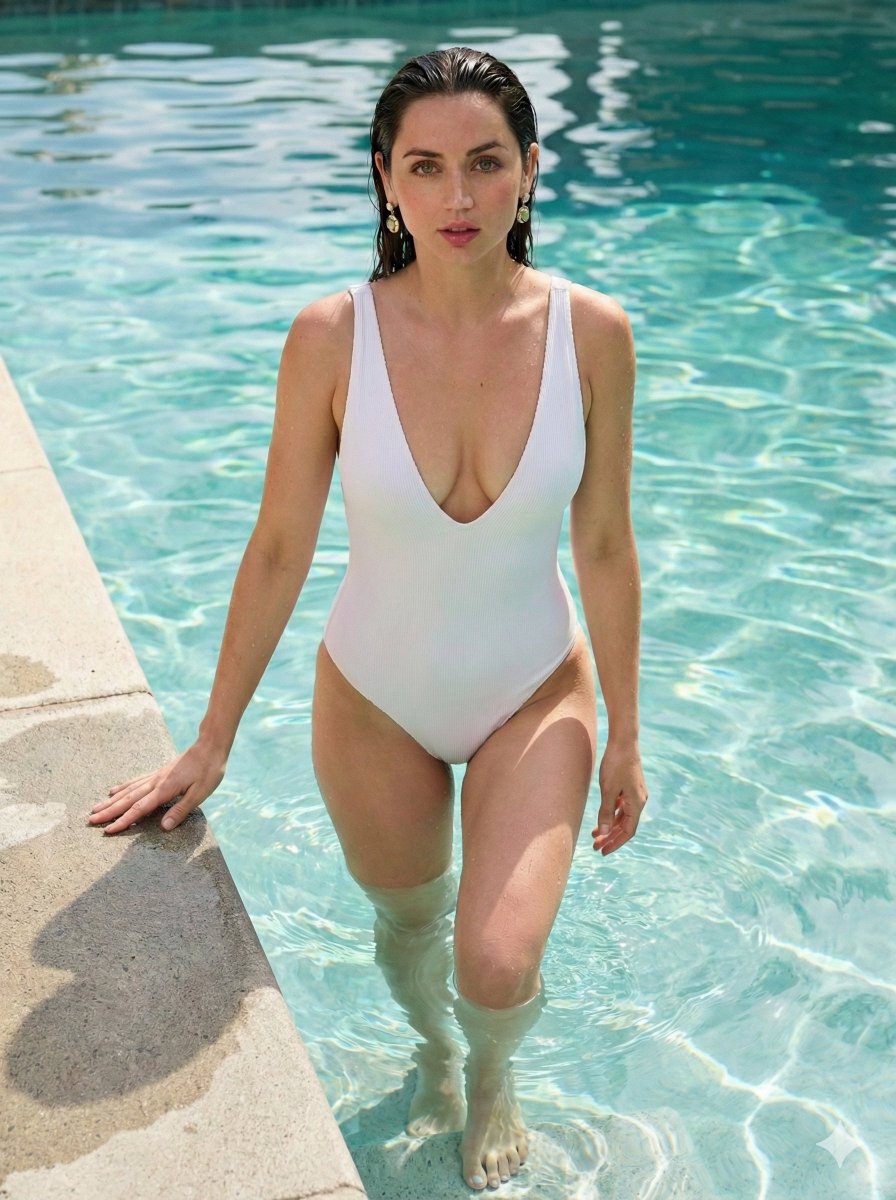
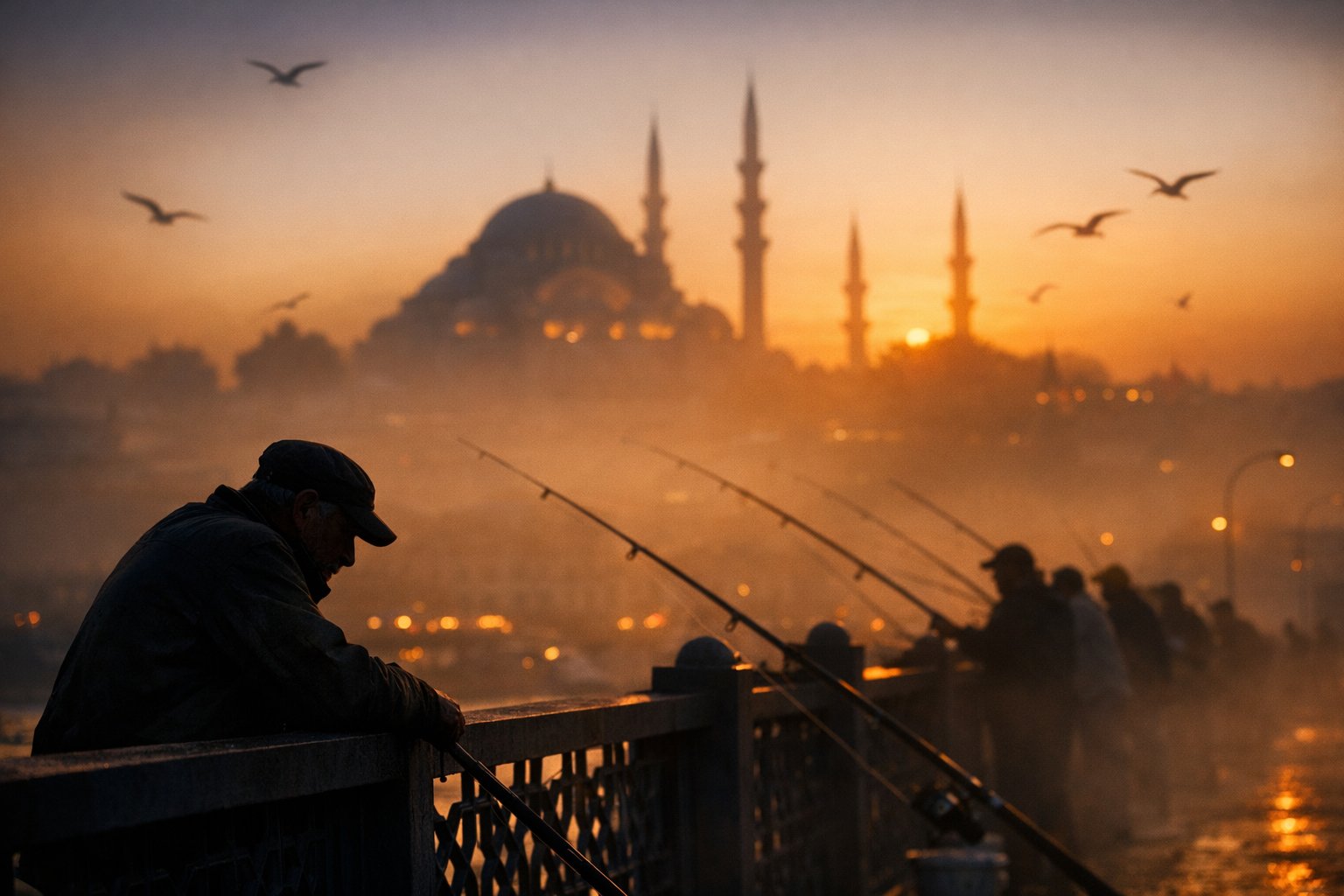
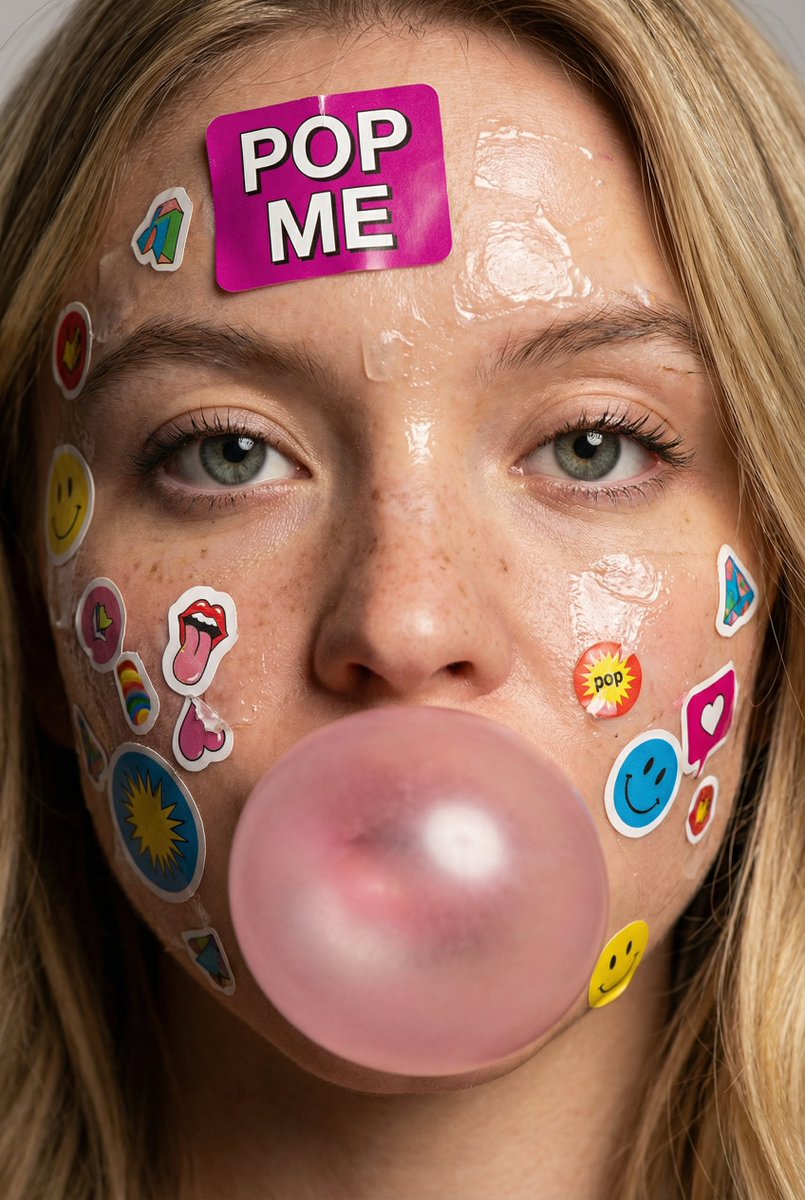
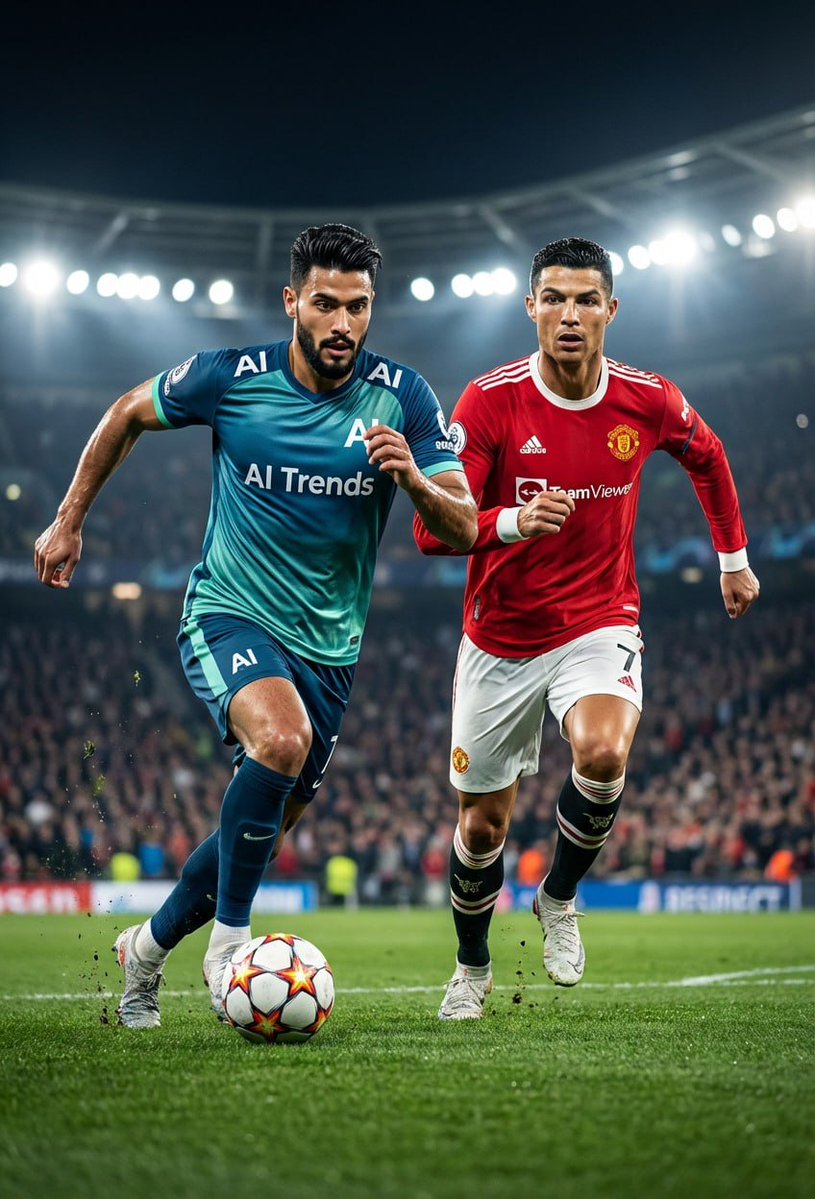
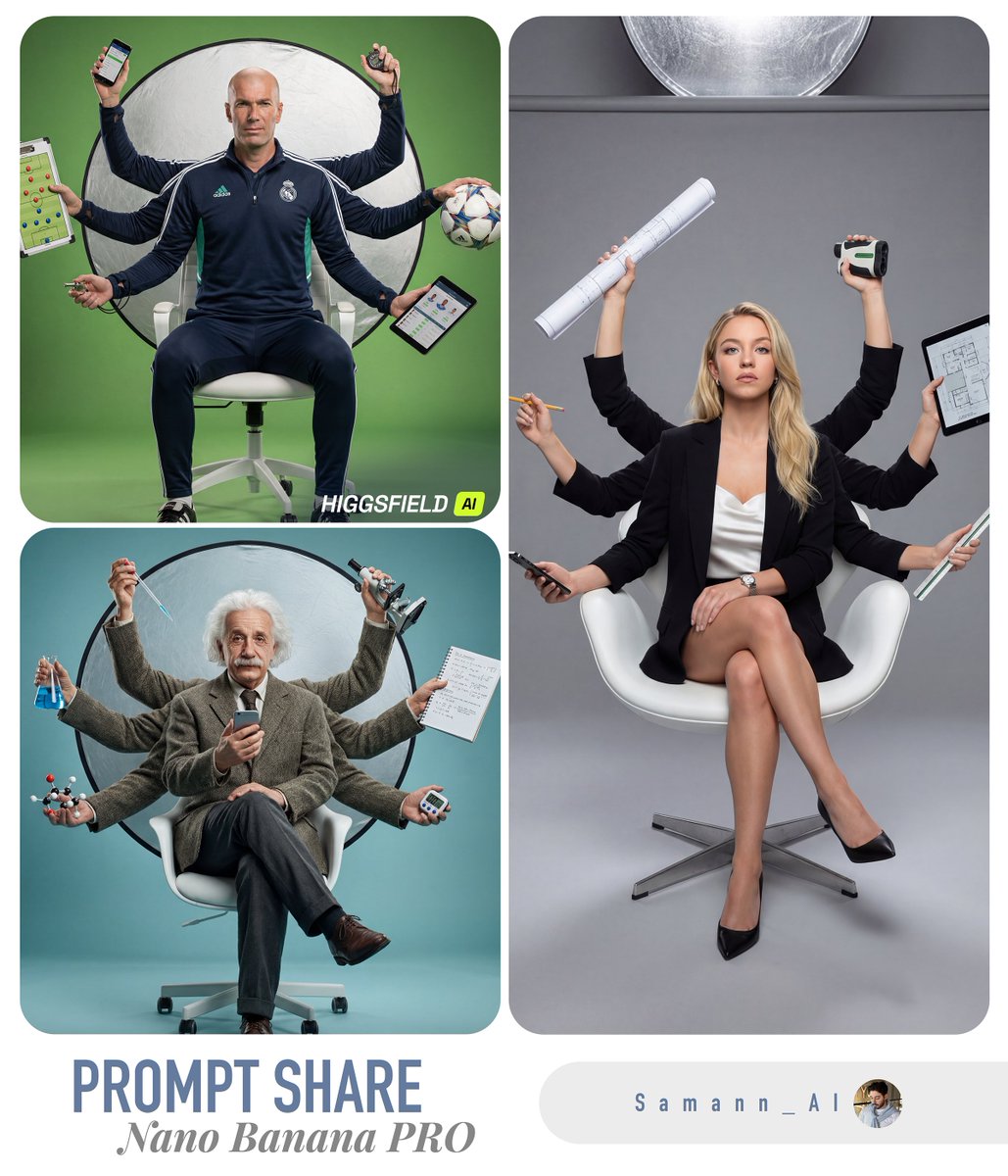
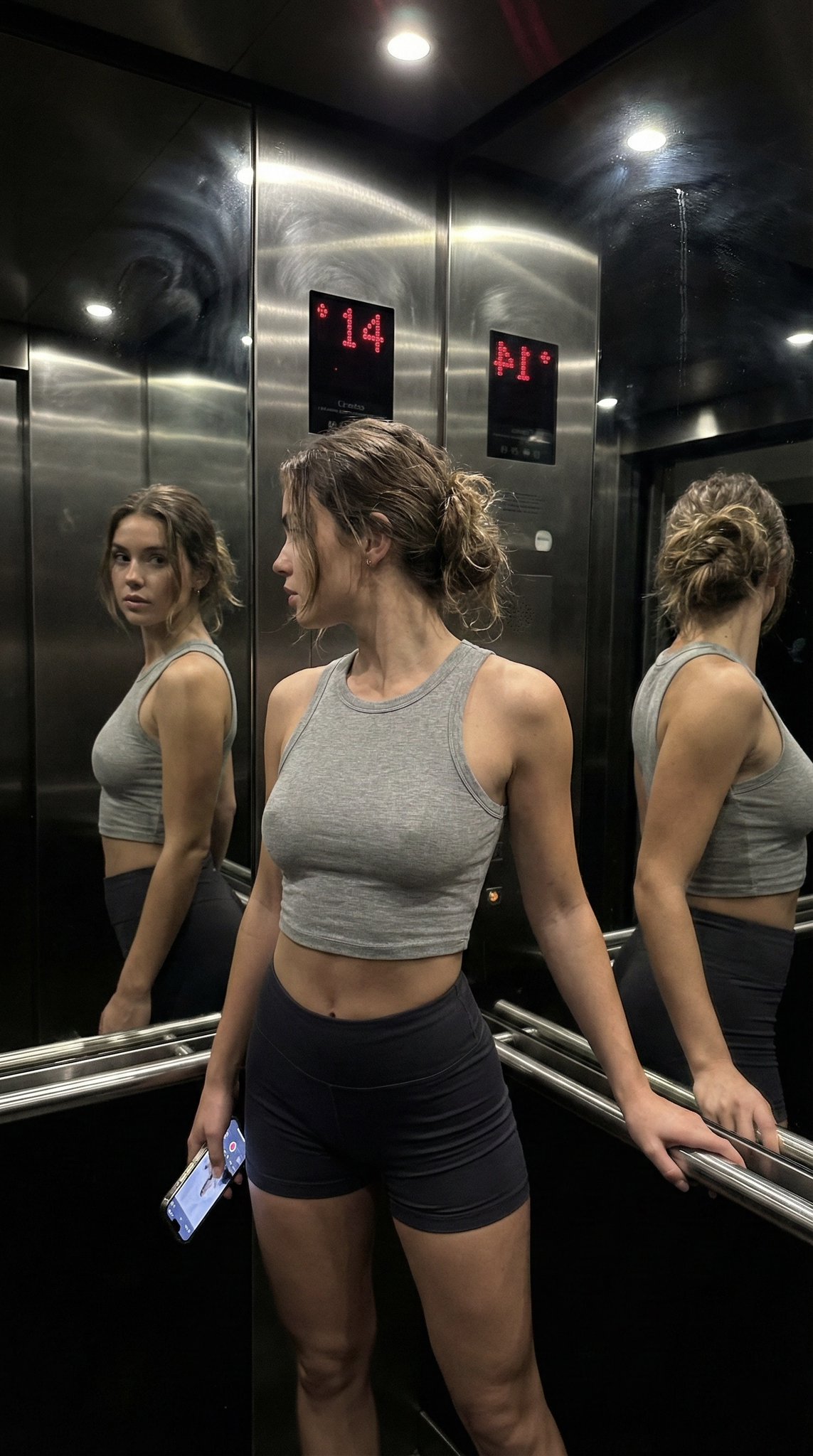
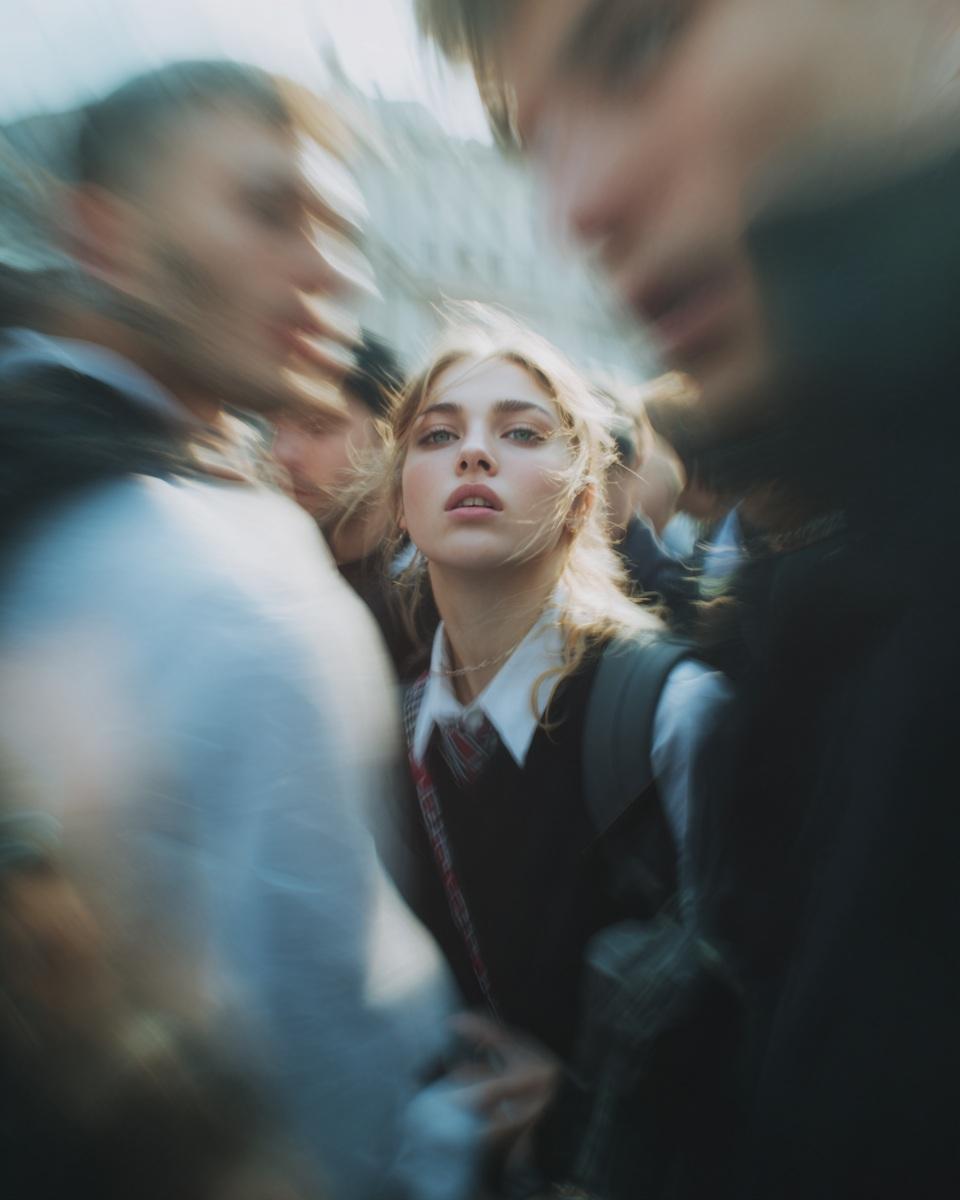
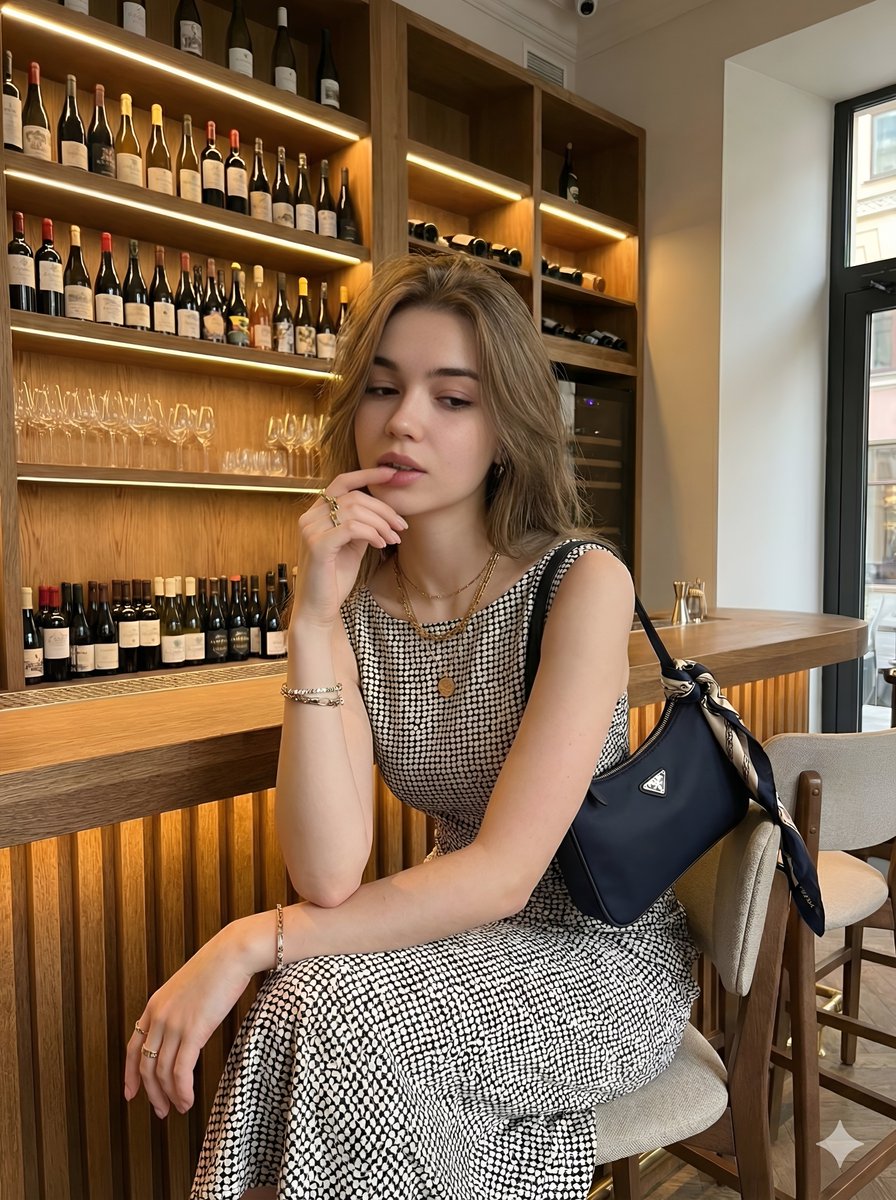
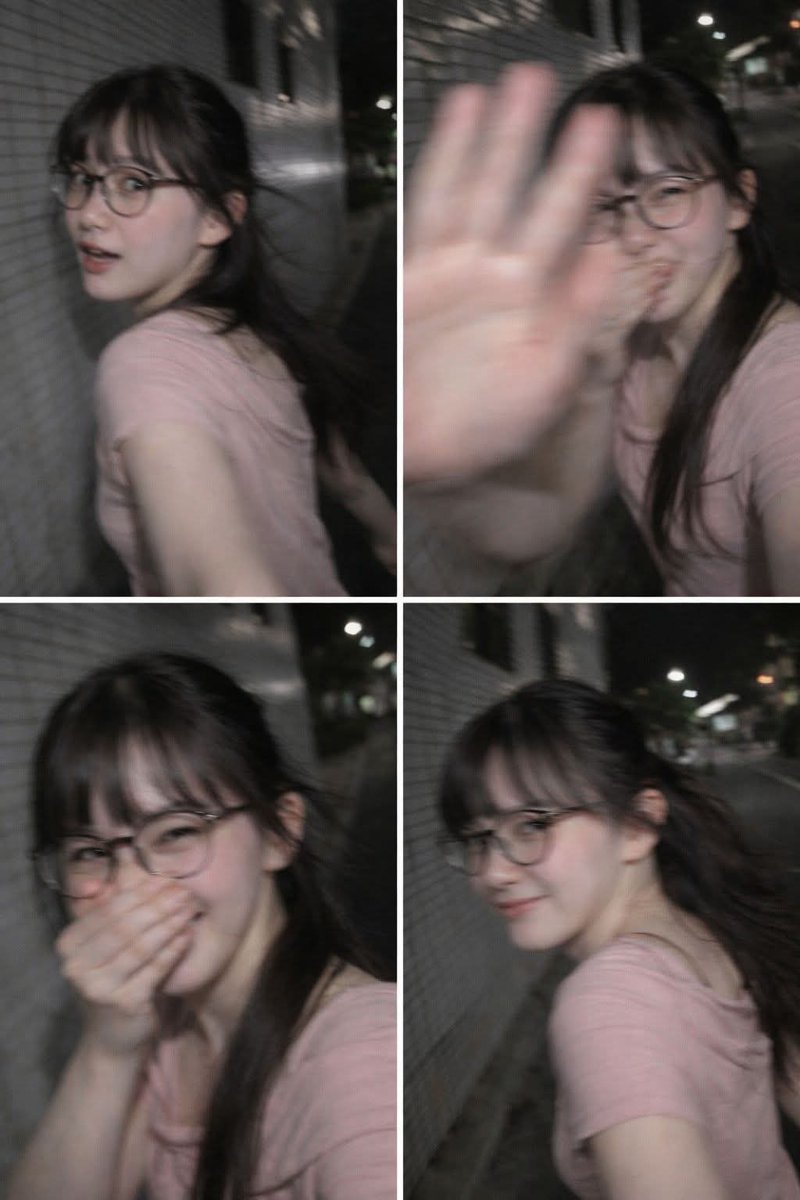
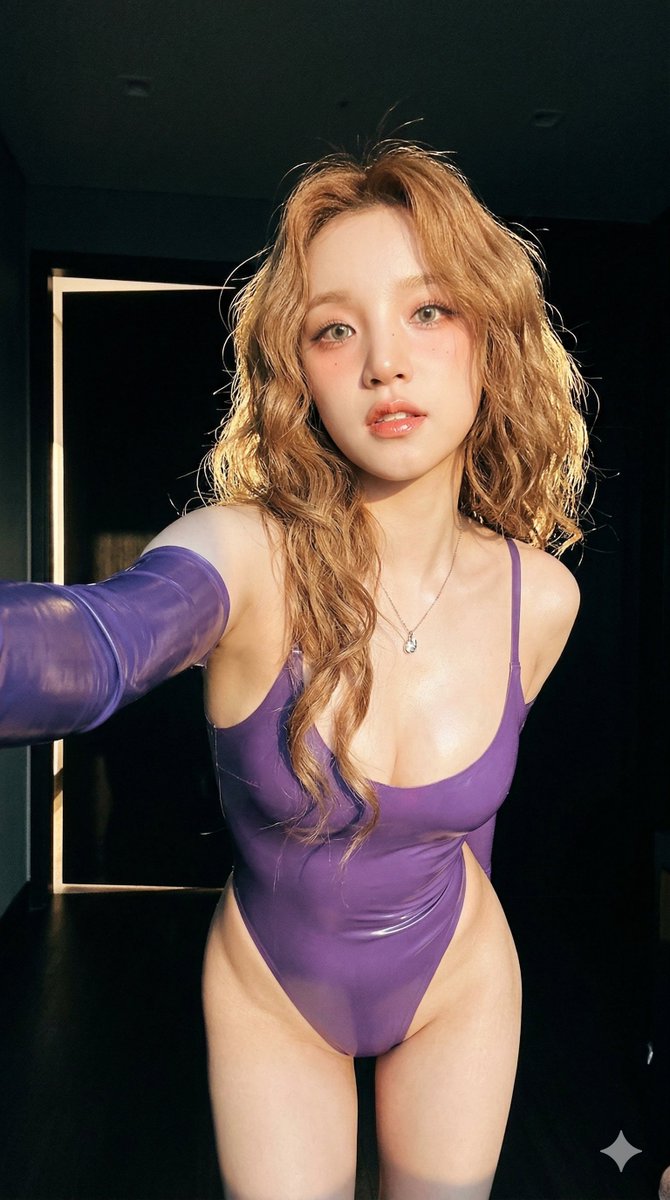
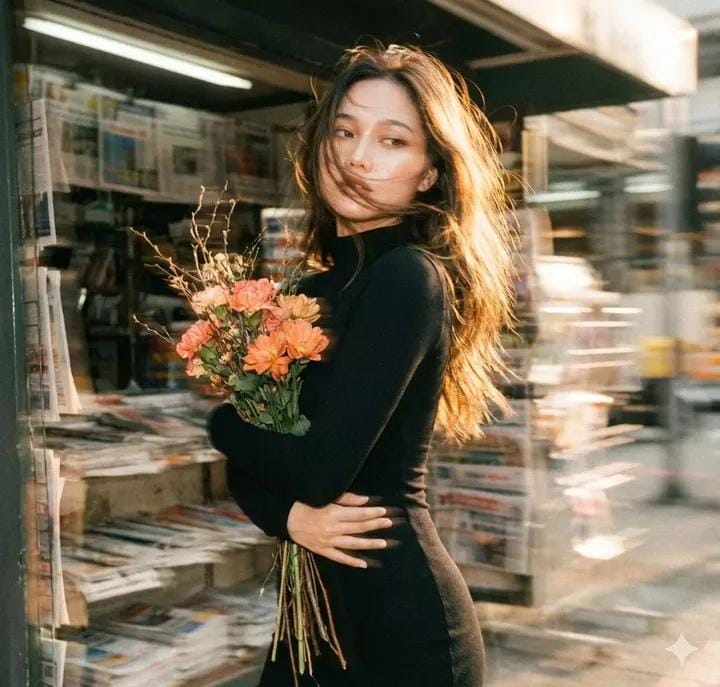
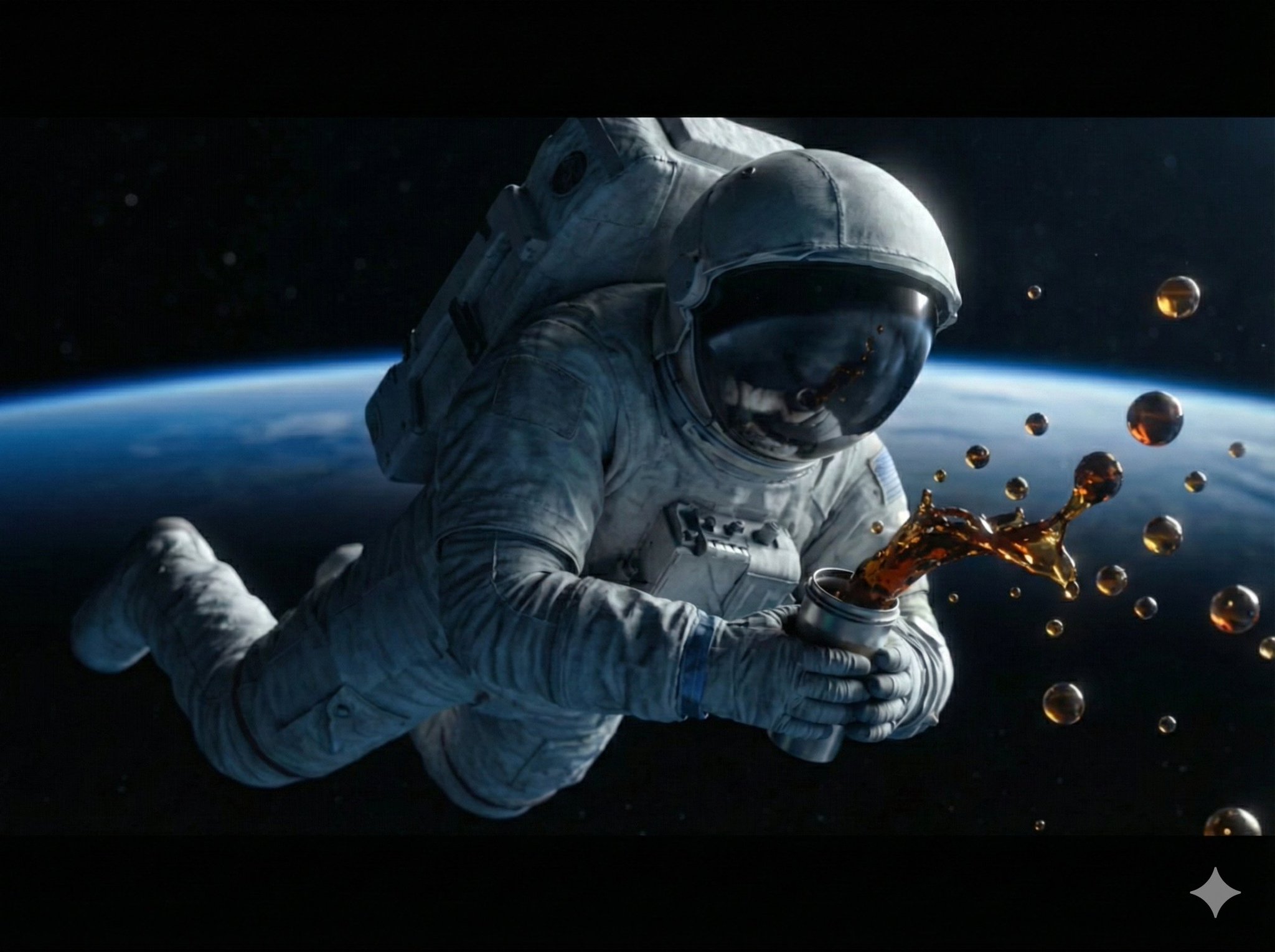
Portrait concepts
Create headshots, editorial portraits, creator profile visuals, character references, and campaign-ready people photography.
Write photo prompts with better subject direction, camera language, lens cues, lighting, environment, mood, and editorial intent for realistic and cinematic image generation.
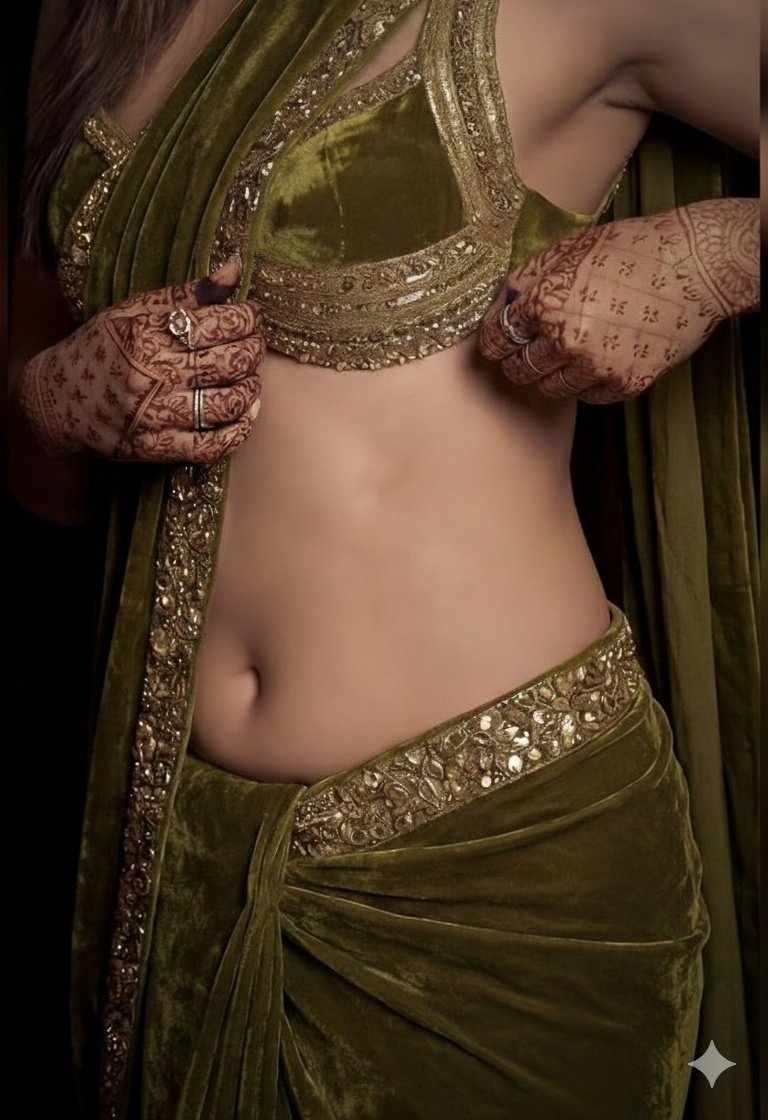
Prompt examples
These AI photography prompts come from the prompt gallery. Copy one, adapt the subject and constraints, or open it in the generator to start from a working structure.
Writing guide
Use the guide after browsing examples to understand which details are worth changing before you generate.
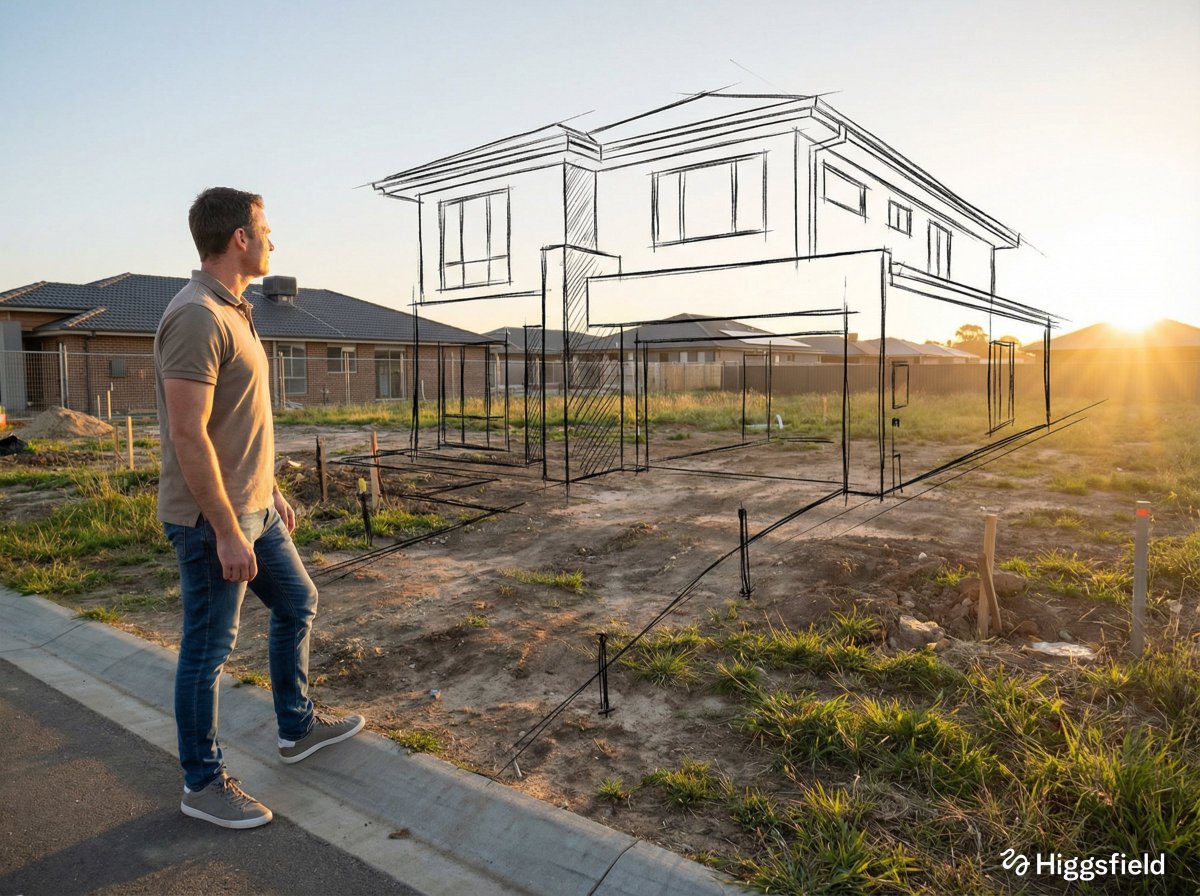
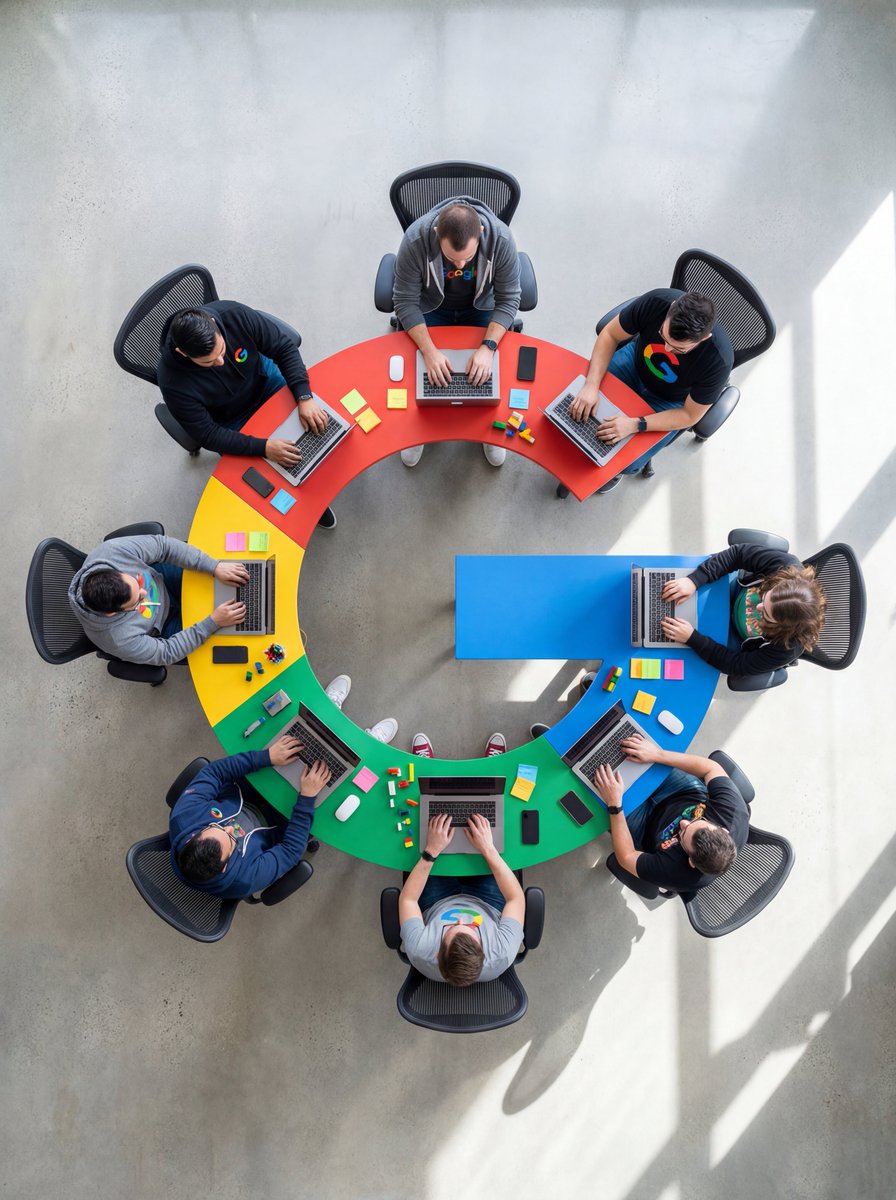
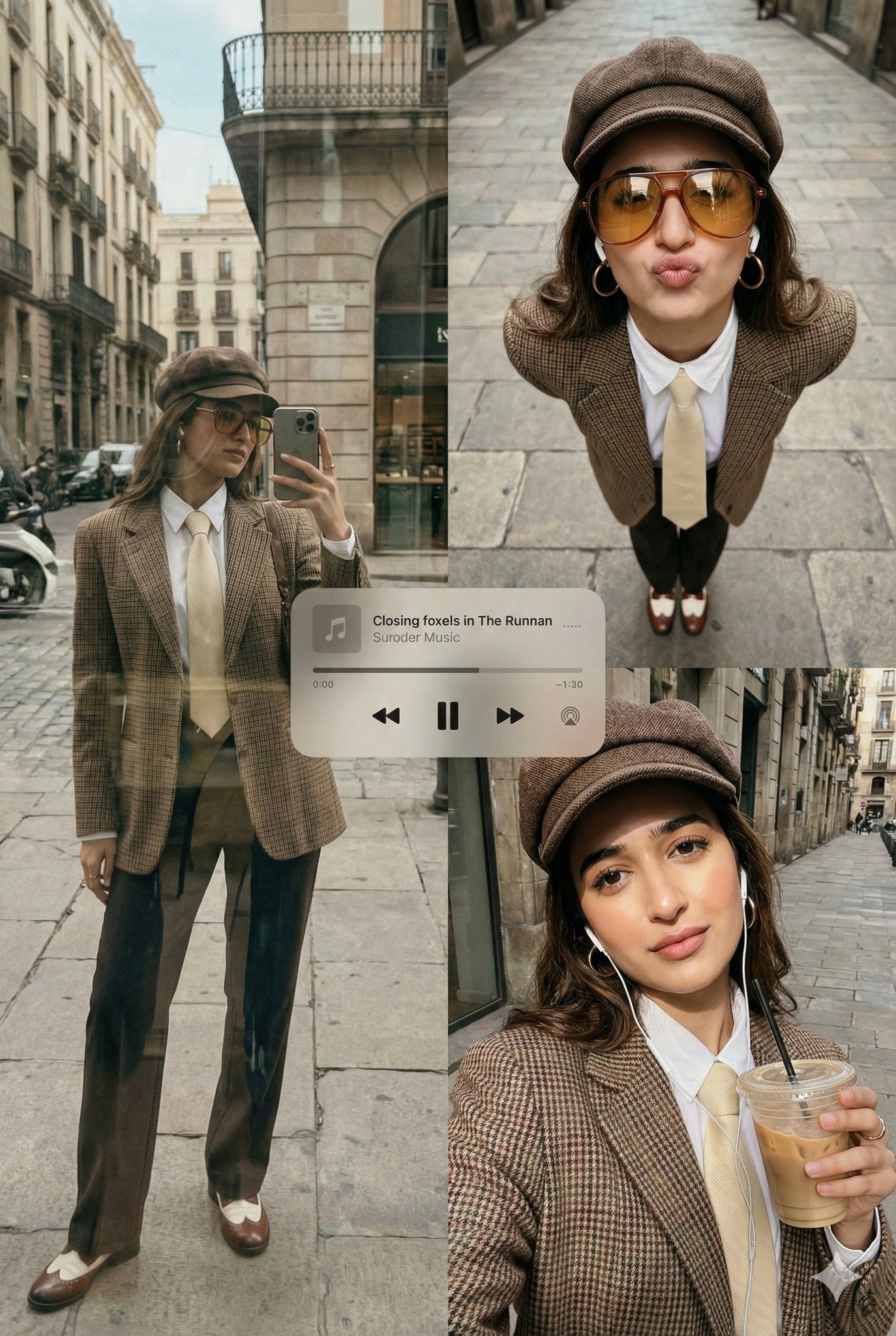
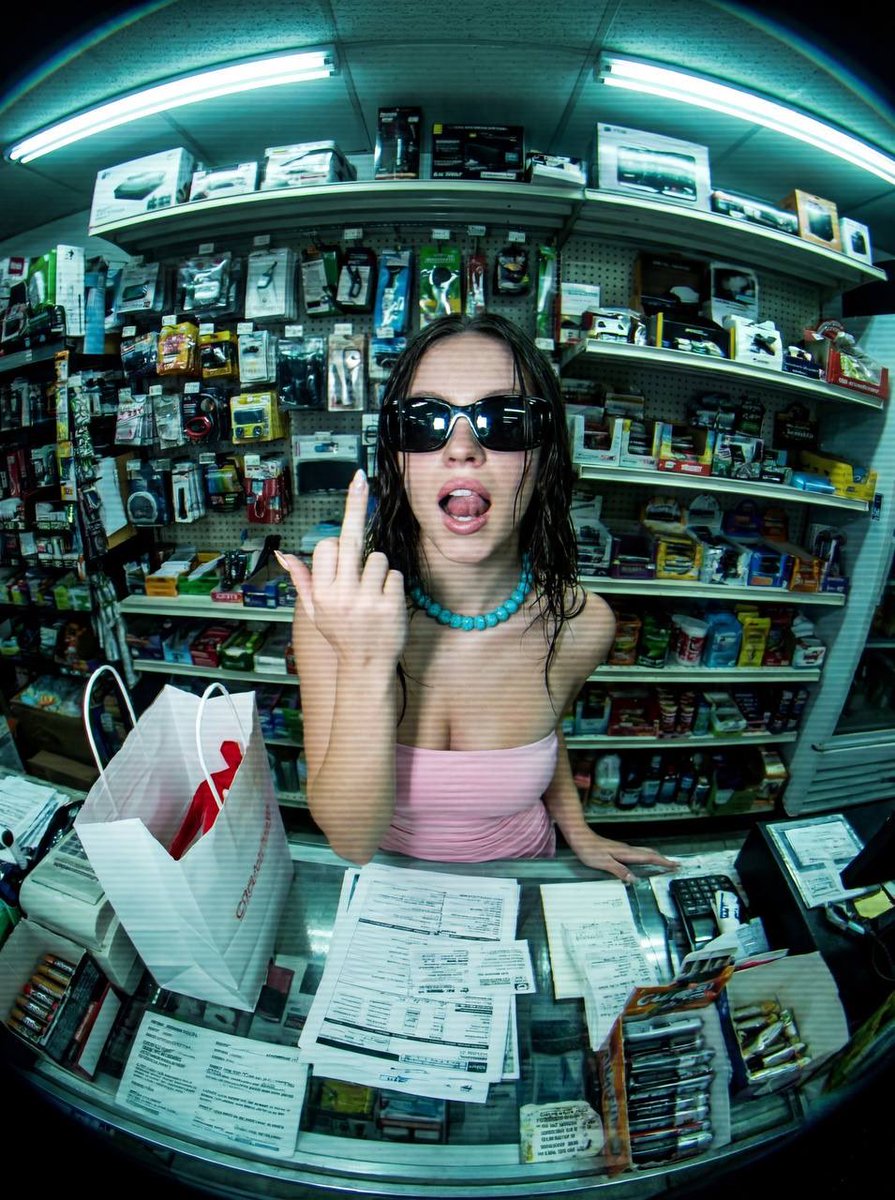
AI photography prompts become much stronger when they borrow language from real photography. Instead of asking for a “beautiful photo,” describe the subject, lens feel, camera angle, lighting setup, environment, wardrobe, expression, depth of field, color grade, and editorial purpose. The more the prompt sounds like a concise shot brief, the more likely the model is to generate an image with believable composition and mood. This is especially important for portraits, lifestyle scenes, cinematic stills, travel images, editorial fashion, street photography, and brand photography.
This page gathers photography prompt examples for creators who want realistic images without guessing which details matter. Use these prompts to learn how camera language affects output: close-up portrait, 35mm environmental shot, wide establishing frame, shallow depth of field, golden hour backlight, hard flash editorial look, soft window light, documentary realism, or cinematic color grading. GPT Image 2 photography prompts can support polished realism, clean framing, and commercial image direction. Nano Banana can be useful for fast mood experiments, stylized portraits, and playful photo concepts.
The best AI photo prompts keep the scene grounded. They avoid stacking too many styles and instead focus on one believable photographic situation. For example, a realistic editorial portrait prompt might define one person, one environment, one lighting source, one lens feel, and one emotional tone. A cinematic prompt might emphasize blocking, atmosphere, camera distance, color contrast, and film still composition. A lifestyle prompt might focus on natural action, believable props, soft imperfections, and a clear use case for marketing or social content.
Use this sequence as a reusable prompt pattern. Replace the scene details, keep the order, and tighten the constraints after the first generation.
Define who or what appears in the image, what they are doing, and the emotional state or story moment the photograph should capture.
Add close-up, medium shot, wide shot, 35mm, 50mm portrait feel, overhead, low angle, shallow depth of field, or documentary framing.
Use real lighting terms like golden hour, soft window light, hard flash, overcast daylight, neon rim light, studio key light, or practical lamp glow.
Describe location, wardrobe, props, season, texture, color palette, and whether the scene feels editorial, candid, commercial, or cinematic.
Specify realistic skin texture, natural imperfections, film grain, clean commercial finish, atmospheric depth, or social-ready composition.
Use cases
Use the scene as a creative brief. The more clearly the prompt names the output job, the easier it is to refine the generated image.
Create headshots, editorial portraits, creator profile visuals, character references, and campaign-ready people photography.
Generate realistic scenes for apps, services, wellness brands, travel, education, food, retail, and social campaigns.
Explore film-like frames, atmospheric scenes, dramatic lighting, visual storytelling, and mood boards.
Build art direction for wardrobe, styling, location, poses, and publication-style imagery.
Practical tips
Pick one photographic style per prompt. Mixing documentary, luxury studio, cinematic noir, and street style at once can confuse the output.
Use camera distance and lens feel to control composition before adding mood words.
For realistic portraits, mention natural skin texture, believable expression, and soft imperfections.
For cinematic images, describe the scene like a still from a film: blocking, light source, environment, and color contrast.
If an output looks too artificial, reduce style adjectives and add concrete physical details.
Related scenes
Scene pages are connected intentionally so you can move from one creative job to the next without returning to a blank prompt box.
Create polished product scenes, ecommerce photos, launch visuals, and brand-led ad concepts with prompts that describe the product, surface, lighting, camera angle, and commercial context.
Explore sceneCreate appetizing food, drink, recipe, cafe, restaurant, and menu images with prompts that control plating, texture, lighting, surface, steam, garnish, and brand mood.
Explore sceneBuild poster concepts with stronger composition, hierarchy, mood, typography direction, and campaign intent by starting from prompt patterns made for visual communication.
Explore sceneFAQ
Include subject, action, camera framing, lens feel, lighting, location, styling, mood, and output constraints. These details make the image feel like a directed photo instead of a generic render.
Use a specific person description, natural expression, realistic skin texture, clear lighting, one environment, and a camera distance such as close-up or medium portrait.
Yes. Add campaign context, brand mood, platform format, and any needed negative space. For final commercial work, review rights, likeness concerns, and brand accuracy.
Photography prompts focus on camera language, subject, mood, and realism. Product prompts focus more on product clarity, material, brand context, surfaces, and commercial presentation.
Pick one prompt, replace the product, subject, scene, or style details, then generate a first version. Use the gallery link when you want more examples in this category.