

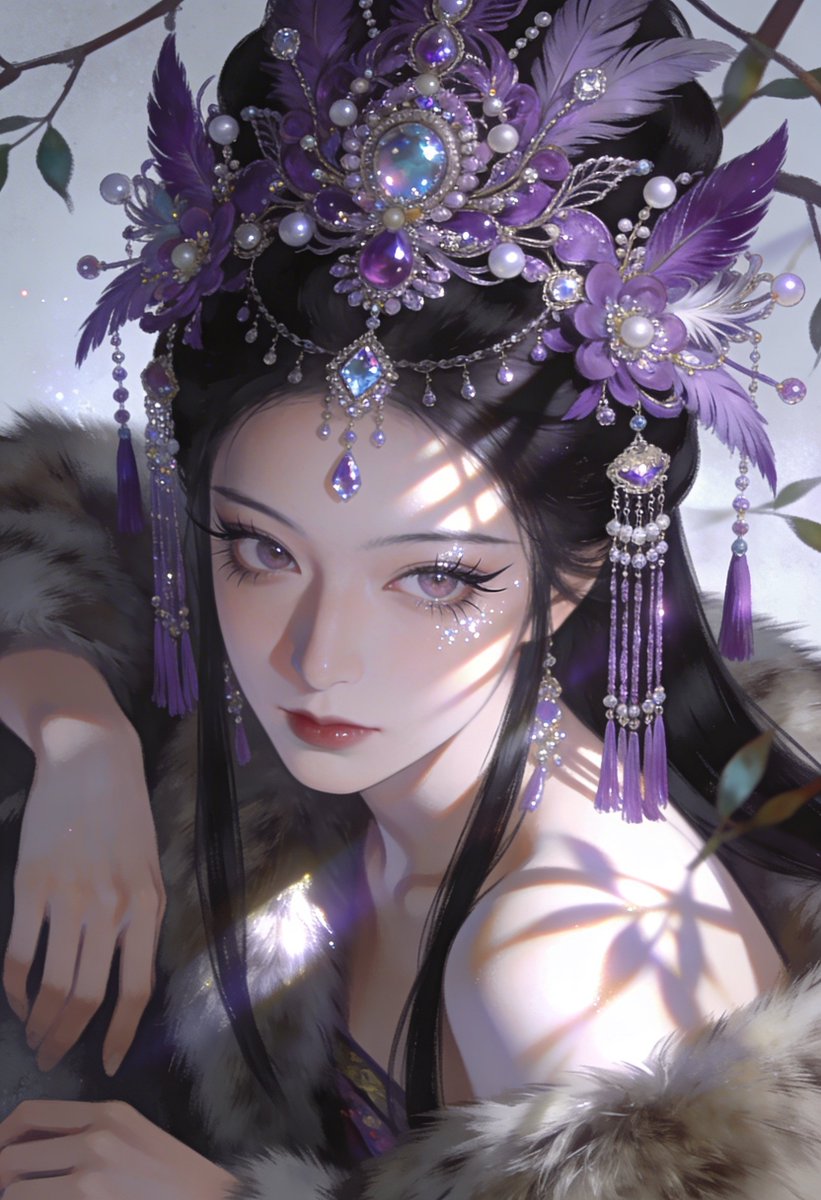
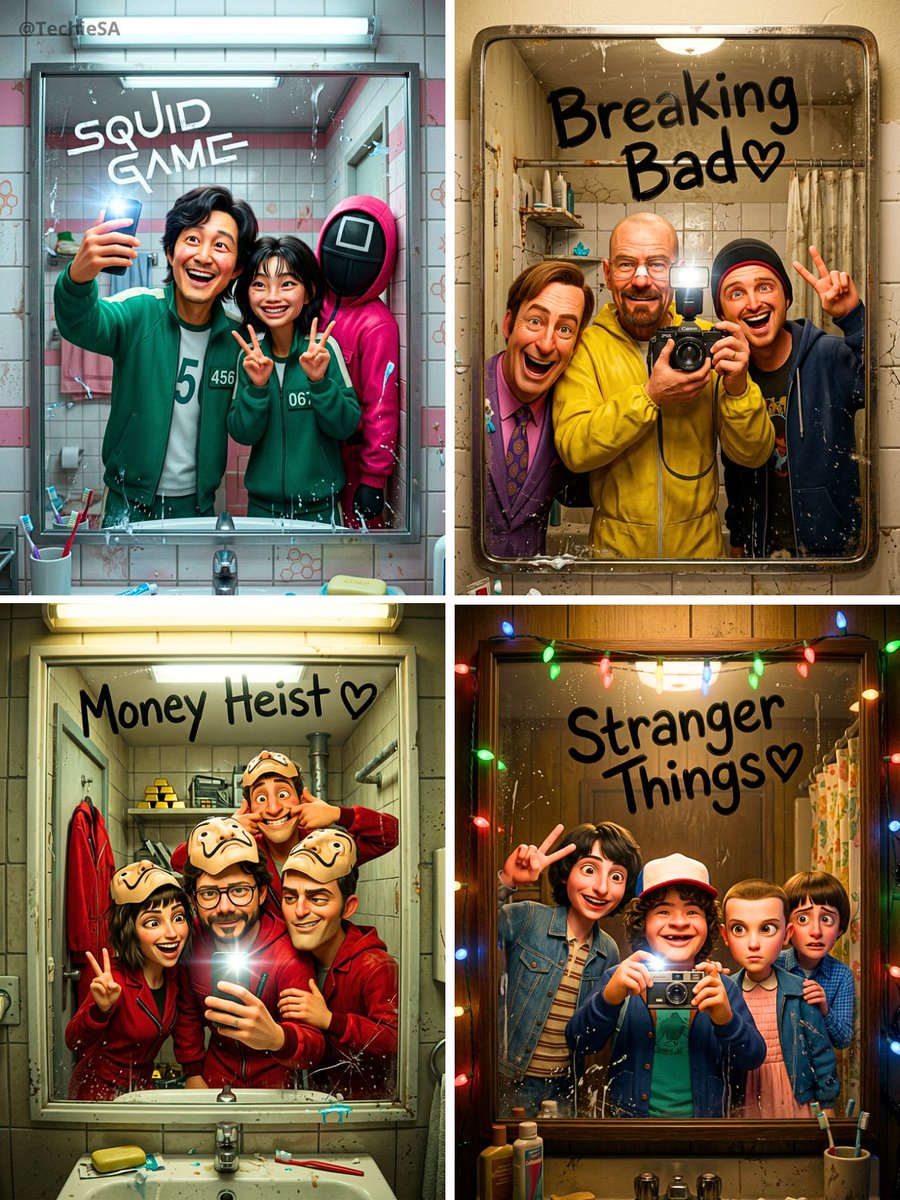
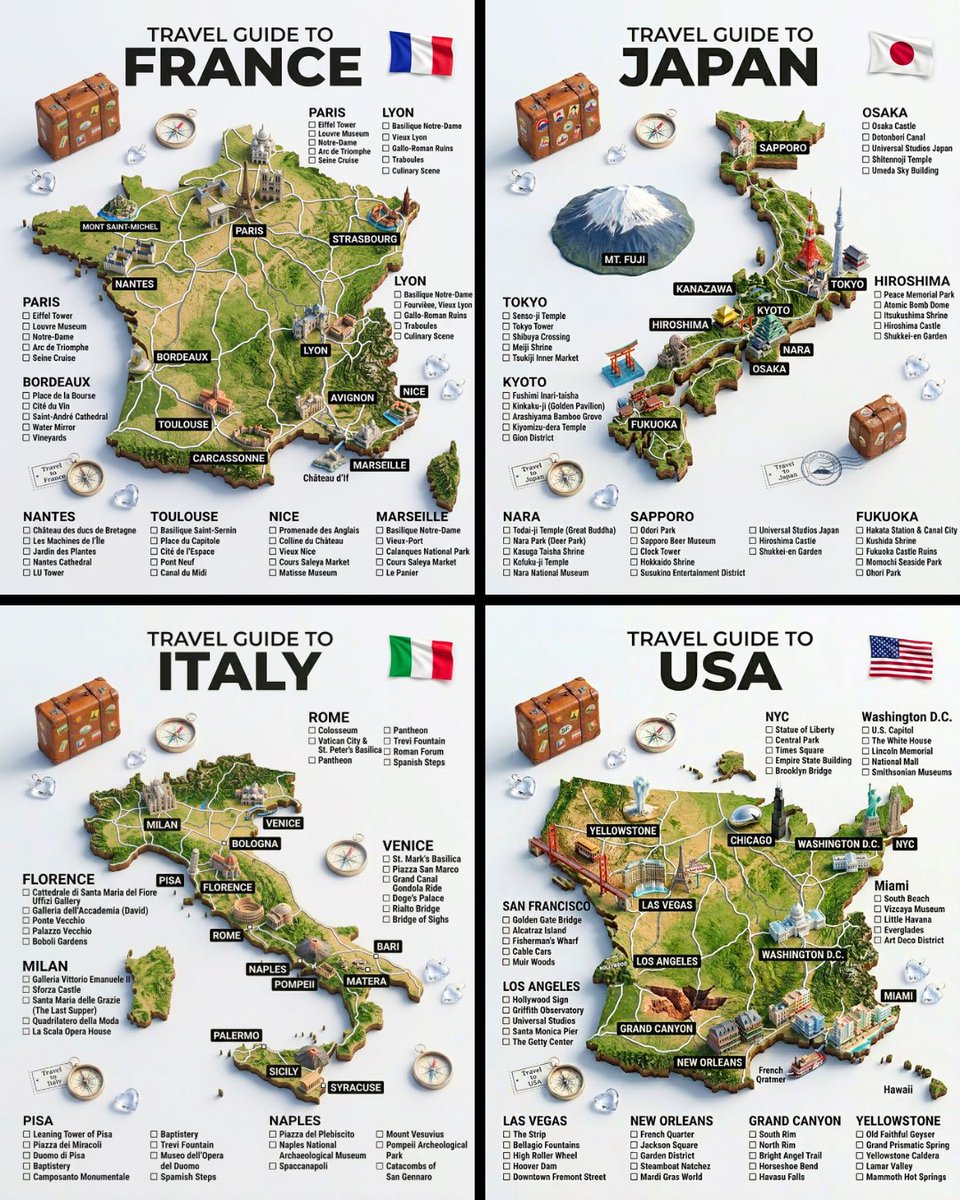
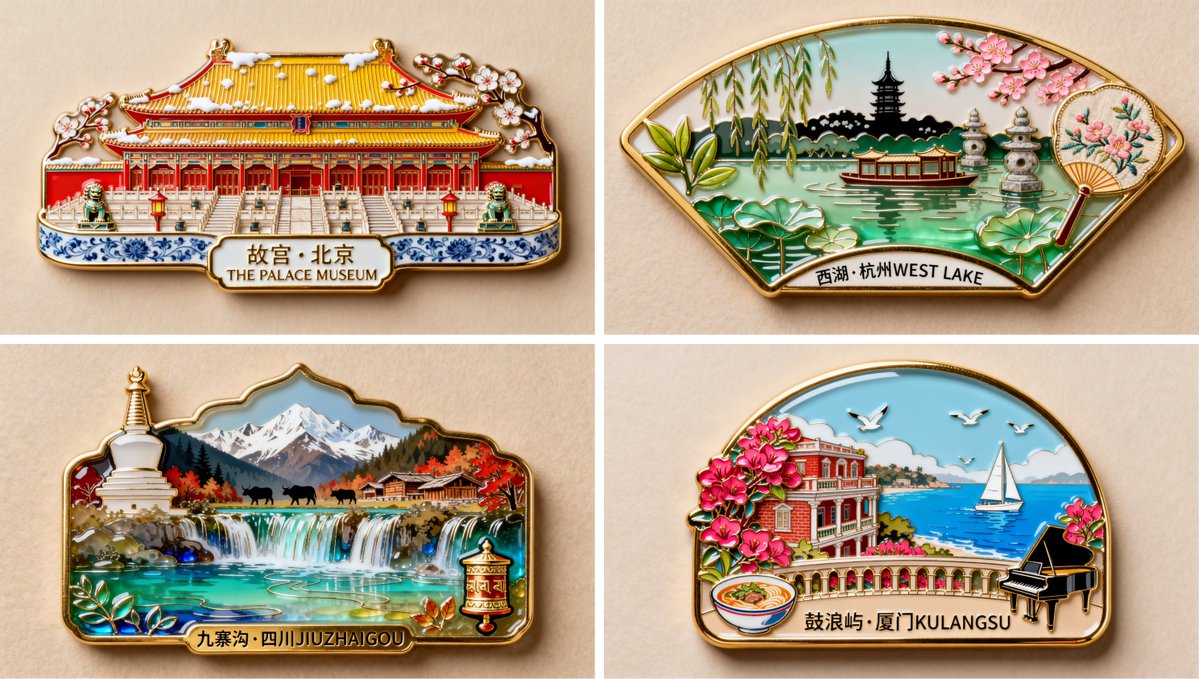
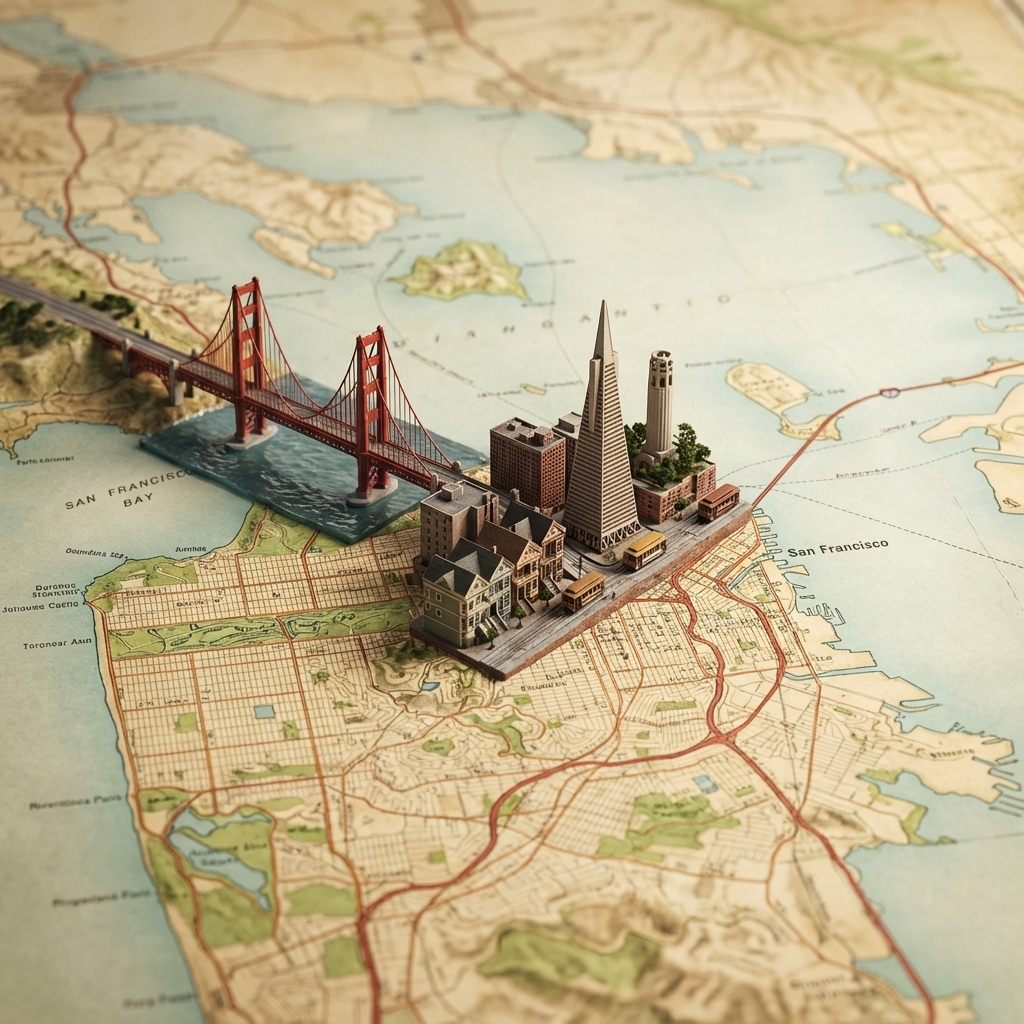
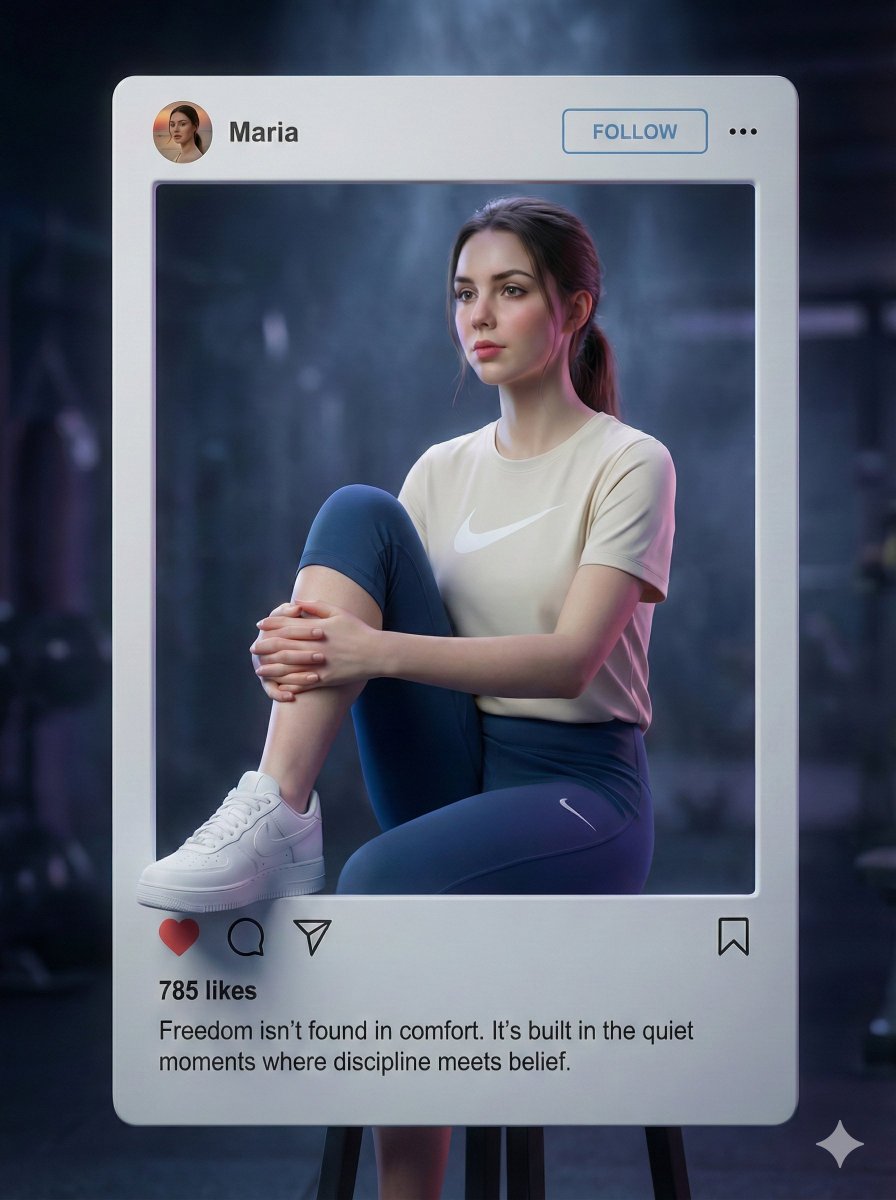
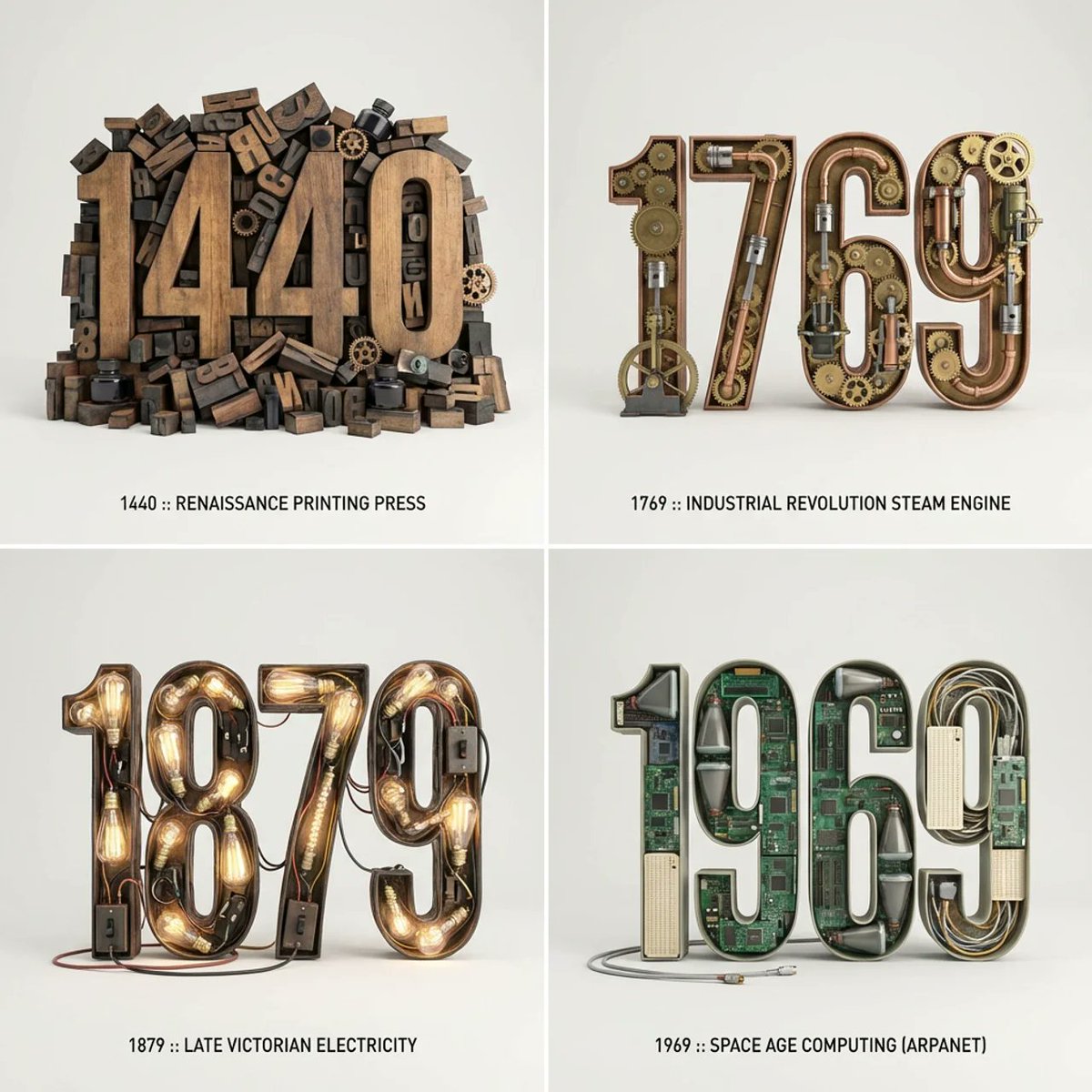
3D icons and app visuals
Create polished icon concepts, feature graphics, product visuals, and consistent object sets for digital products.
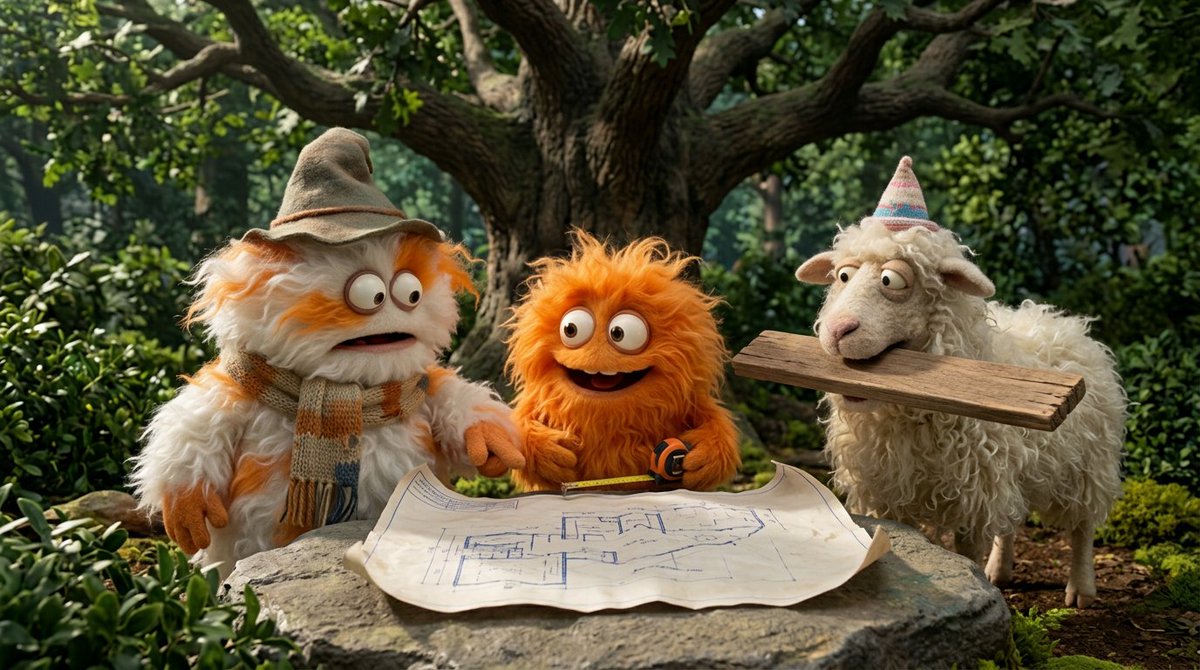
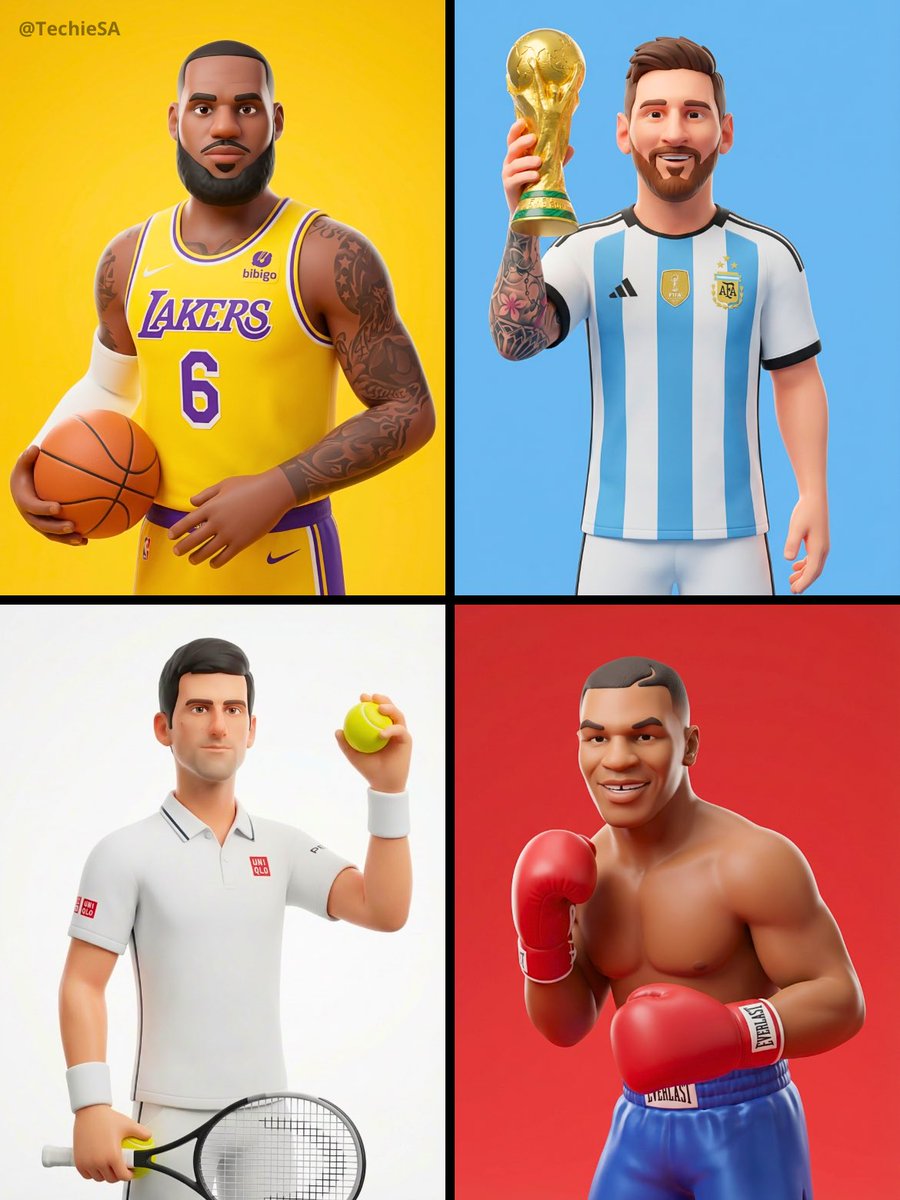
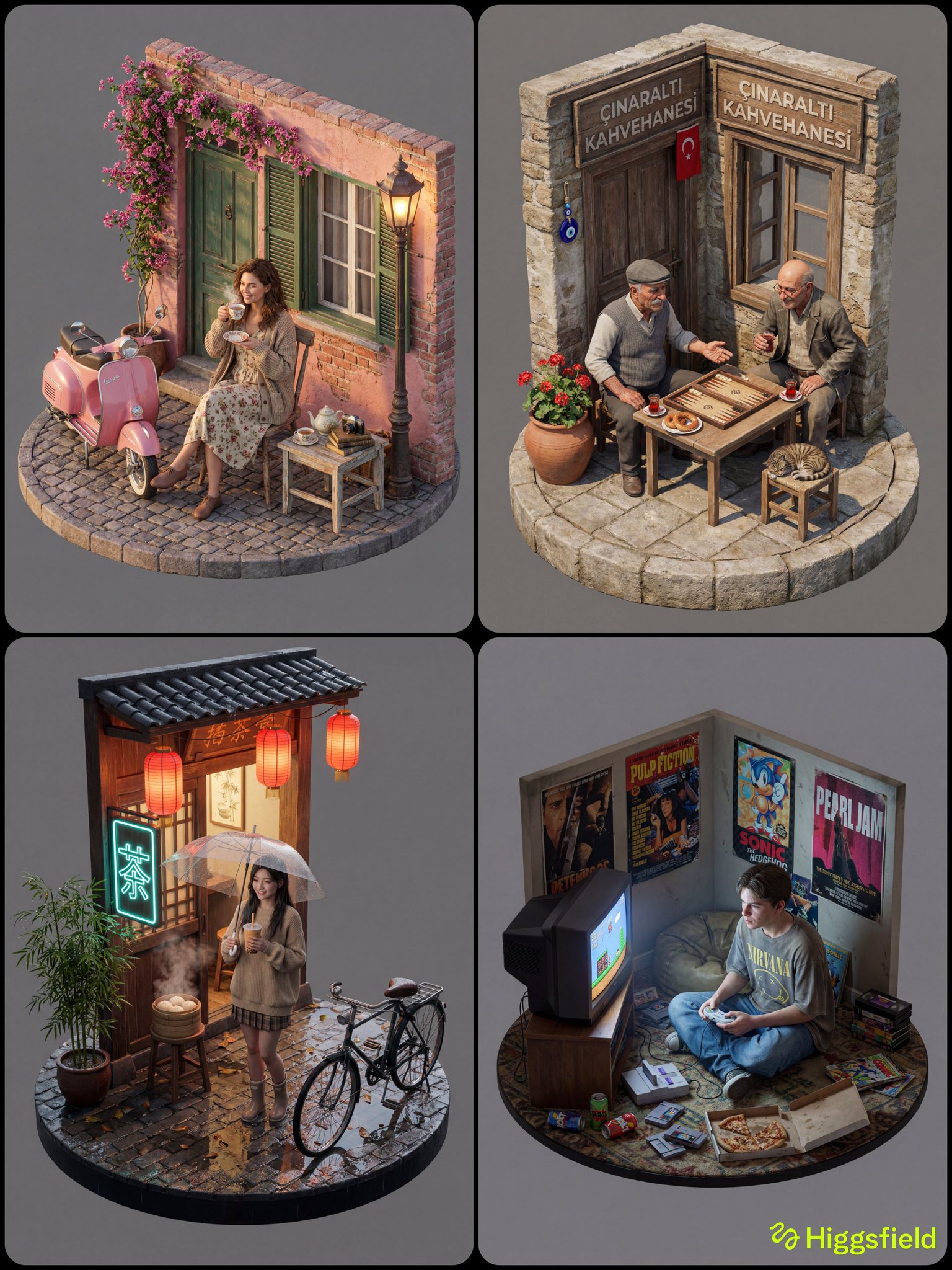
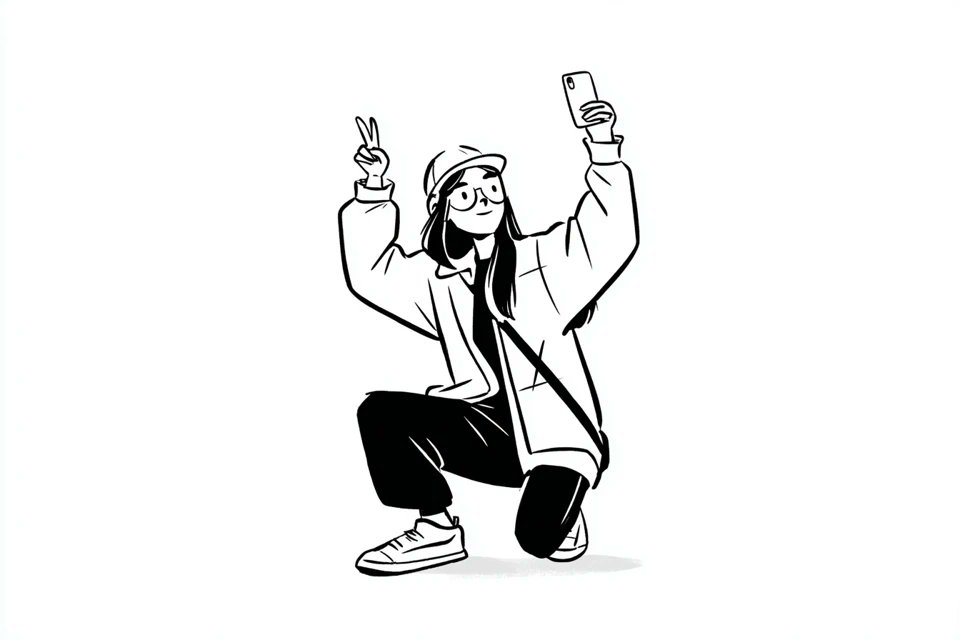
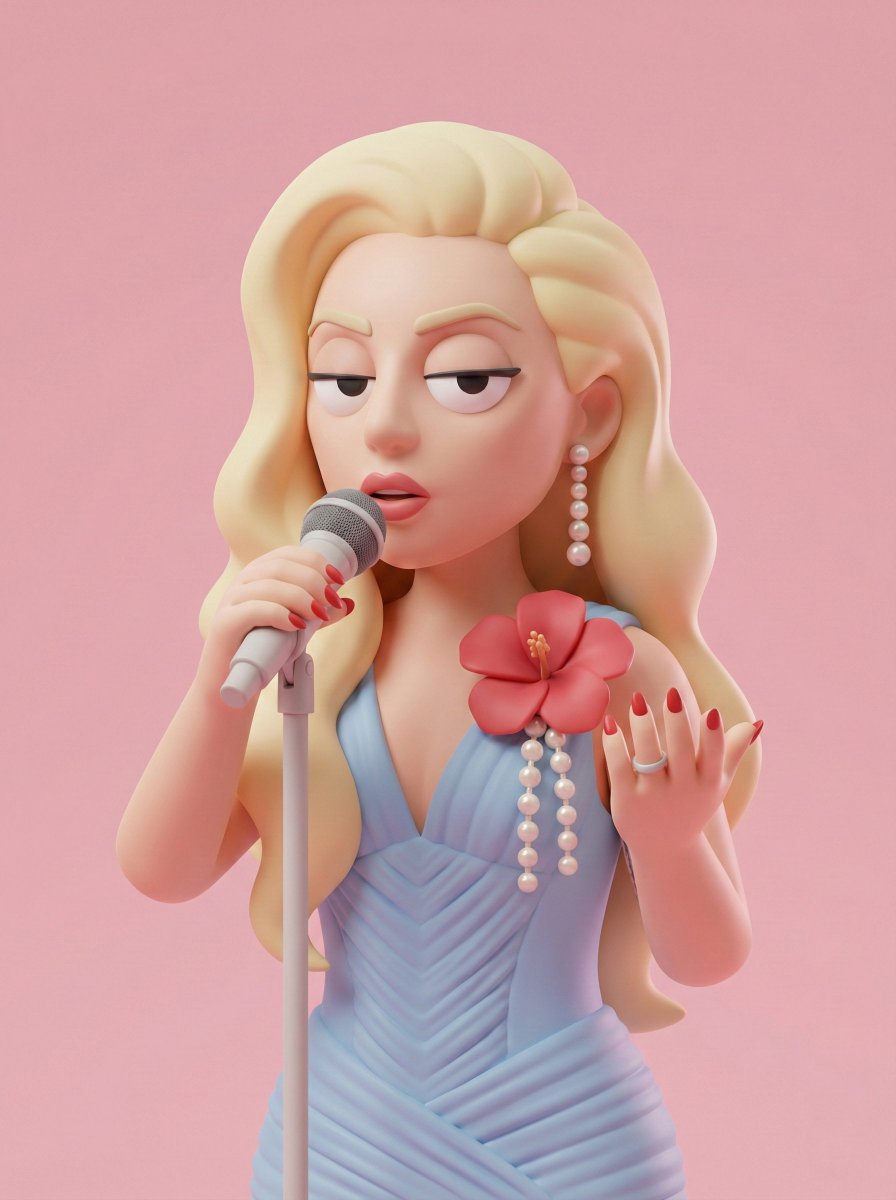
Develop stylized characters, 3D icons, isometric scenes, objects, figurines, and playful illustration systems with prompts that define form, material, lighting, and personality.
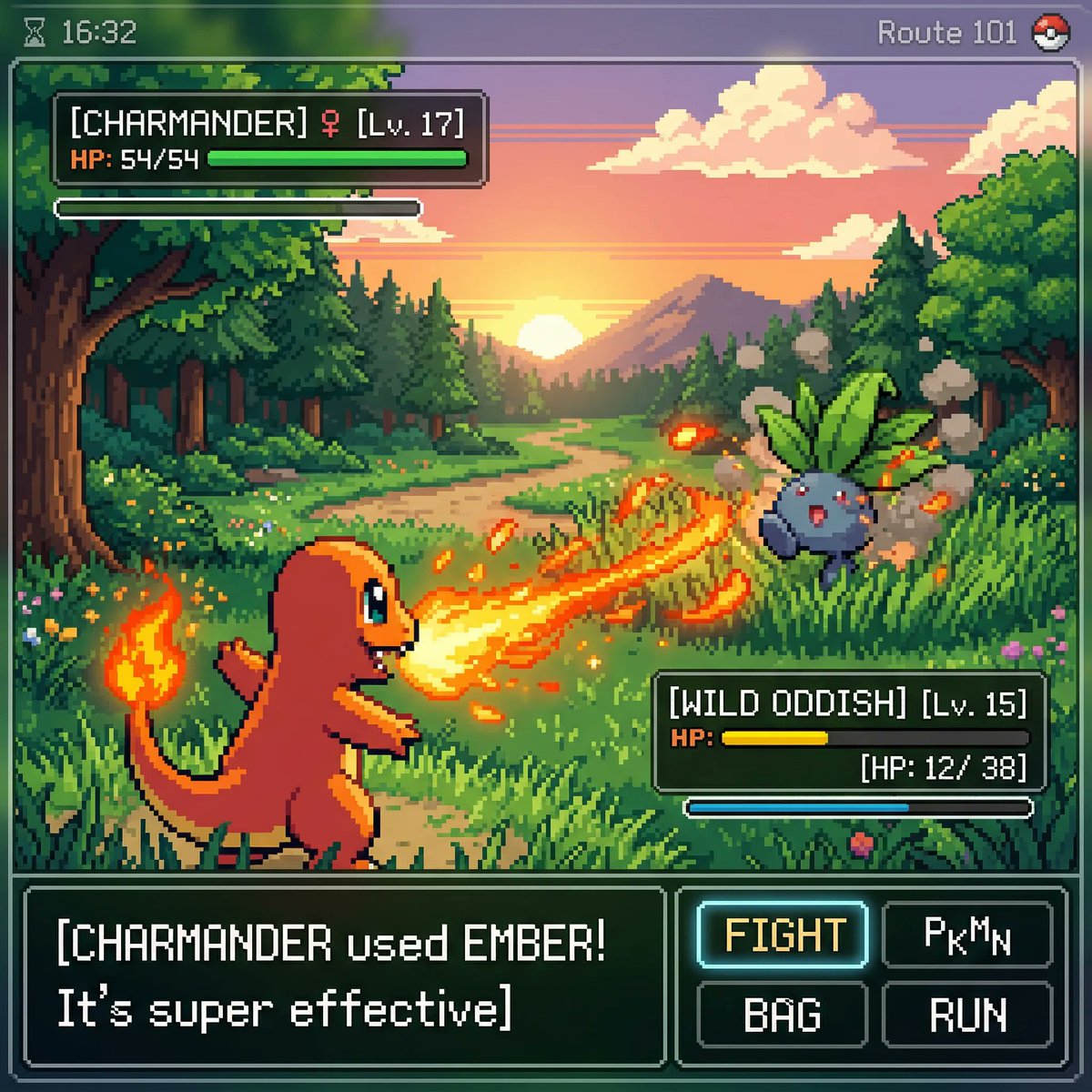
Prompt examples
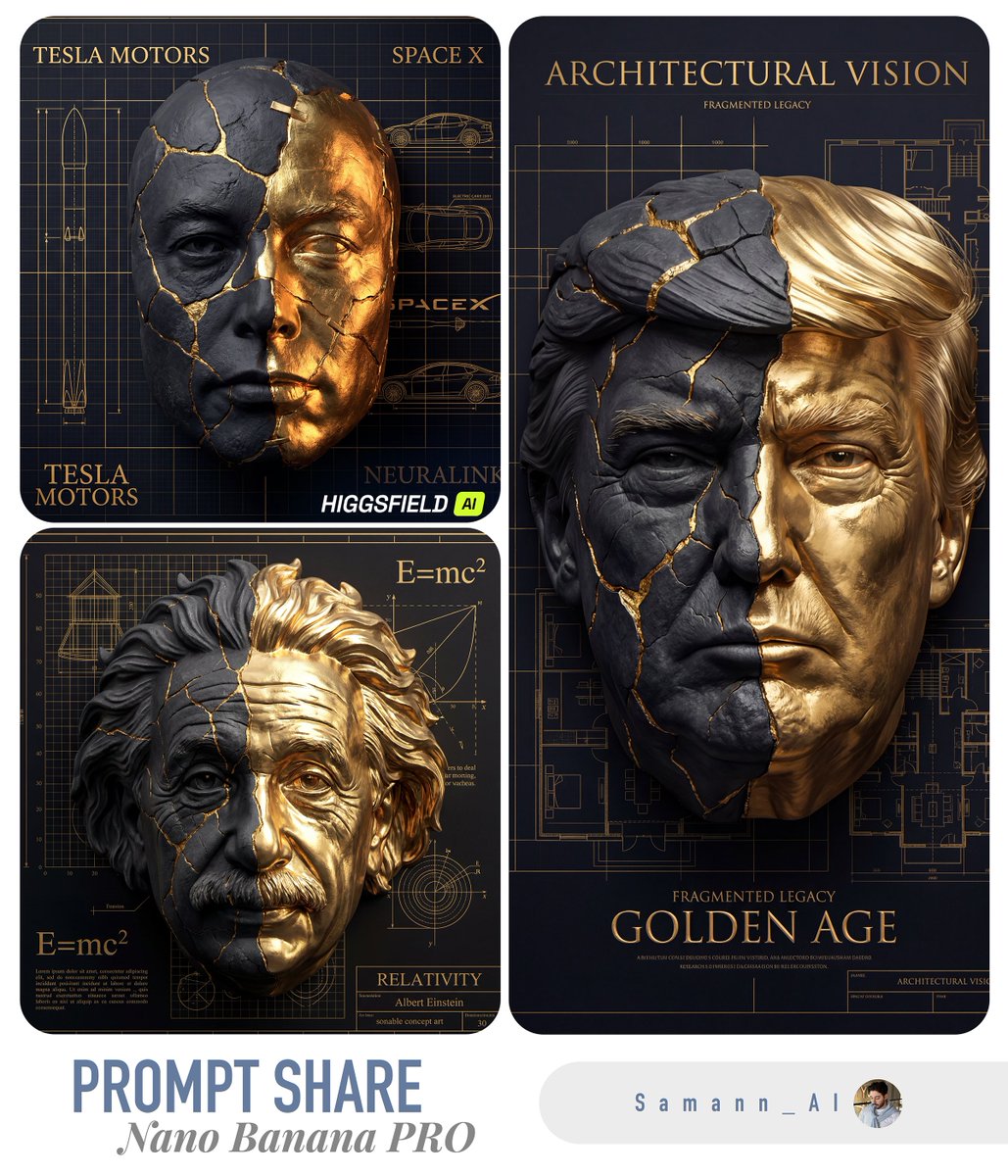
These AI 3D illustration prompts come from the prompt gallery. Copy one, adapt the subject and constraints, or open it in the generator to start from a working structure.
Writing guide
Use the guide after browsing examples to understand which details are worth changing before you generate.
AI 3D illustration prompts are most effective when they describe form, material, personality, scale, surface, lighting, and composition. A simple request for a “cute 3D icon” can produce something pleasant, but it rarely produces a consistent visual direction. A stronger prompt explains whether the asset should look like clay, glossy plastic, soft vinyl, paper craft, isometric vector, collectible figurine, editorial illustration, toy render, app icon, or branded object. These details help the model understand the visual system behind the image.
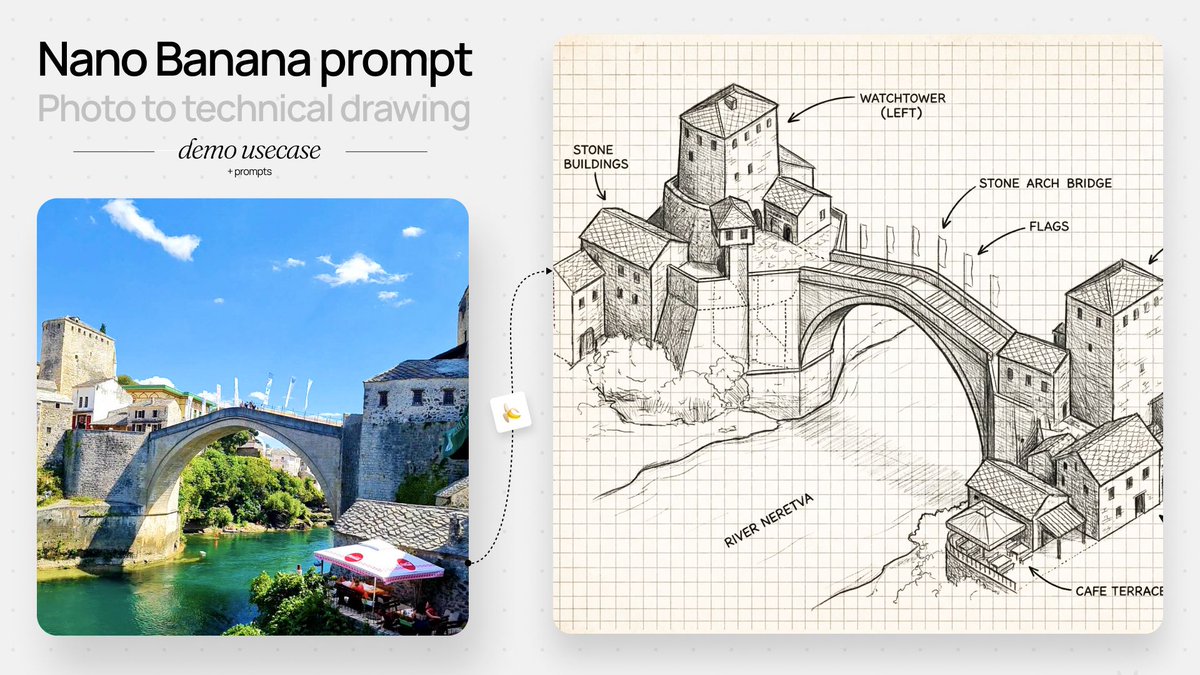
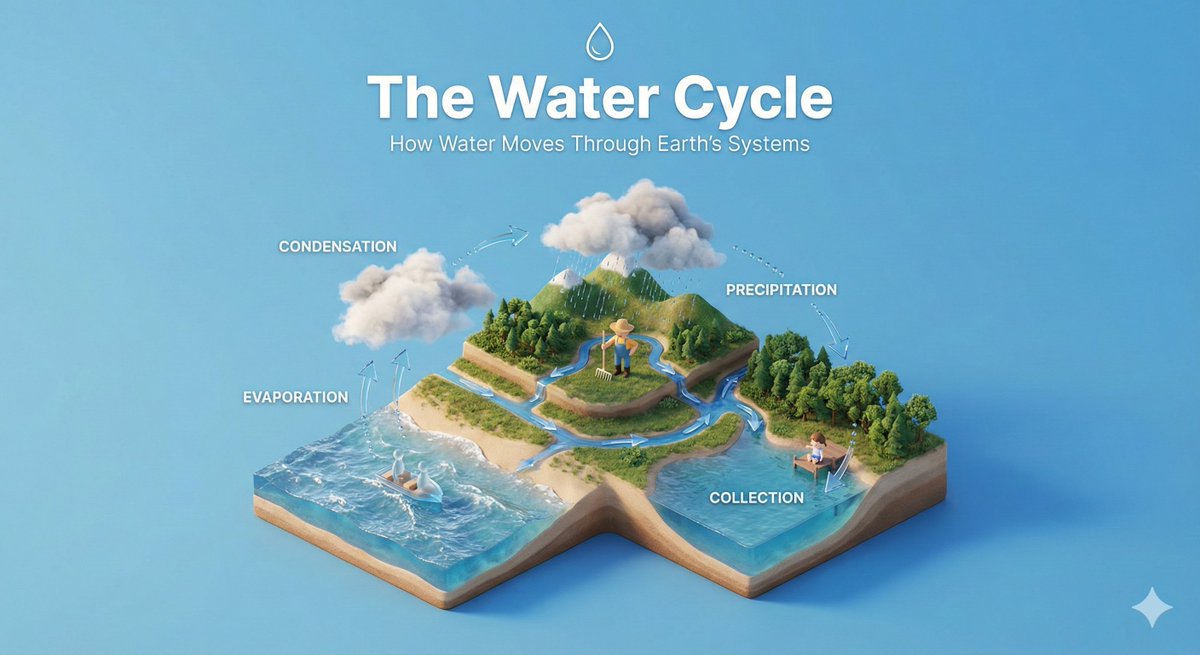
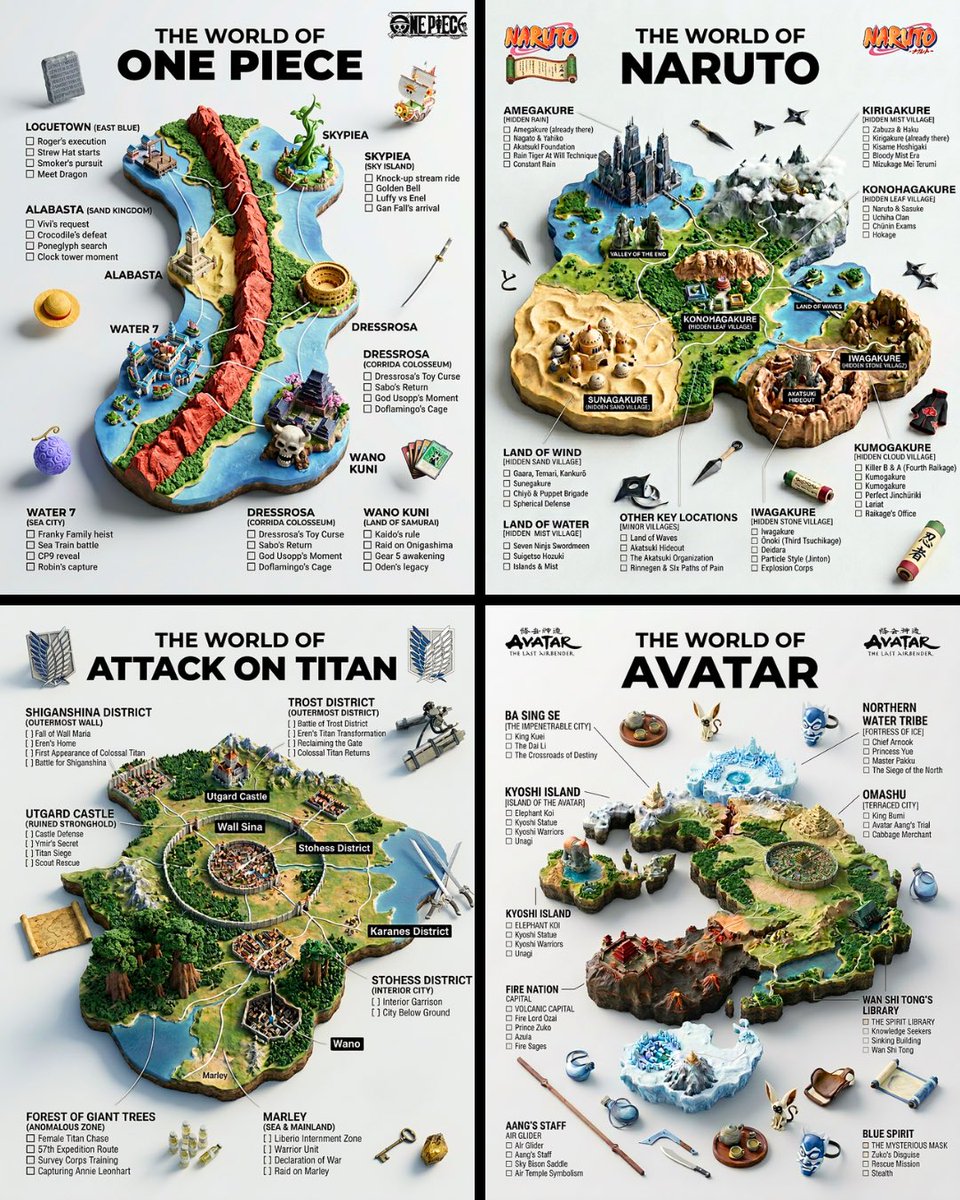
This page focuses on illustration and 3D prompt examples for characters, icons, product mascots, isometric scenes, app visuals, collectible-style objects, educational diagrams, playful brand graphics, and stylized social content. Nano Banana is especially useful for fast 3D-style exploration, figurine-like scenes, and expressive character prompts. GPT Image 2 can be strong when you want more polished commercial finish, cleaner composition, or a graphic concept that sits closer to product marketing. Both models benefit from prompts that define the exact asset type and how it should be used.
The best 3D illustration prompts keep the object count manageable and make the material language clear. A prompt might describe a single mascot in soft vinyl, a set of 3D icons with consistent lighting, a tiny isometric workspace, or a collectible figure on a clean background. It should also say whether the scene is for an app, landing page, packaging insert, poster, social post, or character reference. That usage context changes the composition and keeps the result from becoming a random render.
Use this sequence as a reusable prompt pattern. Replace the scene details, keep the order, and tighten the constraints after the first generation.
Choose character, mascot, icon, figurine, isometric scene, object render, sticker, product illustration, or editorial graphic.
Describe proportions, expression, pose, object silhouette, friendliness, energy, age, movement, and any distinctive visual traits.
Use material words like clay, vinyl, translucent plastic, soft fabric, glossy ceramic, paper craft, glass, metal, or matte rubber.
Define studio lighting, soft shadows, clean background, isometric camera, centered composition, floating objects, or scene depth.
Add whether the illustration is for an app icon, landing page visual, brand mascot, social post, educational graphic, or product concept.
Use cases
Use the scene as a creative brief. The more clearly the prompt names the output job, the easier it is to refine the generated image.
Create polished icon concepts, feature graphics, product visuals, and consistent object sets for digital products.
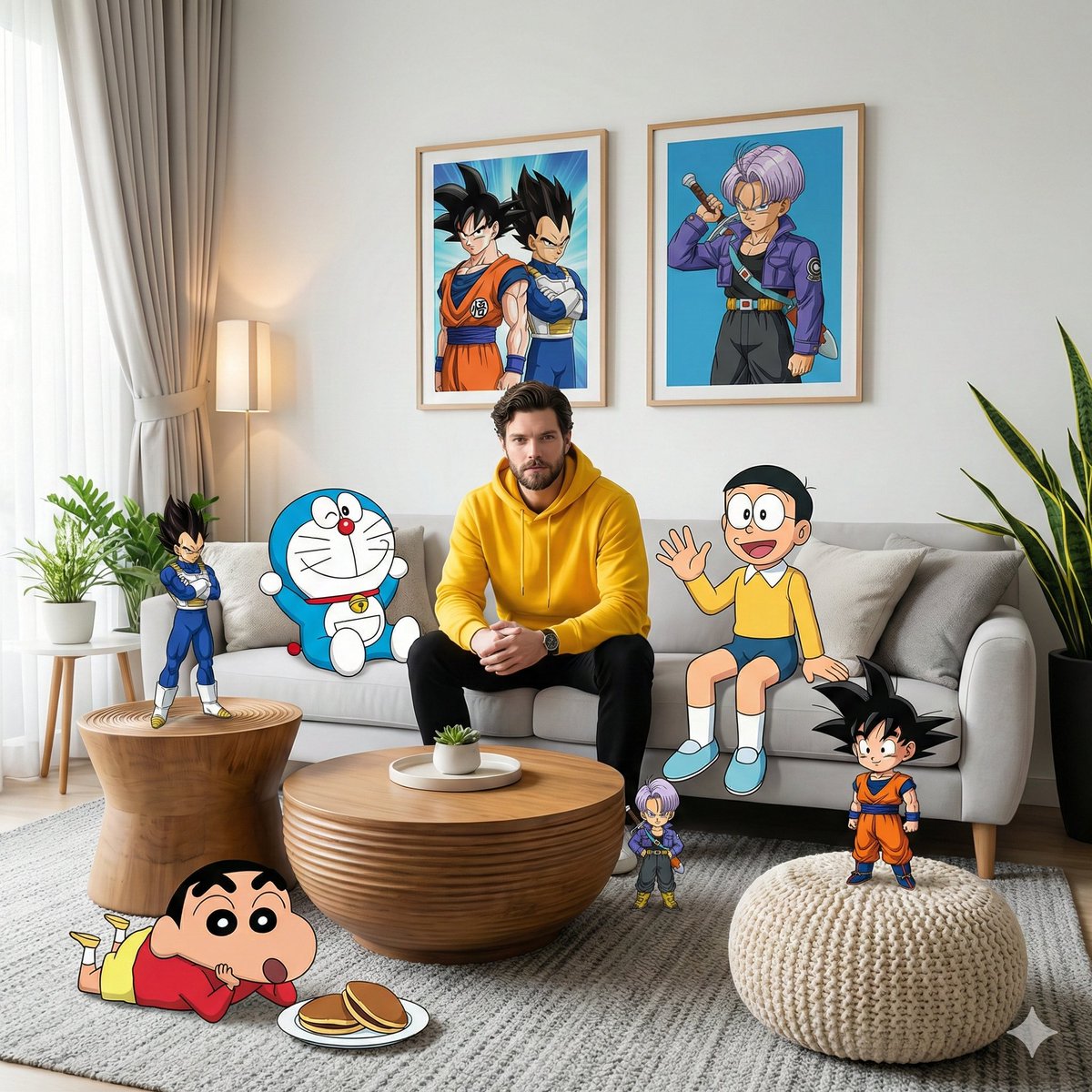
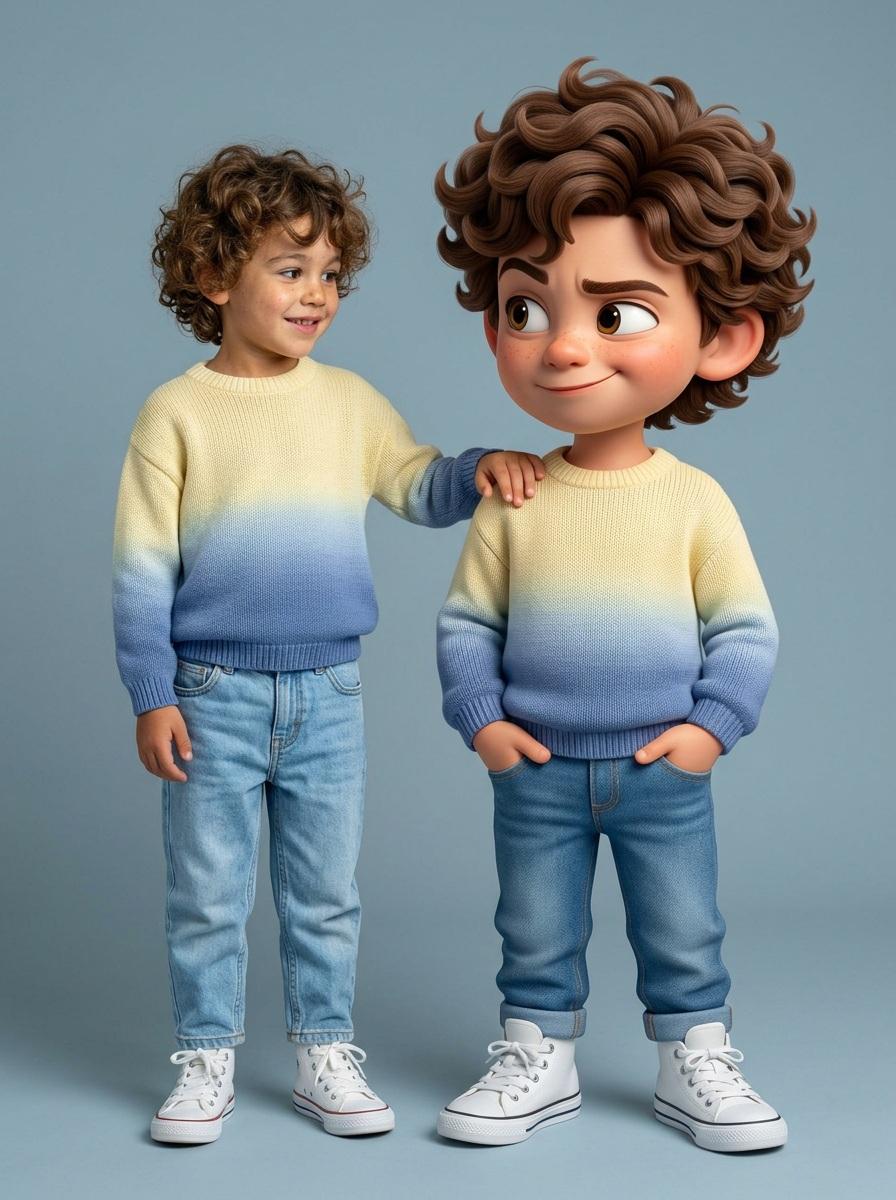
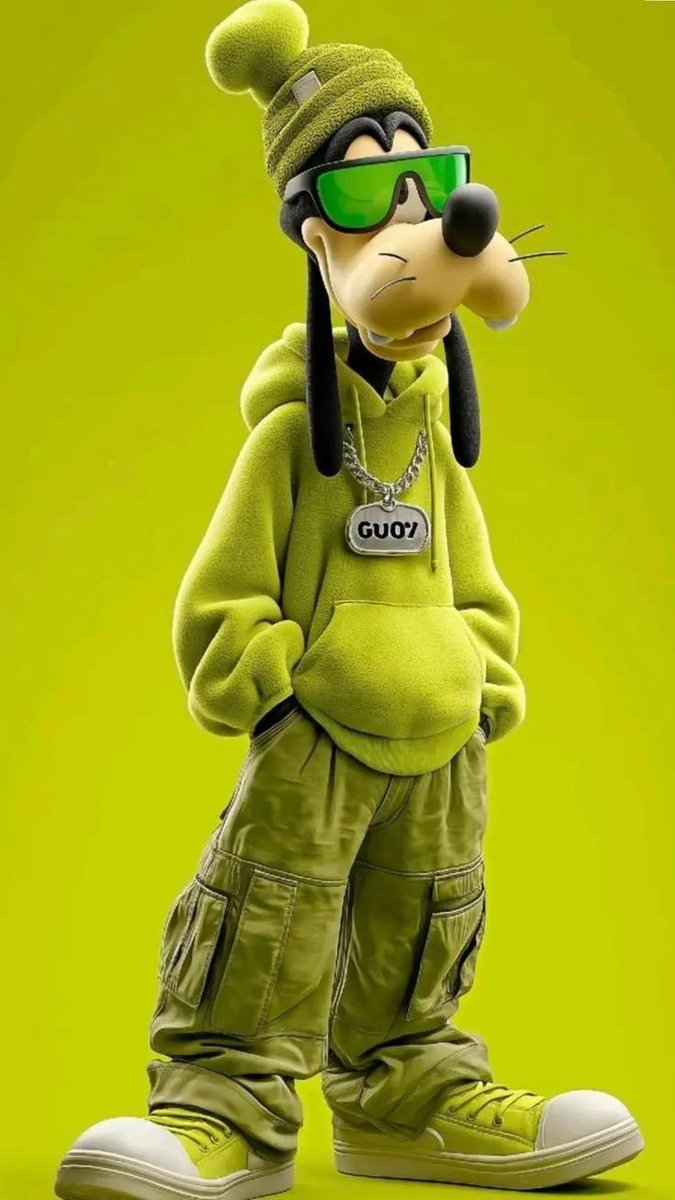
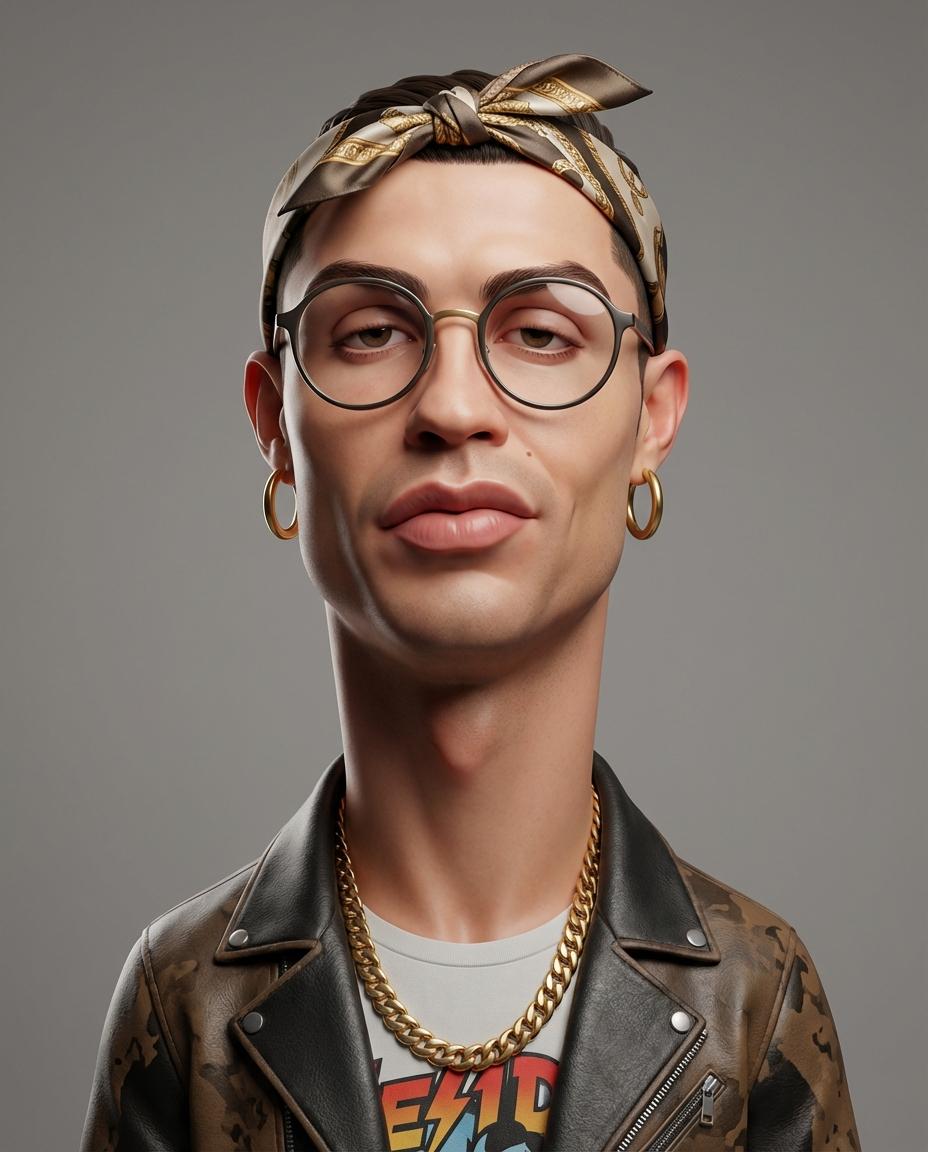
Generate friendly characters, brand mascots, collectible figures, avatars, and stylized references.
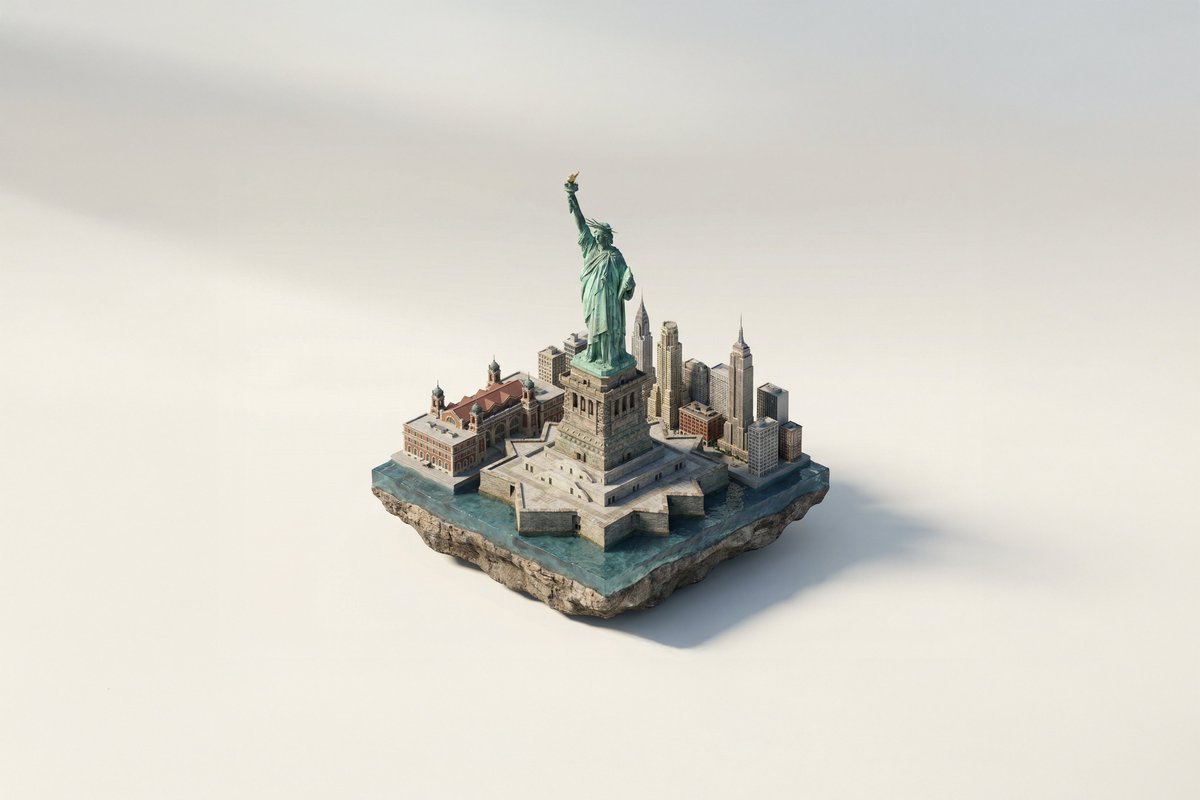
Build miniature environments, workflow diagrams, product scenes, office setups, and explainer-style graphics.
Develop fun visual hooks for social posts, posters, landing pages, and product launch graphics.
Practical tips
Use material language early. The difference between clay, vinyl, glass, and paper craft changes the whole image.
Ask for one main character or object first, then add supporting props after the core design works.
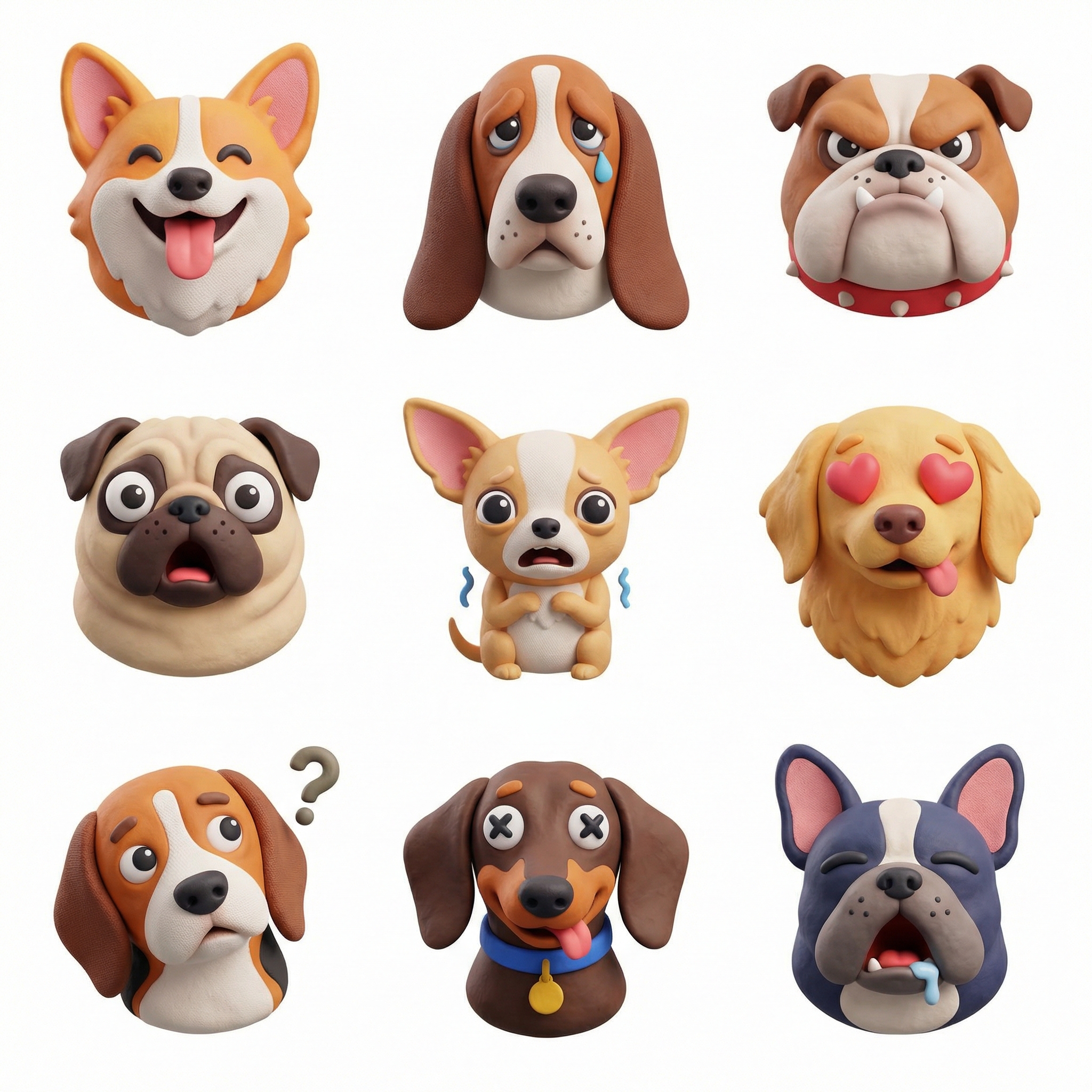
For icon sets, request consistent lighting, camera angle, background, and material across all objects.
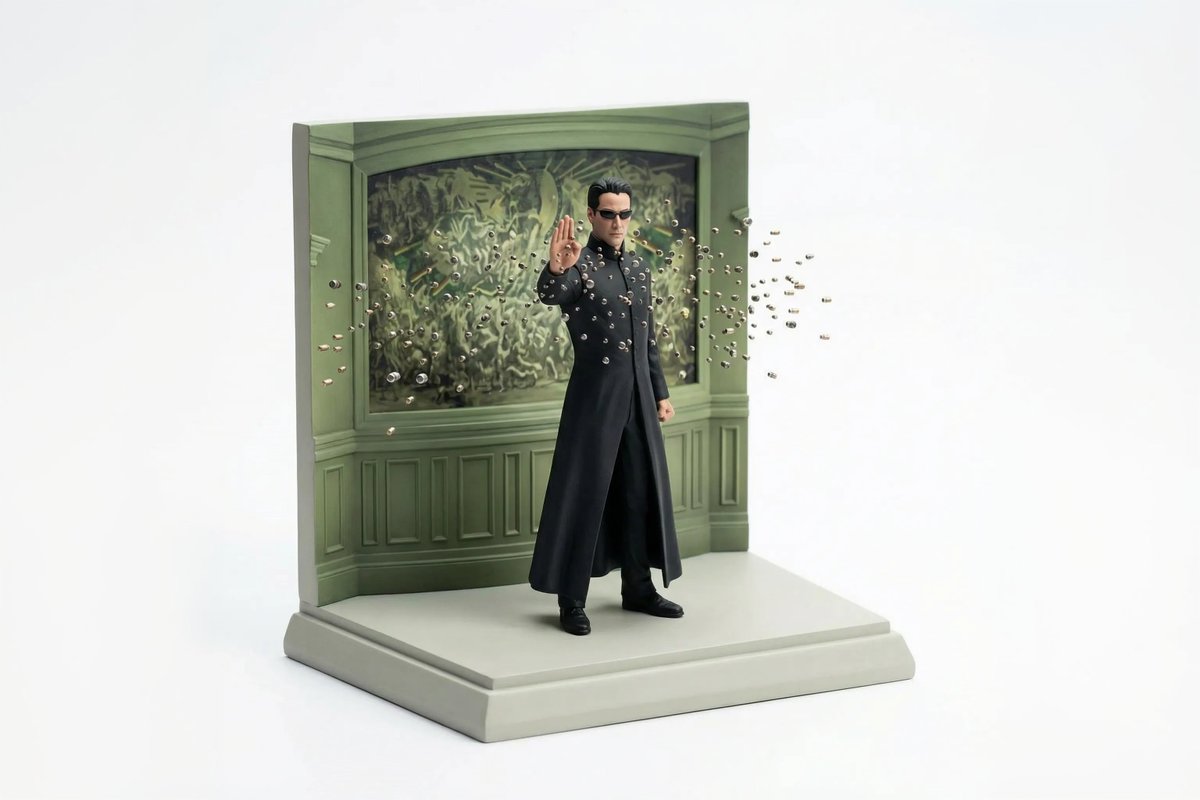
For figurine-style prompts, define base, scale, pose, packaging context, and collectible finish.
Avoid mixing too many illustration systems in one prompt. Pick 3D, isometric, editorial, or toy-like as the primary direction.
Related scenes
Scene pages are connected intentionally so you can move from one creative job to the next without returning to a blank prompt box.
Generate interface concepts, dashboard visuals, app screens, icon systems, and landing page graphics with prompts that describe layout, product context, components, and visual style.
Explore sceneBuild poster concepts with stronger composition, hierarchy, mood, typography direction, and campaign intent by starting from prompt patterns made for visual communication.
Explore sceneCreate polished product scenes, ecommerce photos, launch visuals, and brand-led ad concepts with prompts that describe the product, surface, lighting, camera angle, and commercial context.
Explore sceneFAQ
A strong prompt defines asset type, shape, material, lighting, camera angle, composition, and use context. Material and scale are especially important for 3D-style images.
Nano Banana is useful for fast stylized exploration, playful objects, character concepts, and figurine-like images. GPT Image 2 can be better when you need a more polished marketing finish.
Use the same material, background, camera angle, lighting setup, and object scale across each prompt. Keep each icon simple and avoid adding unrelated details.
Yes. Add brand mood, color palette, product context, and where the asset will appear. Review and refine outputs before using them as final brand elements.
Pick one prompt, replace the product, subject, scene, or style details, then generate a first version. Use the gallery link when you want more examples in this category.