

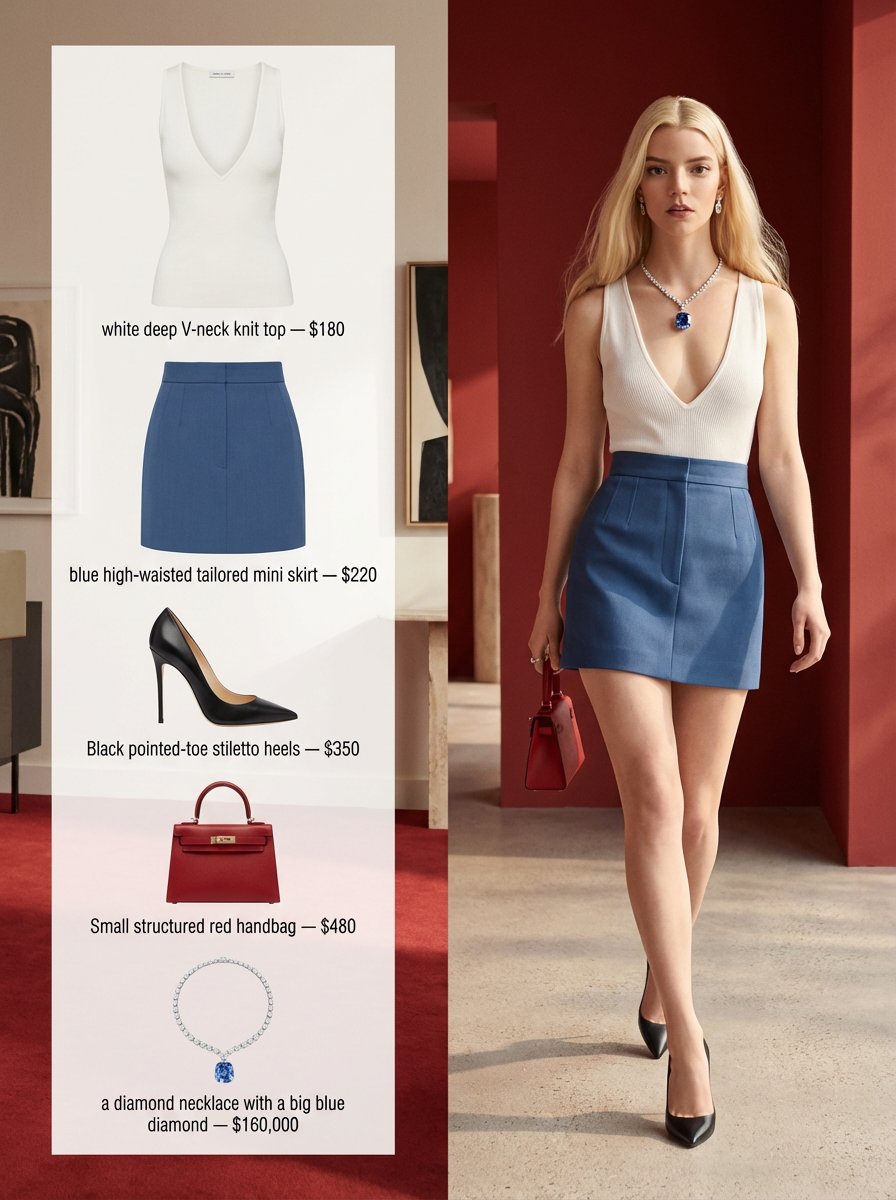
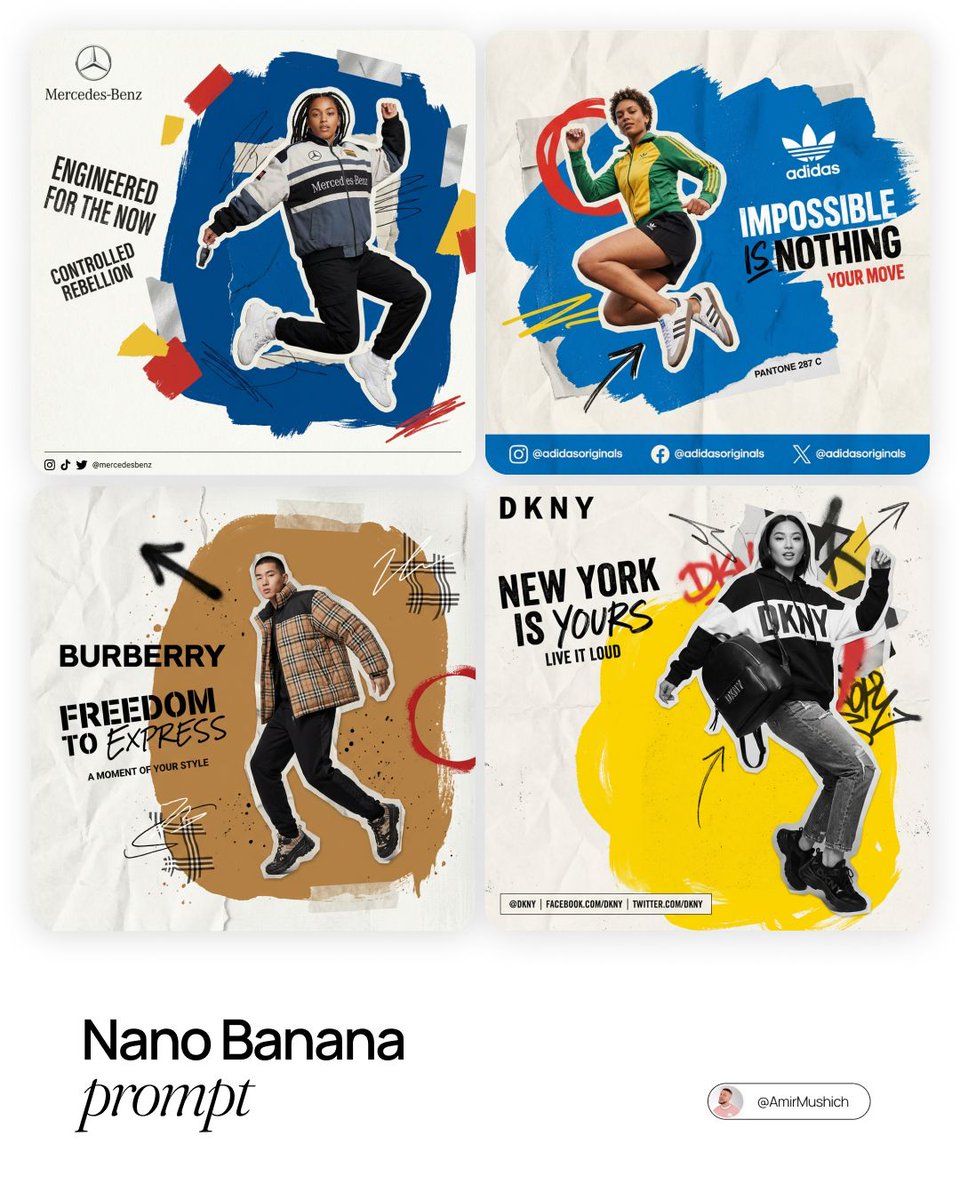
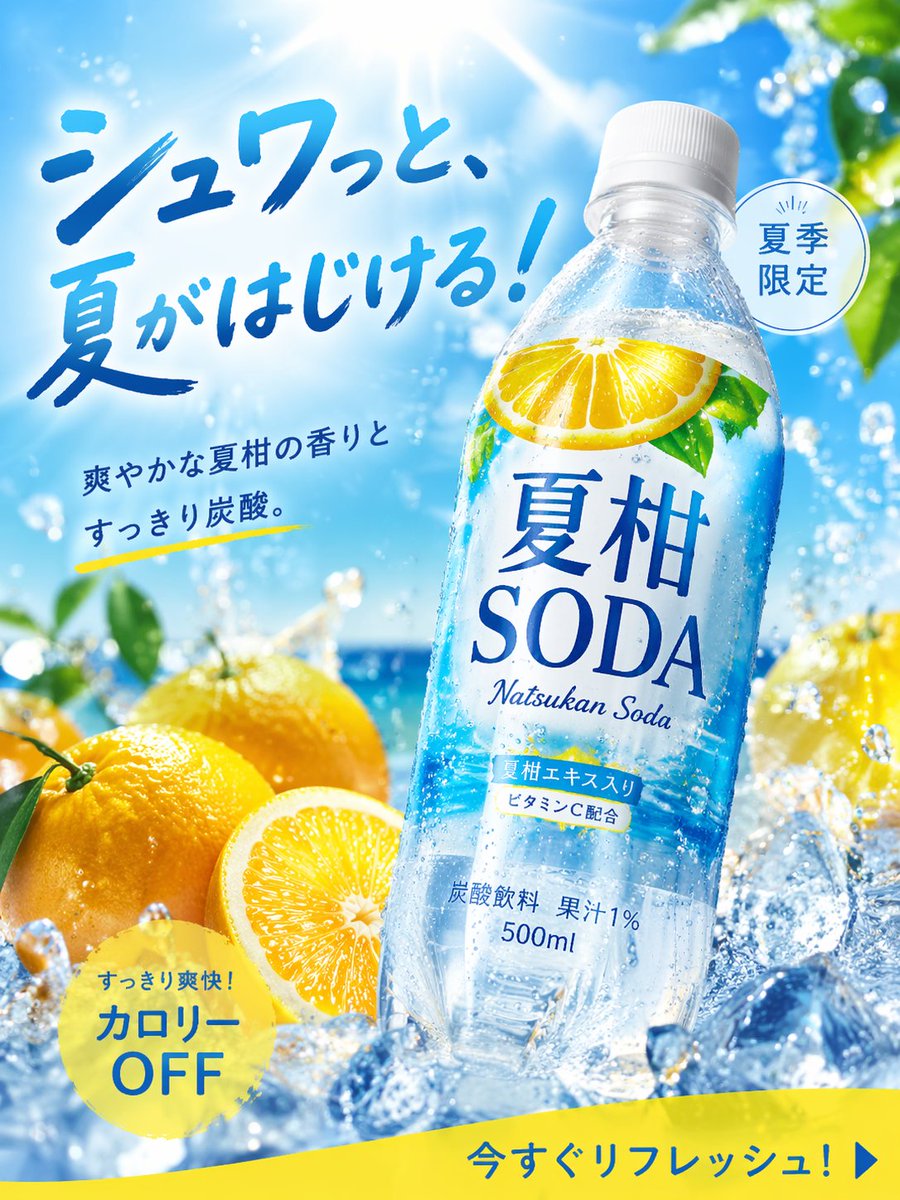
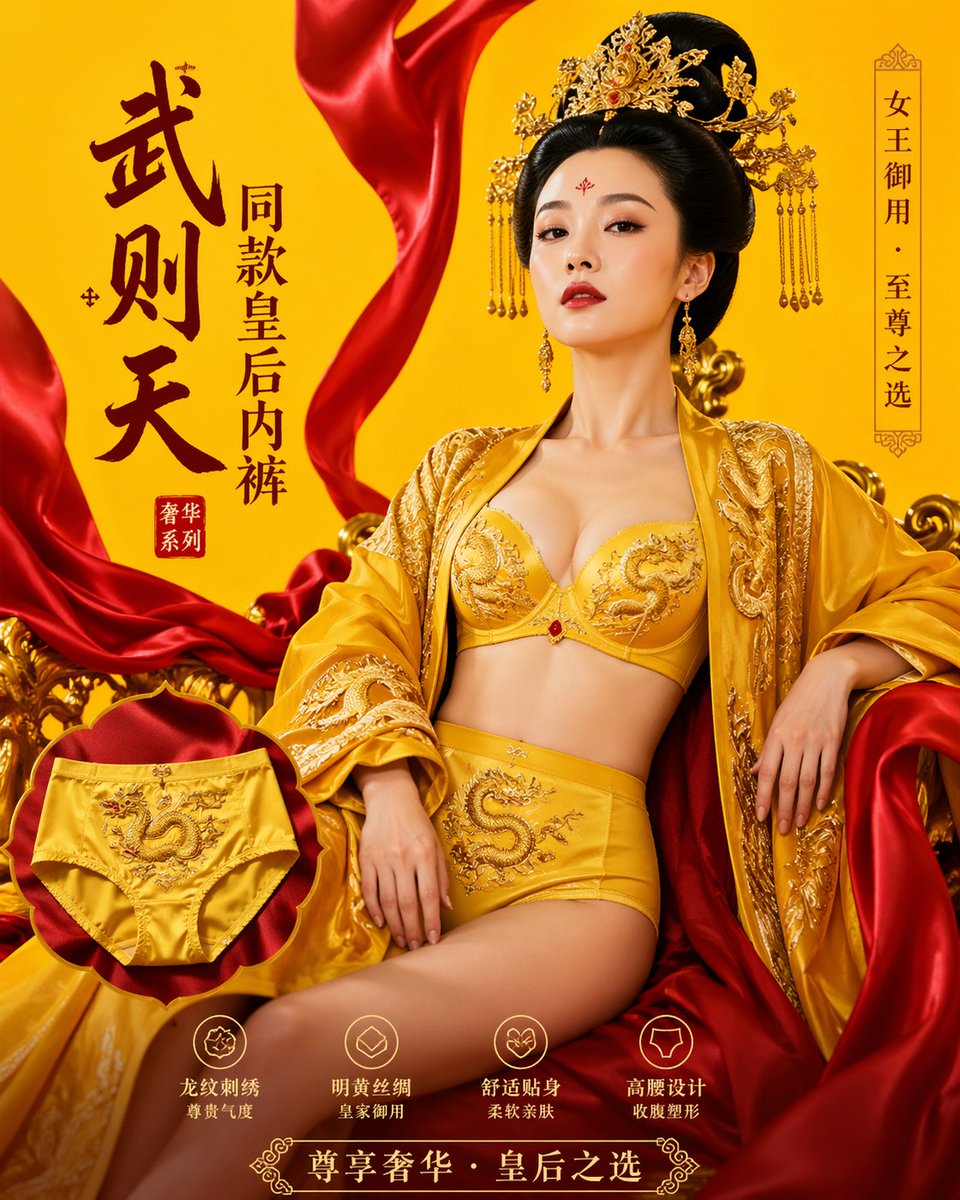
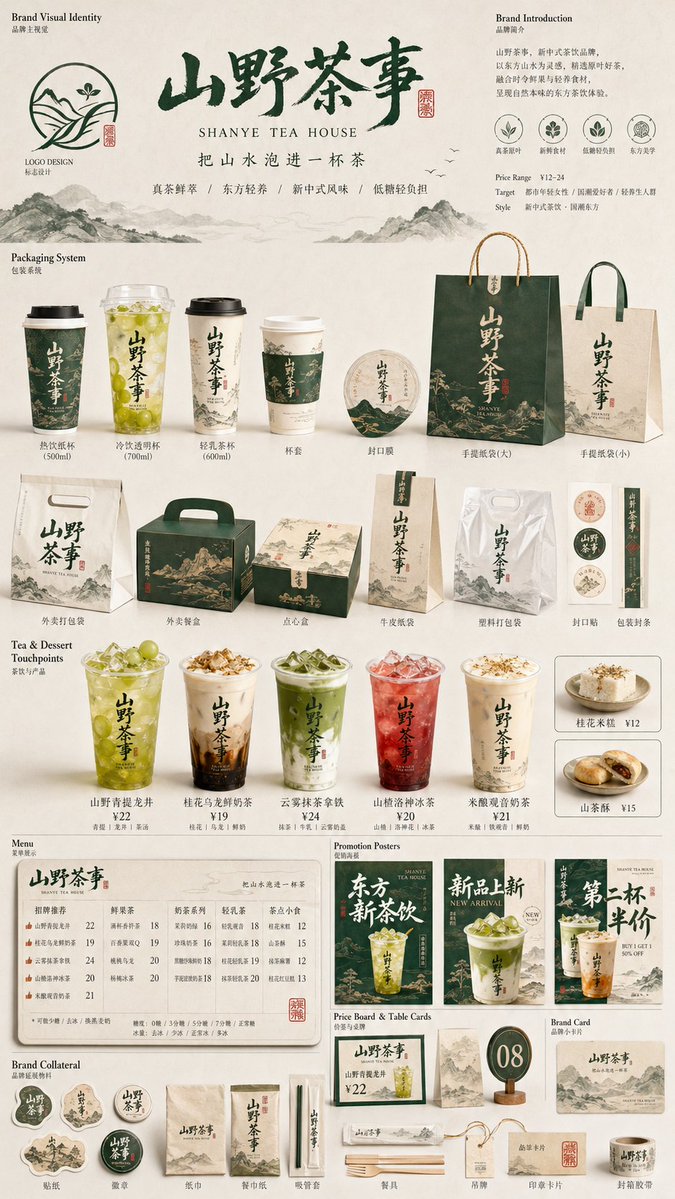
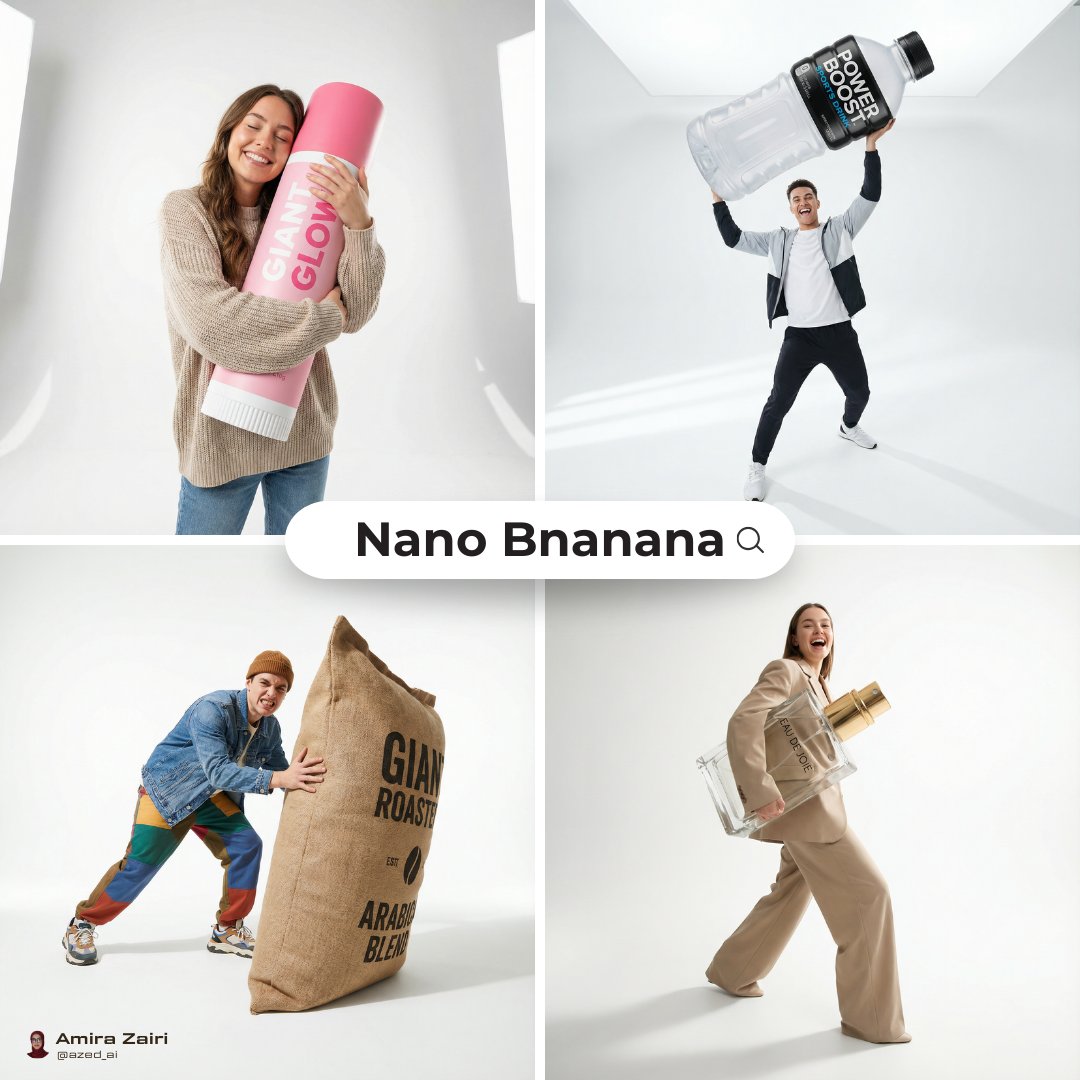
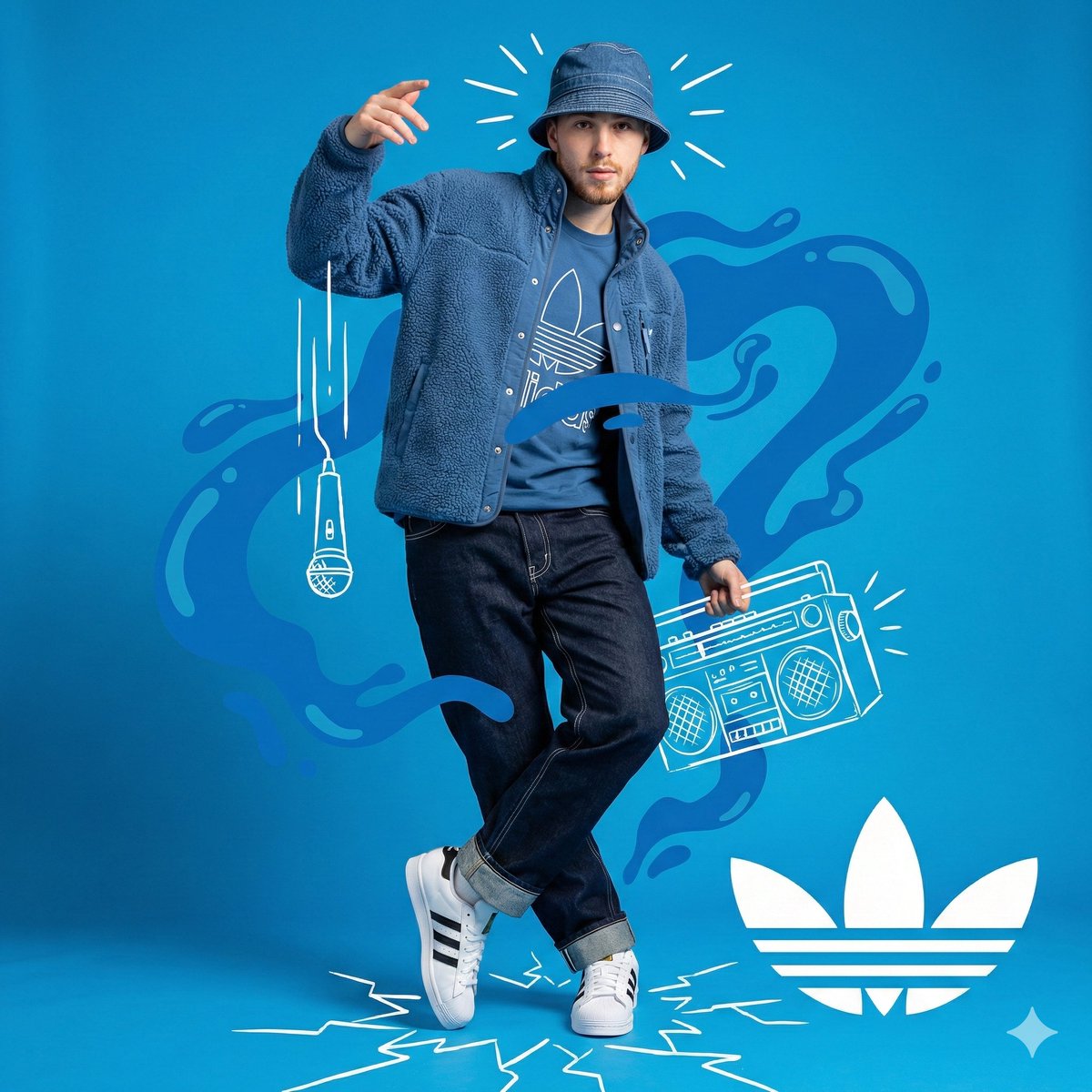
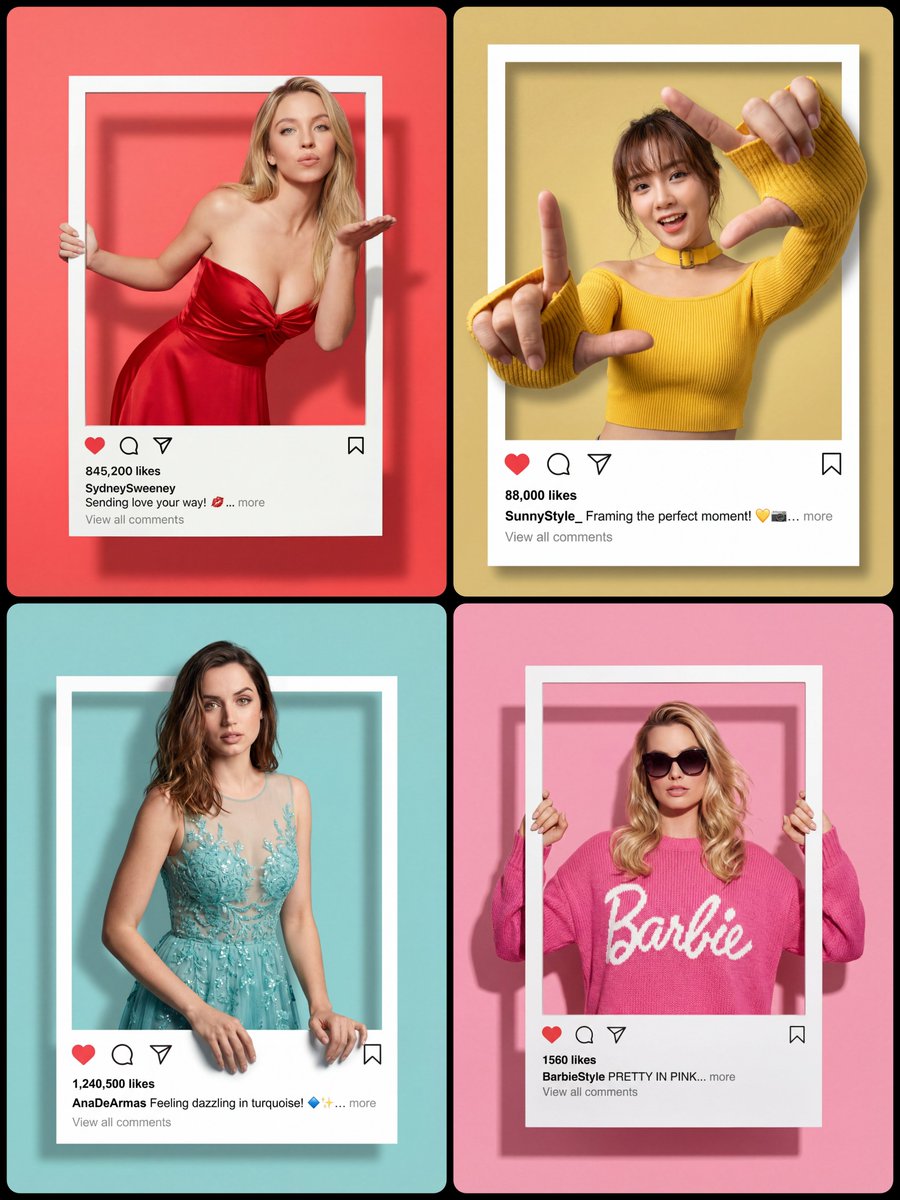
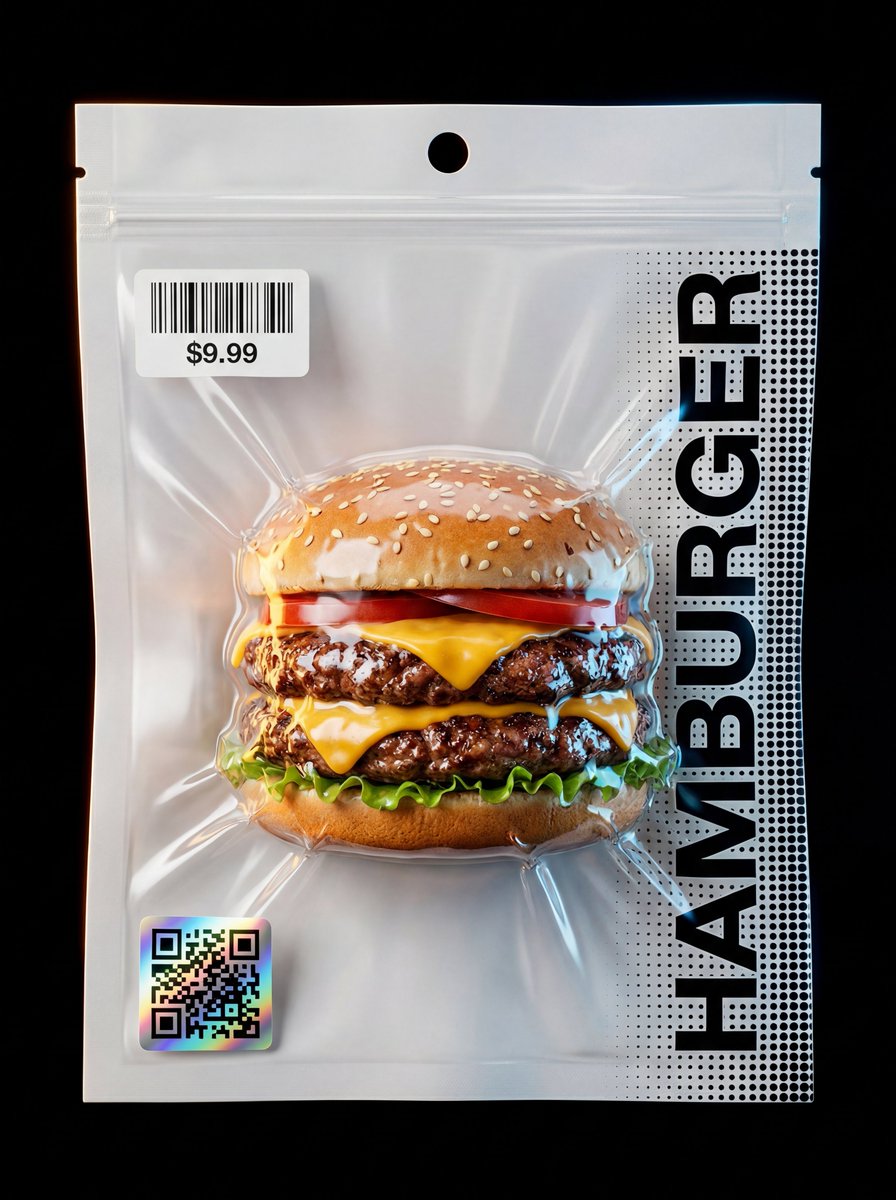
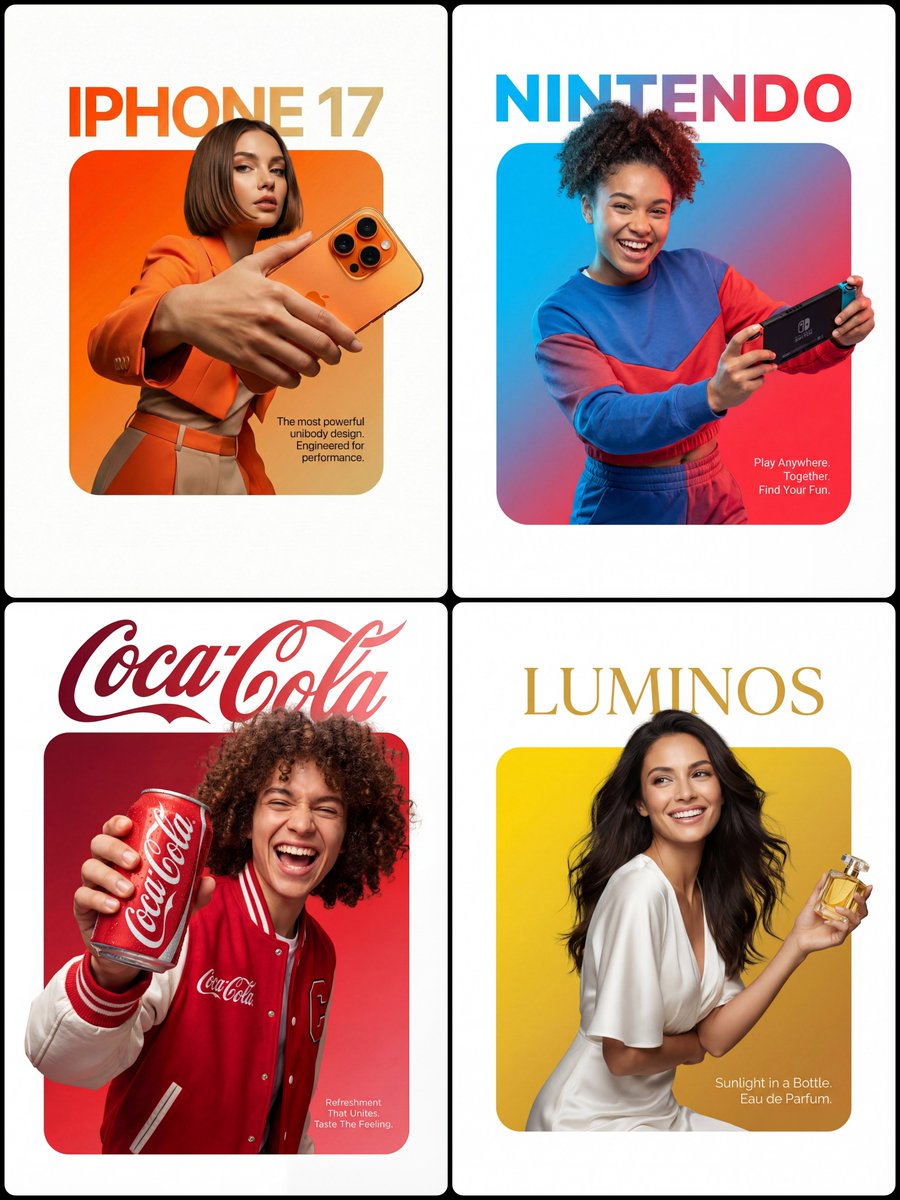
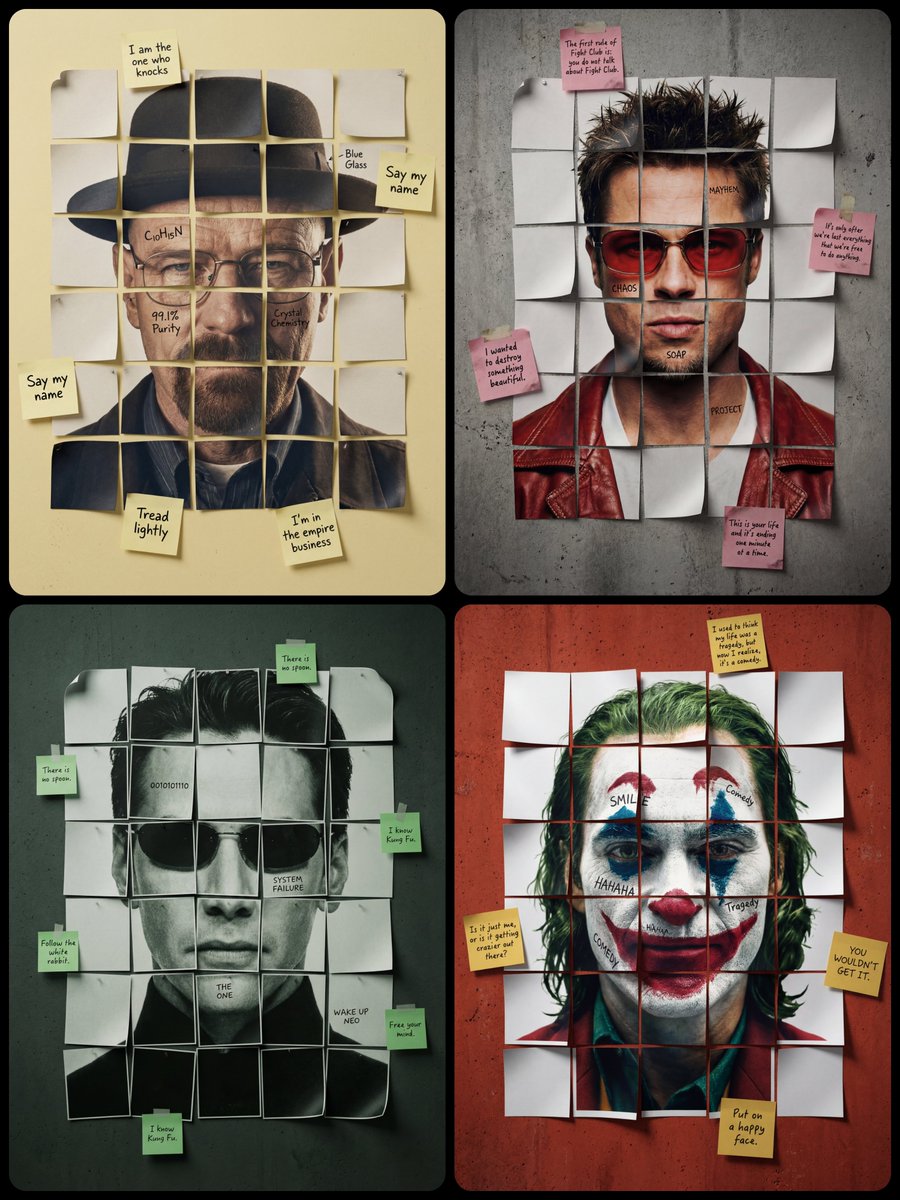
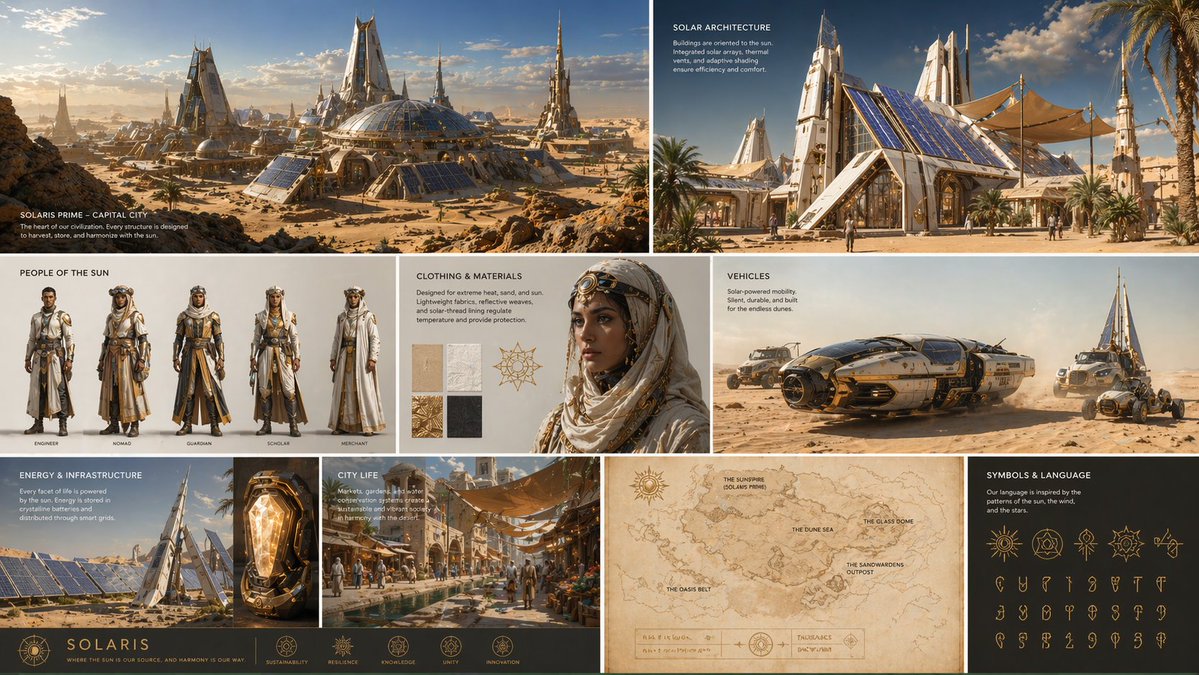
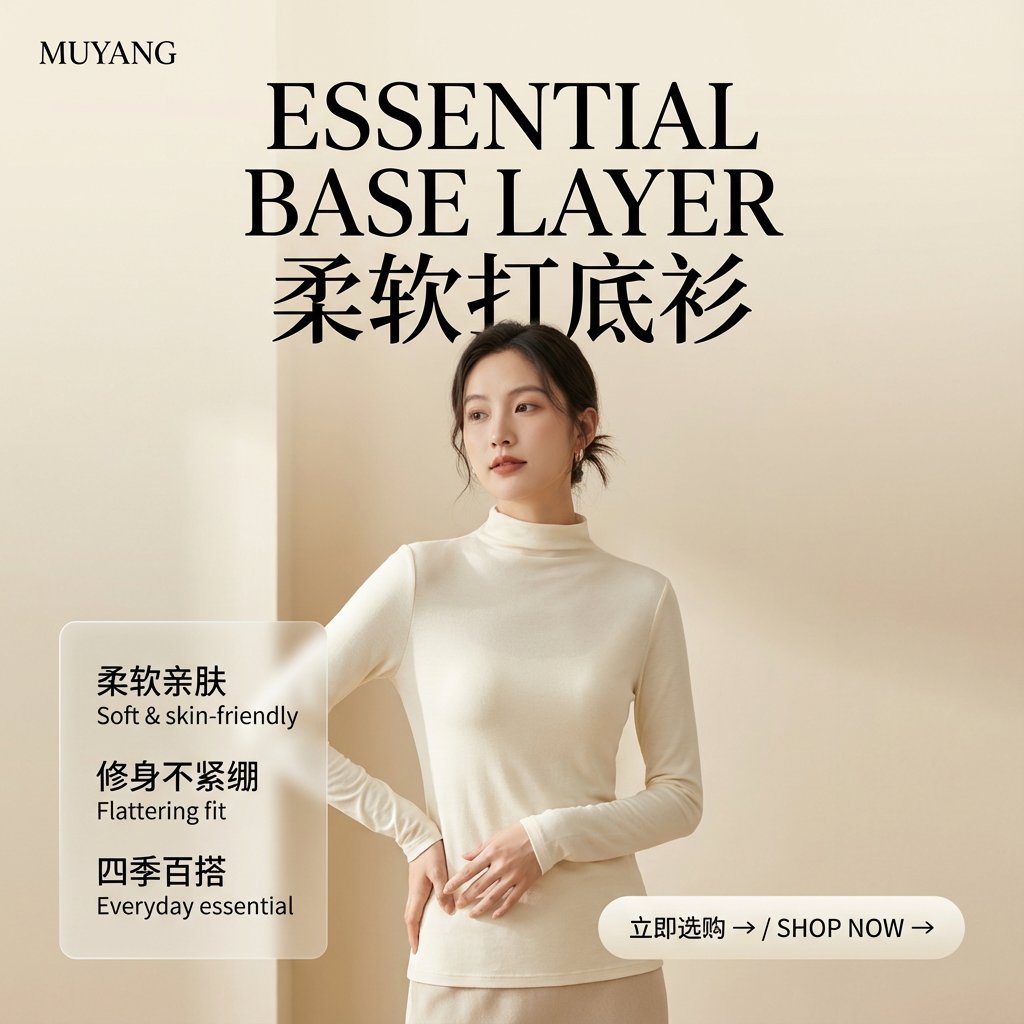
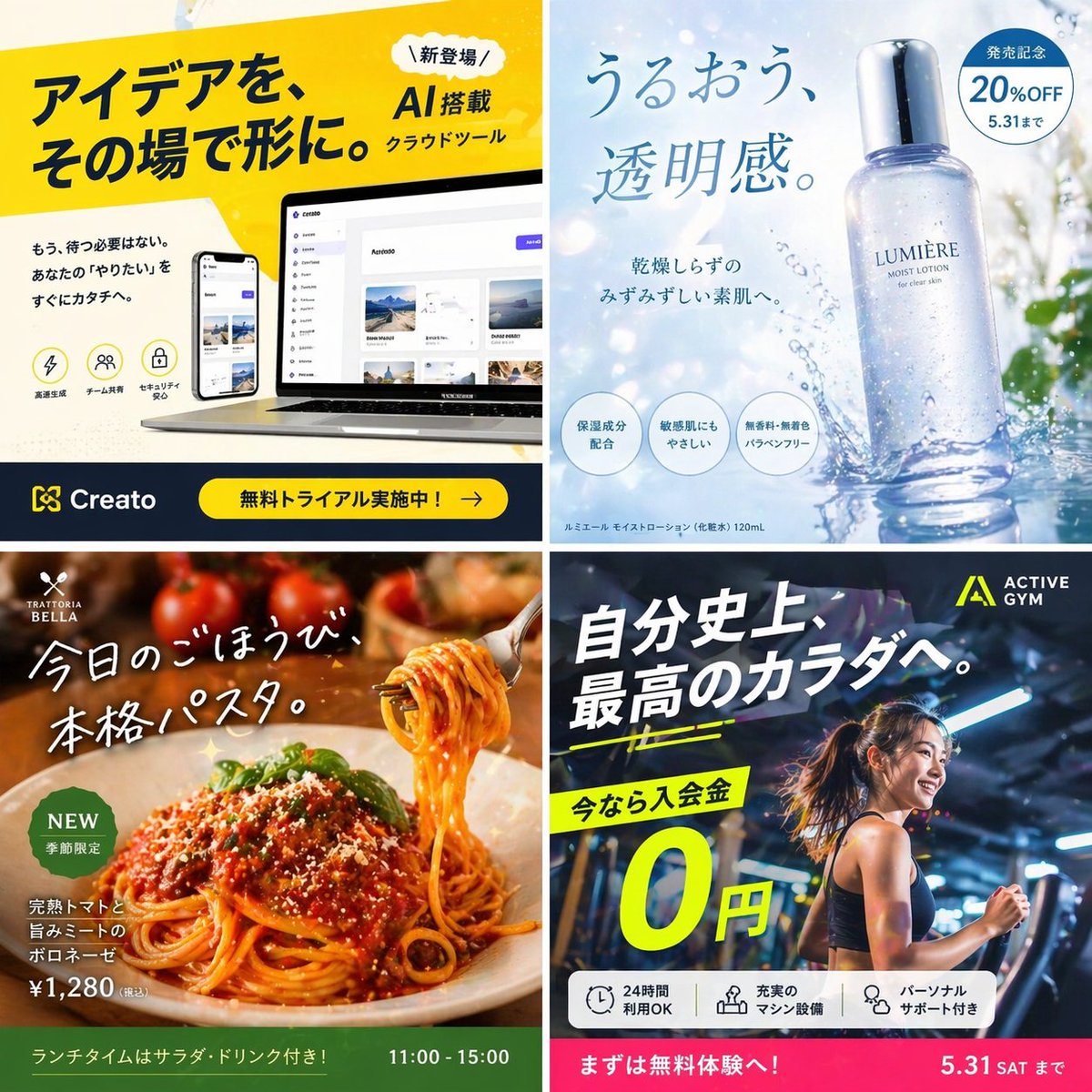
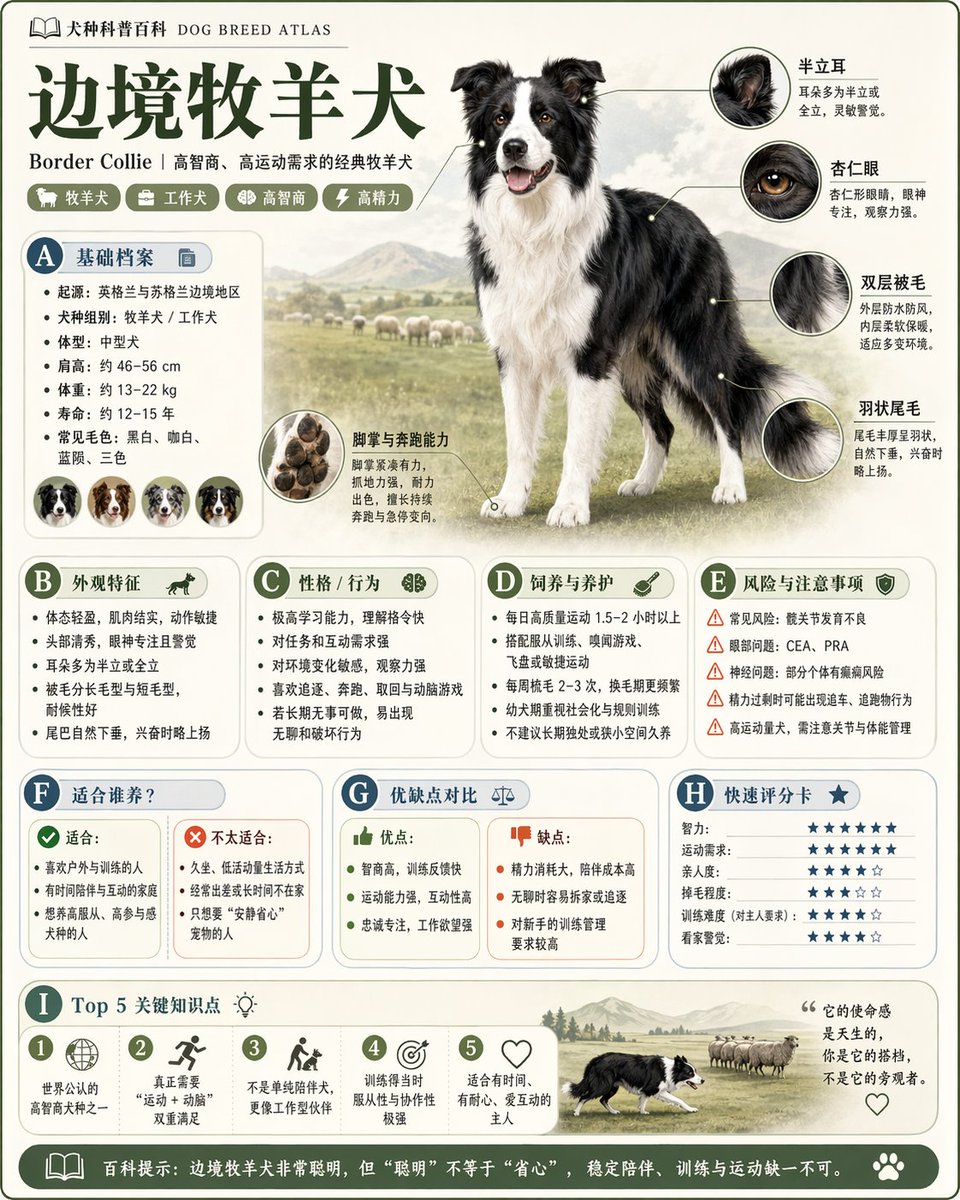
Event and conference posters
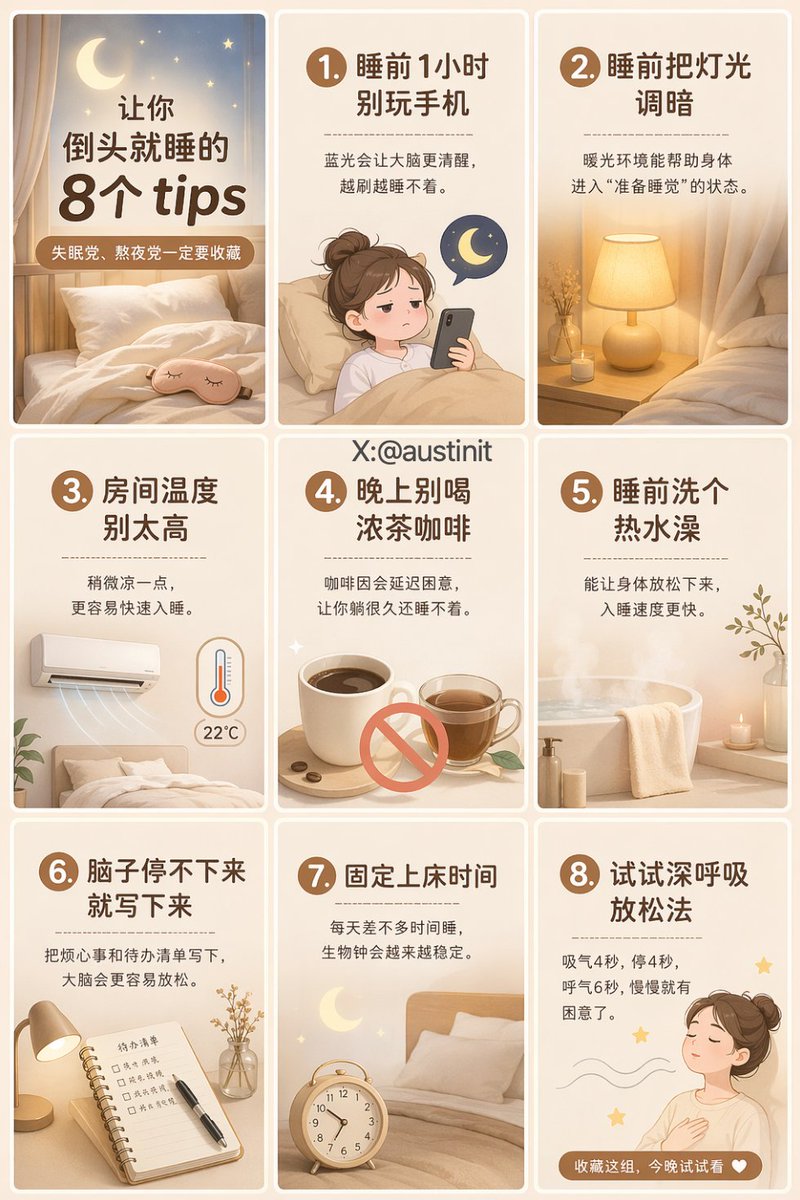
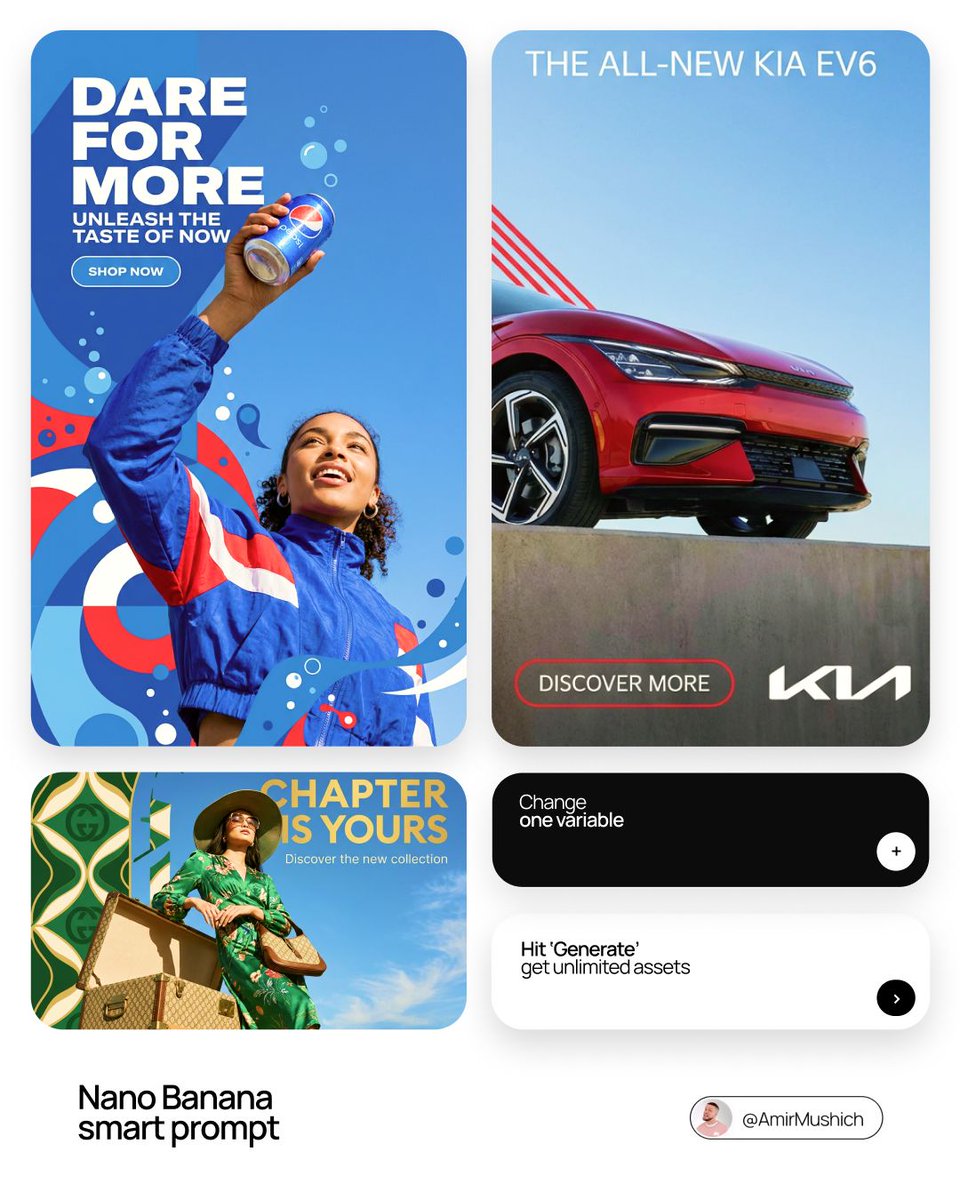
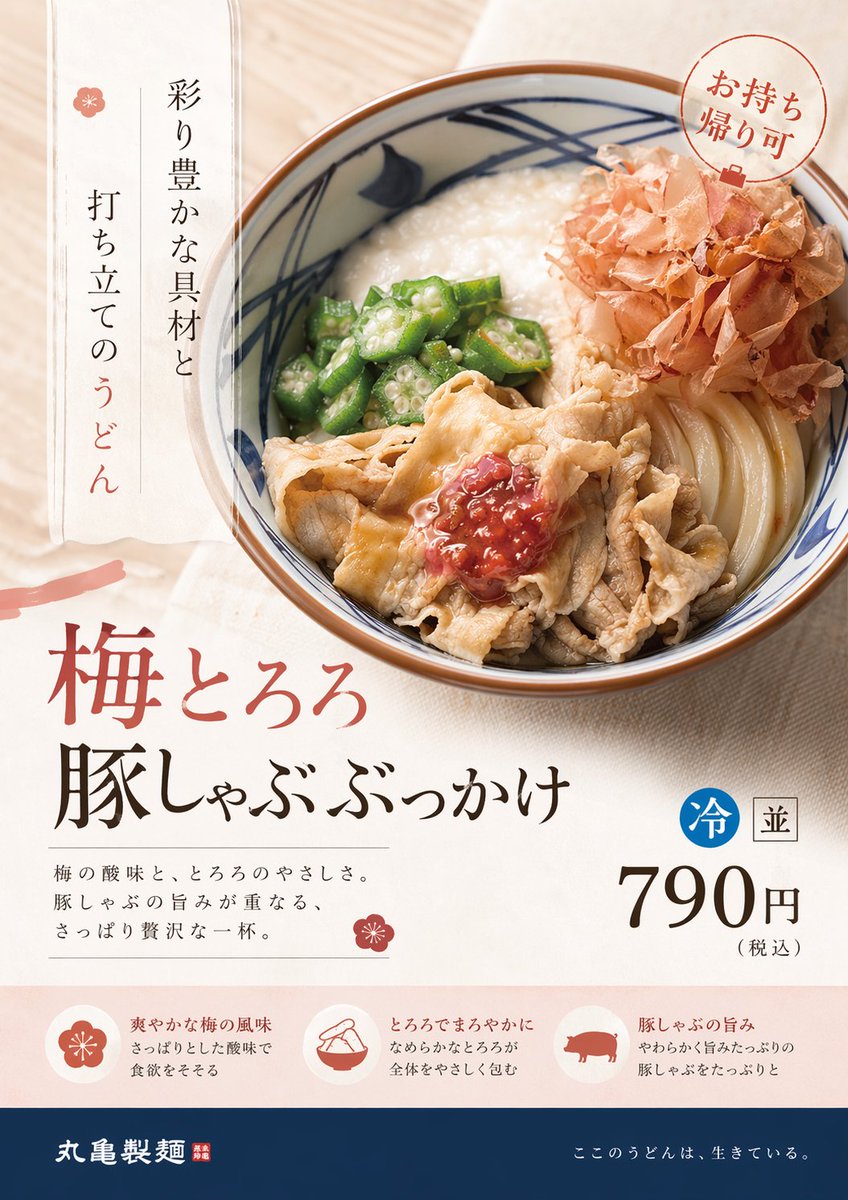
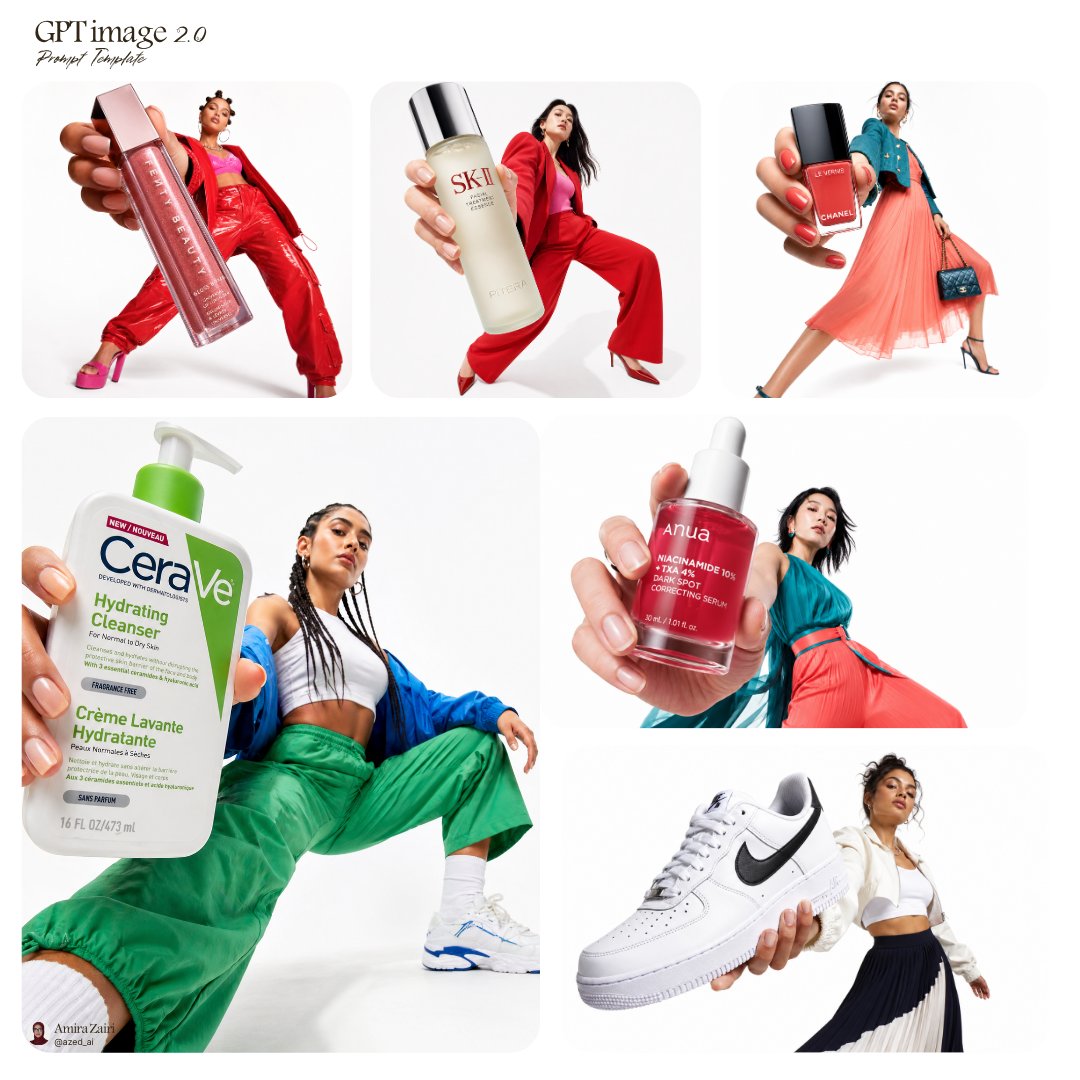
Create visual directions for meetups, product events, music nights, pop-ups, exhibitions, or launches that need a clear first impression.
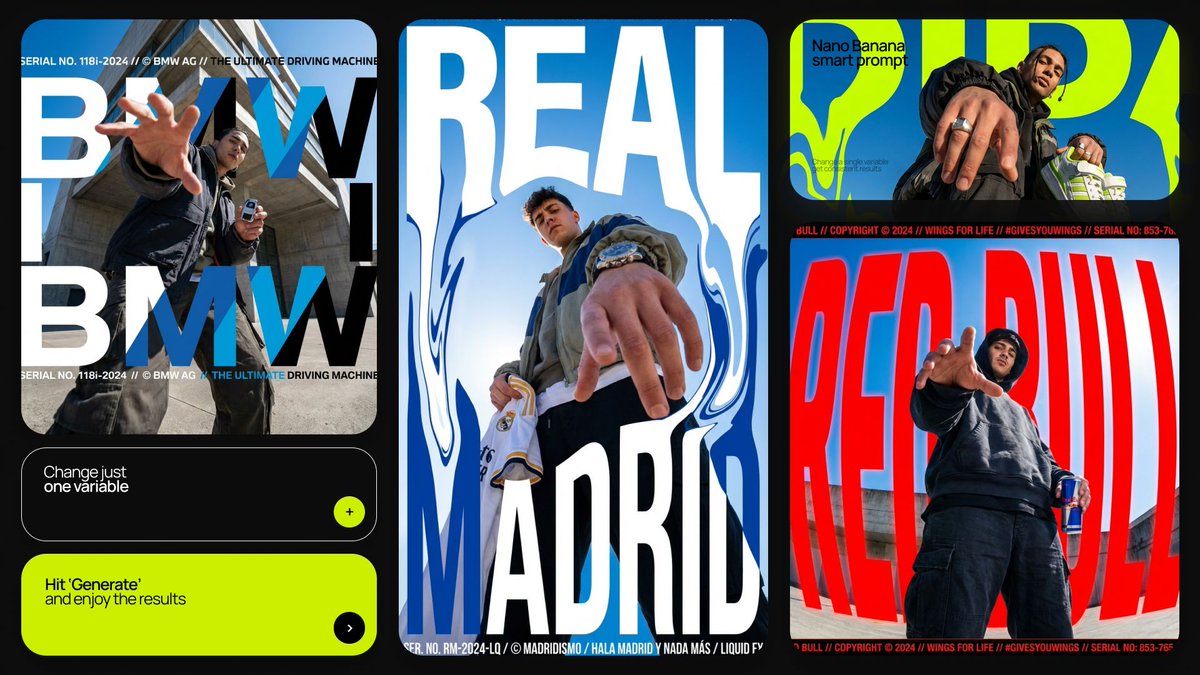
Build poster concepts with stronger composition, hierarchy, mood, typography direction, and campaign intent by starting from prompt patterns made for visual communication.
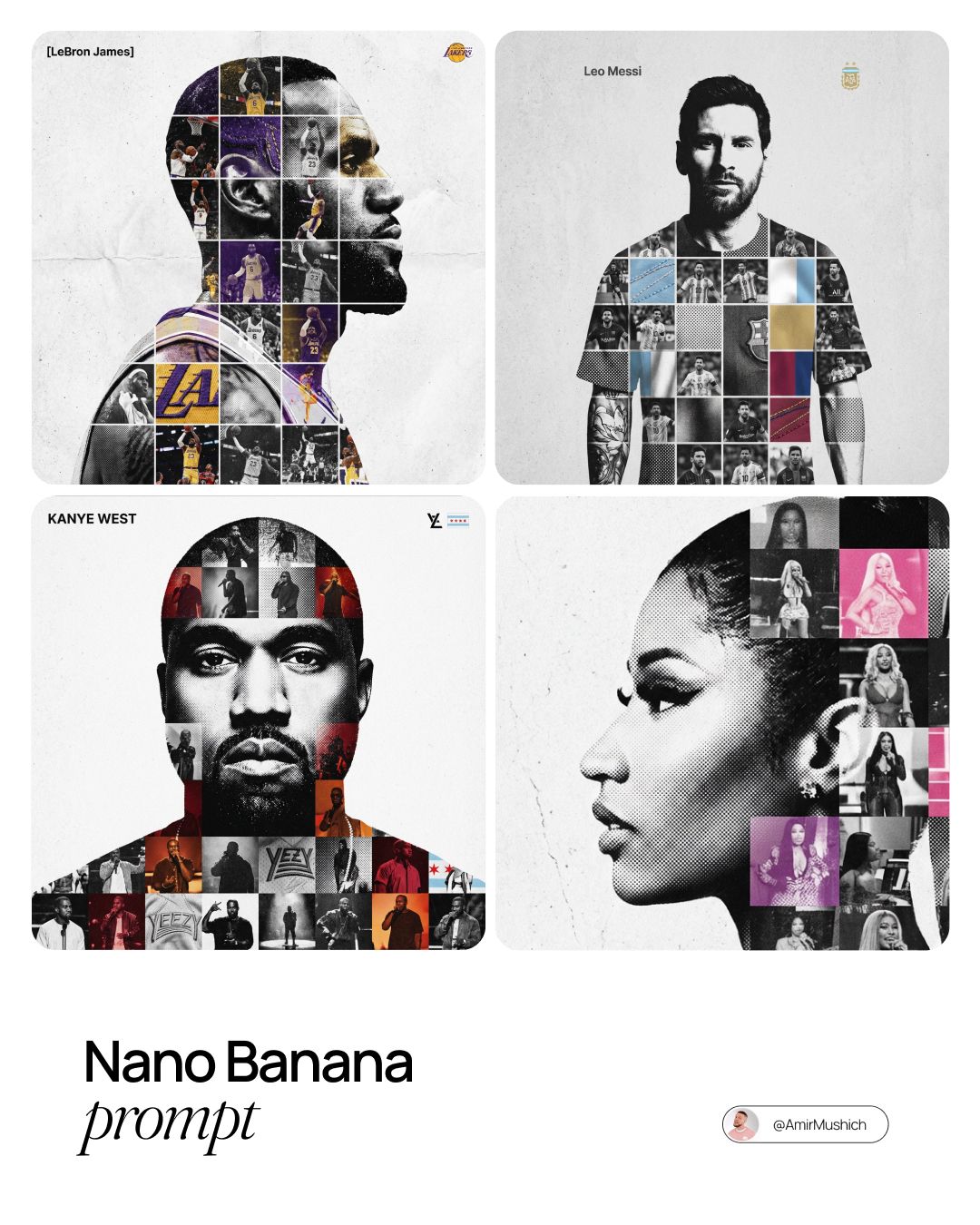
Prompt examples
These AI poster design prompts come from the prompt gallery. Copy one, adapt the subject and constraints, or open it in the generator to start from a working structure.
Writing guide
Use the guide after browsing examples to understand which details are worth changing before you generate.
AI poster design prompts need a different structure from general image prompts. A poster is not only a picture. It is a designed surface with hierarchy, mood, focal point, type area, visual rhythm, and a clear reason to exist. The best poster design prompts describe the campaign or event, the main subject, the visual metaphor, layout style, color palette, typography direction, and how much space should remain for copy. When a prompt only says “make a poster,” the model often creates decoration without communication. When it explains the poster’s purpose, the image starts to feel like a usable campaign direction.
Use this page to study AI poster prompts for movie-style graphics, event posters, product launches, album covers, gallery announcements, conference visuals, social campaign key art, and ad-ready layouts. GPT Image 2 is especially useful for poster prompts that need sharper layout control, readable short text, clean graphic composition, and stronger visual hierarchy. Nano Banana can be effective for expressive poster ideas, surreal concepts, character-led visuals, and quick stylistic exploration. In both cases, the prompt should define what the viewer should notice first and what the poster is trying to communicate.
A strong poster prompt usually combines art direction and production constraints. It might specify a vertical poster, one dominant subject, dramatic lighting, limited palette, bold headline area, grainy print texture, editorial layout, or minimalist Swiss-inspired grid. It can also specify what to avoid: cluttered text, random logos, extra characters, illegible typography, or overly busy backgrounds. These constraints help poster design prompts produce images that can be refined into real marketing assets instead of just attractive illustrations.
Use this sequence as a reusable prompt pattern. Replace the scene details, keep the order, and tighten the constraints after the first generation.
Start with the campaign, event, product launch, film concept, album release, or social ad objective the poster needs to support.
Describe the subject or metaphor that anchors the poster: a product, character, object, landscape, typographic shape, or symbolic scene.
Specify headline area, central composition, grid system, negative space, poster orientation, balance, and how the viewer should scan the design.
Define visual language such as cinematic key art, brutalist typography, vintage print, minimalist editorial, luxury campaign, or neon music poster.
Add vertical or square format, clean margin, short readable title, no random extra words, or room for event details when needed.
Use cases
Use the scene as a creative brief. The more clearly the prompt names the output job, the easier it is to refine the generated image.
Create visual directions for meetups, product events, music nights, pop-ups, exhibitions, or launches that need a clear first impression.
Generate cinematic compositions, dramatic poster subjects, title-safe layouts, and genre-specific visual treatments.
Build bold poster-like images for Instagram, X, LinkedIn, paid ads, and landing page campaign sections.
Explore visual identities for music, zines, editorial series, and creative projects where mood matters as much as message.
Practical tips
Keep any requested text short. Models handle concise title words better than dense event details.
State the poster orientation early so the composition is built for the correct frame.
Ask for a clear focal point before adding texture, effects, or secondary elements.
Use style references as design language, not as a substitute for layout instructions.
For ad use, include “space for headline and CTA” instead of forcing every word into the generated image.
Related scenes
Scene pages are connected intentionally so you can move from one creative job to the next without returning to a blank prompt box.
Create polished product scenes, ecommerce photos, launch visuals, and brand-led ad concepts with prompts that describe the product, surface, lighting, camera angle, and commercial context.
Explore sceneGenerate interface concepts, dashboard visuals, app screens, icon systems, and landing page graphics with prompts that describe layout, product context, components, and visual style.
Explore sceneDevelop stylized characters, 3D icons, isometric scenes, objects, figurines, and playful illustration systems with prompts that define form, material, lighting, and personality.
Explore sceneFAQ
Include the poster purpose, main visual hook, layout direction, color palette, typography mood, orientation, and any constraints around readable title text or empty space for copy.
GPT Image 2 can be useful for short text and poster-like layouts, but the safest workflow is to generate the visual system and add final typography in a design tool when accuracy matters.
Limit the number of subjects, ask for one dominant focal point, specify negative space, and remove decorative effects until the layout is clear.
Yes. Poster prompts are strong for ad concepts because they force a visual hook, hierarchy, and campaign mood. Add platform size and room for headline or CTA when adapting them.
Pick one prompt, replace the product, subject, scene, or style details, then generate a first version. Use the gallery link when you want more examples in this category.