

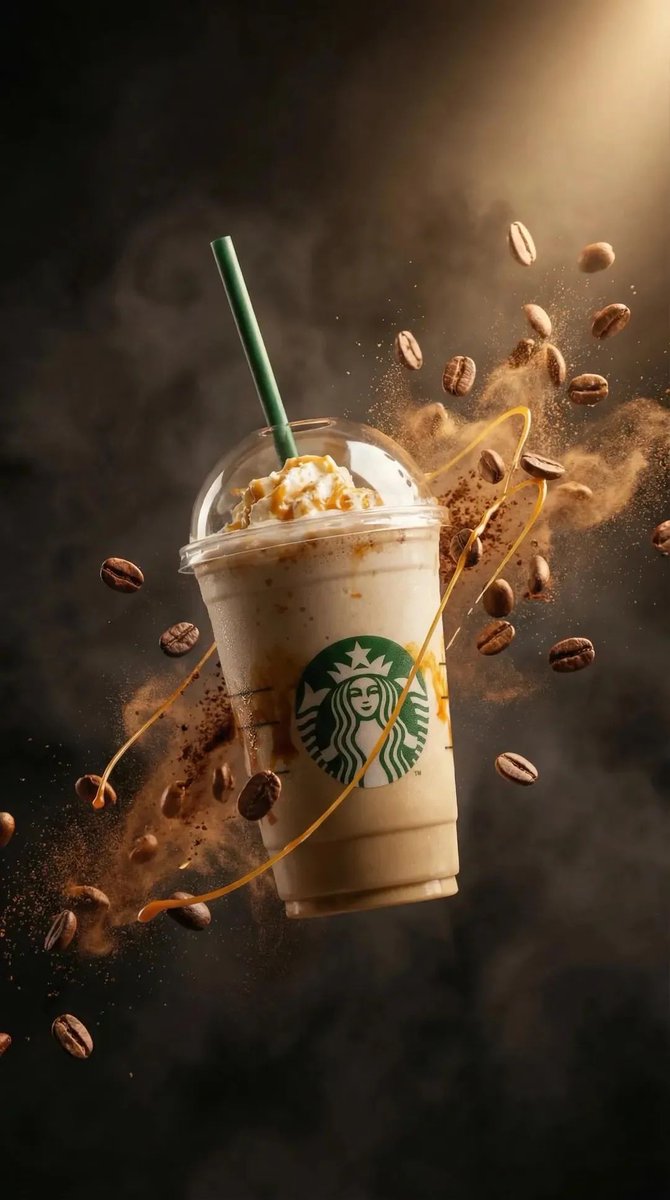
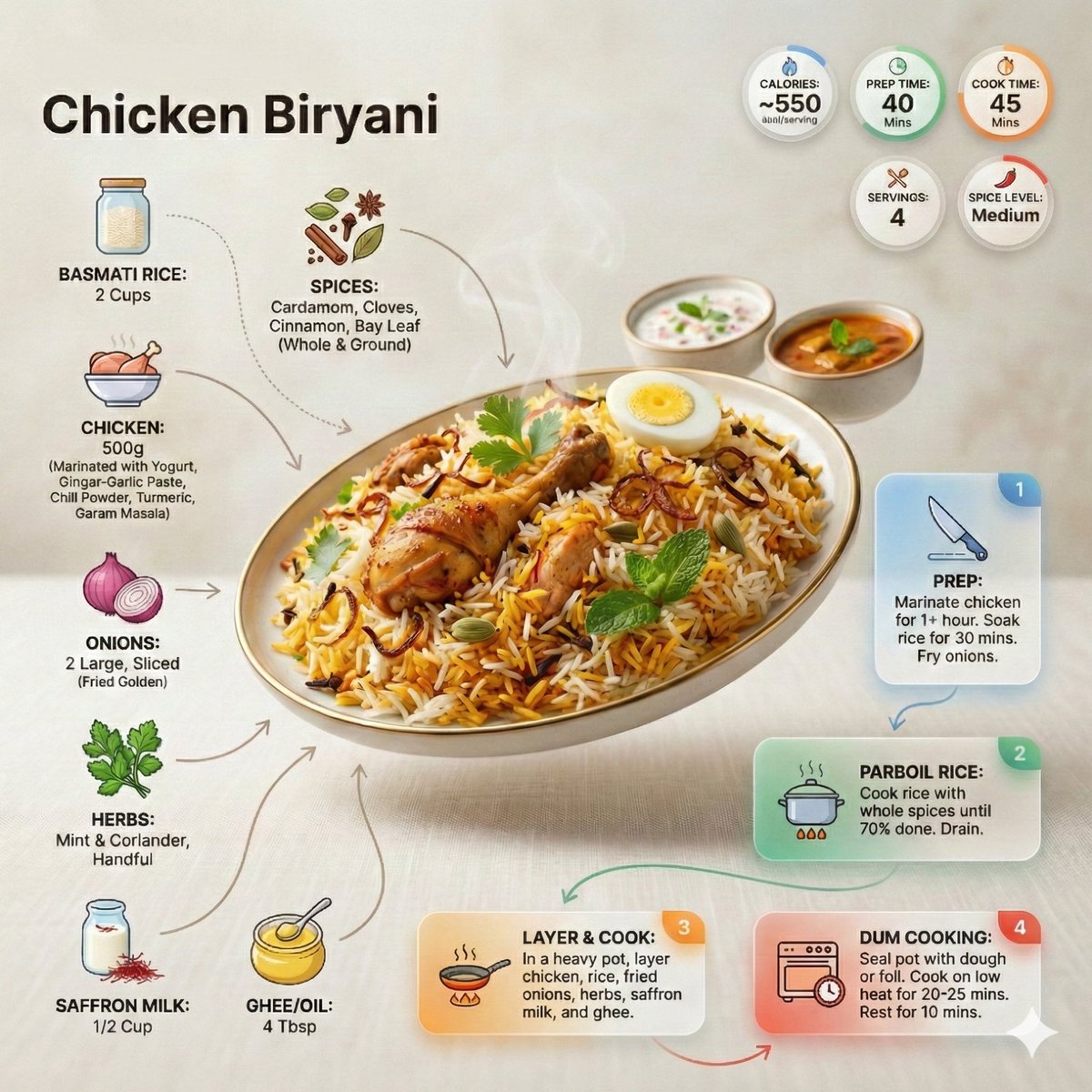
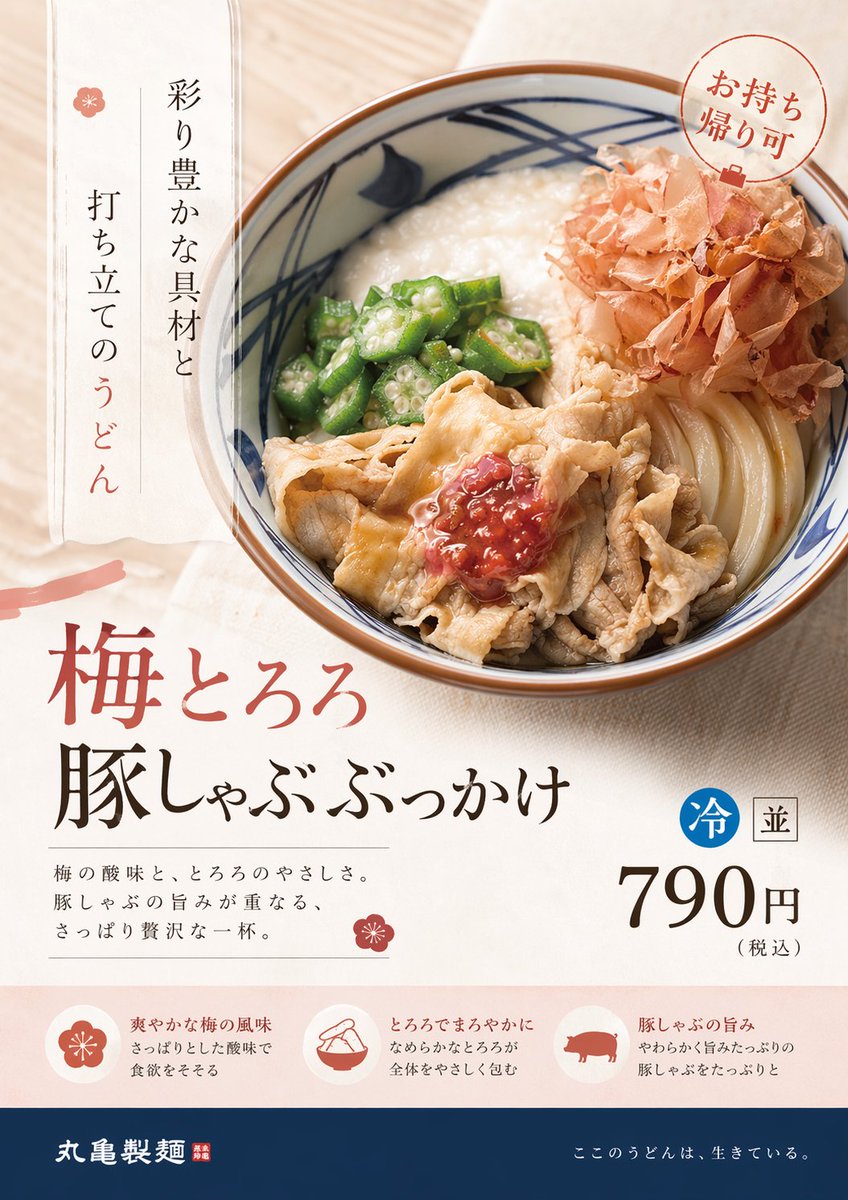
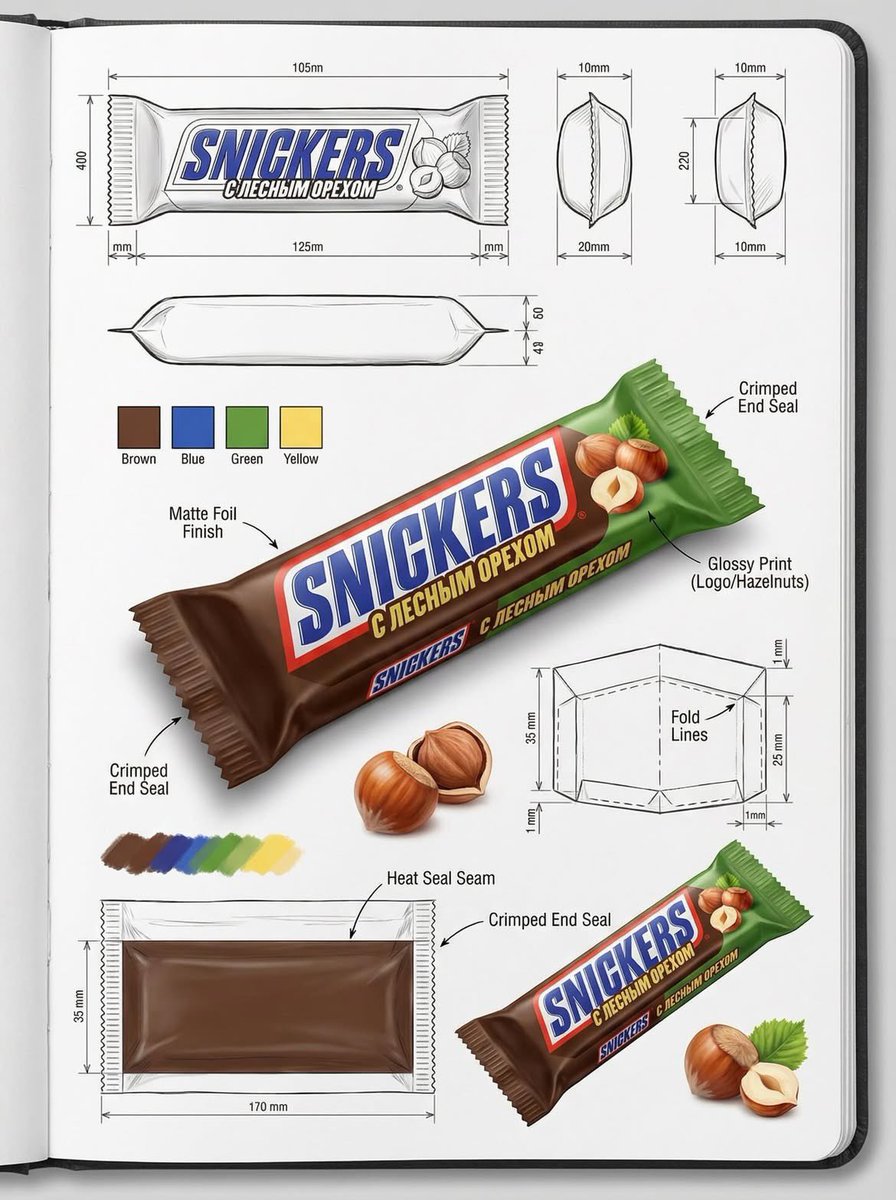
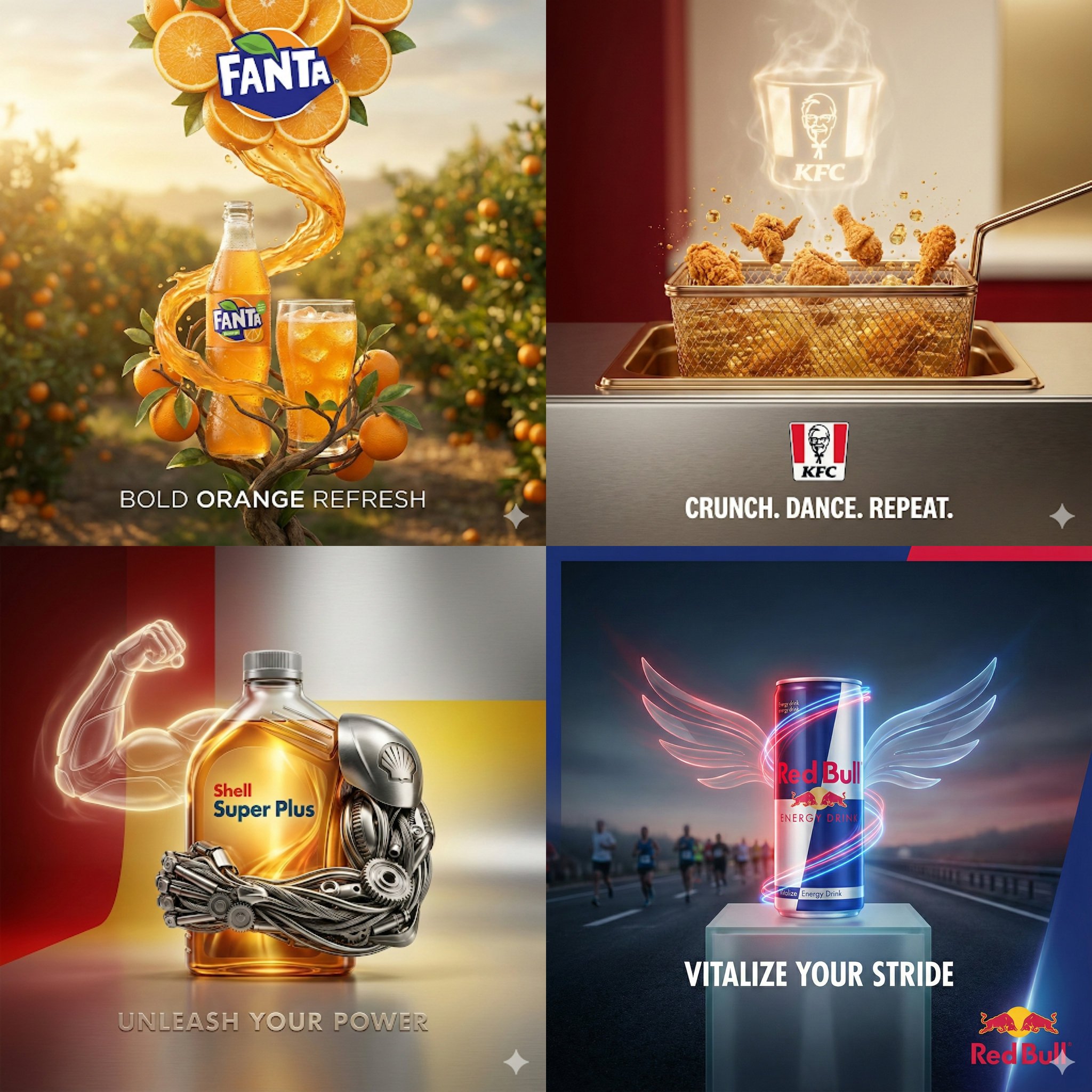
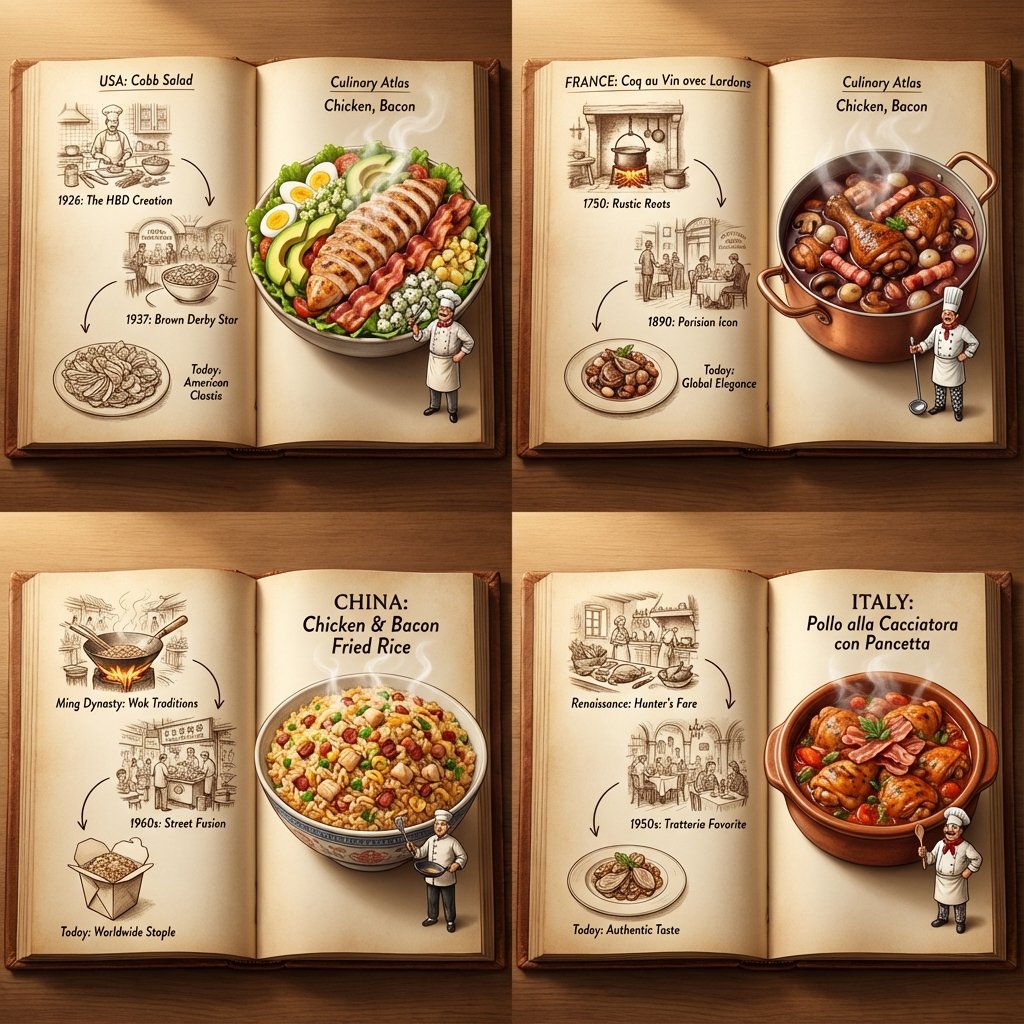
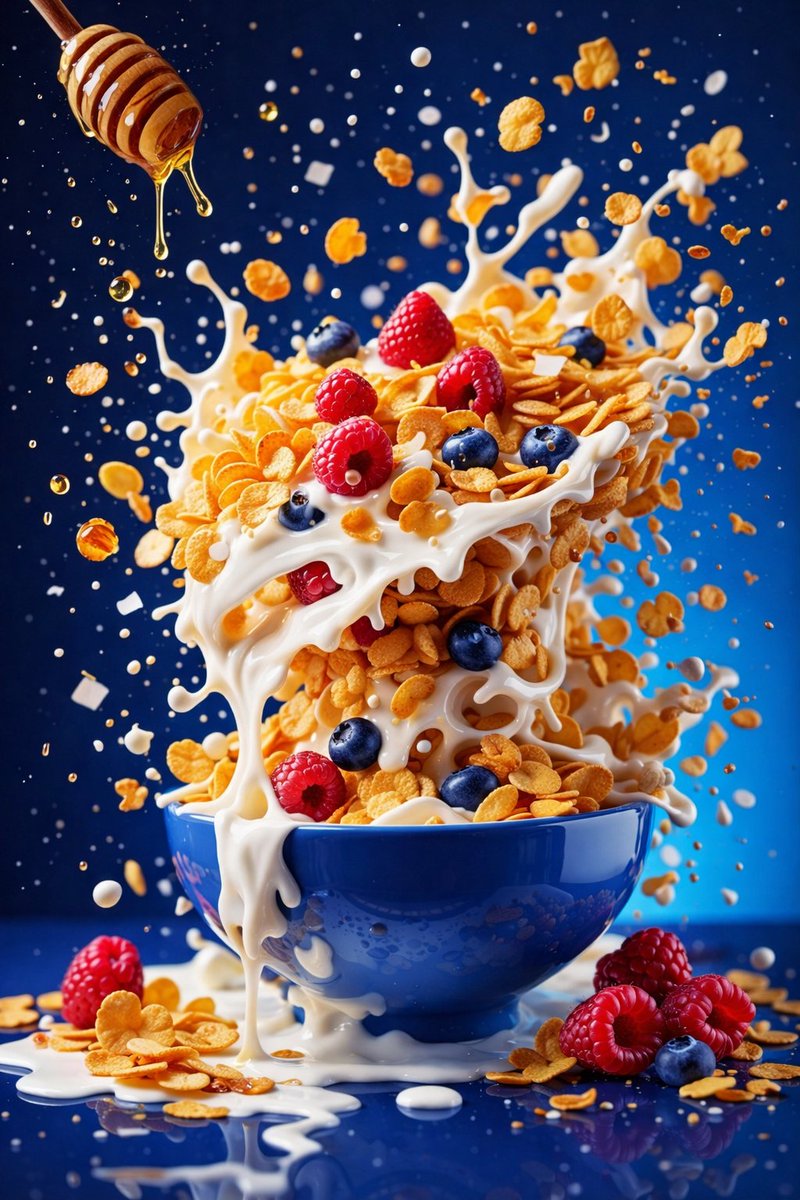
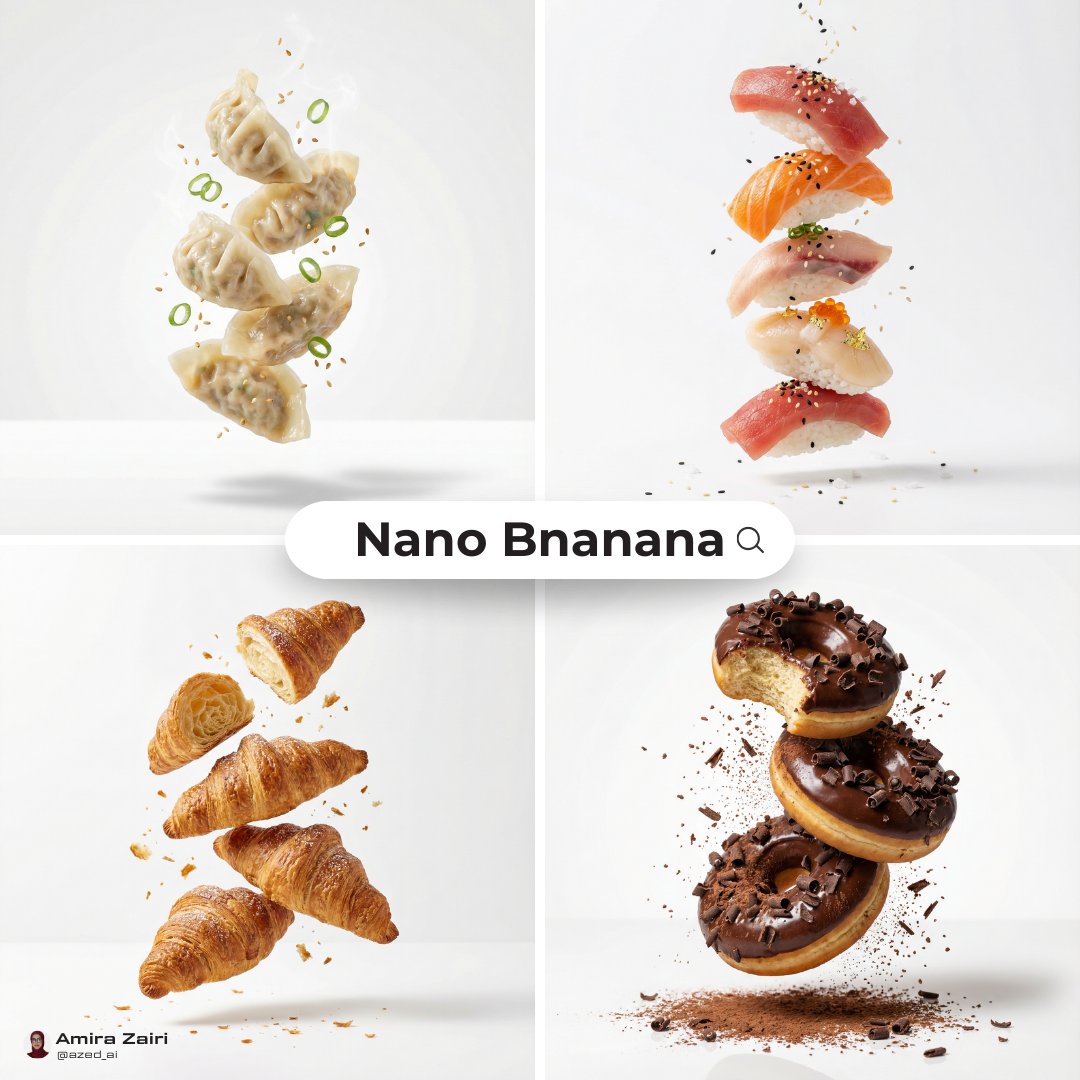
Restaurant and menu visuals
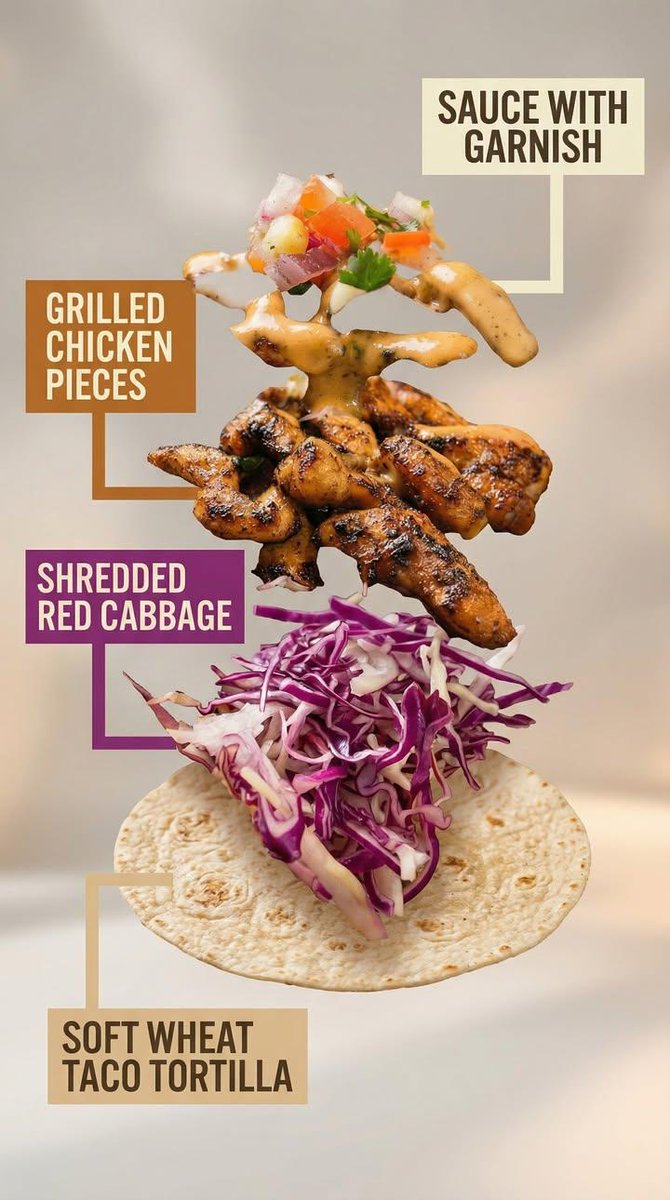
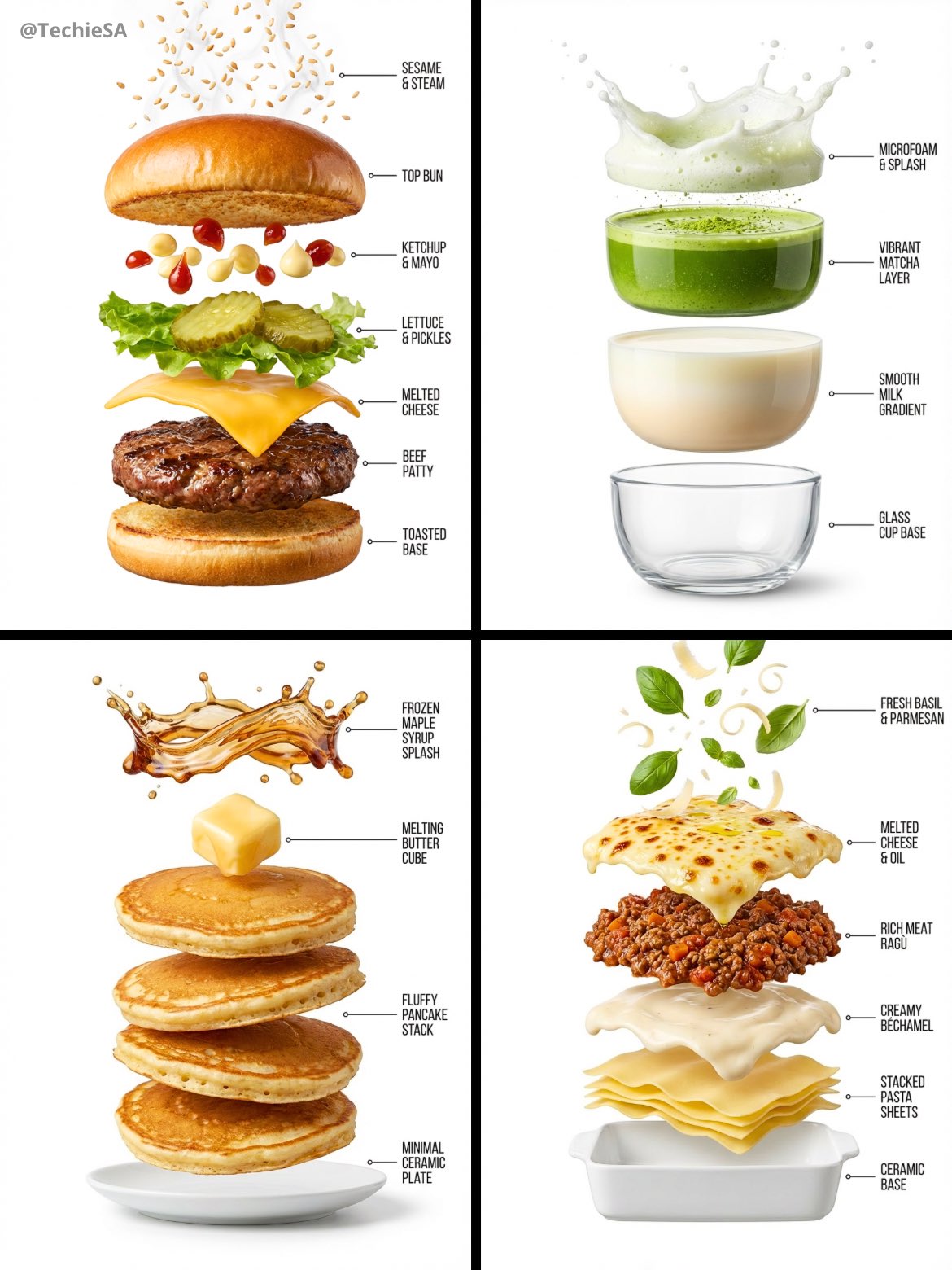
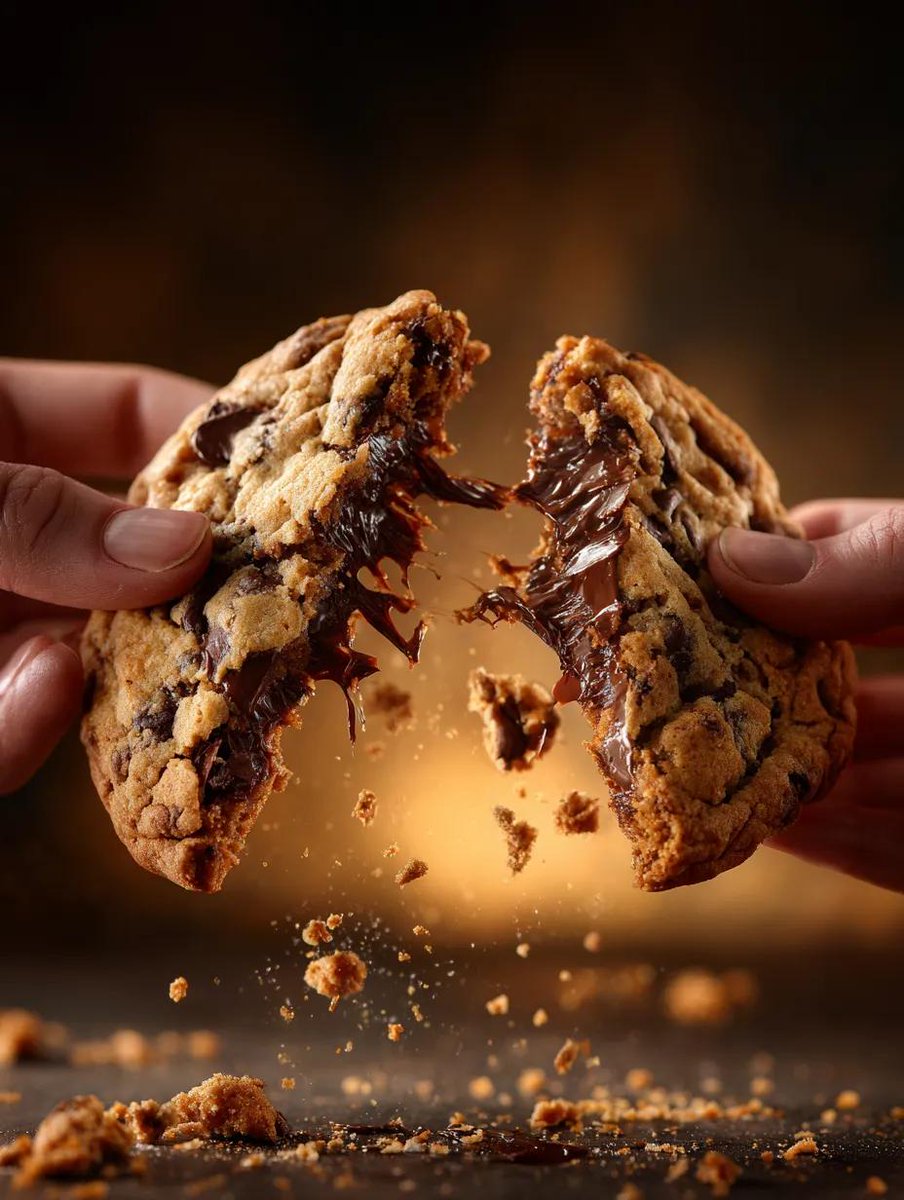
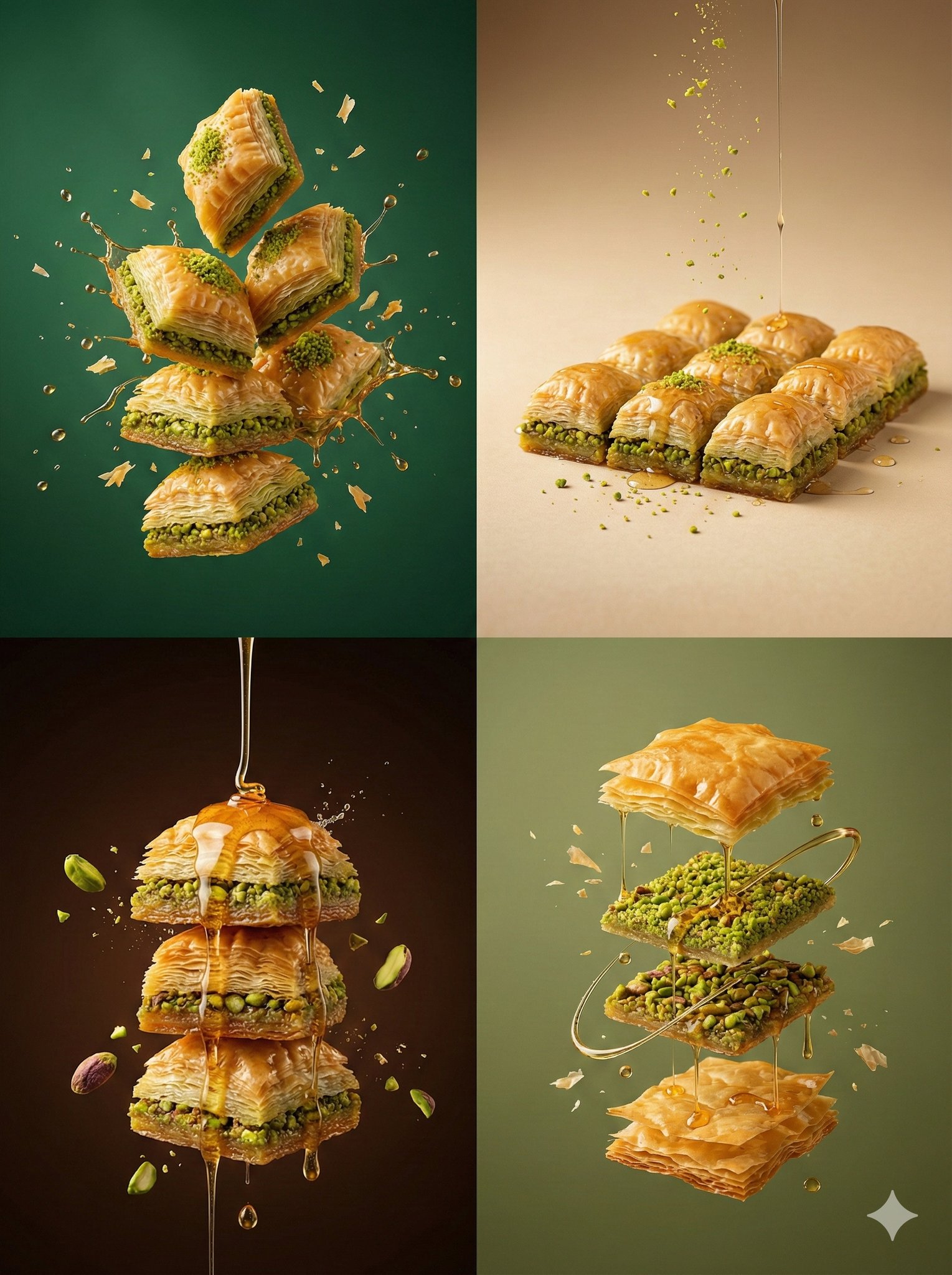
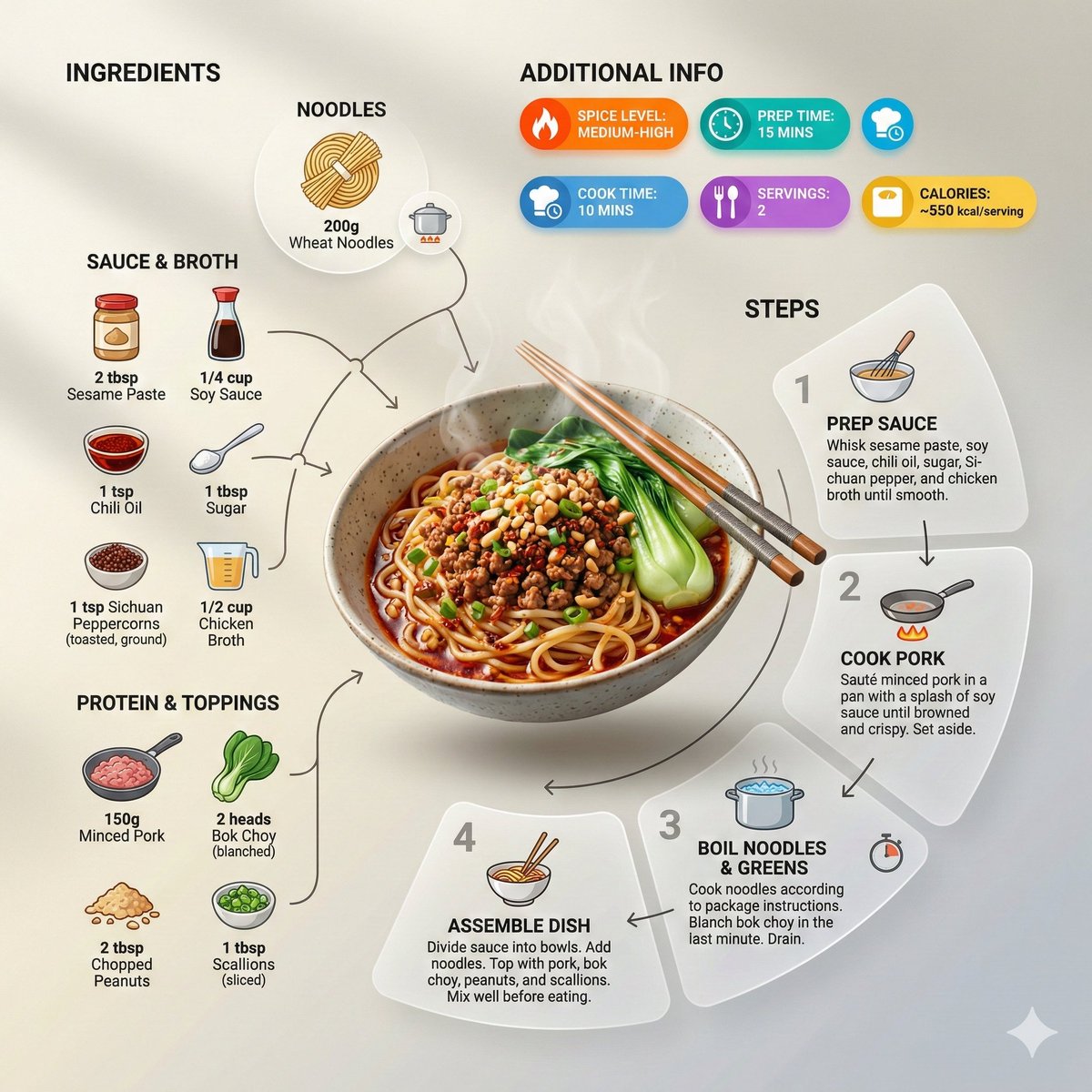
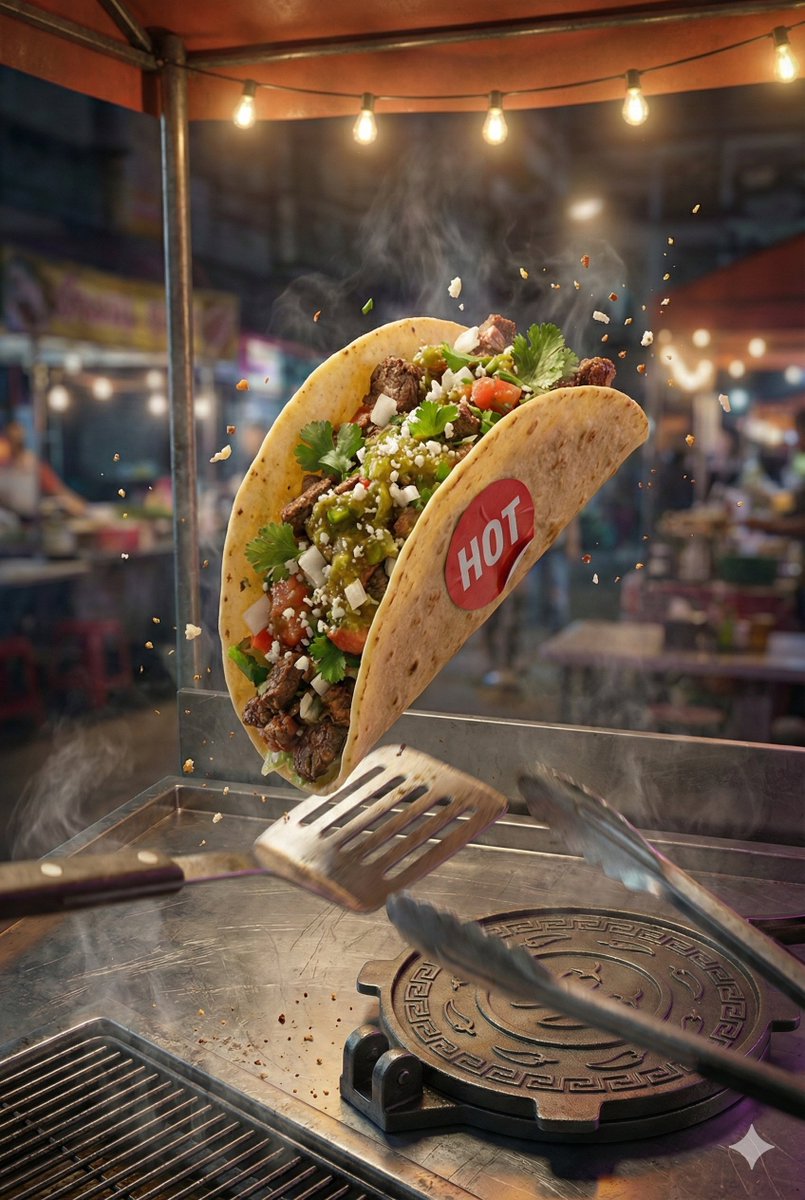
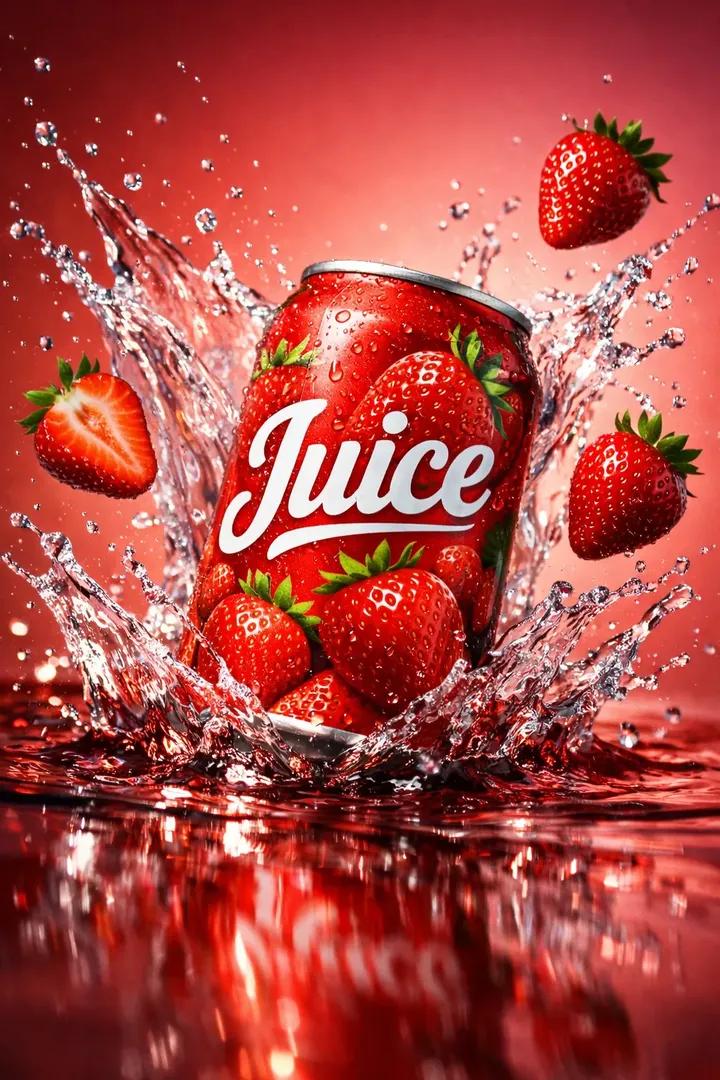
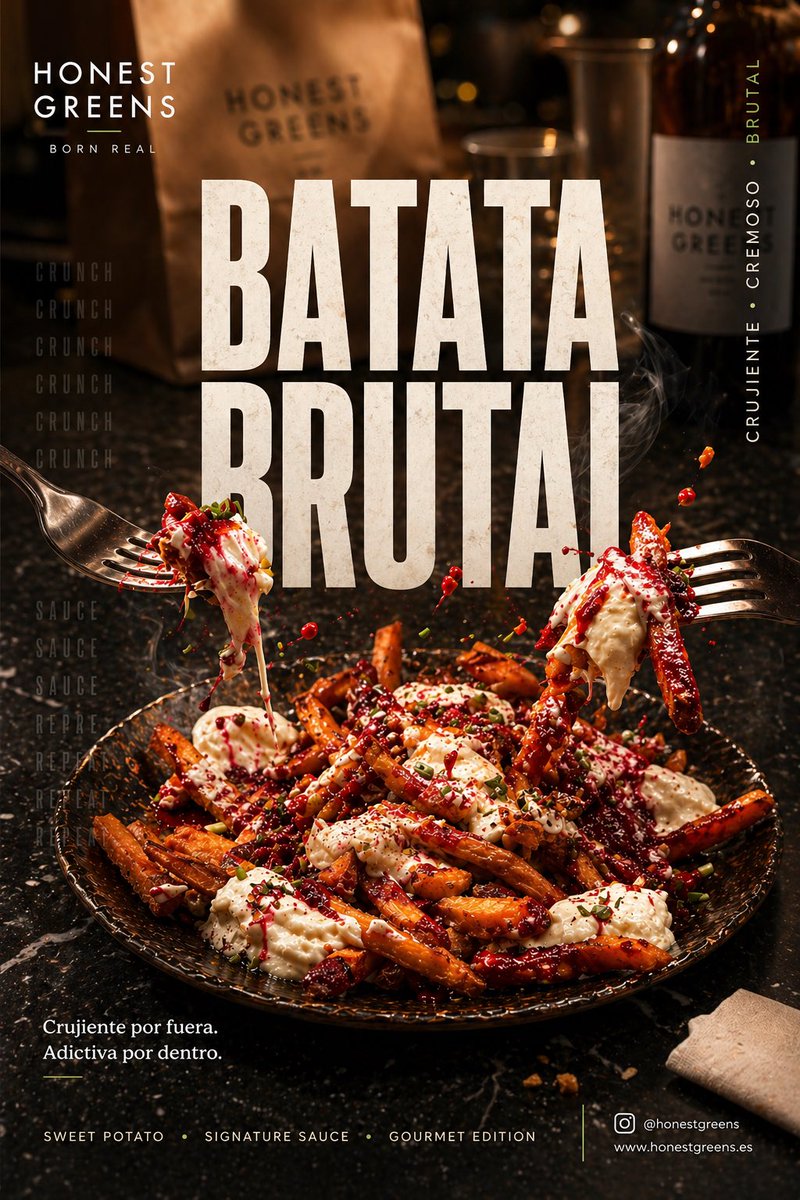
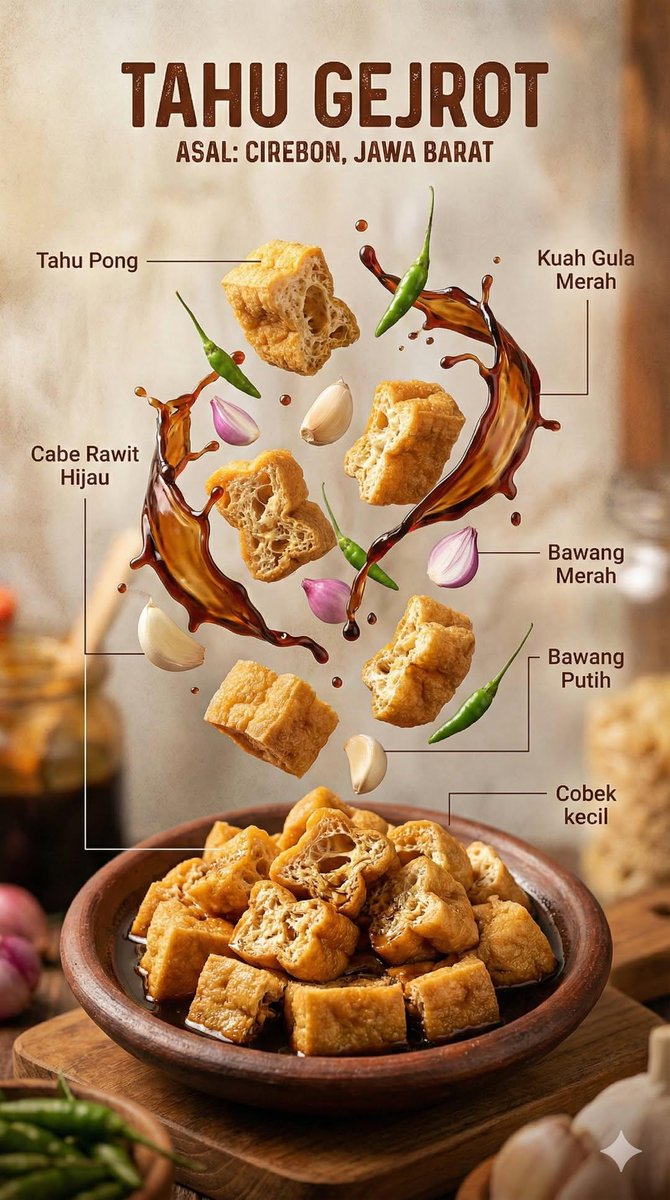
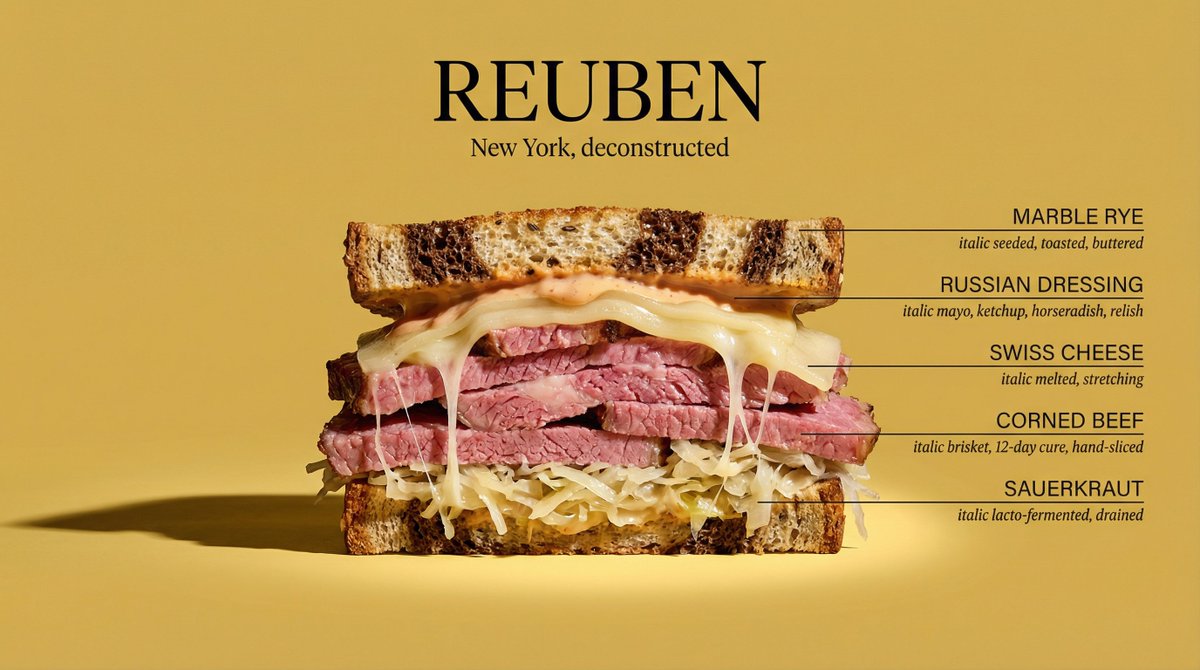
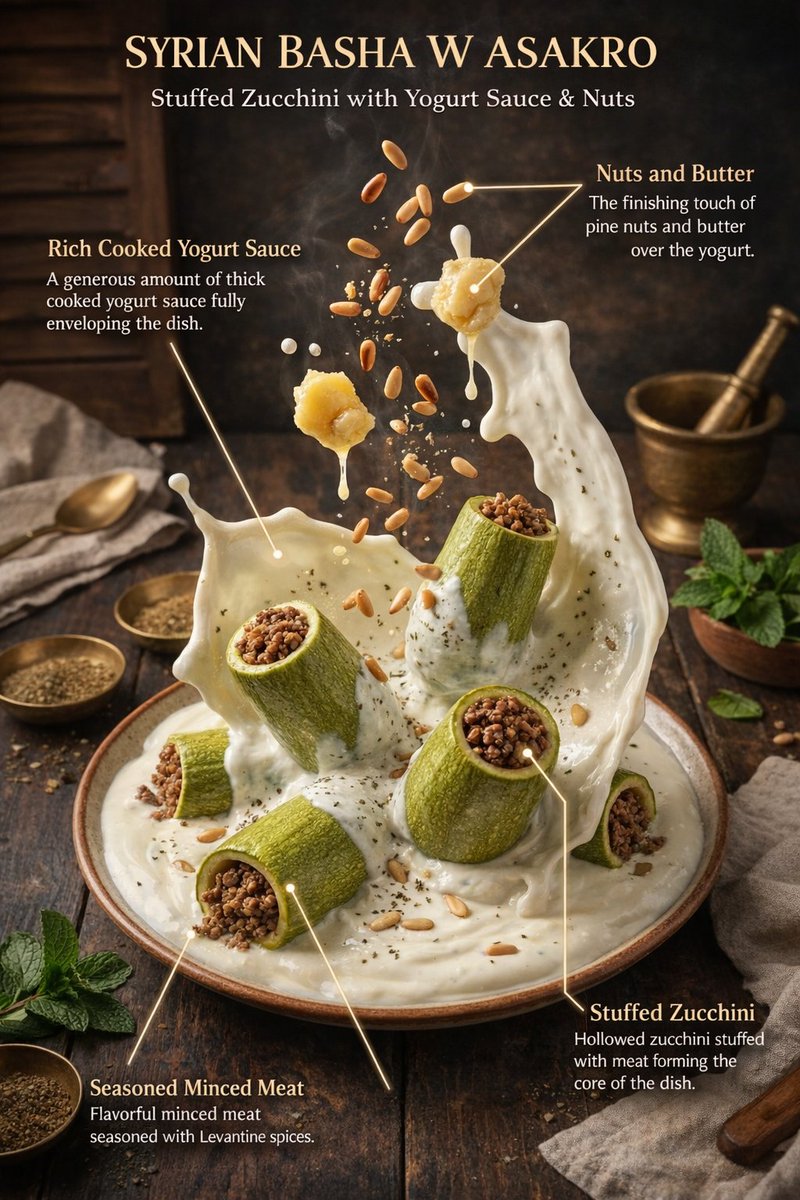
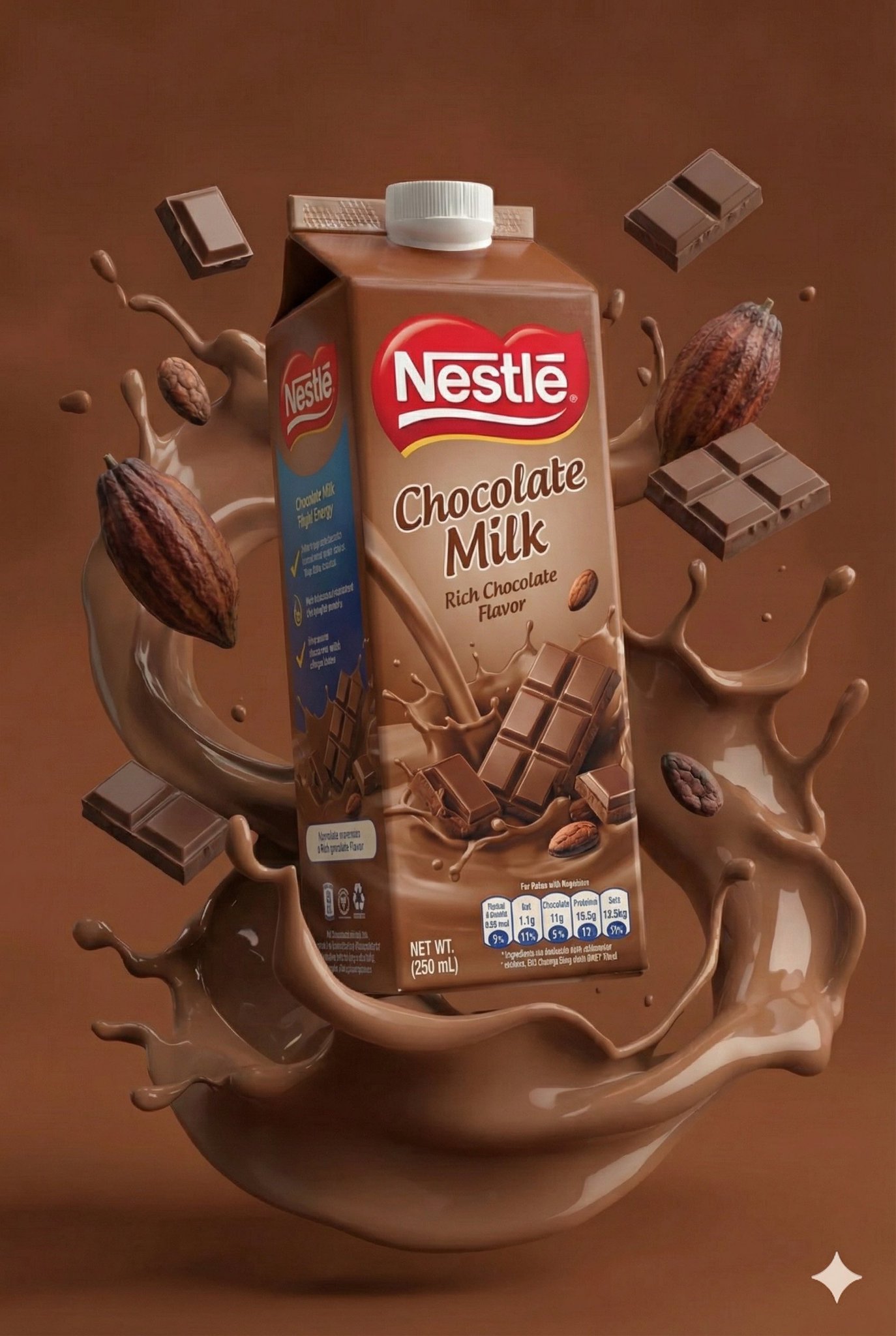
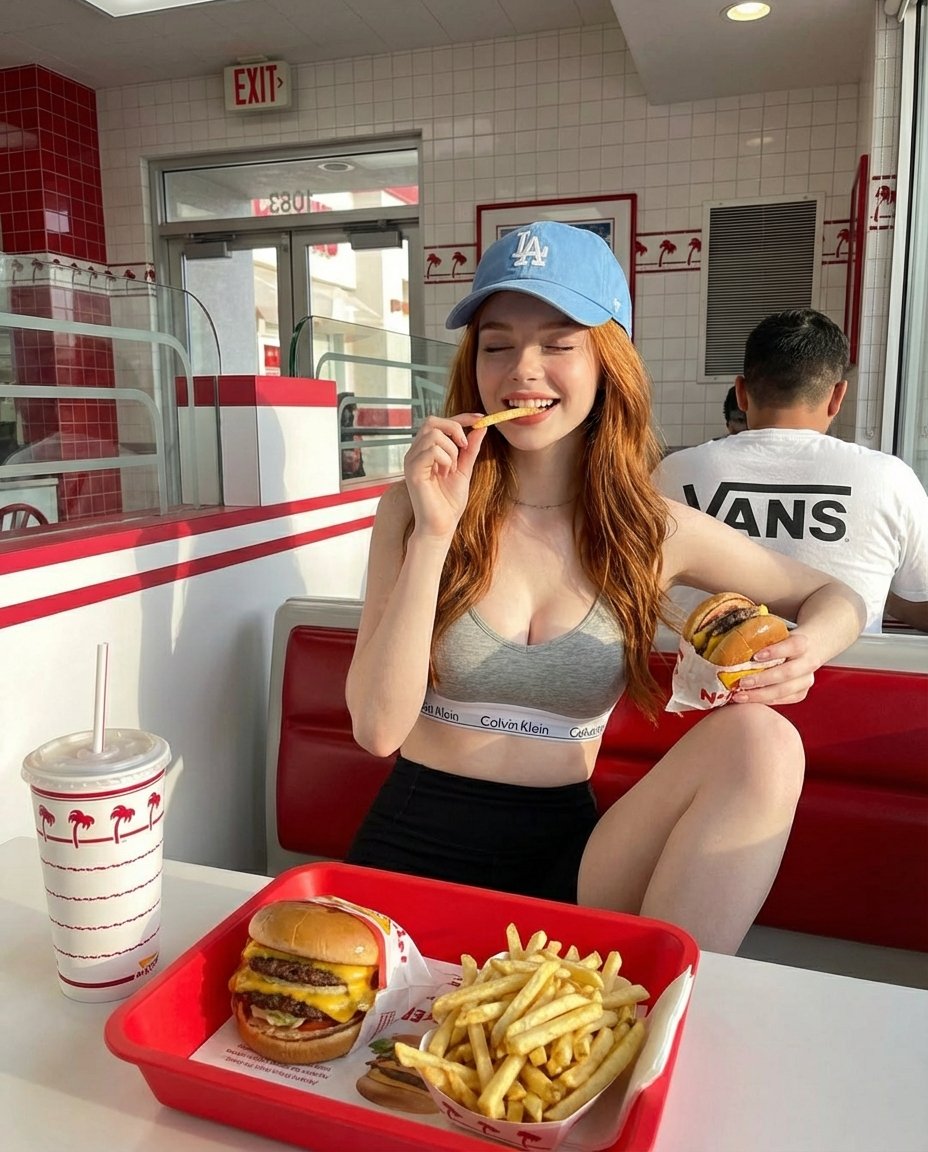
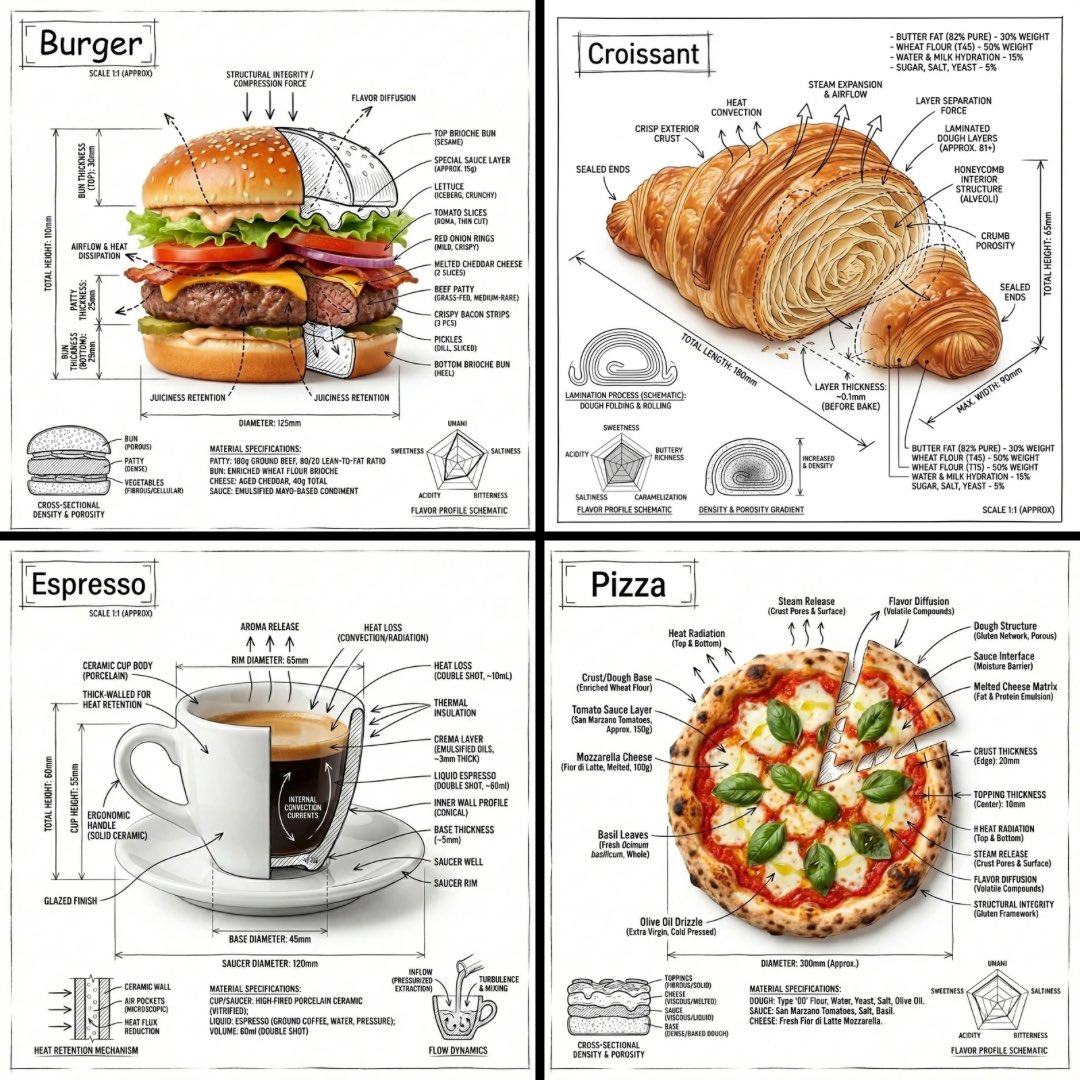
Generate appetizing dish images, menu hero shots, seasonal specials, and social posts for cafes and restaurants.
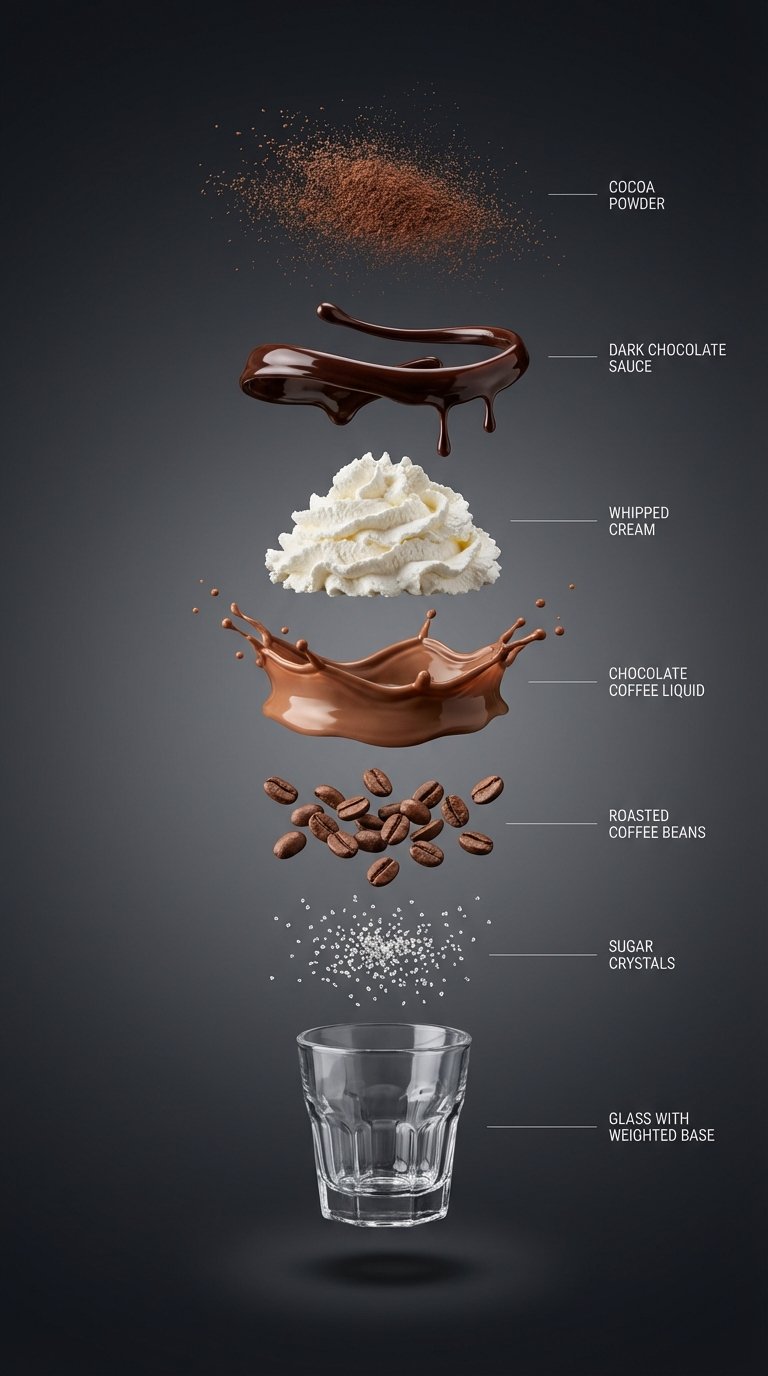
Create appetizing food, drink, recipe, cafe, restaurant, and menu images with prompts that control plating, texture, lighting, surface, steam, garnish, and brand mood.
Prompt examples
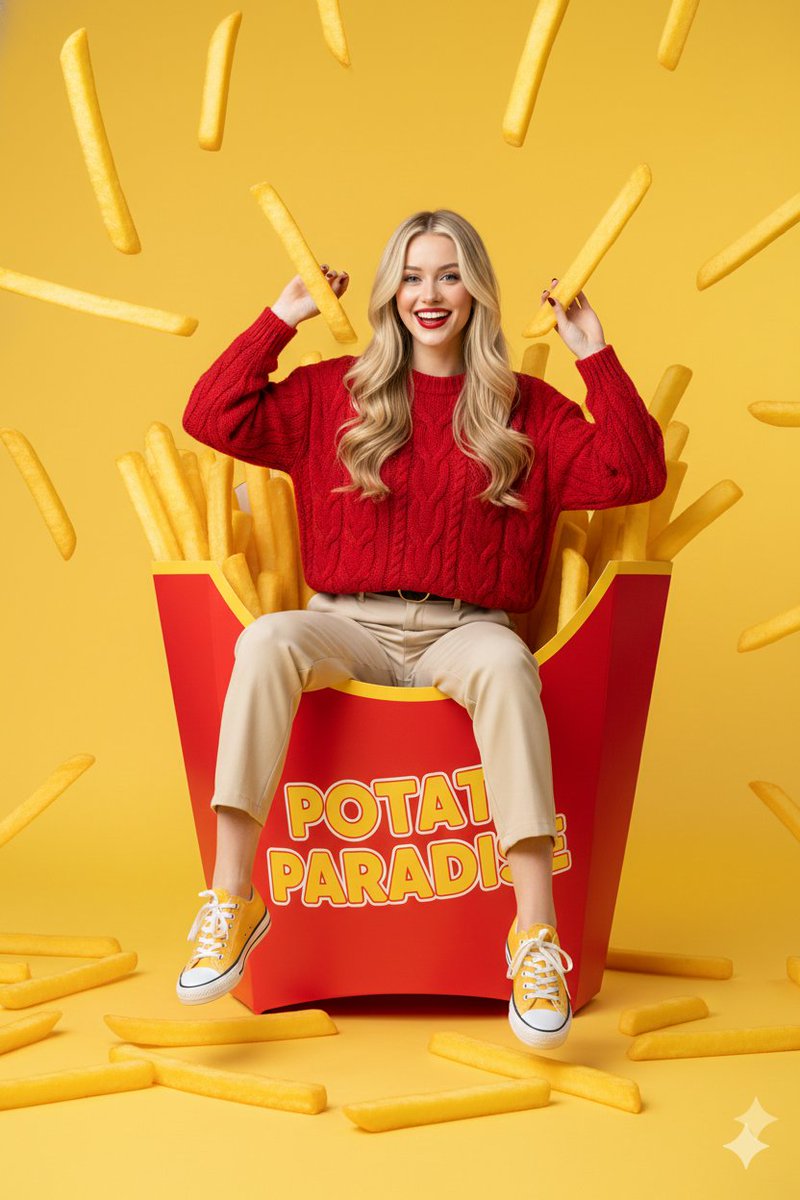
These AI food photography prompts come from the prompt gallery. Copy one, adapt the subject and constraints, or open it in the generator to start from a working structure.
Writing guide
Use the guide after browsing examples to understand which details are worth changing before you generate.
AI food photography prompts need sensory detail. Food images succeed when the prompt describes texture, freshness, plating, garnish, surface, lighting, camera angle, background, and the moment the viewer should feel. A good food prompt can make a dish look crisp, creamy, cold, warm, glossy, flaky, smoky, handmade, premium, rustic, or refreshing. A weak prompt simply names the dish and leaves too much to chance. For restaurants, recipe publishers, cafes, beverage brands, and social creators, the difference between those two approaches is huge.
This page collects food and drink prompt examples for menu images, recipe hero shots, cafe scenes, cocktail visuals, dessert photography, packaged food ads, restaurant social posts, and editorial food spreads. GPT Image 2 food prompts can be effective when you need clean composition, polished lighting, and ad-ready presentation. Nano Banana can help with quick variations, playful food concepts, and stylized social visuals. In both cases, it helps to define whether the image should feel like realistic tabletop photography, a premium brand campaign, a recipe blog image, or a lively restaurant moment.
The most reliable food prompts describe not only the dish but also how it is presented. For example, a pasta prompt might mention glossy sauce, fresh basil, shallow ceramic bowl, warm side light, linen napkin, parmesan dust, and a three-quarter camera angle. A drink prompt might mention condensation, transparent glass, citrus garnish, ice clarity, bar surface, backlight, and a refreshing summer palette. These details give the model enough physical cues to produce food imagery that feels appetizing and useful.
Use this sequence as a reusable prompt pattern. Replace the scene details, keep the order, and tighten the constraints after the first generation.
Name the food, beverage, ingredients, visible texture, temperature cues, garnish, and whether it should feel homemade, premium, rustic, or editorial.
Describe the plate, bowl, glass, packaging, tabletop, napkin, tray, cutting board, marble counter, cafe table, or restaurant setting.
Use warm window light, soft side light, condensation, steam, glossy sauce, crispy edges, fresh herbs, melting cheese, or sparkling bubbles.
Choose overhead flat lay, three-quarter tabletop shot, macro detail, menu hero image, close-up pour, or wide cafe scene.
Add restaurant menu, recipe blog, social ad, product launch, cafe poster, or packaging visual so the image has a clear purpose.
Use cases
Use the scene as a creative brief. The more clearly the prompt names the output job, the easier it is to refine the generated image.
Generate appetizing dish images, menu hero shots, seasonal specials, and social posts for cafes and restaurants.
Create recipe thumbnails, blog visuals, cookbook-style spreads, and ingredient-led editorial scenes.
Build refreshing drink imagery with condensation, ice, garnish, glassware, bar surfaces, and brand mood.
Combine product packaging with serving suggestions, ingredients, lifestyle context, and ecommerce-ready composition.
Practical tips
Use texture words. Crispy, glossy, flaky, creamy, chilled, charred, and sparkling are more useful than simply saying delicious.
For drinks, mention condensation, ice quality, glass type, garnish, and backlight to create a refreshing look.
For menu shots, keep the background simple and ask for clear plating with natural shadows.
Avoid too many dishes in one prompt unless you intentionally want a table spread.
Add camera angle early, because food composition changes dramatically between overhead and three-quarter views.
Related scenes
Scene pages are connected intentionally so you can move from one creative job to the next without returning to a blank prompt box.
Write photo prompts with better subject direction, camera language, lens cues, lighting, environment, mood, and editorial intent for realistic and cinematic image generation.
Explore sceneCreate polished product scenes, ecommerce photos, launch visuals, and brand-led ad concepts with prompts that describe the product, surface, lighting, camera angle, and commercial context.
Explore sceneBuild poster concepts with stronger composition, hierarchy, mood, typography direction, and campaign intent by starting from prompt patterns made for visual communication.
Explore sceneFAQ
Describe texture, freshness, temperature, lighting, plating, and garnish. Appetite cues like steam, condensation, glossy sauce, crispy edges, and fresh herbs help the model understand what should look desirable.
Yes. Use a clean tabletop setup, clear plating, natural lighting, realistic ingredients, and a camera angle suitable for menus or delivery apps.
Name the drink, glassware, ice, garnish, condensation, surface, lighting, background, and mood. Add whether the result is for an ad, menu, or social post.
For restaurants and recipes, realistic prompts usually perform better. For campaigns, you can add stylized color, surreal props, or poster-like composition after the food details are clear.
Pick one prompt, replace the product, subject, scene, or style details, then generate a first version. Use the gallery link when you want more examples in this category.